
9 Best Online Games Like Blooket for Classrooms in 2026
If you’re searching for Blooket alternatives to shake up your classroom review sessions in 2026, you’ve got excellent options. Platforms like Kahoot!, Gimkit, and Quizizz deliver the same game-based energy that makes learning stick, each with their own twist on engagement. These tools transform dry review sessions into competitive, interactive experiences that students actually ask for by name.
Blooket has earned its popularity by turning content review into genuinely fun games, but it’s not the only player worth your attention. Maybe you need different game formats to keep things fresh, or you want features Blooket doesn’t offer like team collaboration, self-paced options, or deeper customization. Some alternatives excel at quick formative checks, while others bring full classroom management systems into the mix.
The best part? Most of these platforms are free to start and built by educators who understand what works in real classrooms. You’ll find options for every teaching style, whether you prefer fast-paced whole-class competitions, quiet individual practice, or team-based challenges. Each tool on this list has proven itself with millions of teachers and brings something unique to your teaching toolkit, so you can match the right platform to your specific lesson goals and student needs.
How We Chose These Blooket Alternatives
We tested dozens of interactive review platforms to find games that truly match Blooket’s engaging classroom energy. Each platform in this guide earned its spot by meeting specific criteria that matter most to teachers juggling real classroom constraints.
Here’s what we evaluated:
- Setup speed and teacher learning curve, no one has time for complicated tutorials
- Student engagement features that keep all learners participating, not just the fastest clickers
- Flexibility to make a game for any subject, from math facts to literary analysis
- Free tier functionality versus paid premium features
- Age-appropriate design for elementary through high school
- Device compatibility across Chromebooks, tablets, and phones
We prioritized platforms with proven track records in actual classrooms rather than flashy newcomers with limited testing. Every recommendation balances fun game mechanics with legitimate educational value, so your students stay motivated while genuinely reviewing content. Whether you need a quick five-minute warm-up or an entire class period of competitive review, these alternatives deliver the interactive experience teachers love about Blooket with their own unique strengths.
1. Kahoot!, The Quiz Game Pioneer

Kahoot! turns any classroom into an energetic game show where students compete to answer questions on their devices while a shared screen displays colorful graphics and upbeat music. Teachers create question sets (or choose from millions of pre-made ones) and launch live games where students join with a simple code, no accounts needed.
The magic happens in the leaderboard. After each question, Kahoot! reveals who answered correctly and fastest, creating friendly competition that keeps everyone engaged. Points accumulate based on speed and accuracy, and the top five players appear on screen between questions, fueling excitement throughout the session. This real-time feedback means students stay focused instead of zoning out during review.
Customization is straightforward: upload images, adjust time limits per question, randomize answer order, and even add videos to questions. You control the pacing, pausing between questions for discussion or letting the game flow continuously. The platform works seamlessly across grade levels, kindergarteners love the visual prompts and sounds, while high schoolers appreciate the strategic speed element.
What makes Kahoot! a standout Blooket alternative is its polish and reliability. The interface never confuses students, games rarely glitch, and setup takes under five minutes. Whether you’re reviewing multiplication facts, testing vocabulary, or checking comprehension of a novel, Kahoot! delivers consistent engagement without a steep learning curve. The free version includes everything most teachers need, though premium features unlock advanced question types and deeper analytics.
2. Gimkit, Student-Powered Game Creation
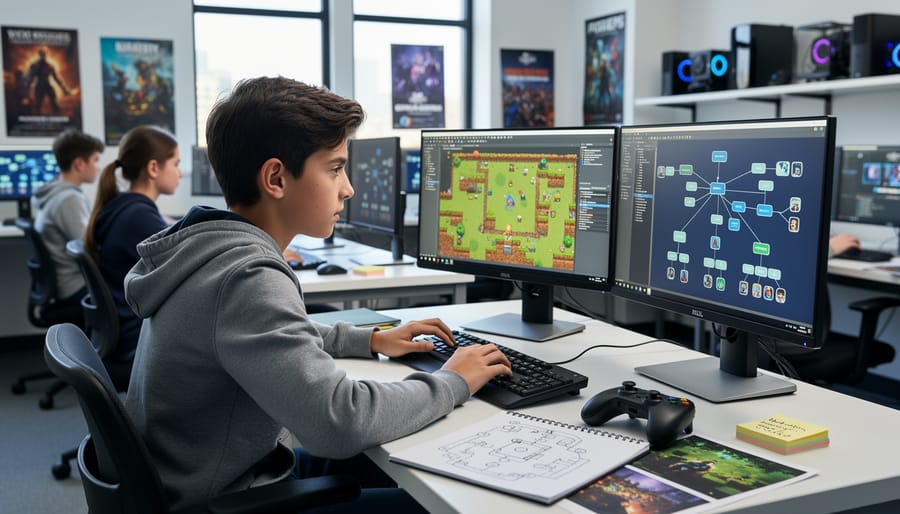
Gimkit flips the traditional quiz game model by letting students create their own review sets, which means your class can build the study materials together. Students answer questions to earn in-game money, then spend that cash on power-ups, upgrades, and strategic advantages during live gameplay. This money-earning mechanic turns simple review into a strategic competition where kids decide whether to invest in answer streaks, insurance against wrong answers, or sabotage options that keep everyone on their toes.
The platform offers multiple live game modes beyond the classic money-earning format. Trust No One creates a social deduction experience where students identify imposters while answering questions. The Snowball Brawl mode combines quiz accuracy with snowball-fight tactics. Floor is Lava challenges students to answer quickly before their platform disappears. These varied formats mean you can rotate game styles throughout the week without losing student interest.
Gimkit works particularly well for vocabulary, math facts, and concept review where repetition builds mastery. The strategic elements encourage students to stay engaged longer than traditional flashcard review, and the ability to import question sets from other platforms (similar to how Quizlet + Google Classroom integrate) saves teachers prep time. The free version limits game time, but the paid option unlocks unlimited play and advanced features that serious Gimkit fans find worthwhile.
3. Quizizz, Self-Paced Learning Fun

Quizizz stands out for students who need extra time or prefer working at their own speed. Unlike Blooket’s fast-paced competition, every student sees questions on their own screen and advances independently, no rushing to beat the clock while the whole class watches. This format is perfect for mixed-ability classrooms where some students need more processing time.
The platform keeps things lighthearted with customizable avatars and silly memes that pop up after each answer, making even wrong answers feel less intimidating. Students earn points and see a live leaderboard, but they’re never stuck waiting for slower classmates to finish. You can assign games as homework with flexible deadlines, and students complete them outside class without needing your presence.
Teachers love the reporting dashboard. Quizizz assessment analytics show which questions stumped your class and which students need extra support, helping you tailor follow-up lessons. The question library includes millions of pre-made quizzes across every subject, so you’re rarely starting from scratch. While it’s not as creative as trying to write Jeopardy questions for game show formats, Quizizz excels at straightforward review and formative assessment.
Best for: Homework assignments, differentiated pacing, ESL learners, and classes where students benefit from reduced pressure during assessments.
4. Quizlet Live, Team-Based Study Sessions

Quizlet Live transforms individual study sets into fast-paced team competitions, making it perfect for classrooms where collaboration matters as much as content mastery. Unlike solo review games, this platform automatically groups students into teams of three or four, requiring them to work together to match terms with definitions before their competitors do.
Here’s what makes it stand out: Quizlet Live pulls directly from your existing flashcard sets, so there’s zero prep work if you’re already using Quizlet for study materials. Students join via a simple code on their devices, and the game distributes answers across team members’ screens. This means no one student has all the answers, they must communicate and strategize together, which naturally prevents one person from dominating while others coast.
The instant feedback system keeps energy high. When teams select a wrong answer, they restart from their last checkpoint rather than losing all progress, which maintains motivation without eliminating the learning opportunity. Round completion times typically run between five and ten minutes, making Quizlet Live ideal for warm-ups, vocabulary practice, or quick review sessions before assessments.
Teachers love it for language classes, science terminology, history facts, and any subject built on memorization. The team randomization also shuffles social dynamics, helping students collaborate with different classmates each session.
5. Booklet (formerly PlayFactile), Jeopardy-Style Review

If you loved the classic game show feel of Jeopardy as a kid, Booklet (which rebranded from PlayFactile in 2024) brings that same excitement to your classroom. It’s built specifically around the familiar Jeopardy format where students choose categories and point values, making it instantly recognizable and easy to play.
The customization here is straightforward. You create boards with five or six categories, assign point values to each question, and Booklet handles the rest. The platform automatically tracks scores, reveals answers with satisfying animations, and even includes a Final Jeopardy round for dramatic finishes. Students compete in teams, which keeps everyone involved and reduces pressure on individual performers.
What makes Booklet particularly useful is its flexibility for comprehensive reviews. You can cover multiple topics in one game by assigning different categories to different units or chapters. Before a big test, this format helps students identify gaps in their knowledge based on which categories they avoid or struggle with.
The free version works well for occasional use, though upgrading removes ads and unlocks additional templates beyond Jeopardy, including Family Feud-style games. Setup takes about 15-20 minutes for a full board, but you can reuse and edit boards for different classes or school years. It runs smoothly on any device with a browser, no downloads required.
6. Socrative, Quick Formative Assessments
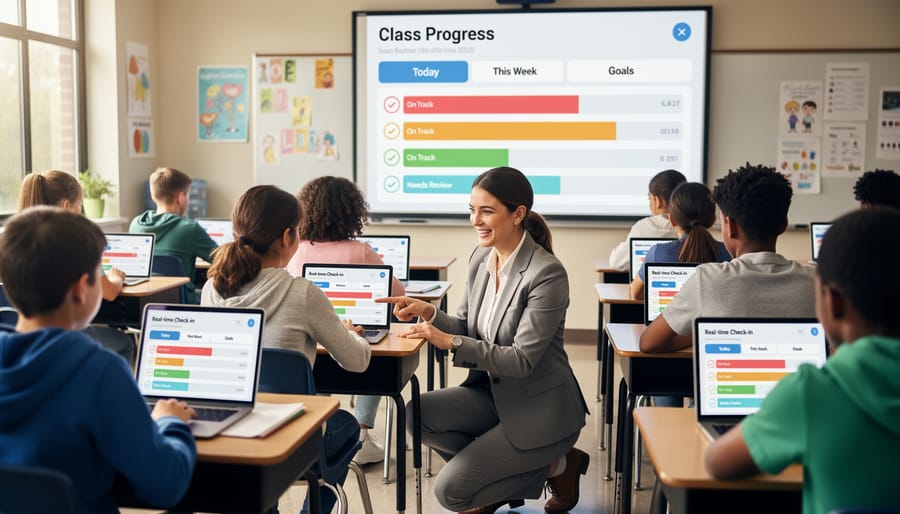
Socrative shines when you need fast, actionable feedback without complicated setup. This platform strips away game-show flash in favor of straightforward assessment tools that give you immediate insight into student understanding.
The Space Race feature transforms quizzes into a visual competition where teams advance rockets across the screen based on correct answers. Students stay motivated by the race element, but you’re really watching those real-time results roll in to identify who’s getting it and who needs reteaching.
Quick polls let you check understanding mid-lesson with a single question. Ask students to vote on the correct problem-solving approach or gauge confidence levels before moving forward. Results appear instantly on your teacher dashboard, so you can adjust your pacing on the spot.
Exit tickets work perfectly for end-of-class checks. Students answer three to five questions on their devices before leaving, and you’ve got a clear picture of the day’s learning gaps before planning tomorrow’s lesson. The question bank saves your frequently-used assessments for easy reuse.
Socrative’s strength isn’t flashy entertainment, it’s practical formative assessment that fits naturally into your teaching flow. The interface stays simple enough that even younger students navigate it independently, and you spend less time explaining game mechanics and more time teaching.
7. Classcraft, Gamified Classroom Management

Classcraft takes a completely different approach from quick-review games by turning your entire classroom into a persistent role-playing game. Students create fantasy characters (warriors, mages, healers) and work in teams to earn experience points, unlock powers, and complete quests throughout the school year. The platform combines behavior management with academic content, students gain points for positive behaviors and collaboration while losing health for missing assignments or disruptions.
What makes Classcraft unique is its long-term engagement model. Instead of standalone game sessions, it creates an ongoing narrative that builds classroom culture over weeks and months. Teachers can create custom quests tied to curriculum objectives, set up boss battles for major assessments, and use random events to keep things unpredictable. The team-based structure encourages peer accountability since one student’s choices affect their teammates.
Classcraft works best for teachers committed to comprehensive gamification rather than occasional review games. It requires initial setup time and student buy-in, but creates powerful motivation for students who respond to storytelling and character progression. While it’s primarily an online platform, teachers seeking no-Wi-Fi options might prefer simpler alternatives. The free version includes core features, while premium subscriptions add advanced customization and analytics.
8. Wordwall, Customizable Activity Templates
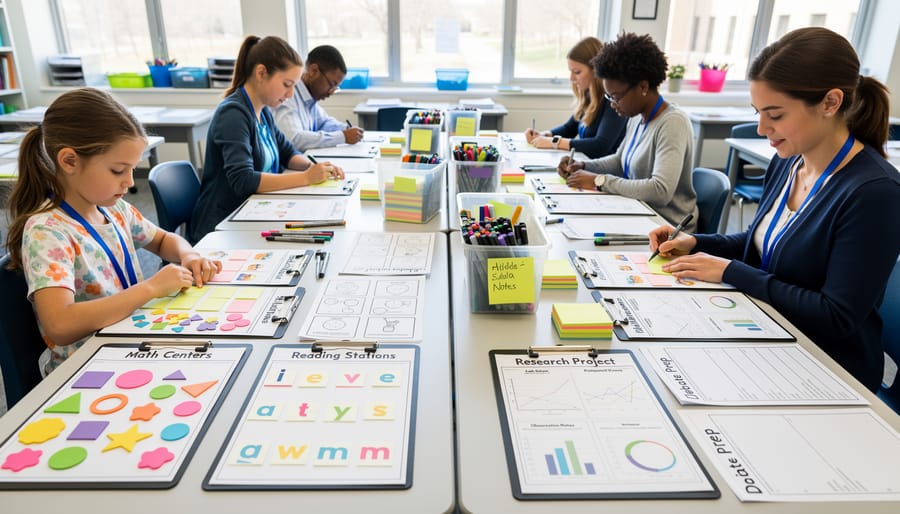
Wordwall stands out for its incredible variety of interactive templates that work beautifully across different subjects and grade levels. Teachers can choose from over 30 game formats including spin the wheel, matching pairs, maze chase, random wheel, and quiz show-style games. Each template can be customized with your own questions, images, and content in minutes.
What makes Wordwall especially valuable is its “switch template” feature. Create one set of content, then instantly transform it into different game formats, turn a matching activity into a maze chase or convert a quiz into a word search. This flexibility saves massive prep time when you want to review the same material in fresh ways.
The platform shines for younger elementary students with its colorful, intuitive designs and options like random wheels for classroom jobs or name pickers. Every digital activity can also be printed as a worksheet or PDF, giving you backup options when technology fails. Wordwall supports language localization making it perfect for ESL classrooms and multilingual learners.
While the free version includes template limits, the paid subscription ($7-10 monthly) unlocks unlimited creation and removes student ads, worthwhile for teachers who need consistent variety.
9. Formative, Interactive Live Lessons
Formative takes a different approach than traditional game-based review platforms by letting you embed questions directly into your lessons as students work through them. Instead of creating a separate game after instruction, you build interactive slides, videos, or documents where questions pop up at key moments, keeping students actively engaged with the content itself.
The drawing and annotation tools make Formative especially powerful for math and science. Students can show their work by drawing on graphs, diagrams, or whiteboards right within the platform. You see their responses appear in real-time on your teacher dashboard, which means you can spot misconceptions immediately and adjust your teaching on the fly.
The instant feedback loop helps struggling students get support before they fall behind. Set questions to show correct answers immediately, or keep responses hidden until everyone finishes. You can also upload existing worksheets and turn them into interactive assignments with embedded questions throughout.
Formative works best when you want to blur the line between teaching and assessing. It’s less about competition and points, more about continuous feedback that keeps your whole class moving forward together.
Making the Right Choice for Your Classroom
The best platform for your classroom depends on what you need most. If you have reliable devices for every student, Kahoot and Gimkit create high-energy review sessions, while Quizizz works better when students share devices or work at different speeds. For younger students, Wordwall’s colorful templates and simple mechanics keep things manageable, whereas middle and high schoolers often respond well to Gimkit’s strategic gameplay or Classcraft’s long-term progression systems.
Your subject area matters too. Math and vocabulary review shine with Quizlet Live’s team format, while comprehensive test prep benefits from Booklet’s Jeopardy structure. Science and social studies teachers often mix Formative for lesson-embedded checks with Socrative for quick exit tickets.
The truth is, you don’t need to commit to just one. Many teachers rotate platforms throughout the year or even the week. Try free versions of three or four options during a low-stakes review week and let student engagement guide your decision. What works brilliantly in September might need refreshing by March, and that’s perfectly fine.
Frequently Asked Questions
Are these Blooket alternatives free for teachers?
Most platforms offer free versions with basic features, including Kahoot, Quizizz, Socrative, and Wordwall. Premium versions unlock additional customization, game modes, and reporting tools, but the free tiers work well for most classroom needs.
Which game works best for younger students?
Wordwall and Quizizz stand out for elementary classrooms because of their colorful interfaces, simple navigation, and flexible pacing options that accommodate different reading speeds.
Can I use these platforms for homework assignments?
Yes. Quizizz, Gimkit, and Formative all offer homework modes where students complete activities independently at home, with results automatically sent to your teacher dashboard.
Do students need their own devices for these games?
Each platform requires individual devices for the best experience, though Kahoot and Quizlet Live can work with teams sharing tablets in device-limited classrooms.
These tools give you plenty of flexibility to match your teaching style and student needs. Start with one platform that addresses your biggest classroom challenge, whether that’s engagement, pacing, or formative assessment. You’ll quickly discover which features resonate with your students and can build from there.