

Millionaire Classroom Game Template | Editable PowerPoint Review Game for Any Subject | No Prep

(1 customer review)

$4.99

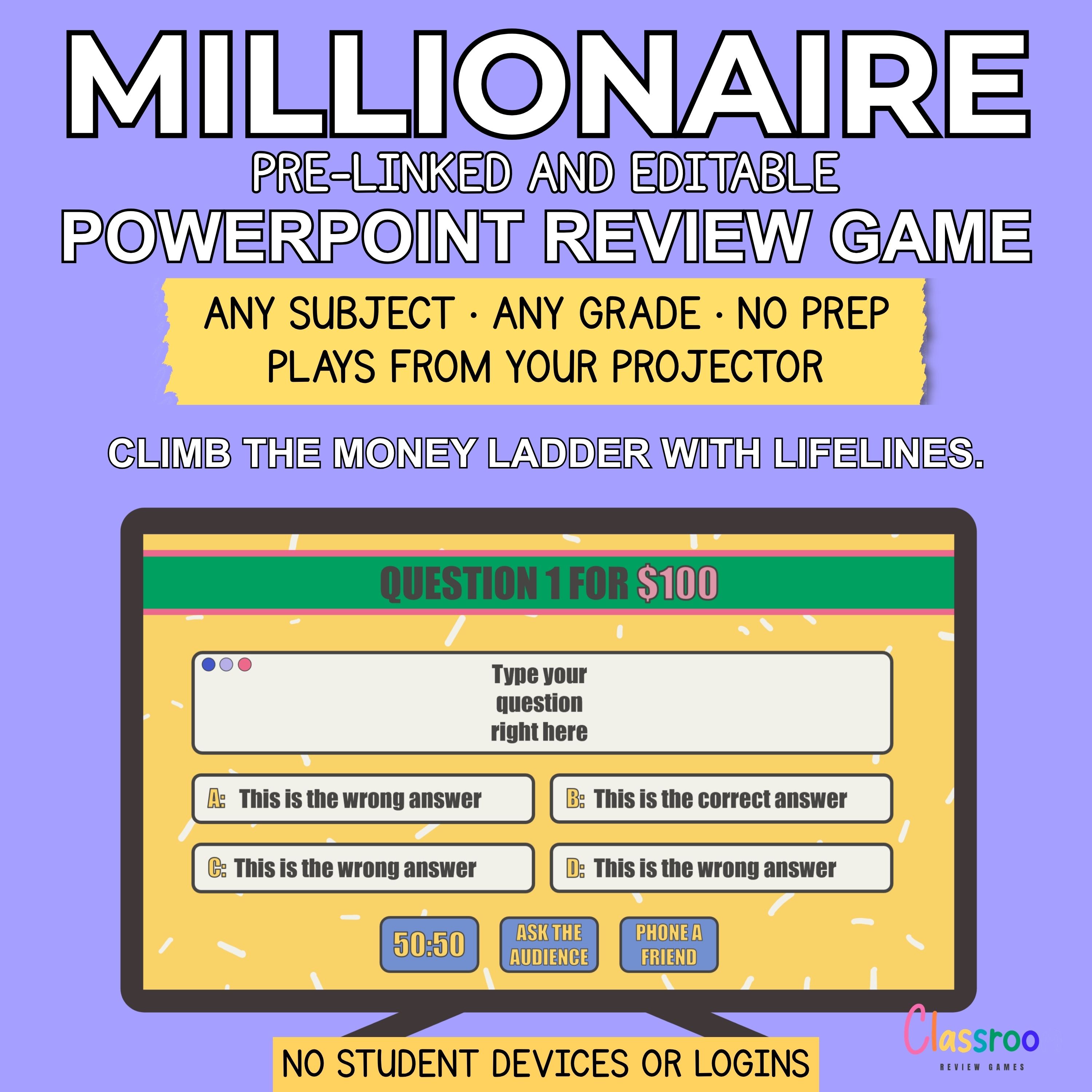
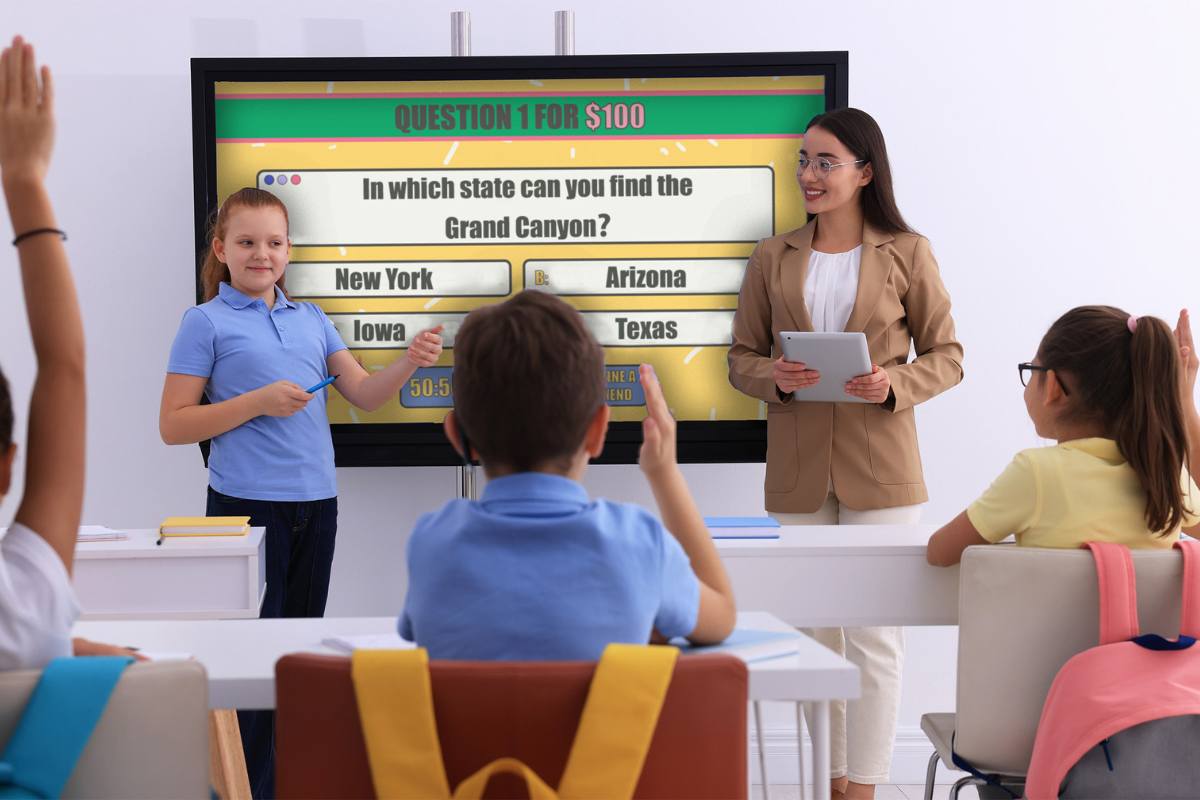
Make your lessons exciting with this interactive “Who Wants to Be a Millionaire” style classroom game. This PowerPoint template is designed for teachers and works for any subject or grade level. Simply add your own questions and start playing in minutes.

How to Play the Millionaire Game

A student becomes the contestant and answers multiple-choice questions to win virtual money. Each question increases in difficulty as the game progresses.

The game includes three classic lifelines:

  1. 50:50 – Remove two incorrect answers
  2. Phone a Friend – Ask a classmate for help
  3. Ask the Audience – Let the class vote on the correct answer

The game continues until the student answers incorrectly or decides to walk away with their winnings.

Why Teachers Love It

No prep format – just add your questions
Works for any subject or grade level
Keeps students engaged and motivated
Reusable for different lessons

Watch this video to see how to customize the game:

Category:

Description

After Purchasing the Game

After payment, you will receive a PDF with a link to download your files instantly. The download includes:

  • 1 PDF file with instructions on how to set up, customize, and play the game
  • 1 PowerPoint game with 15 editable multiple-choice questions
  • This Game Includes
  • Engaging game show-style design
  • Sound effects for an interactive experience
  • 15 editable question slides
  • Built-in lifelines (50:50, Phone a Friend, Ask the Audience)
  • Easy-to-edit format – add your own content in minutes
  • Play in the Classroom or Online

Perfect For

  • Review lessons
  • Test preparation
  • End-of-unit activities
  • Fun classroom competitions
  • Substitute plans

Play on

  • a classroom computer
  • a personal laptop
  • an interactive whiteboard
  • a projector or large screen
  • During online classes via screen sharing

Please note

This game is designed for PowerPoint and is not compatible with Google Slides.

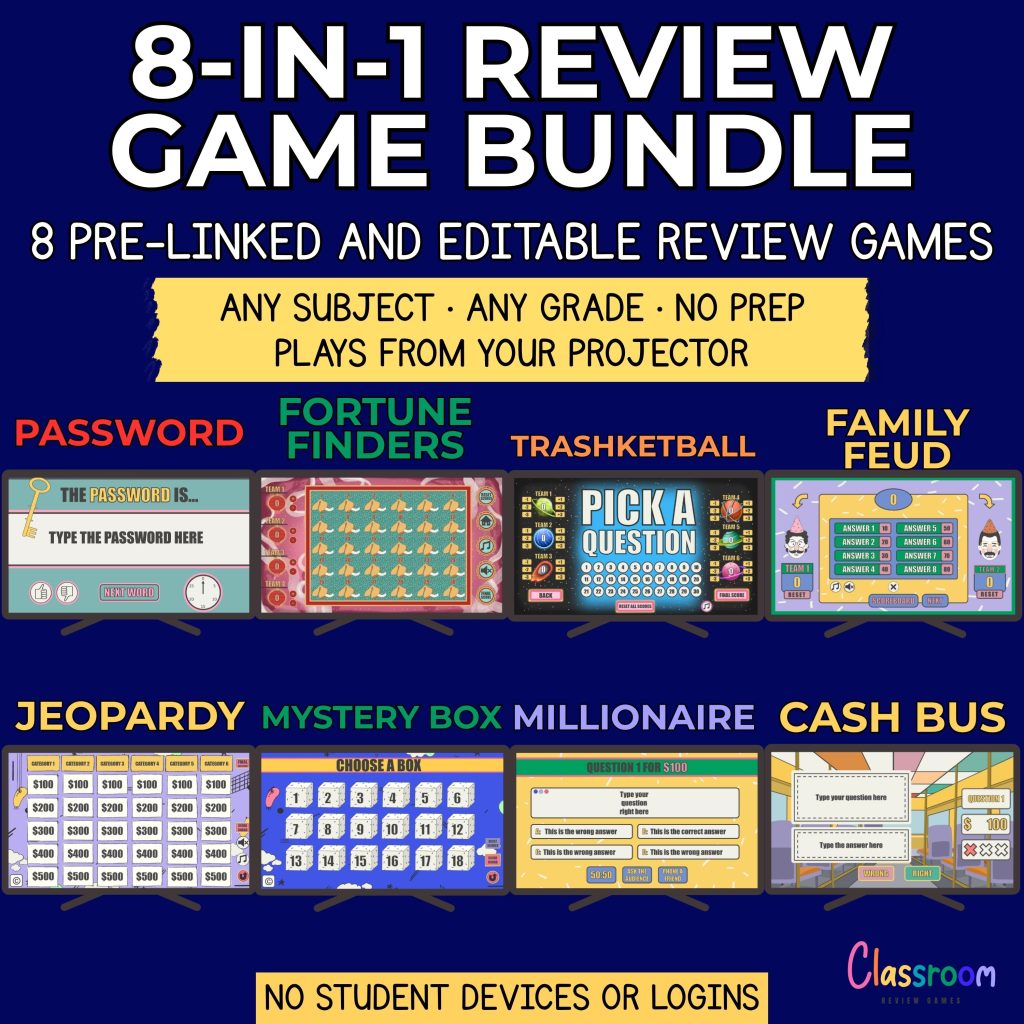
Teacher Favorites: Top 8 Games in a Bundle

Check out our top 8 PowerPoint game bundle and save 50%. Get instant access to eight engaging classroom review games for one low price.
Need Help?

If you have any questions, feel free to reach out. I’m happy to help.

Carolin
carolin@classroomreview.games
1 review for Millionaire Classroom Game Template | Editable PowerPoint Review Game for Any Subject | No Prep

  1. Mr. Alvarez, Science teacher year 9

    I tried this PowerPoint review game template to prepare my class for a end of the year test, and it was a huge success! What’s the best way to use this game for a smaller class?

    • Carolin

      Thank you so much for your feedback! I’m so glad your students enjoyed the Who Wants to Be a Millionaire game template—it’s such a fun way to prepare for tests!

      For smaller classes, here are some specific ways to adapt the game:

      1. Rotate Contestants Frequently: Instead of sticking with one contestant for a long stretch, rotate through students more quickly after every few questions. This gives everyone a chance to participate and keeps engagement high.

      2. Class Collaboration: If you have a very small class, you could have the entire group work as a single team. They can discuss answers together and decide collectively whether to use a lifeline or “walk away.”

      3. Add Creative Lifelines: With fewer students, consider tweaking the lifelines to add variety:

      – Replace “Phone a Friend” with “Ask the Teacher,” where the student gets a helpful (but not definitive) hint from you.
      – Use “Team Vote” instead of “Ask the Audience,” allowing every student in the class to share their opinion.

      4. Shorter Game Option: If time is limited, pre-select a smaller number of questions (e.g., 8-10 instead of the full set) and scale the virtual money accordingly.

      Let me know how these ideas work for your class or if you’d like additional suggestions!

Add a review

Your email address will not be published. Required fields are marked *