Description
What’s Included
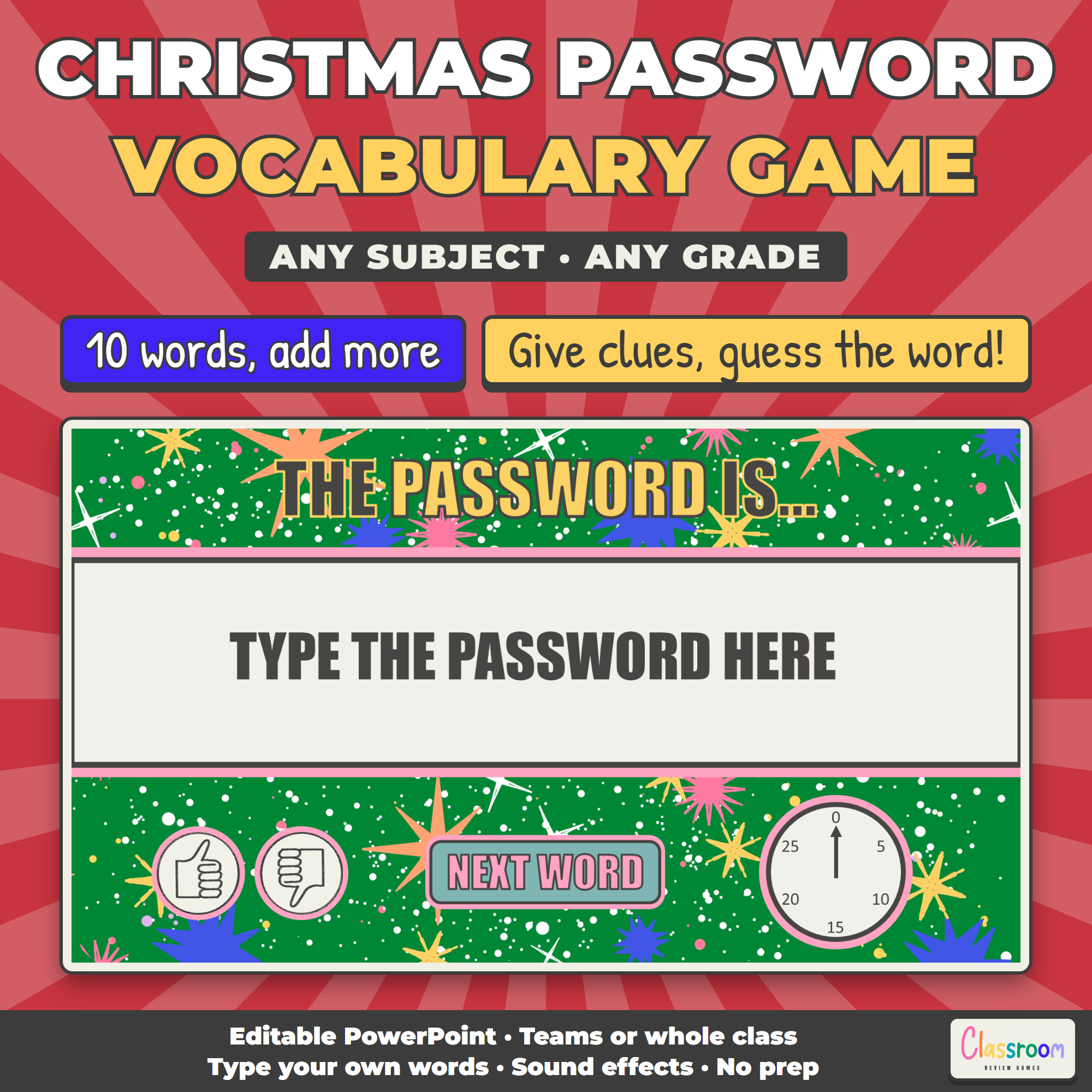
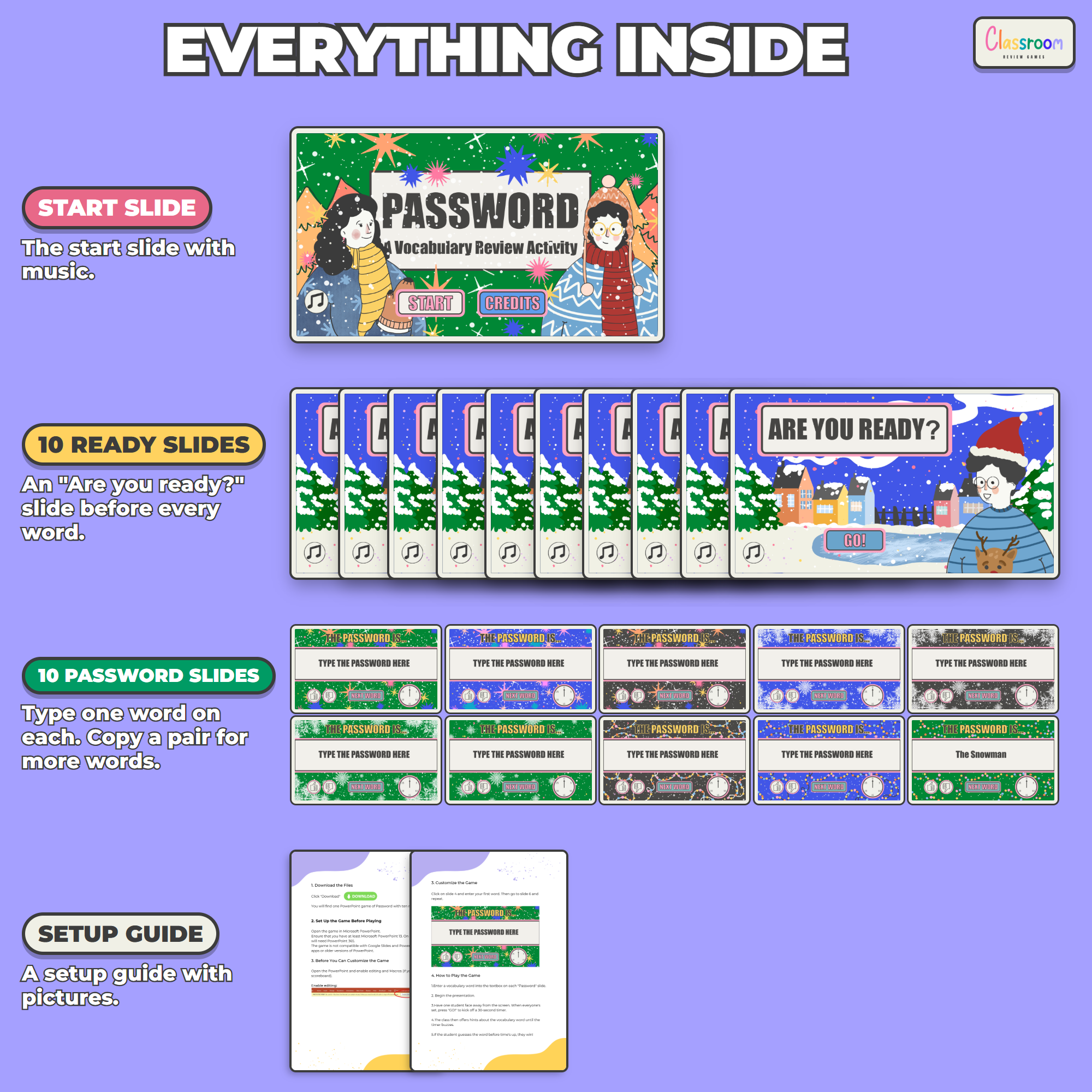
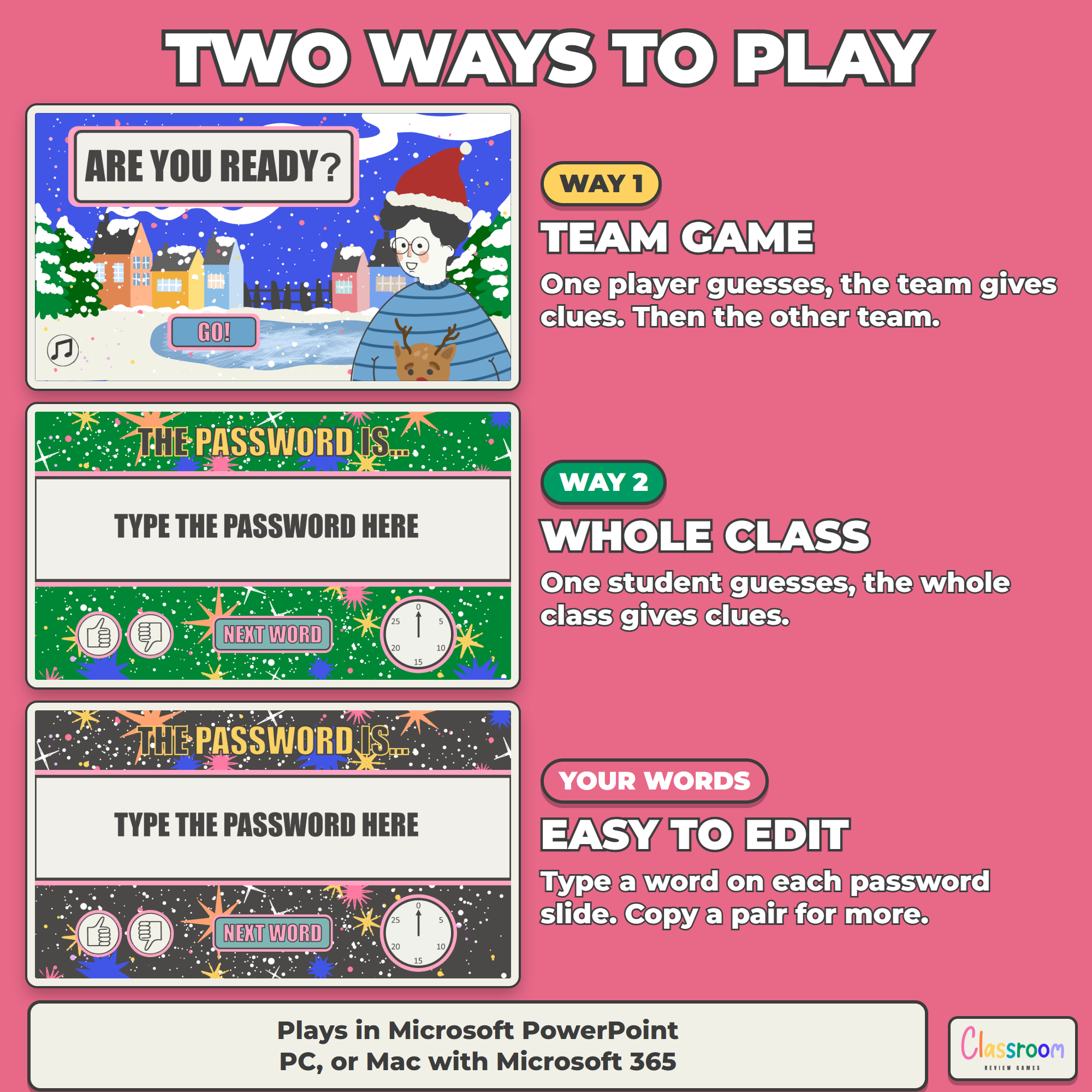
- 1 PowerPoint game (.pptx) with a Christmas design
- 10 “Are you ready?” slides and 10 password slides (one already shows a sample word)
- Copy a pair of slides to add as many words as you like
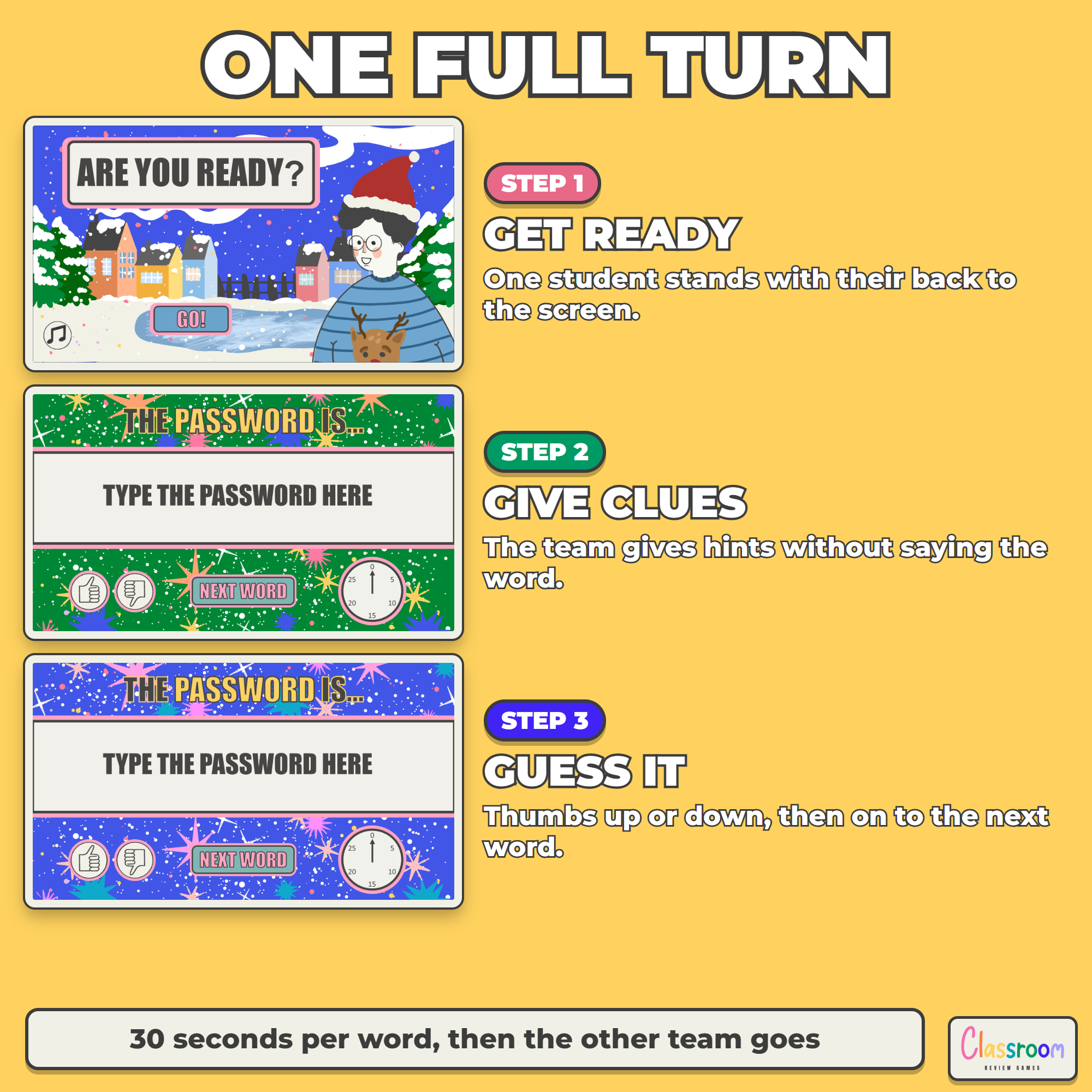
- Thumbs up, thumbs down and next word buttons, a timer, sound effects, music and a setup guide with pictures
How to Make It Yours
Type one word on each password slide. One slide already shows a sample word, “The Snowman”: replace it with your own. For a longer game, copy a pair of slides (an “Are you ready?” slide and a password slide) and type a new word.
A Christmas Look on Every Slide
Snowy houses, a student in a Santa hat, holiday lights and snowflakes fill the slides, so the game feels festive with any word list: holiday words, a unit’s vocabulary or this week’s spelling words.
Works In
Microsoft PowerPoint on Windows (PowerPoint 2013 or newer) or on a Mac with Microsoft 365. Play it on an interactive whiteboard, a projector or a classroom screen, or share your screen in an online lesson.
This game does not work in Google Slides, on Chromebooks or in the PowerPoint mobile apps, because its buttons, sounds and animations need the desktop version of PowerPoint.
More Review Games
Like this game? My 8 classic review games are in my PowerPoint Review Games Bundle for $29.99 instead of $39.92.
Help
Email me any time with questions or requests. Thank you for supporting a small teacher-run shop.
Carolin
carolin@classroomreview.games
Reviews
There are no reviews yet.