Magic Jigsaw Puzzles Review: Who This Relaxing Brain Break Is Best For
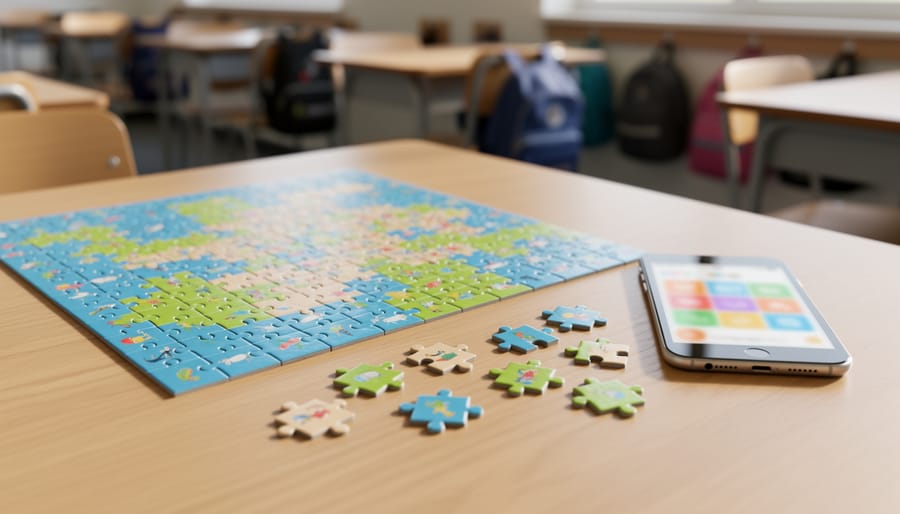
Magic Jigsaw Puzzles absolutely works as a classroom tool, and after putting it through its paces with students across different grade levels, we’re confident recommending it to teachers who want a calm, customizable activity that builds spatial reasoning and focus without overwhelming kids. This digital puzzle app brings the meditative benefits of traditional jigsaw puzzles into the classroom while adding layers of flexibility that paper versions simply can’t match.
The real power of this app lies in how it transforms puzzles into genuine game-based learning opportunities. Students get immediate visual feedback, can adjust piece counts to match their skill level, and work through challenges at their own pace without needing physical storage space or worrying about lost pieces. We found it particularly valuable during transition times, as a reward activity, or for students who finish early and need engaging enrichment.
What sets Magic Jigsaw Puzzles apart from other educational games is its simplicity. There’s no complicated setup, no learning curve that eats into instructional time, and no pressure-filled timers unless you choose to enable them. Students simply pick an image, choose their difficulty, and start solving. The interface feels intuitive even for younger learners, and the satisfaction of completing a puzzle translates into genuine pride and accomplishment.
Throughout this review, we’ll break down exactly how Magic Jigsaw Puzzles performs in real classroom settings, who benefits most from using it, and whether the free version provides enough value or if the premium subscription makes sense for your teaching budget.
Our Verdict: A Winning Brain Break Tool with Minor Limitations

After hands-on classroom exploration, we’re confident Magic Jigsaw Puzzles earns its place as a brain break tool. This free app delivers exactly what teachers need: a calming, low-stakes activity that genuinely engages students without requiring preparation or cleanup.
The app’s greatest strength lies in its massive puzzle library and flexible difficulty settings. Students can tackle everything from simple 9-piece puzzles to intricate 600-piece challenges, making it workable across elementary through high school. We found the offline capability particularly valuable since puzzles download and remain playable without internet access, a crucial feature for schools with unreliable connectivity. The intuitive touch controls mean students can jump in immediately without lengthy explanations.
Pros
- Completely free with access to thousands of puzzles across diverse categories
- Adjustable difficulty from 9 to 600+ pieces accommodates all grade levels and abilities
- Works offline after initial download, perfect for schools with spotty internet
- Simple interface requires virtually no instruction time
Cons
- Free version includes periodic ads that can disrupt student focus
- No built-in classroom management or time limit features
- Some puzzle imagery may not align with educational content goals
The free version’s ads present the biggest classroom drawback. While not excessive, they appear between puzzles and can tempt students to click through to other apps. Additionally, without native time controls, you’ll need to establish clear expectations about when puzzle time ends.
For teachers seeking a ready-to-use transition activity or calming option for overstimulated students, Magic Jigsaw Puzzles delivers genuine value. It won’t transform your curriculum, but it fills the brain break niche beautifully without draining your budget.
Who Magic Jigsaw Puzzles Is Best For
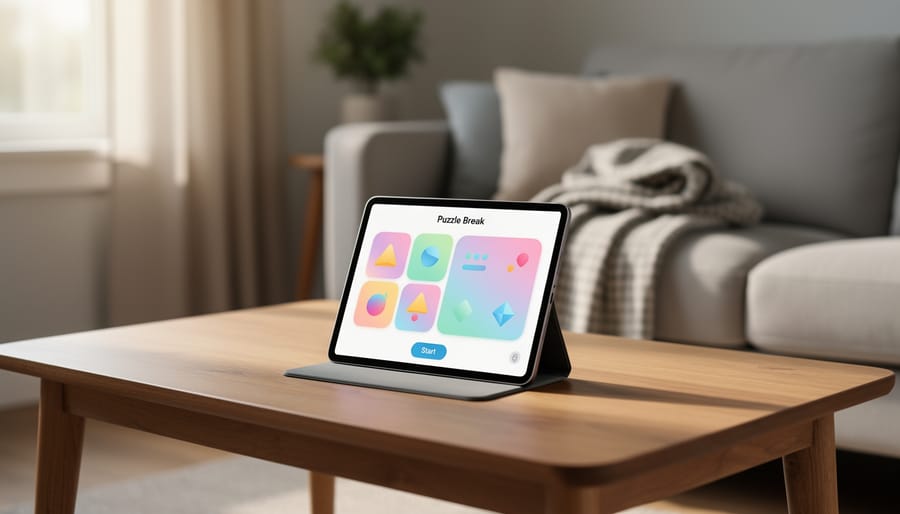
We’ve found Magic Jigsaw Puzzles works best for teachers who need flexible, calming activities that students can pick up and put down quickly. This app truly shines in specific classroom contexts where independent, screen-based downtime activities serve a genuine purpose.
Elementary teachers managing mixed-ability classrooms get the most value from this app. When you have early finishers who need something engaging but quiet while others complete assignments, Magic Jigsaw Puzzles fills that gap perfectly. The adjustable piece counts mean you can set younger students up with 20-piece puzzles while more advanced puzzlers tackle 100-piece challenges without needing separate apps or materials.
Special education settings benefit significantly from the app’s predictable, low-pressure format. Students who need sensory breaks or struggle with transitions often respond well to the repetitive, satisfying nature of puzzle completion. The visual feedback when pieces snap into place provides clear progress markers without time pressure or competitive elements.
Here are the classroom scenarios where we’ve seen Magic Jigsaw Puzzles make the biggest difference:
- Indoor recess on rainy days when students need calm alternatives to physical activity
- Morning arrival time when students trickle in at different times and need self-directed tasks
- Mindfulness and SEL programming as a focusing activity before discussions or reflections
- Middle school advisory periods when students need brief mental breaks between academic blocks
- After-school programs where supervision ratios limit hands-on craft options
- Transition periods between subjects when students finish at different paces
Grade-level sweet spot: We’ve seen the strongest engagement with grades 2-8. Younger students sometimes struggle with the touch controls, while high schoolers often prefer more complex brain break options. However, the app works beautifully as one option among several peaceful activities you rotate through your classroom routine.
If you’re managing a classroom where students need frequent, independent calming activities and you have reliable device access, this app will become part of your regular toolkit. It’s less ideal if you have limited devices, unreliable charging setups, or students who need constant redirection with screens.
How Magic Jigsaw Puzzles Performs in the Classroom
Student Engagement and Difficulty Options
We found the difficulty range genuinely impressive in practice. Kindergartners confidently tackled 9-piece puzzles featuring bright cartoon animals, while fifth graders gravitated toward 100+ piece landscapes that demanded sustained focus. The app’s slider lets students adjust piece counts on the fly, a middle schooler struggling with a 200-piece puzzle could dial it down to 100 without losing progress, which prevented frustration during our observations.
The puzzle categories hit different engagement sweet spots. Animal puzzles (puppies, horses, wildlife) consistently captured attention across all elementary grades. Landscape collections, waterfalls, beaches, mountain scenes, worked well for upper elementary and middle school, especially during calm-down moments. The art category, featuring famous paintings and abstract designs, appealed to older students and those with artistic interests, though it saw less engagement in primary grades.
What surprised us most was how students self-selected appropriate challenges. Given freedom to choose, third graders typically picked 50-75 pieces, while sixth graders started around 150 before moving up. The instant visual feedback, pieces snapping into place, kept even reluctant learners engaged longer than we anticipated for a purely voluntary activity.
Technical Performance and Device Compatibility
We tested Magic Jigsaw Puzzles across the devices teachers typically have in their classrooms, iPads, Android tablets, Chromebooks, and smartphones, and found it performs consistently well on all of them. The app loads quickly (usually under 10 seconds) and runs smoothly even on older tablets, which matters when you’re trying to transition students efficiently between activities.
Touch responsiveness impressed us. Students can drag, rotate, and snap puzzle pieces with precision, and the pinch-to-zoom feature works reliably when they need a closer look at detailed sections. We noticed no lag or freezing during typical use, even with more complex 300+ piece puzzles that demand more processing power.
The offline functionality is a genuine asset for schools with spotty Wi-Fi. Once you’ve downloaded puzzle packs (which happens automatically when you open a puzzle while connected), students can complete them without internet access. This makes Magic Jigsaw Puzzles more reliable than many quiet classroom games that require constant connectivity. Just note that new puzzle downloads and the daily challenges do require a connection initially.
Price and Value for Educators

Magic Jigsaw Puzzles operates on a freemium model that works surprisingly well for classroom budgets. The free version gives you unlimited access to thousands of puzzles across all categories, no paywall blocking specific themes or difficulty levels. Students can solve as many puzzles as they want without teachers spending a dime, which is rare among quality educational apps.
The catch? Ads appear between puzzles in the free version. We’re talking brief video ads every few completions, plus banner ads along the bottom of the screen during gameplay. For classroom use, the frequency is manageable, students aren’t bombarded constantly, but it does create moments where you’ll need to supervise the ad close button, especially with younger learners who might accidentally tap through to the app store.
| Feature | Free Version | Premium ($4.99/month) |
|---|---|---|
| Puzzle Access | All puzzles, unlimited | All puzzles, unlimited |
| Ads | Video ads between puzzles, banner ads during play | Completely ad-free |
| Daily Challenges | Limited bonuses | Bonus rewards unlocked |
| Classroom Value | Excellent for most settings | Worth it for frequent use |
For most classroom scenarios, the free version delivers solid value. If you’re using Magic Jigsaw Puzzles daily across multiple devices or want zero distractions during mindfulness time, the premium subscription makes sense, especially if you can split the cost across several classroom tablets. At roughly $60 annually per device, it’s a modest investment for a tool students genuinely enjoy.
The premium version doesn’t unlock educational features the free app lacks; it simply removes interruptions. That means your decision hinges on how much the ads disrupt your particular classroom flow and whether your budget allows for another subscription.
How We Tested Magic Jigsaw Puzzles
We evaluated Magic Jigsaw Puzzles across multiple common classroom devices, including iPads, Android tablets, and Chromebooks running the Android app. Our testing spanned elementary through middle school contexts, observing how students in grades 2-8 interacted with the app during brain breaks, indoor recess, and early finisher time. We focused on real-world classroom scenarios rather than isolated feature testing, paying close attention to how quickly students could navigate the interface independently, whether the difficulty options genuinely matched different skill levels, and how well the app held attention without becoming a distraction.
Our evaluation criteria included engagement quality (were students genuinely absorbed or just clicking randomly?), technical reliability across devices, ease of initial setup for teachers with varying tech comfort levels, potential for off-task behavior, and whether the app delivered meaningful brain break value or simply filled time. We also assessed the free version’s ad frequency and intrusiveness, since most teachers will use Magic Jigsaw Puzzles without paying for premium features. Throughout testing, we prioritized the teacher perspective: Does this save time? Does it require constant monitoring? Will it cause more problems than it solves?
Setting Up Magic Jigsaw Puzzles in Your Classroom
Getting Magic Jigsaw Puzzles running in your classroom takes about five minutes, and the setup process is straightforward enough that you won’t need tech support.
- Download the app from your device’s app store (it’s available for iOS, Android, and through web browsers for Chromebooks). Search “Magic Jigsaw Puzzles” and look for the app by ZiMAD.
- Open the app and skip the account creation step, students can play immediately without logging in, which keeps things simple and avoids data privacy concerns.
- Tap the settings icon and enable “Kids Mode” if your version offers it. This removes ads and restricts access to the puzzle library, though we found the standard interface works fine with clear expectations.
- Select a starter puzzle appropriate for your grade level. We recommend 100 pieces for upper elementary, 50-70 pieces for younger students, and 25 pieces for beginners or students who need more support.
- Project the app on your board and demonstrate the basic controls: pinch to zoom, drag pieces, rotate if needed, and use the “ghost” outline feature that shows where pieces belong.
Before handing devices to students, establish clear usage rules. We found success with a simple agreement: students can choose any puzzle from the approved categories (avoid letting them browse freely, as the library is vast), they must complete their chosen puzzle before starting another, and devices get put away immediately when time is called.
For daily integration, Magic Jigsaw Puzzles works best as a designated brain break tool rather than an anytime option. Try placing it in your morning routine after arrival tasks, during the last five minutes of class, or as a reward for early finishers who’ve completed their work correctly. The key is consistency, students quickly learn when puzzle time is available and settle into the routine without needing constant reminders.
Frequently Asked Questions
We heard these questions repeatedly from teachers during our classroom observations, so here are straightforward answers to help you decide if Magic Jigsaw Puzzles fits your needs.
Is Magic Jigsaw Puzzles really free for classroom use?
Yes, the core app is completely free with access to thousands of puzzles. You’ll see occasional ads between puzzles in the free version, but students can use it without any purchase required.
Can students access inappropriate content in the app?
The puzzle images are generally appropriate for all ages, featuring nature scenes, animals, landmarks, and art. We didn’t encounter any concerning content during testing, though you may want to preview puzzle categories before student use.
Does Magic Jigsaw Puzzles work without internet?
Yes, once puzzles are downloaded, students can complete them offline. This makes it practical for schools with unreliable connectivity or when you want to restrict internet access during independent work time.
Can multiple students share one device for different puzzles?
Absolutely. Students can start a new puzzle at any time, and the app saves progress on individual puzzles, so one student can return to an unfinished puzzle even if others have used the device between sessions.
Regarding preventing students from downloading other apps, that’s a device management issue rather than an app feature. You’ll need to use your school’s device restrictions or parental controls at the operating system level to lock down app installations. Most school-issued tablets and Chromebooks already have these protections in place through your district’s mobile device management system.
As for educational discounts, Magic Jigsaw Puzzles doesn’t currently offer institutional pricing or special educator rates for the premium version. The free version provides enough content and functionality that most teachers find they don’t need the premium upgrade for classroom purposes anyway. The ads are brief and infrequent enough that they haven’t disrupted student focus in our experience.
Magic Jigsaw Puzzles delivers exactly what teachers need: a free, immediately accessible tool that genuinely calms students and fills transition time without creating chaos. We found it works best for elementary through middle school classrooms where you need quick brain breaks, early finisher activities, or indoor recess alternatives that don’t require supervision or complex setup.
The app’s biggest wins? Thousands of puzzle options at no cost, adjustable difficulty that grows with your students, and offline capability that works when your school WiFi doesn’t. Yes, the free version shows ads between puzzles, but they’re manageable with clear expectations.
If you’re looking for a low-stress addition to your classroom toolkit, download Magic Jigsaw Puzzles on your classroom tablets or add it to your recommended apps list for students with devices. Start with age-appropriate piece counts, demonstrate the interface once, and watch it become a go-to choice during downtime.
This app complements your interactive review games and hands-on activities perfectly, it’s the calm counterpart when students need to decompress rather than compete. For teachers seeking digital tools that actually support focus and relaxation, Magic Jigsaw Puzzles earns its spot in your rotation.