
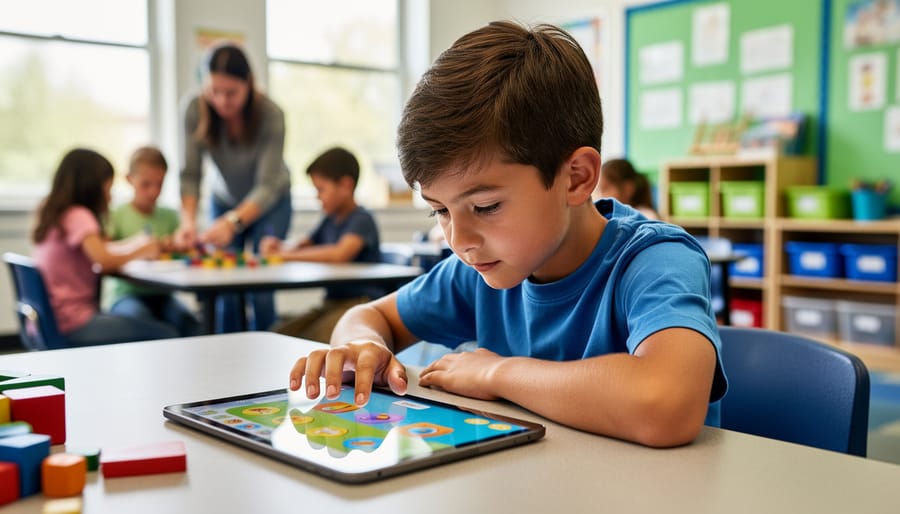
Educational Video Games That Actually Keep 10-Year-Olds Engaged (And Learning)
Match games to your current curriculum units before introducing them to students. If you’re teaching fractions in math, look for games that specifically target fraction concepts rather than general math skills. This targeted approach ensures screen time directly reinforces what you’re already teaching, making the game a natural extension of your lesson rather than a separate activity.
Preview every game yourself for at least 20 minutes to understand the mechanics, difficulty progression, and actual educational value. You’ll spot whether the learning content is genuinely integrated into gameplay or just tacked on as quiz questions between fun segments. This hands-on evaluation helps you set realistic expectations and prepare students for potential challenges they’ll encounter.
Create a rotation system where different student groups play different educational games during designated times. This prevents the entire class from getting stuck if one game has technical issues and lets you assess which games resonate most with your particular students. You can customize the rotation based on individual learning needs, assigning specific games to students who need extra practice in particular subject areas.
Set clear learning objectives before game time and debrief afterward with focused questions about what students discovered or practiced. Ask them to explain a strategy they used or a concept they applied rather than just whether they had fun. This reflection transforms gaming from passive entertainment into active learning, helping students recognize the educational value themselves.
Ten-year-olds are at the perfect developmental stage where games can bridge concrete and abstract thinking, making complex subjects accessible through interactive exploration and immediate feedback.
Why 10-Year-Olds Learn Differently Through Games
At age 10, students are at a fascinating developmental sweet spot. They’re moving beyond simple cause-and-effect thinking and developing abstract reasoning skills. They crave independence, want to solve problems on their own terms, and thrive when given meaningful choices. This is exactly where educational video games shine.
Unlike traditional worksheets or lecture-based learning, games naturally align with how 10-year-olds think and learn. They provide immediate feedback, allow for trial and error without fear of embarrassment, and let students progress at their own pace. When a student tackles a challenging math puzzle in a game and finally cracks it after several attempts, that success feels earned and personal. This taps into intrinsic motivation, the powerful internal drive that makes learning stick far better than external rewards like grades or stickers.
Educational games also respect the autonomy that 10-year-olds desperately seek. They can choose their path, customize their experience, and make decisions that affect outcomes. This sense of control transforms learning from something done to them into something they actively pursue. You’ll notice how games increase engagement when students who normally struggle to focus suddenly spend 20 minutes absorbed in a science simulation.
In the classroom, this translates to better dynamics. Games accommodate different learning speeds and styles without singling anyone out. While one student reviews basic concepts, another tackles advanced challenges, all within the same game environment. This differentiation happens naturally, keeping everyone engaged and progressing. The result? Students who are motivated, confident, and genuinely excited about learning.
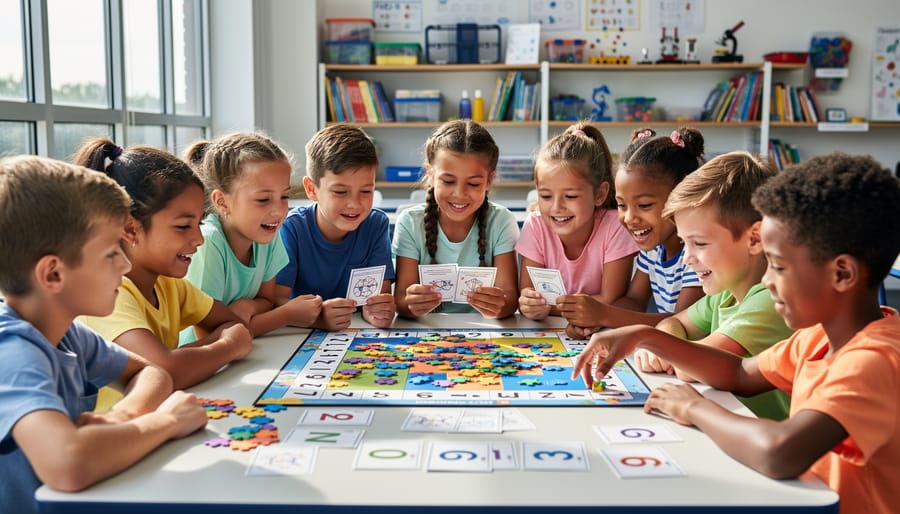
Top Educational Video Games for Your 10-Year-Old Students
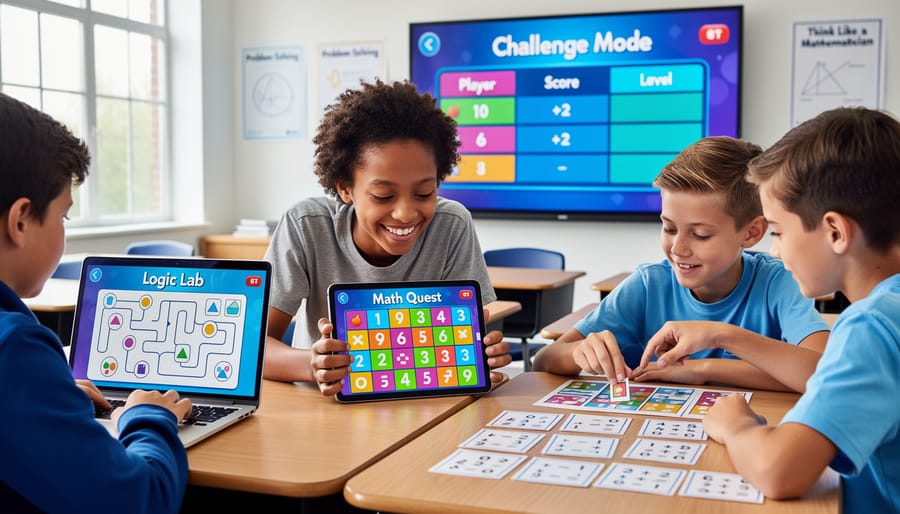
Math and Logic Games
Math can be incredibly engaging when it’s wrapped up in a game format! These recommendations specifically target 10-year-olds while building essential mathematical thinking and problem-solving skills.
Prodigy Math is a fantastic choice that adapts to each student’s level. This fantasy-based adventure requires students to solve math problems to progress through the game. What makes it particularly effective is its adaptive learning technology that automatically adjusts difficulty based on student performance. You can customize content to align with what you’re teaching in class, making it a perfect supplementary tool.
DragonBox series offers several games that teach algebra and geometry concepts without students even realizing they’re learning complex math. The visual approach helps students grasp abstract concepts naturally. Teachers love how it breaks down intimidating topics into manageable, fun challenges.
Math Playground provides hundreds of logic games and word problems that encourage strategic thinking. The variety keeps students engaged, and you can easily direct them to specific games that reinforce classroom lessons. The interface is straightforward, making it perfect for independent work time.
For logic development, consider Rush Hour or other sequential reasoning games available online. These puzzle-based challenges strengthen critical thinking skills that translate across all subjects.
The best part about these games? Most offer teacher dashboards where you can track progress, assign specific content, and celebrate student achievements. This customization means you’re not just adding screen time—you’re adding purposeful, measurable learning opportunities that students genuinely enjoy.
Reading and Language Arts Games
Language arts games offer a wonderful opportunity to strengthen reading and writing skills while keeping your 10-year-olds engaged and motivated. These games transform traditionally challenging subjects into interactive adventures that students actually look forward to.
Word-building games like Wordscapes and Bookworm help expand vocabulary through puzzle-solving challenges. Students discover new words naturally as they connect letters and create combinations, making learning feel less like memorization and more like play. These games adapt to different skill levels, so you can customize the difficulty for individual learners or small groups.
For reading comprehension, narrative-driven games work beautifully. Students follow storylines, make decisions based on text clues, and demonstrate understanding through gameplay choices. This approach reinforces critical thinking while developing deeper comprehension skills.
Don’t overlook spelling games that use timed challenges and friendly competition. These work especially well during learning centers or as warm-up activities. Many platforms let you input your own word lists, giving you complete control over the content students practice.
Grammar games turn sentence structure and punctuation into puzzle-solving missions. Students correct errors, build sentences, and identify parts of speech through interactive challenges rather than worksheet drills.
The key benefit? These games provide immediate feedback, letting students learn from mistakes without the pressure of grades. They can replay levels, master concepts at their own pace, and build confidence along the way. Plus, built-in progress tracking helps you monitor growth and identify areas needing extra support.
Science and STEM Games
Science and STEM games offer fantastic opportunities to bring abstract concepts to life in your classroom. These interactive experiences turn complex ideas into hands-on learning adventures that capture student curiosity naturally.
Minecraft: Education Edition remains a classroom favorite for good reason. Your students can explore chemistry, physics, and coding through creative building challenges. The platform lets you customize lessons to match your curriculum, whether you’re teaching circuit design or ecosystem balance. Many teachers love the collaborative features that encourage teamwork while students solve engineering problems together.
For coding fundamentals, CodeCombat and Scratch Junior make programming accessible and fun. Students learn real coding languages through game-style missions that feel more like play than work. You can adjust difficulty levels to match individual student abilities, making differentiation simple and effective.
Kerbal Space Program introduces physics and astronomy through rocket building and space exploration. While it requires some initial guidance, students quickly grasp concepts like gravity, trajectory, and fuel efficiency through trial and error. The visual feedback helps cement understanding in ways traditional worksheets simply cannot.
Simple Machines by Tinybop and The Incredible Machine offer younger-friendly introductions to engineering principles. Students experiment with levers, pulleys, and gears to solve puzzles, developing critical thinking skills alongside scientific knowledge.
These games work beautifully as station activities, extension projects, or whole-class explorations. Start with shorter sessions to build familiarity, then gradually increase complexity as students master foundational concepts. The built-in motivation keeps engagement high while supporting genuine learning outcomes.
Social Studies and Critical Thinking Games
Social studies games bring history, geography, and civics to life in ways that textbooks simply can’t match. Your 10-year-olds will love exploring different cultures, time periods, and places while building essential critical thinking skills.
Mission US offers fantastic free adventures where students experience pivotal moments in American history through the eyes of young people. They’ll make decisions, face historical challenges, and see firsthand how events unfolded. The customization options let you choose missions that align perfectly with your curriculum units.
iCivics transforms government and citizenship education into engaging gameplay. Created by Justice Sandra Day O’Connor, these games help students understand how democracy works. Your class can run a law firm, manage a county, or even argue Supreme Court cases. The best part? You can track student progress and adapt assignments to different learning levels.
GeoGuessr challenges players to identify locations around the world using visual clues. It’s phenomenal for developing observation skills and geographic literacy. You can create custom maps focusing on regions you’re studying, making it incredibly flexible for your classroom needs.
Carmen Sandiego returns in various digital formats, combining geography with problem-solving. Students follow clues, research countries, and use deductive reasoning to catch thieves.
These games encourage students to analyze information, make connections, and think beyond memorization. They’re perfect for stations, enrichment activities, or even whole-class competitions that get everyone excited about social studies topics.
How to Choose the Right Educational Game for Your Classroom
Finding the perfect educational video game for your 10-year-olds doesn’t have to feel overwhelming! With so many options available, focusing on a few key criteria will help you make confident choices that truly benefit your students.
Start with curriculum alignment. The best games seamlessly connect to what you’re already teaching. Look for games that target specific learning objectives in your lesson plans, whether that’s multiplication facts, reading comprehension, or scientific concepts. This ensures the game becomes a natural extension of your classroom activities rather than just a fun distraction.
Engagement is your next checkpoint. Watch for games that strike the right balance between challenge and achievement. Ten-year-olds need content that stretches their thinking without causing frustration. Games with clear goals, immediate feedback, and progressive difficulty levels keep students motivated and coming back for more. Bonus points if the game includes storytelling elements or creative problem-solving that captures their imagination!
Here’s where customization becomes your best friend. Choose games that let you adjust difficulty levels, track individual student progress, and even modify content to match different learning styles. This flexibility means you can support struggling learners while challenging advanced students, all within the same game. Many platforms offer teacher dashboards where you can monitor achievements and identify areas where students need extra support.
Don’t forget accessibility considerations. Check that games work on your existing classroom technology, whether that’s tablets, Chromebooks, or desktop computers. Consider students with different abilities too. Look for games with adjustable text sizes, audio options, and alternative control methods.
Finally, test before you invest. Many educational games offer free trials or demo versions. Spend a few minutes playing through them yourself. If it feels clunky or confusing to you, it’ll likely frustrate your students. Trust your instincts and choose games that feel intuitive and genuinely enjoyable to play.
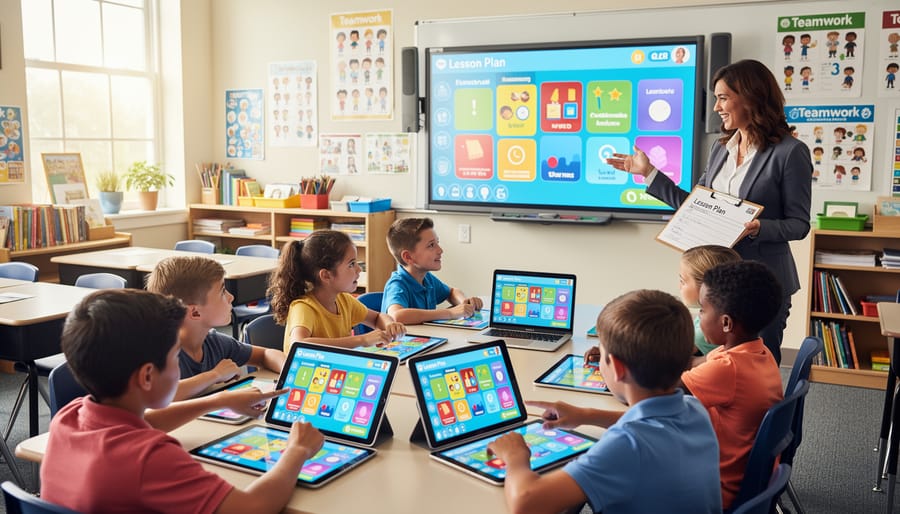
Making Educational Games Work in Your Classroom
Ready to bring educational video games into your classroom? Here are some practical strategies to make it happen smoothly and effectively.
Start by choosing the right time slots for game-based learning. Many teachers find success using games during math or literacy centers, as rewards for completed work, or during the last 15 minutes of class on Fridays. The key is consistency—students thrive when they know when to expect game time.
Set clear expectations before letting students dive in. Create a simple one-page agreement covering appropriate behavior, volume levels, and how to ask for help. Display gaming rules on your screen or classroom wall so everyone stays on track.
Managing screen time doesn’t have to be complicated. Use a timer and stick to 20-30 minute sessions for most activities. This keeps students engaged without overwhelming them. Rotate between different subjects and game types throughout the week to maintain variety and interest.
Track student progress by taking advantage of the teacher dashboards most educational games offer. Spend just 5-10 minutes each week reviewing reports to identify who needs extra support and who’s ready for new challenges. Keep a simple spreadsheet or use your grade book to note patterns you observe.
Create a balanced approach by mixing digital games with other interactive activities. Follow up a math game session with hands-on manipulatives, or combine a vocabulary game with a collaborative PowerPoint review game where students work in teams. This variety reinforces learning through multiple methods.
Consider pairing students strategically. Sometimes partnering a confident gamer with someone less experienced creates natural peer teaching moments. Other times, grouping students by skill level allows everyone to work at their own pace.
Make customization work for you by adjusting difficulty settings as needed. Most games let you modify challenge levels, time limits, or content focus. Don’t be afraid to experiment until you find what works best for each student or class period.
Finally, gather student feedback regularly through quick thumbs up or down checks, or brief classroom discussions about which games help them learn best. Their insights will help you refine your approach and keep everyone motivated and engaged.
Common Pitfalls to Avoid With Educational Gaming
While educational games are fantastic tools, there are a few speed bumps to watch out for! First, resist the temptation to use games as a substitute for all instruction. They work best as supplements that reinforce what you’re teaching, not replacements for your expertise. Think of them as the engaging practice session after you’ve introduced the concepts.
Managing different skill levels can feel tricky when twenty students are playing simultaneously. The good news? Most quality educational games include adaptive features or difficulty settings. Take advantage of these customization options to create multiple pathways for learners. You might assign different game levels to different groups or allow students to progress at their own pace.
Technical hiccups happen to everyone. Prepare backup activities and always test games before introducing them to your class. Check that your devices, internet connection, and any required logins work smoothly. Having a troubleshooting buddy, whether it’s your tech coordinator or a tech-savvy colleague, makes life easier.
Here’s the big one: keep educational value front and center. Some games look educational but offer more flash than substance. Before committing classroom time, play through a section yourself. Ask: Are students actually practicing the skills I want them to learn, or just clicking through flashy animations? The best games balance engagement with meaningful learning opportunities.
Finally, set clear expectations about gameplay. Establish guidelines for appropriate volume levels, device handling, and what to do when finished. This keeps your classroom running smoothly while students enjoy their gaming experience.
Educational video games are powerful tools that can transform your classroom when used strategically. The key is finding the right balance between entertainment and learning objectives that match your curriculum goals. Remember, not every game will work perfectly for every student or every lesson, and that’s completely okay.
Don’t be afraid to experiment with different options to discover what resonates with your class. Start small by incorporating one or two games into your weekly routine, then gradually expand as you become more comfortable with the technology and observe what works best. Pay attention to student feedback and engagement levels, making adjustments as needed.
While digital games offer incredible benefits, variety keeps students excited and engaged. Mix educational video games with quick classroom games, hands-on activities, and traditional learning methods. This blended approach prevents screen fatigue and caters to different learning styles in your classroom.
The beauty of educational gaming lies in customization. You can adjust difficulty levels, choose specific topics, and tailor experiences to individual student needs. This flexibility makes games valuable differentiation tools that help you reach every learner.
Most importantly, stay enthusiastic and patient with yourself as you integrate these tools. Your willingness to try new approaches shows students that learning is dynamic and exciting, creating a classroom culture where curiosity thrives.