How to Make a Blooket Game as a Student in 5 Simple Steps
Creating your own Blooket game as a student takes about 10 to 15 minutes once you have a free account, and the process works entirely through your web browser with

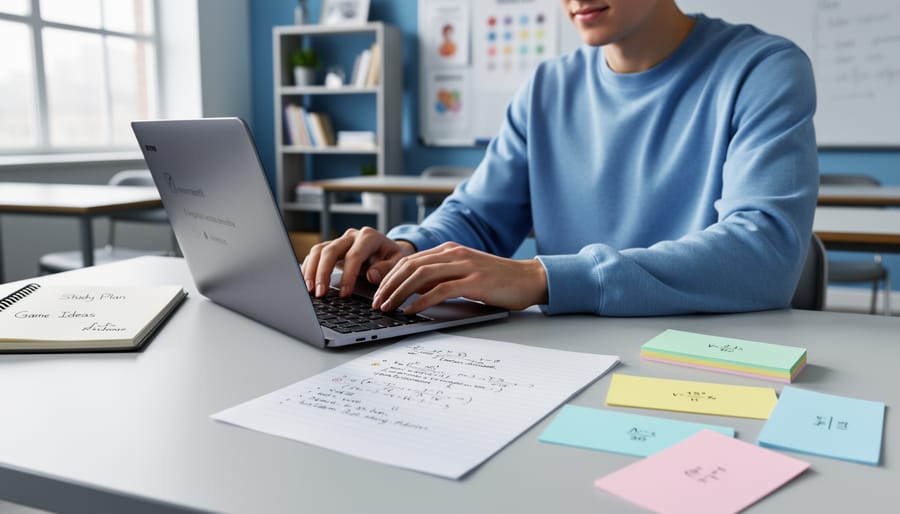
Creating your own Blooket game as a student takes about 10 to 15 minutes once you have a free account, and the process works entirely through your web browser with

Download free PowerPoint game templates that mirror Blooket's question-and-answer format—they work offline, require no student accounts, and let you customize every question for your curriculum. These alternatives run on any
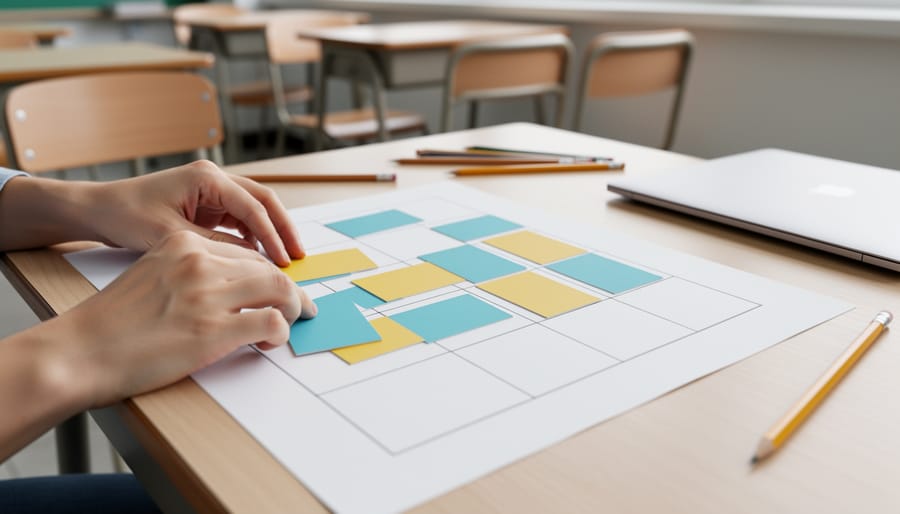
Start with a clear grid system that divides your slide into equal sections—thirds, quarters, or columns—to create visual balance and make content scannable at a glance. This foundational structure works

Choose themes that match your game's energy level and subject matter—bright, bold colors work wonderfully for fast-paced trivia games, while calmer palettes suit reflective activities. Start with PowerPoint's built-in theme
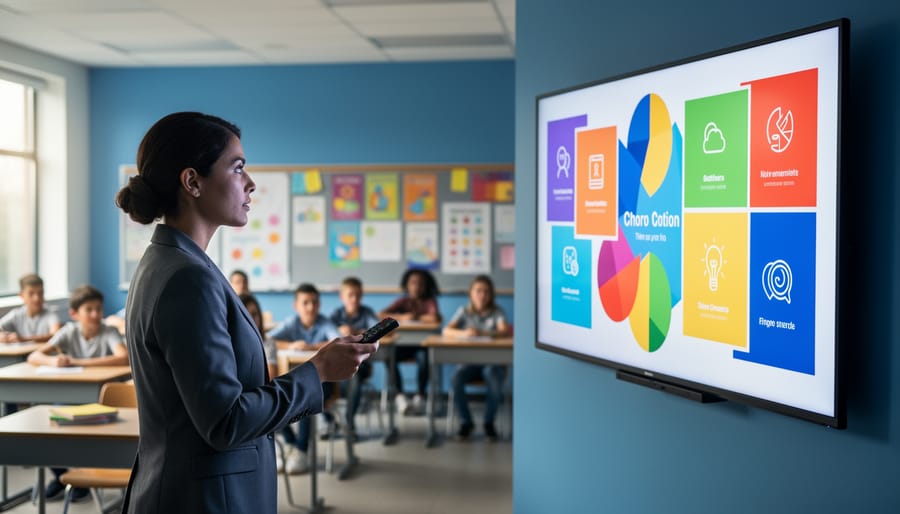
Transform your classroom communication instantly by opening PowerPoint and selecting a pre-designed digital signage template that displays announcements, schedules, and student achievements on any screen or projector. Design eye-catching rotating

Transform your classroom presentations into engaging, professional experiences with GMU PowerPoint templates designed specifically for educators. These ready-to-use templates bring university-level polish to your lessons while saving precious prep time.
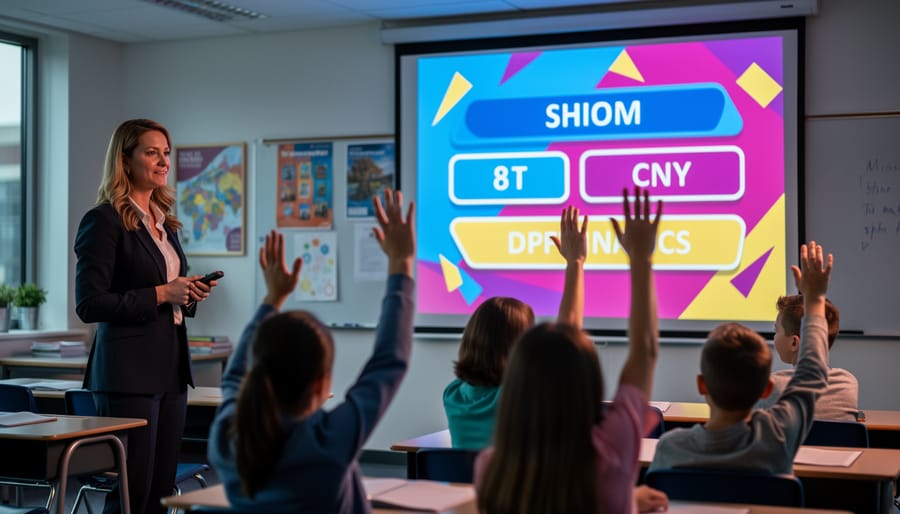
Browse templates from platforms like Slides Carnival, SlidesMania, and Canva's education section to discover classroom-ready game designs that save hours of creation time. These collections showcase color schemes, fonts, and
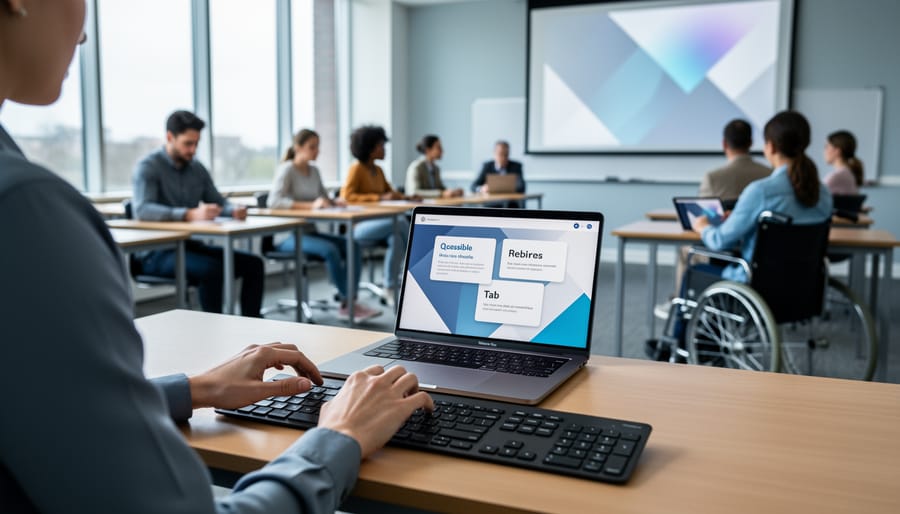
Design Q&A slides with high contrast color combinations—aim for a minimum 4.5:1 ratio between text and background so all students can read questions clearly, even those with visual impairments or