
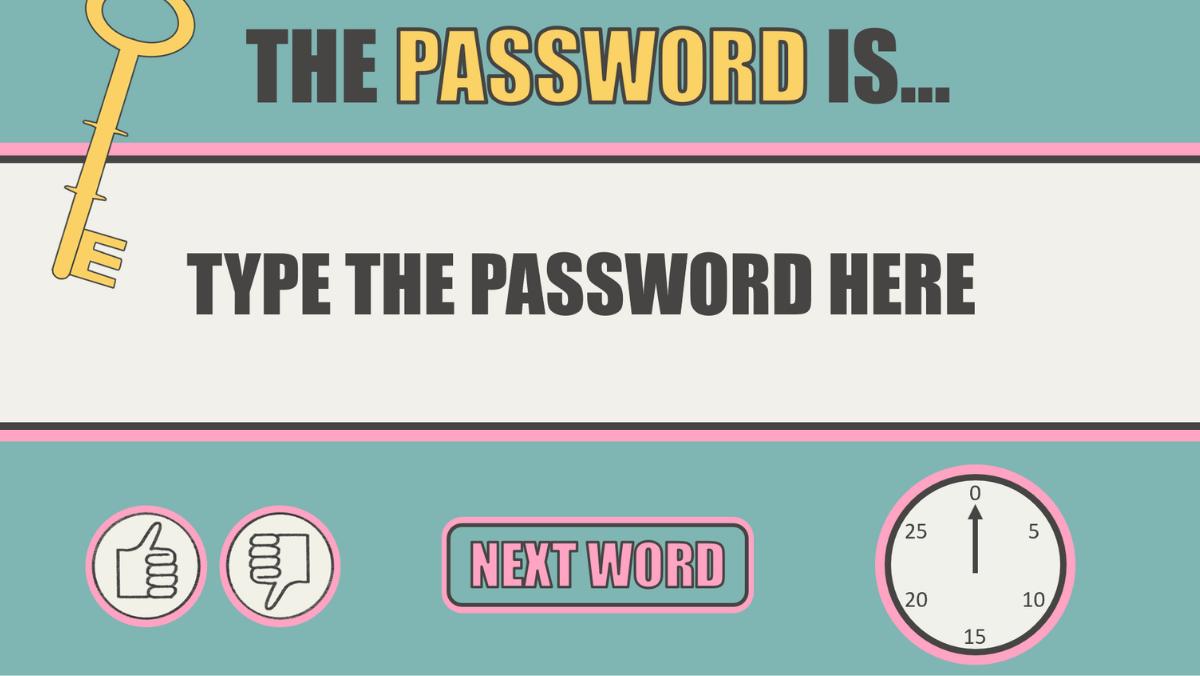
No Prep Vocabulary Review Game PowerPoint | Password Classroom Game | Fun Team Activity

(4 customer reviews)

$4.99

Fun, No-Prep Vocabulary Review Game Your Students Will Love

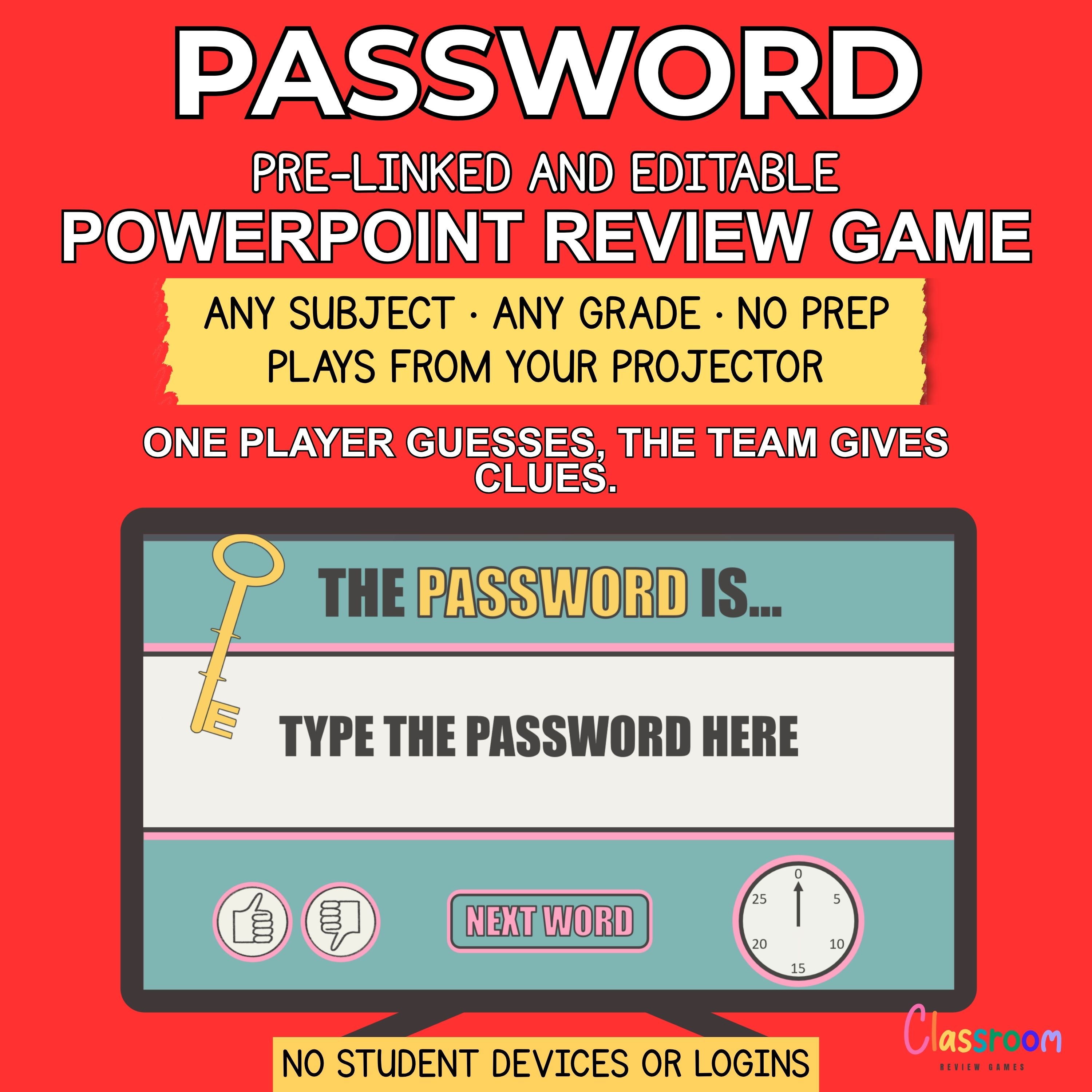
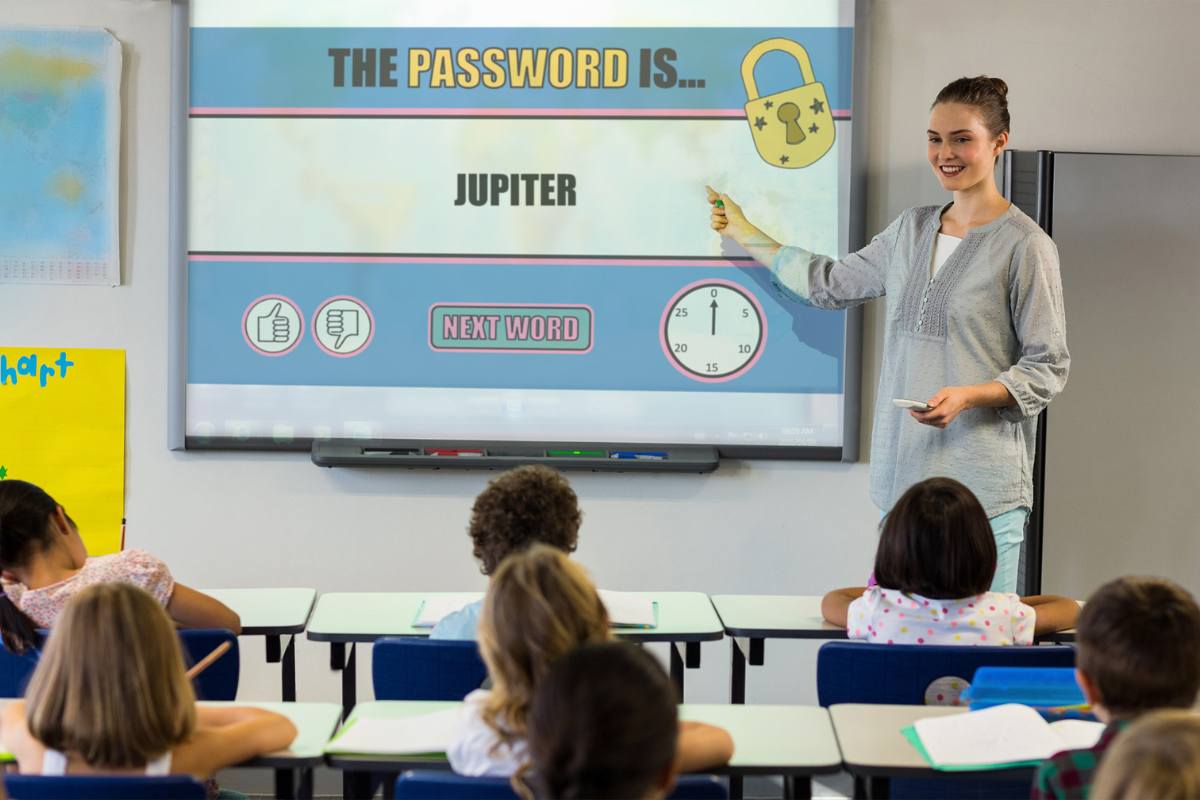
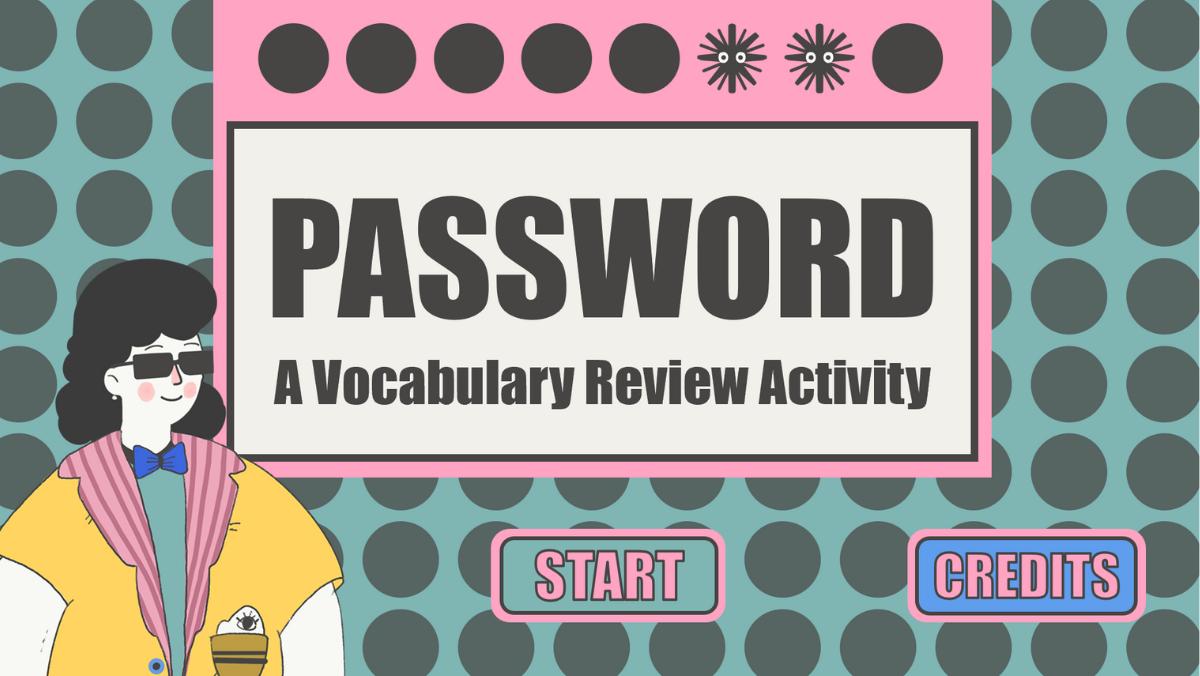
Turn vocabulary practice into an exciting classroom game with this Password PowerPoint review game. Just open the file, add your words, and start playing in minutes — no prep required!

Perfect For

  • Vocabulary review
  • ESL speaking activities
  • Language lessons
  • Test prep
  • End-of-week games

How the Game Works

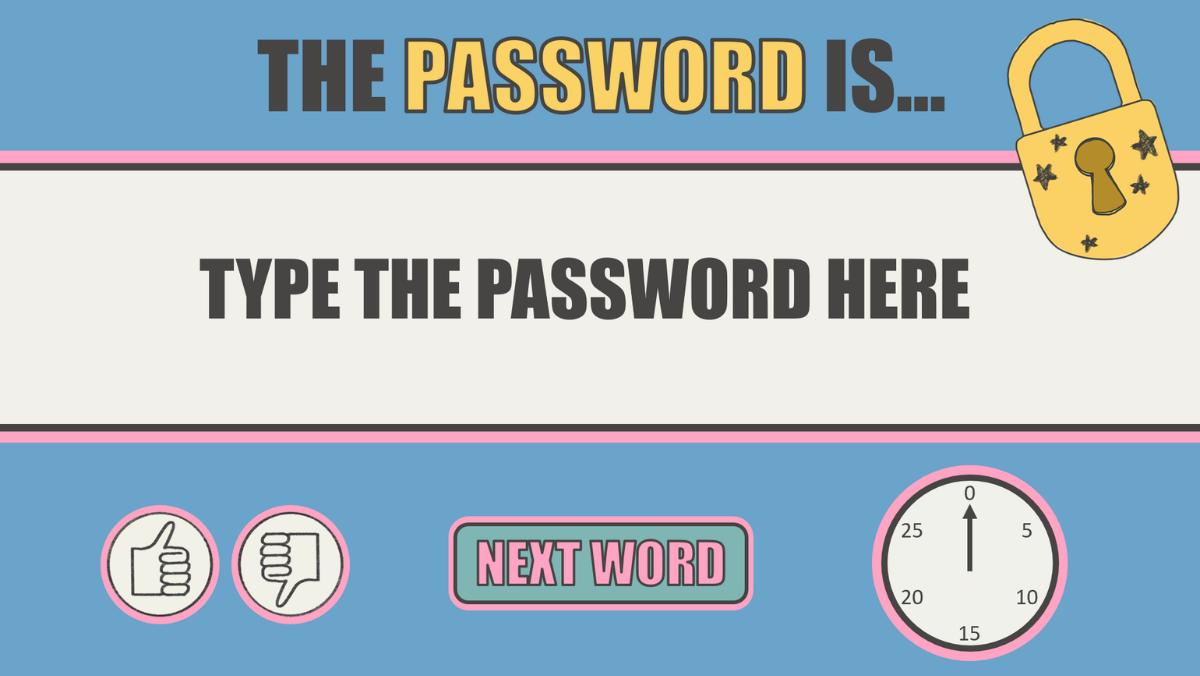
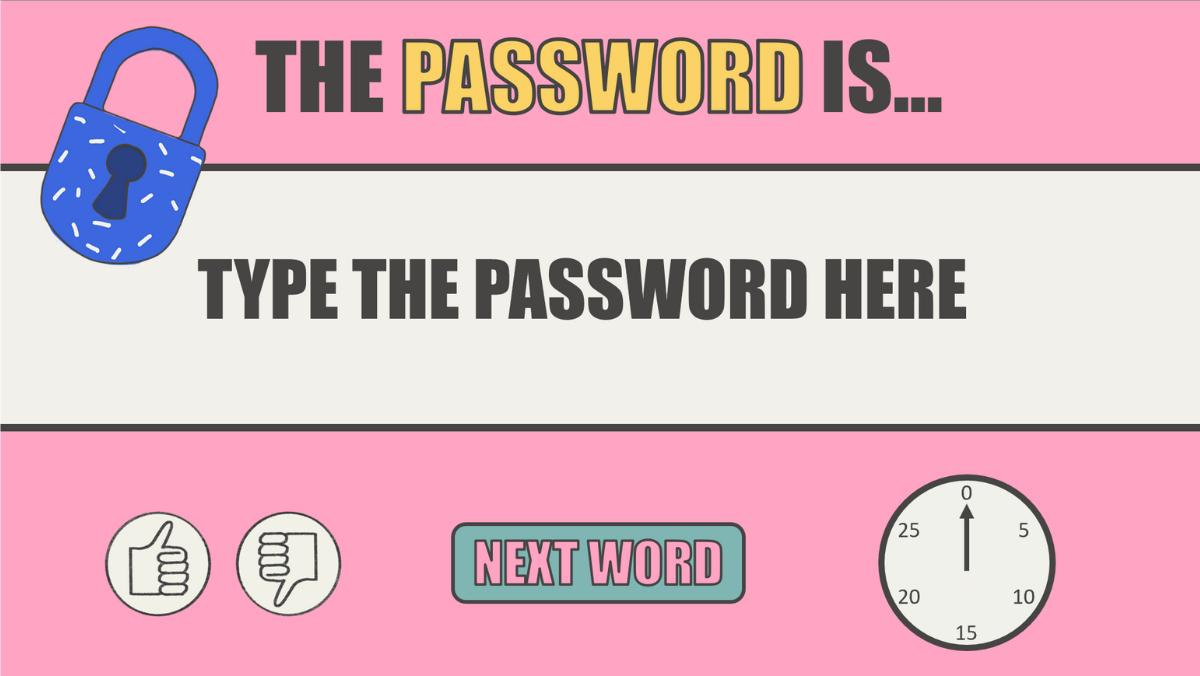
  1. One student guesses the “password” word
  2. Teammates give clues without saying the word
  3. Players race against time to guess correctly
  4. Points are awarded for correct answers

Simple, fast, and highly engaging

Why Teachers Love This Game

  • No prep — just add your vocabulary and play
  • Keeps students engaged and actively participating
  • Perfect for ESL, language learning, or any subject
  • Great for review, test prep, or fun lessons
  • Encourages teamwork and speaking skills

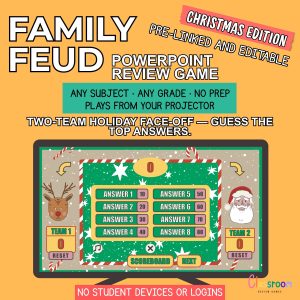
(Check out the “Password Christmas Edition” here)

Here is how to customize and create the vocabulary quiz:

Category:

Description

What’s Included

  • Interactive PowerPoint Password game (10 rounds)
  • Editable slides (add your own words)
  • Instructions included
  • Sound effects and engaging design
  • Easy to Use

Works on PowerPoint (PC & Mac – Office 365 or newer)

Play on:

  • Interactive whiteboard
  • Classroom screen or projector
  • Laptop
  • Online lessons or video calls

No printing required — just open and play

Important

This game does not work in Google Slides

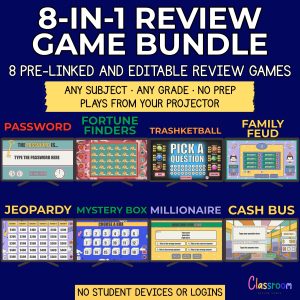
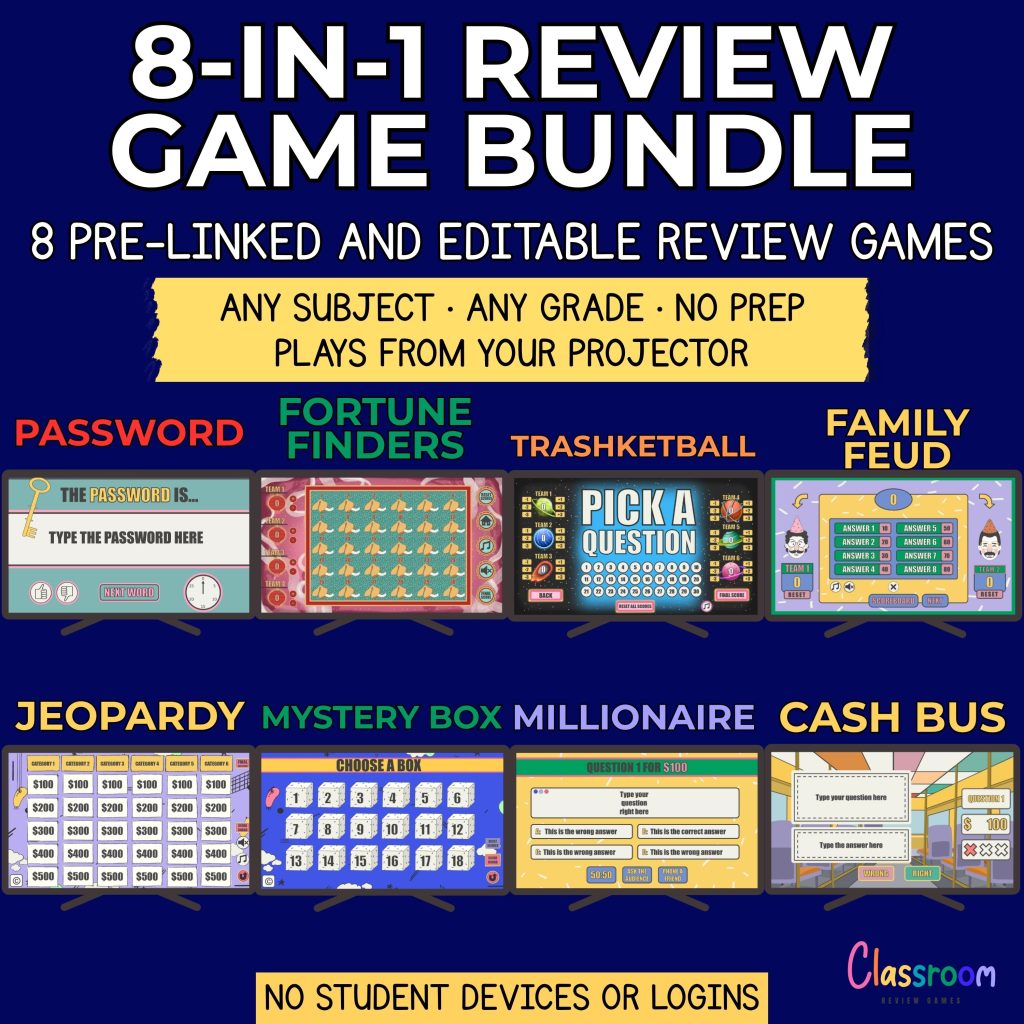
Save 50% with the 8-Game Bundle

Get 8 engaging classroom review games and keep your students excited all year long — all for one low price.
Help

Need help? Let’s chat! I’m here to answer any questions and help resolve any issues. Thank you for choosing me.

Carolin

carolin@classroomreview.games
4 reviews for No Prep Vocabulary Review Game PowerPoint | Password Classroom Game | Fun Team Activity

  1. Sarah T. – 4th ESL Teacher

    The Password Game has been a huge hit in my ESL class! It’s such a simple, interactive way to build vocabulary and improve verbal skills. I love how it encourages teamwork when played in groups and gets the entire class involved in whole-class mode.

  2. Mrs. Thompson, ESL

    Hi,

    I bought your Password game on Teachers Pay Teachers and love it! I’m having a little trouble with the audio, though. The music plays over the ticking clock sound, and the clock buzzer starts as soon as a new slide appears.

    I’ve been able to customize the slides (adding words, duplicating, etc.), but I can’t seem to change anything with the audio. Is there a way to fix this?

    Thanks!

    • Carolin

      Hello,

      Yes, it’s possible to separate the audio files.

      Since the audio is inserted in the Slide Master view, you’ll need to edit it from there. Here’s how:

      Go to the “View” tab and select “Slide Master”.
      Navigate to the specific layout where the audio is located.
      You can select and delete any audio you don’t want. The third audio icon is the music.

      I hope this helps! Let me know if you have any other questions.

      Best regards,
      Carolin

  3. Mrs. Patel

    Perfect for building vocabulary and teamwork!

  4. Mrs. Martínez, Spanish Teacher

    The first time I tried the game, I saved it as the wrong file type and thought I had broken it. I emailed Carolin, and she quickly explained what to do. After that it worked perfectly, and my students loved every second of it. Fantastic resource and fantastic support!

Add a review

Your email address will not be published. Required fields are marked *