Description
What’s Included
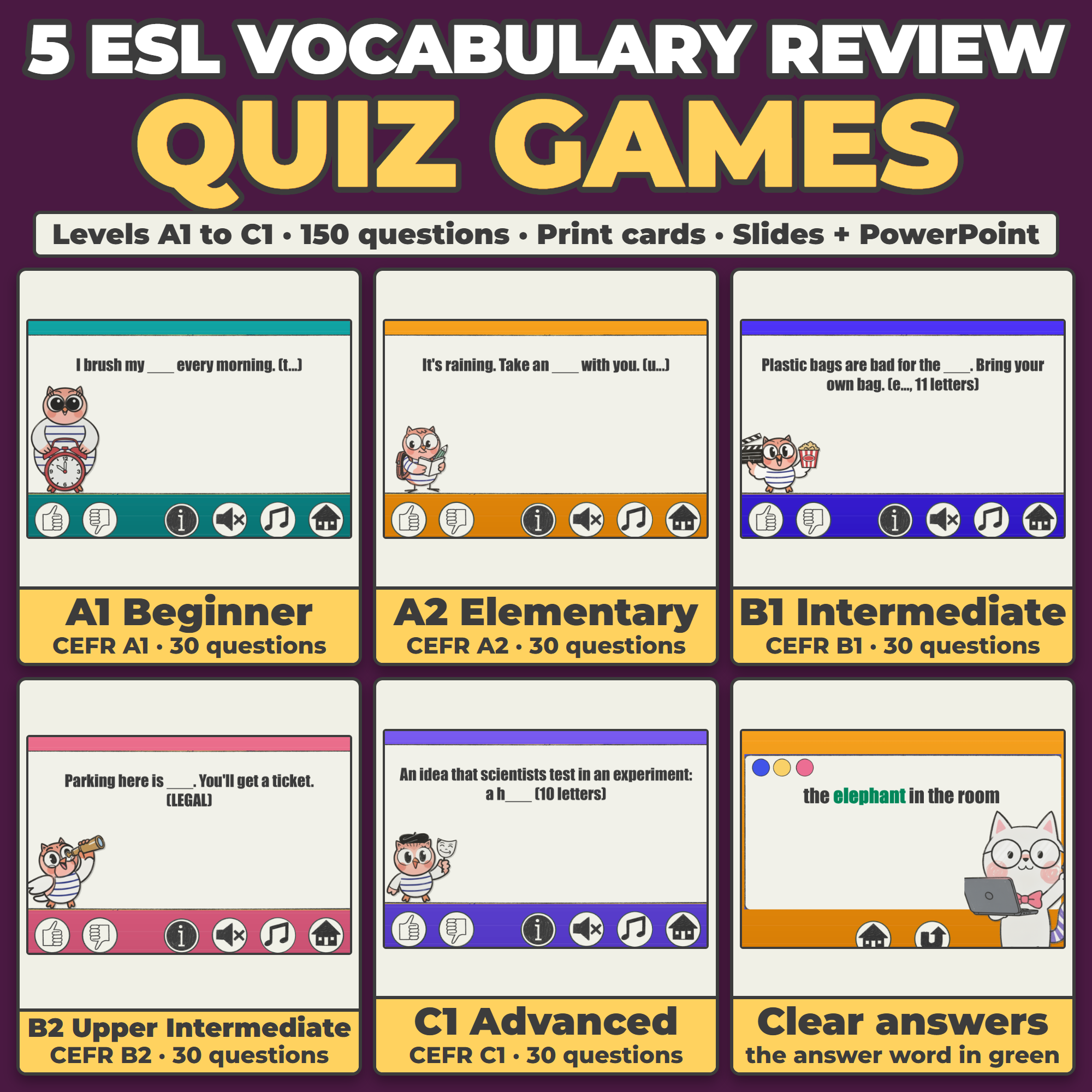
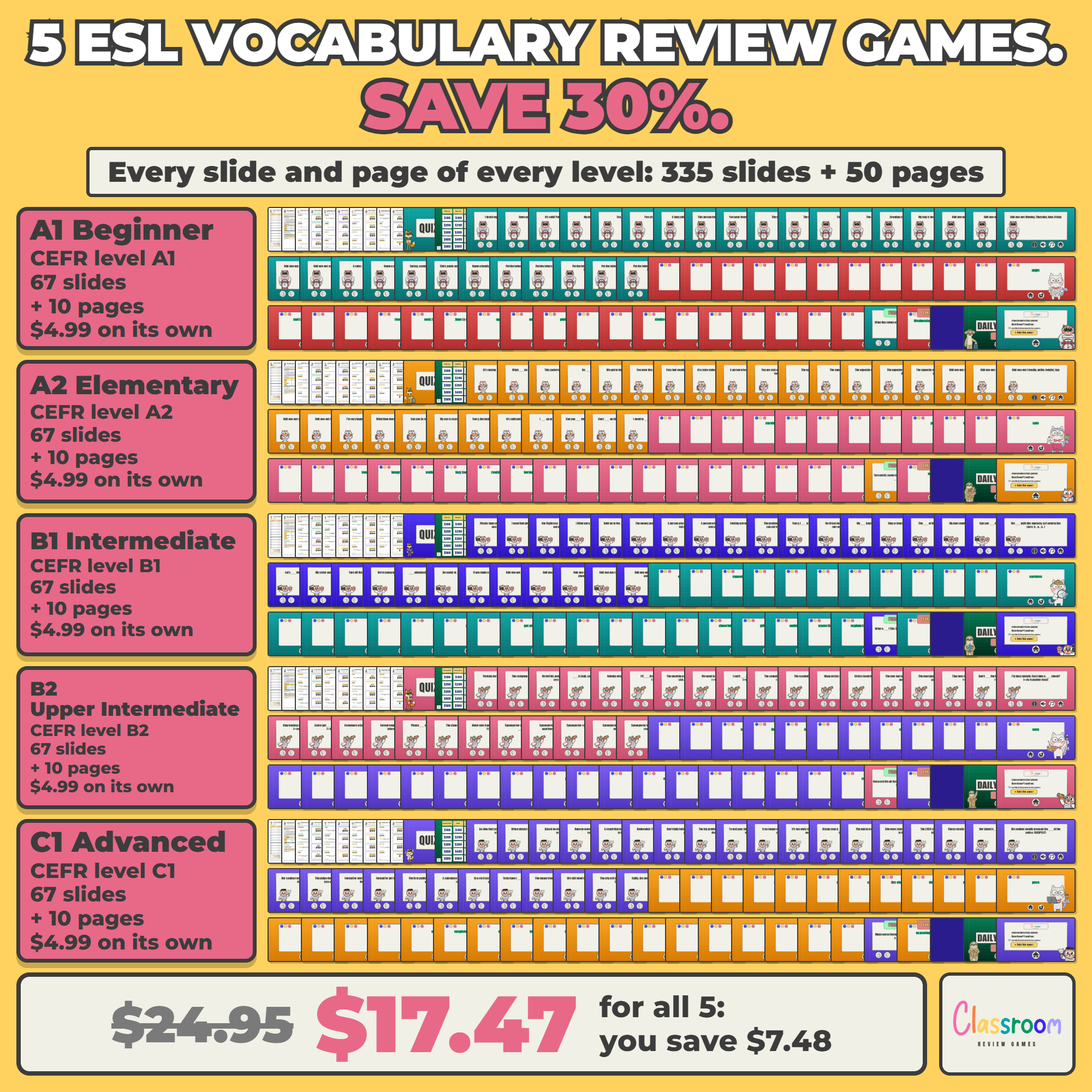
- All 5 levels of my ESL Vocabulary Review Quiz Game (A1, A2, B1, B2 and C1), each as its own instant download
- 150 questions, six question types per level, and no answer repeats between levels
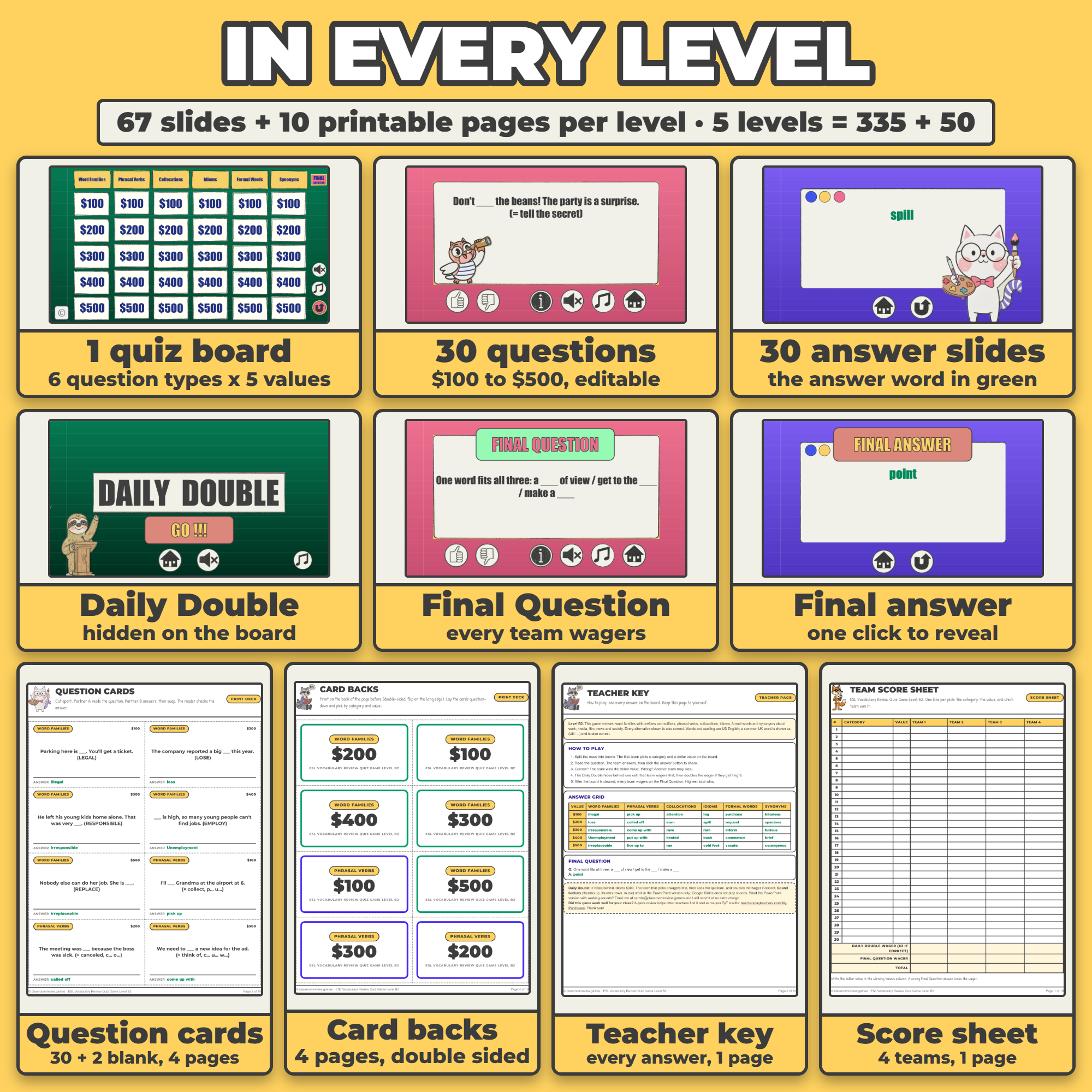
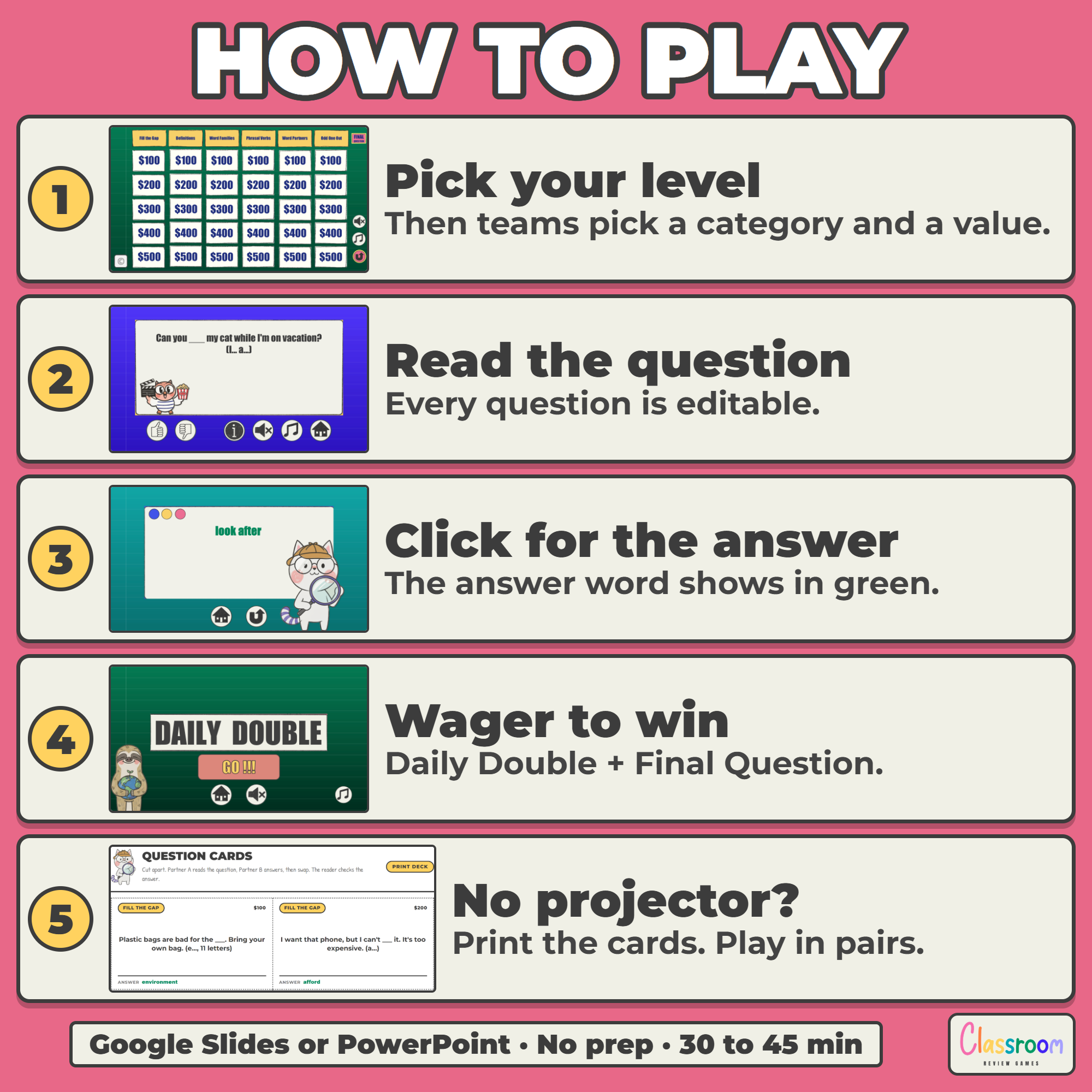
- 335 slides in all: every level is a 67 slide editable deck in Google Slides or PowerPoint, with its board, 30 question and 30 answer slides, a Daily Double and a Final Question
- 50 printable pages in all: in every level, 4 pages of question cards (30 questions plus 2 blank cards), 4 pages of card backs, a four-team score sheet and a teacher key
- Color and ink-saver black and white, US Letter and A4, in every level
Six Question Types per Level
- A1 Beginner: Fill the Gap, What Is It?, Opposites, Odd One Out, Word Groups, Spell It
- A2 Elementary: Fill the Gap, Definitions, Opposites, Odd One Out, Same Meaning, Word Partners
- B1 Intermediate: Fill the Gap, Definitions, Word Families, Phrasal Verbs, Word Partners, Odd One Out
- B2 Upper Intermediate: Word Families, Phrasal Verbs, Collocations, Idioms, Formal Words, Synonyms
- C1 Advanced: Academic Words, Idioms, Collocations, Word Families, Precise Words, Phrasal Verbs
Why Five Levels
A mixed class rarely sits at one level for long. With all five boards, I can run the A2 game with one group and the B1 game with another, review last term’s words before moving on, or check where a new student really is. Every level has its own words, so a beginner never meets inadmissible and an advanced class never spells milk.
Clear Answers
On every answer slide the answer word is bold and green. Where a second word is also right, it is shown next to it, and the words are US English with a common UK word in brackets. The printable cards and teacher keys use the same highlight (bold black in the ink-saver version).
Vocabulary and Grammar Together
The five levels match my ESL Grammar Review Quiz Games, A1 to C1: the same board at the same level, so one game reviews the words and the other the grammar.
Play It Without a Projector
Print a level’s question cards double-sided and cut them apart. Lay them question-down on the table so students see only the question type and the dollar value, just like the board. A student picks a card, a partner reads the question and checks the answer printed on the card.
Works On
Windows, Mac, and Chromebooks. Project the slides, print the cards, or both. No student devices or logins required.
Important
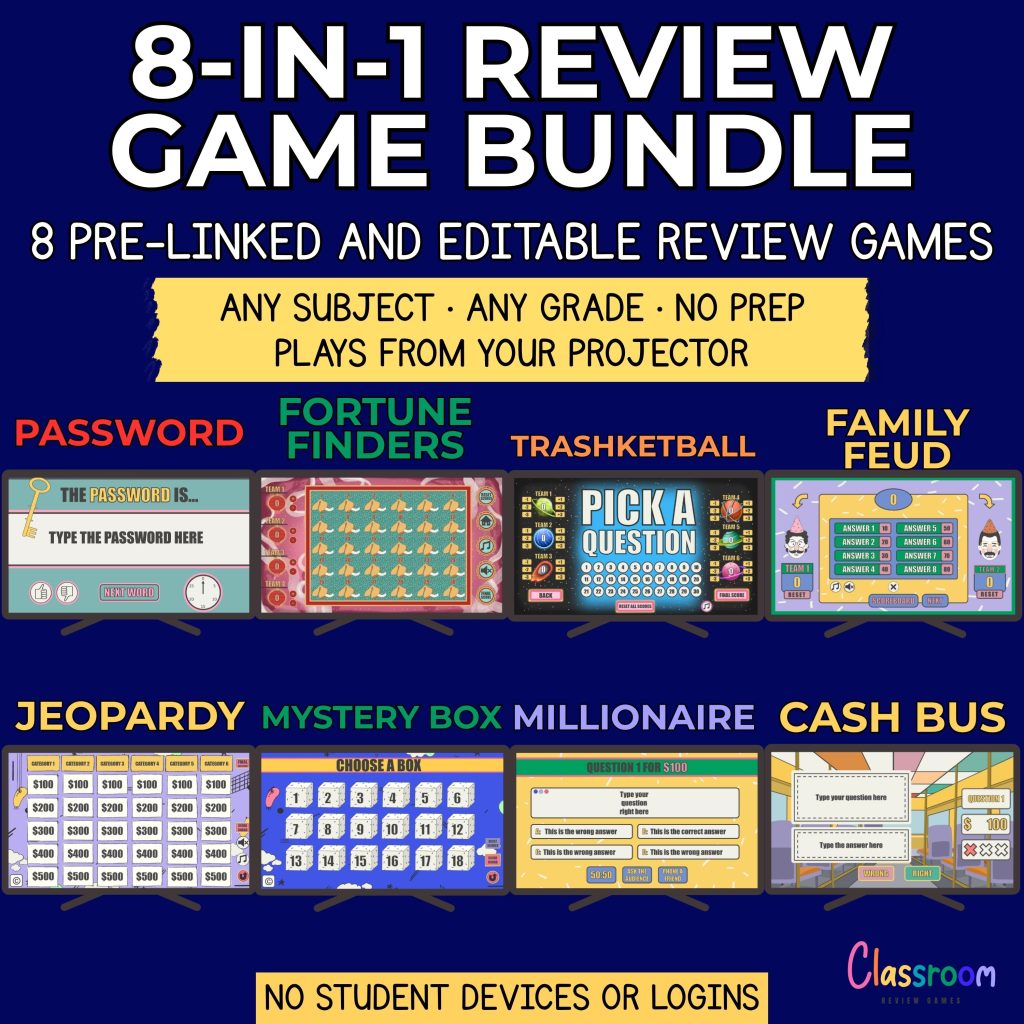
These are the same five games sold individually in my store. If you already own some of them, check the list above before buying the bundle. Play each game in Slideshow (Present) mode so every cell, button and link works. The sound buttons work in the PowerPoint version, which is included in every game here; Google Slides does not play sounds, so in the Slides version those buttons are decorative.
Help
Email me any time with questions or requests. Thank you for supporting a small teacher-run shop.
Carolin
carolin@classroomreview.games
Reviews
There are no reviews yet.