
Description
See How It Works
In this short video I show how to set up and play the game.
What’s Included
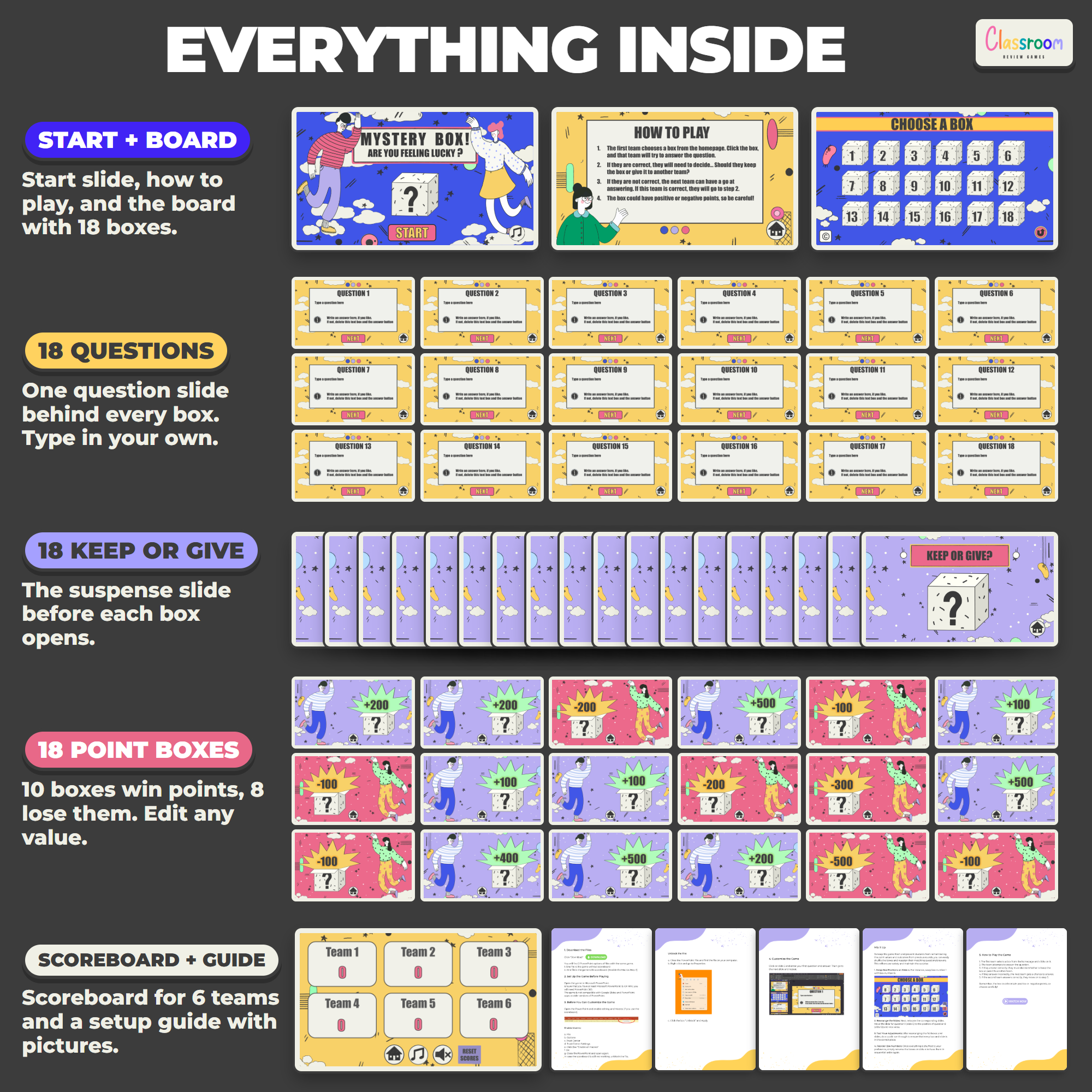
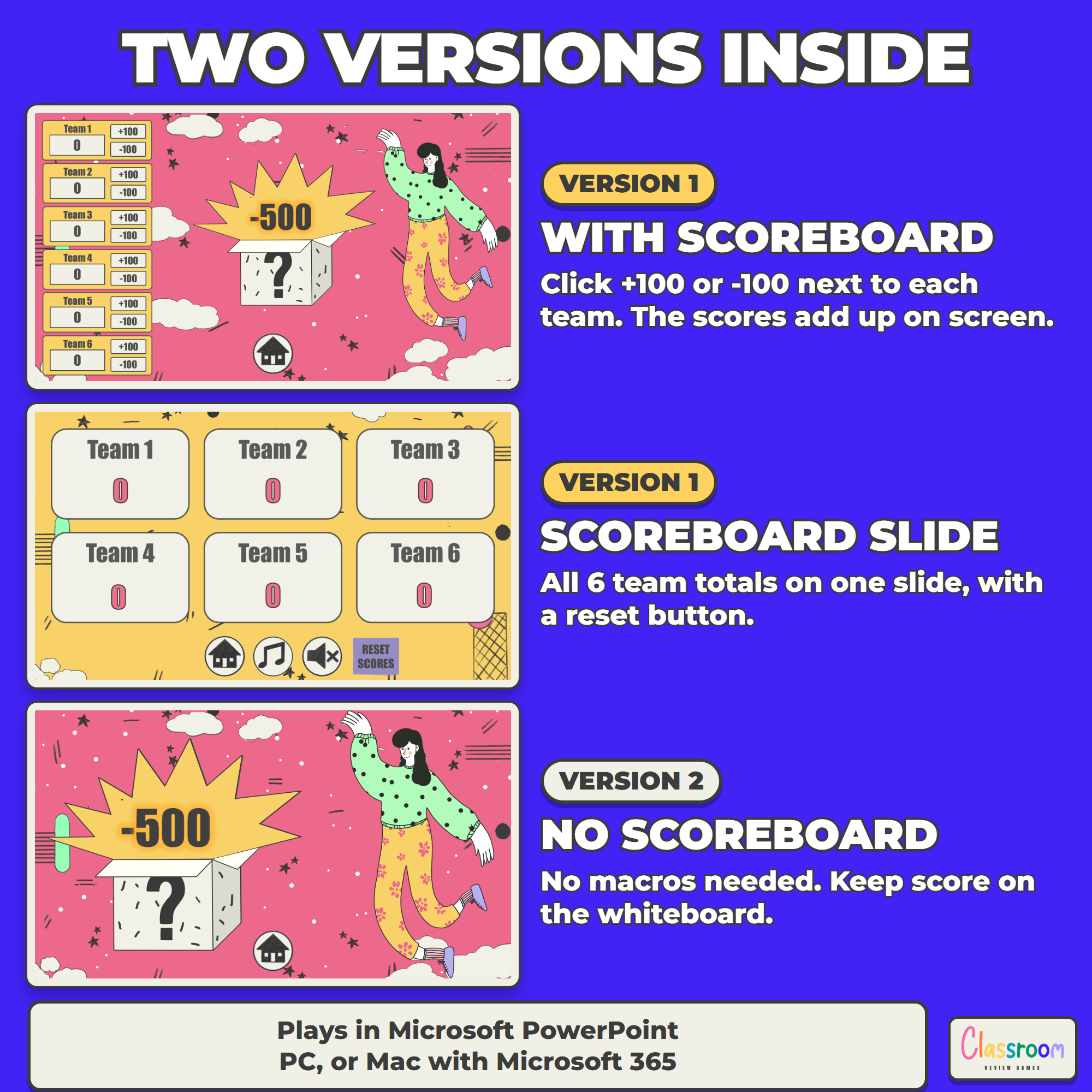
- Version 1, with scoreboard (.pptm): +100 and -100 buttons for 6 teams on every opened box, plus a scoreboard slide with a reset button
- Version 2, no scoreboard (.pptx): the same game, no macros needed
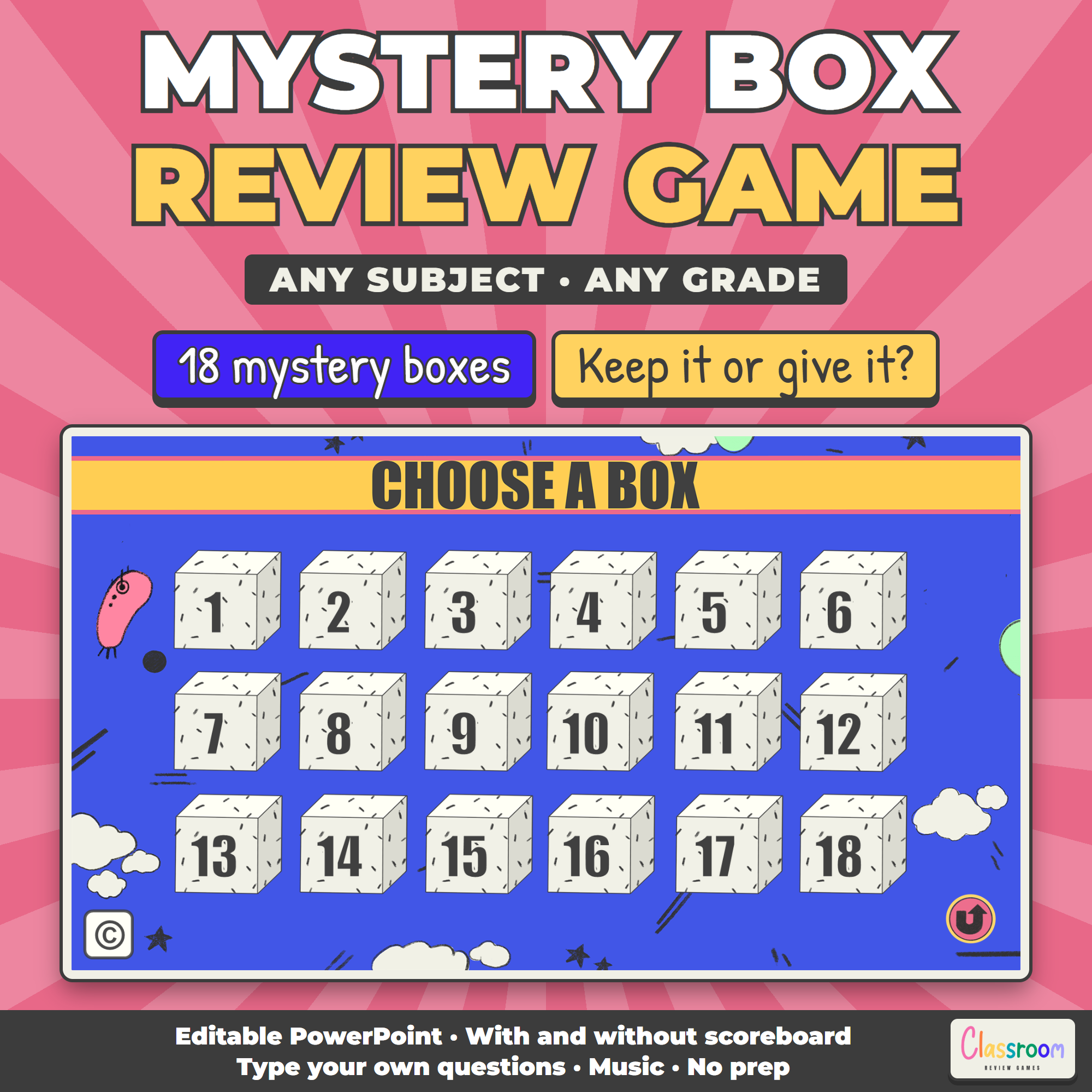
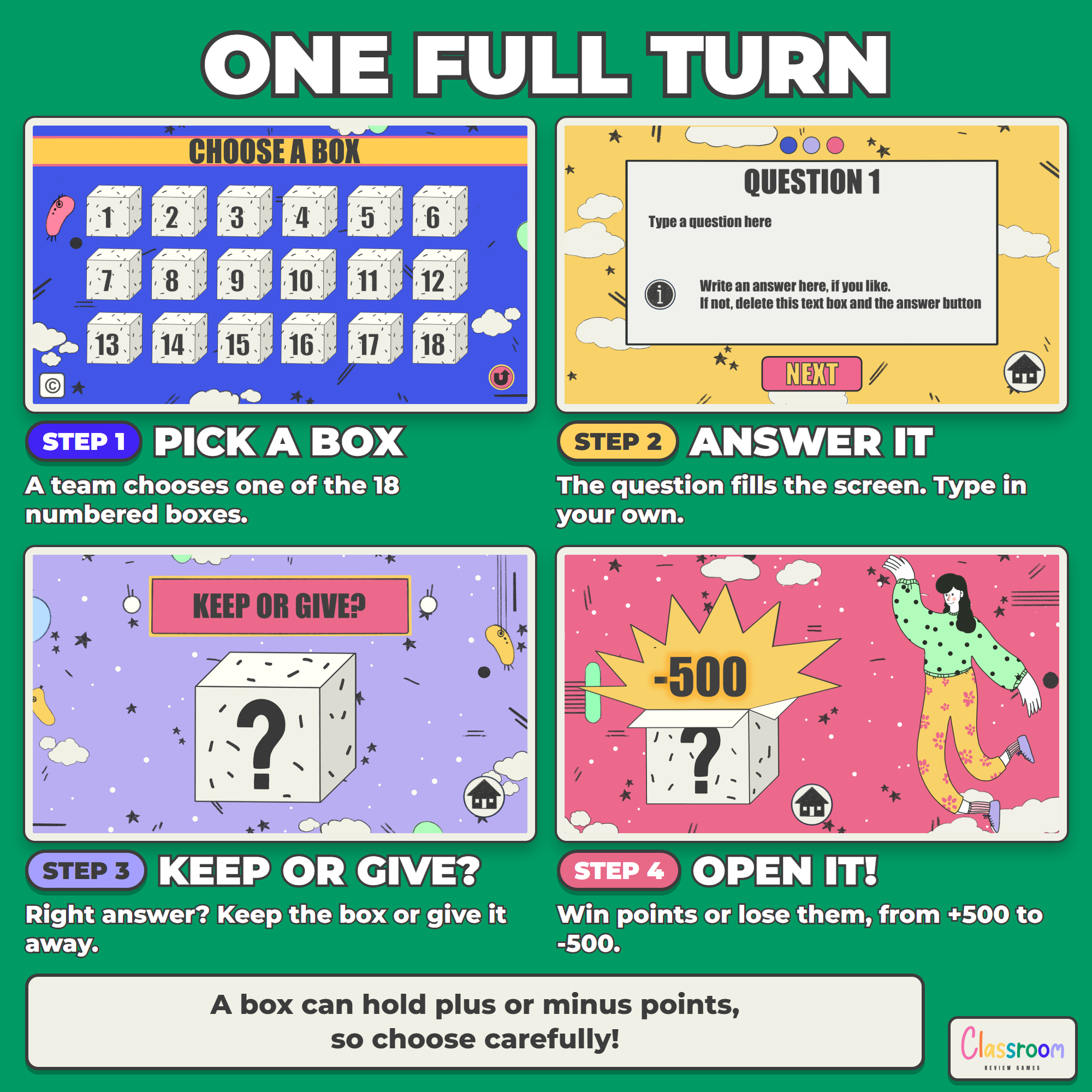
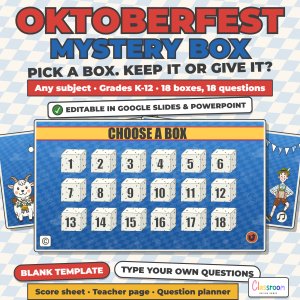
- A board with 18 numbered boxes, each with a question slide, a keep or give slide and a points slide
- 10 boxes that win points and 8 that lose points, from +500 to -500
- Background music and a setup guide with pictures
How to Make It Yours
Type a question on each of the 18 question slides. The answer line is optional: keep it, or delete it. Every point value is plain text, so you can change any number. To keep the surprise fresh for the next class, swap two boxes on the board and their slides: the guide shows how.
Why the Boxes Make It Exciting
A right answer is not always good news. A team might keep a box that turns out to be -300, or give away a box that hides +500. Students cheer, groan and plan, and the score can change in one click.
Works In
Microsoft PowerPoint on Windows (PowerPoint 2013 or newer) or on a Mac with Microsoft 365. Play it on an interactive whiteboard, a projector or a classroom screen, or share your screen in an online lesson.
This game does not work in Google Slides, on Chromebooks or in the PowerPoint mobile apps, because its buttons, sounds and animations need the desktop version of PowerPoint. The scoreboard version uses macros: the setup guide shows how to turn them on.
Save 25% With the Bundle
This is one of my 8 classic review games. Get all 8 in my PowerPoint Review Games Bundle for $29.99 instead of $39.92.
Help
Email me any time with questions or requests. Thank you for supporting a small teacher-run shop.
Carolin
carolin@classroomreview.games
Taylor Brooks –
The mystery boxes made even the routine questions more interesting.