
Description
What’s Included
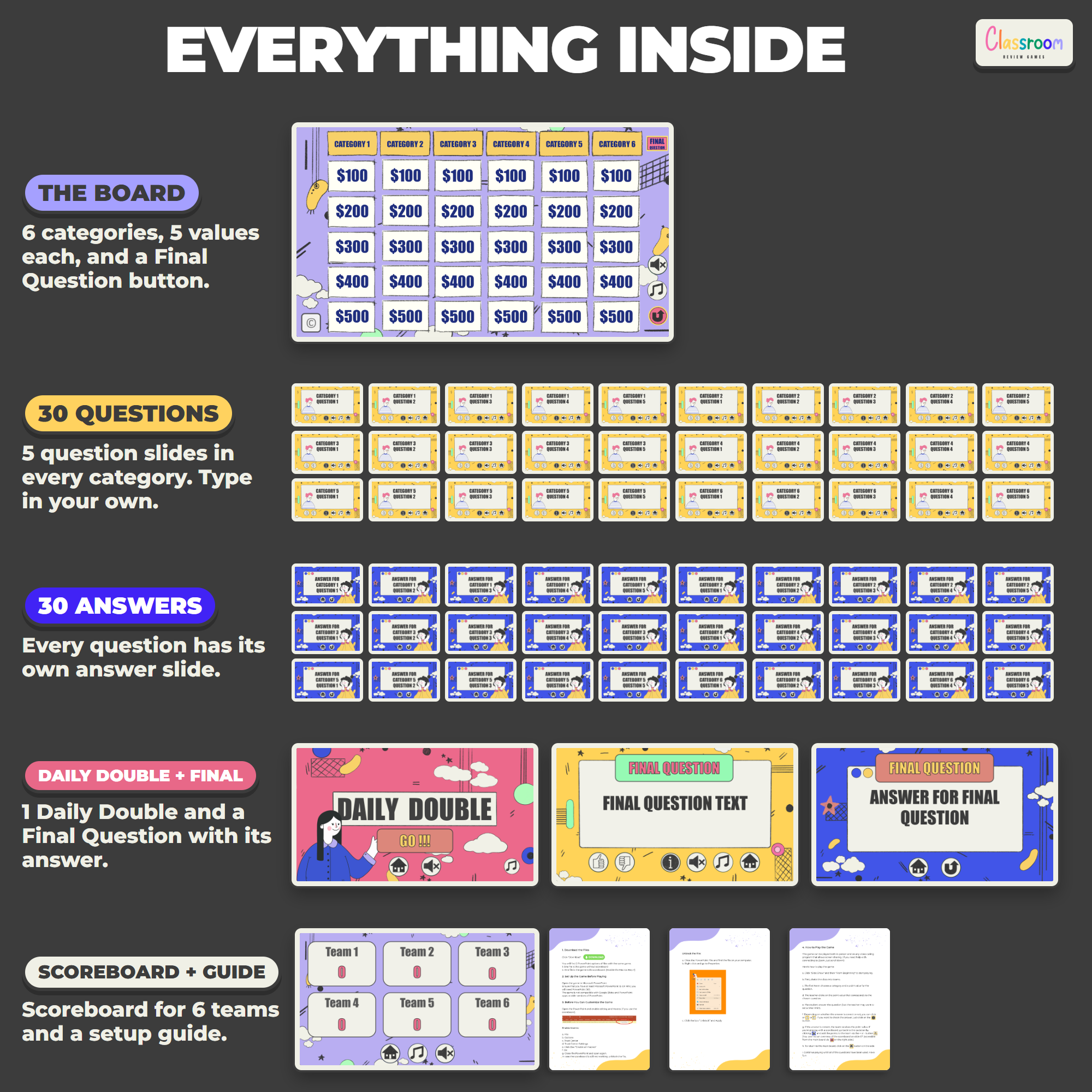
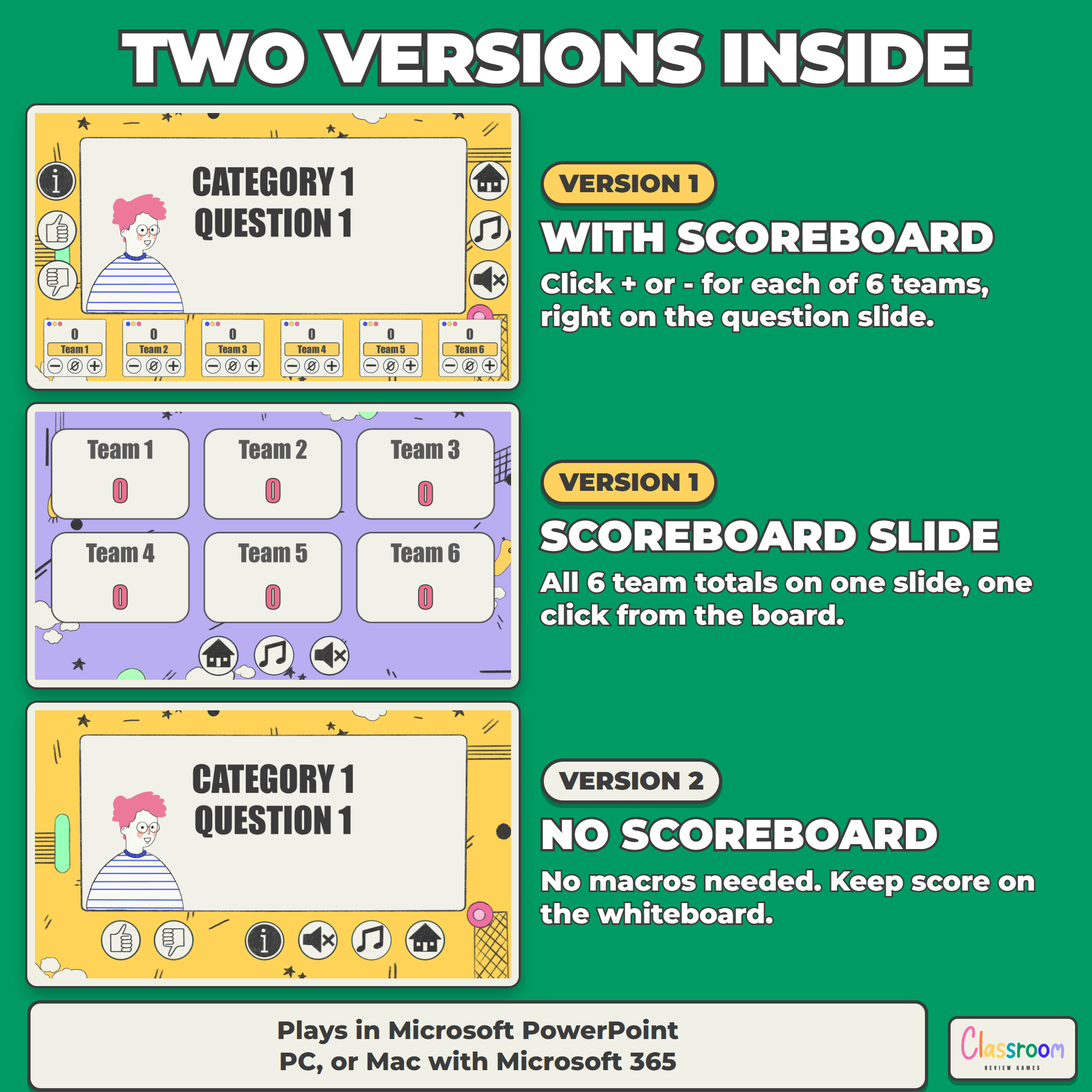
- Version 1, with scoreboard (.pptm): + and – buttons for 6 teams on every question slide, plus a scoreboard slide one click from the board
- Version 2, no scoreboard (.pptx): the same game, no macros needed
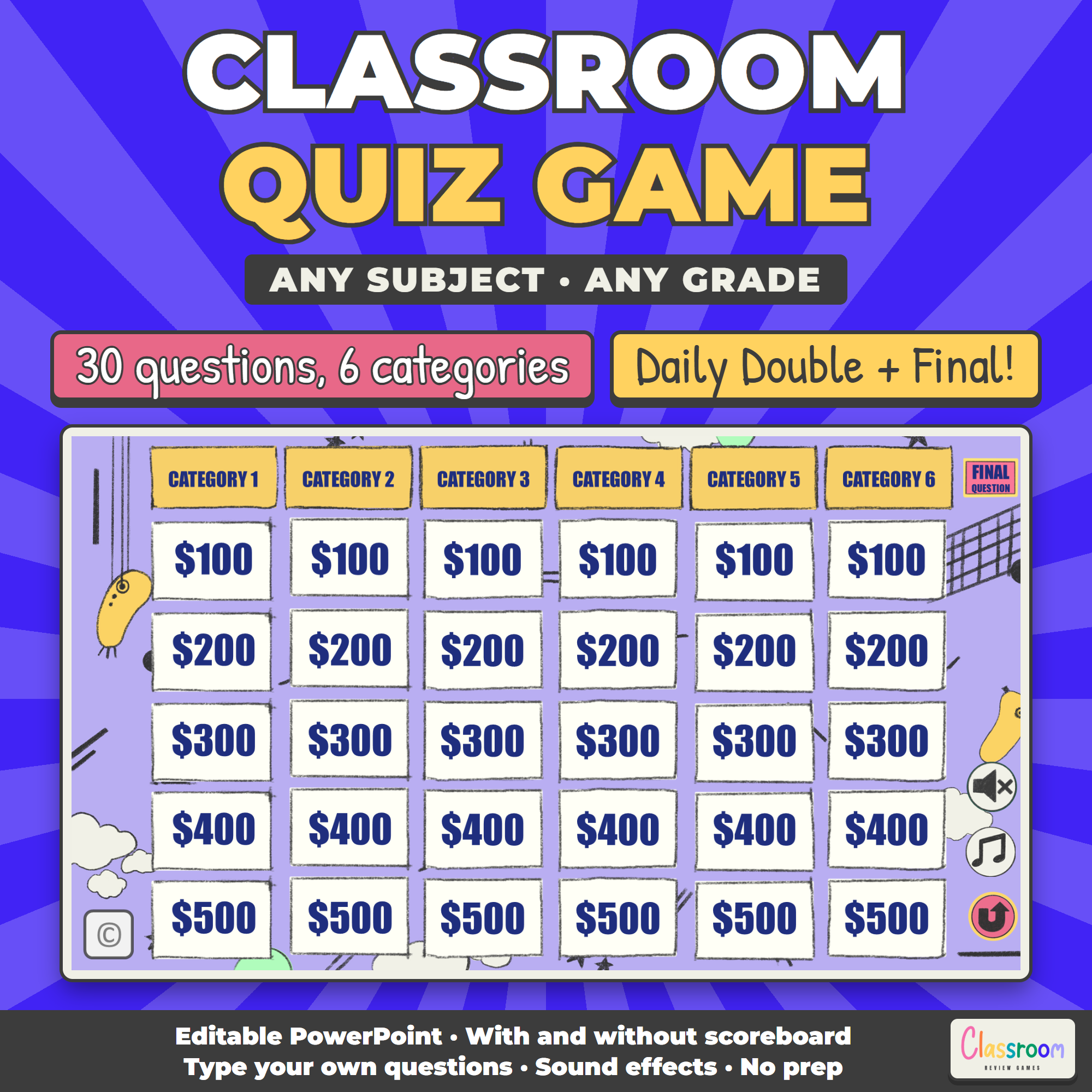
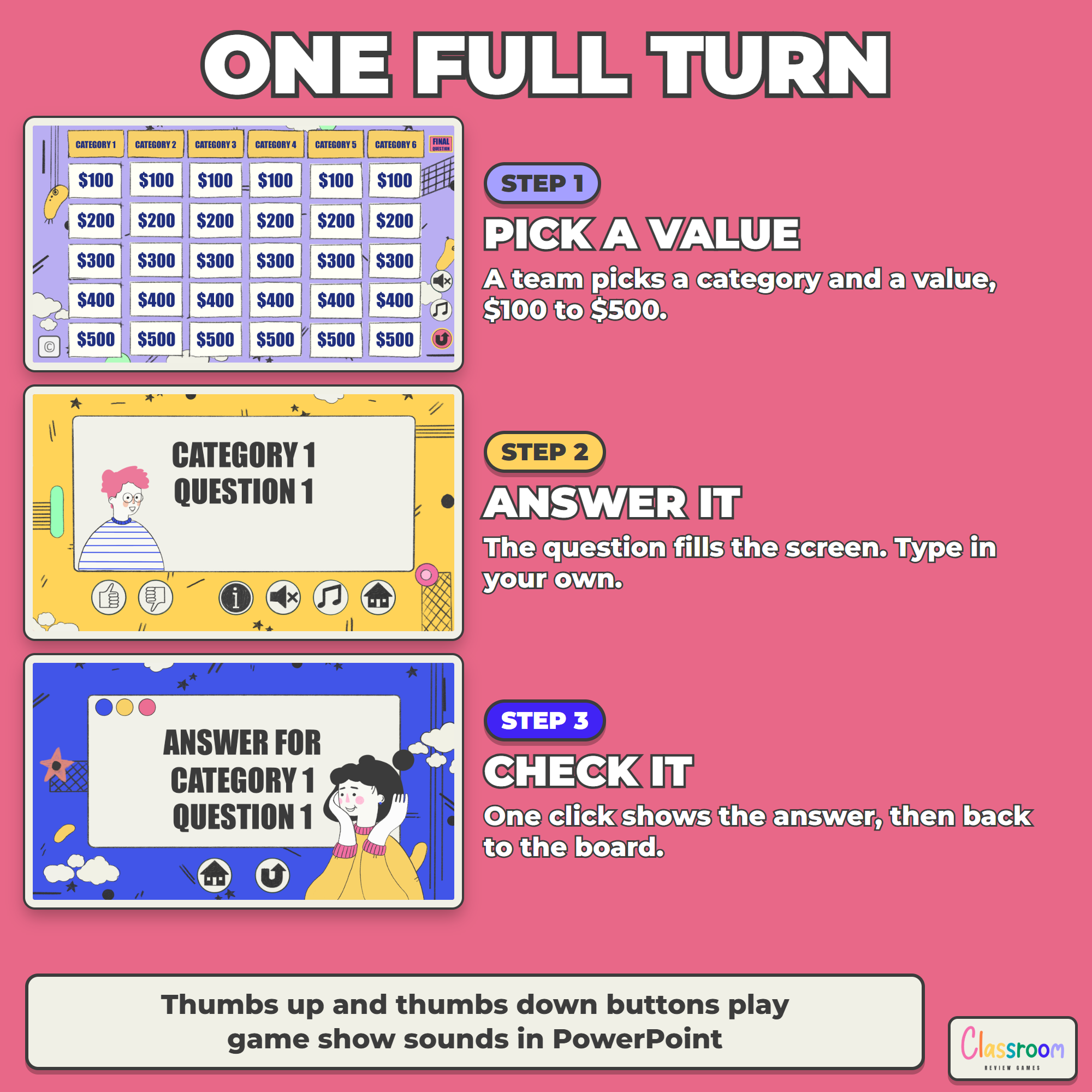
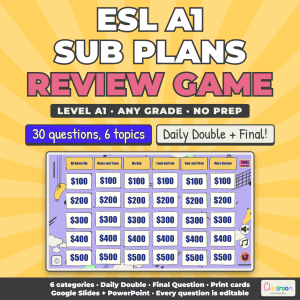
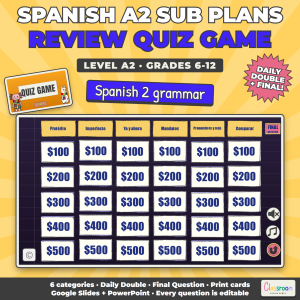
- A board with 6 categories and 5 values each: 30 question slides, each with its own answer slide
- A Daily Double and a Final Question with its answer slide
- Thumbs up and thumbs down buttons with game show sounds, background music, and a setup guide with pictures
How to Make It Yours
Type your 6 category names on the board, your questions on the yellow question slides and your answers on the blue answer slides. Every value on the board already links to its own question, and every question links to its own answer, so there is nothing to wire up. In the scoreboard version you can rename the teams in the Slide Master.
Daily Double and Final Question
The Daily Double sits behind Category 4 for $300. The team that finds it wagers any part of its score before the question appears. For the Final Question, every team writes a wager on paper, then has 30 seconds to write its answer. Right answers add the wager, wrong answers lose it.
Works In
Microsoft PowerPoint on Windows (PowerPoint 2013 or newer) or on a Mac with Microsoft 365. Play it on an interactive whiteboard, a projector or a classroom screen, or share your screen in an online lesson.
This game does not work in Google Slides, on Chromebooks or in the PowerPoint mobile apps, because its buttons, sounds and animations need the desktop version of PowerPoint. The scoreboard version uses macros: the setup guide shows how to turn them on.
Save 25% With the Bundle
This is one of my 8 classic review games. Get all 8 in my PowerPoint Review Games Bundle for $29.99 instead of $39.92.
Help
Email me any time with questions or requests. Thank you for supporting a small teacher-run shop.
Carolin
carolin@classroomreview.games
Reviews
There are no reviews yet.