
Description
After Purchasing the Game
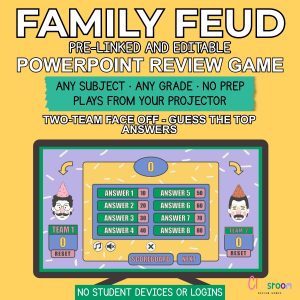
After payment, you’ll receive a PDF with a link to download the files instantly. The folder includes:
- 1 x PDF file with complete instructions on how to set up, customize, and play the game
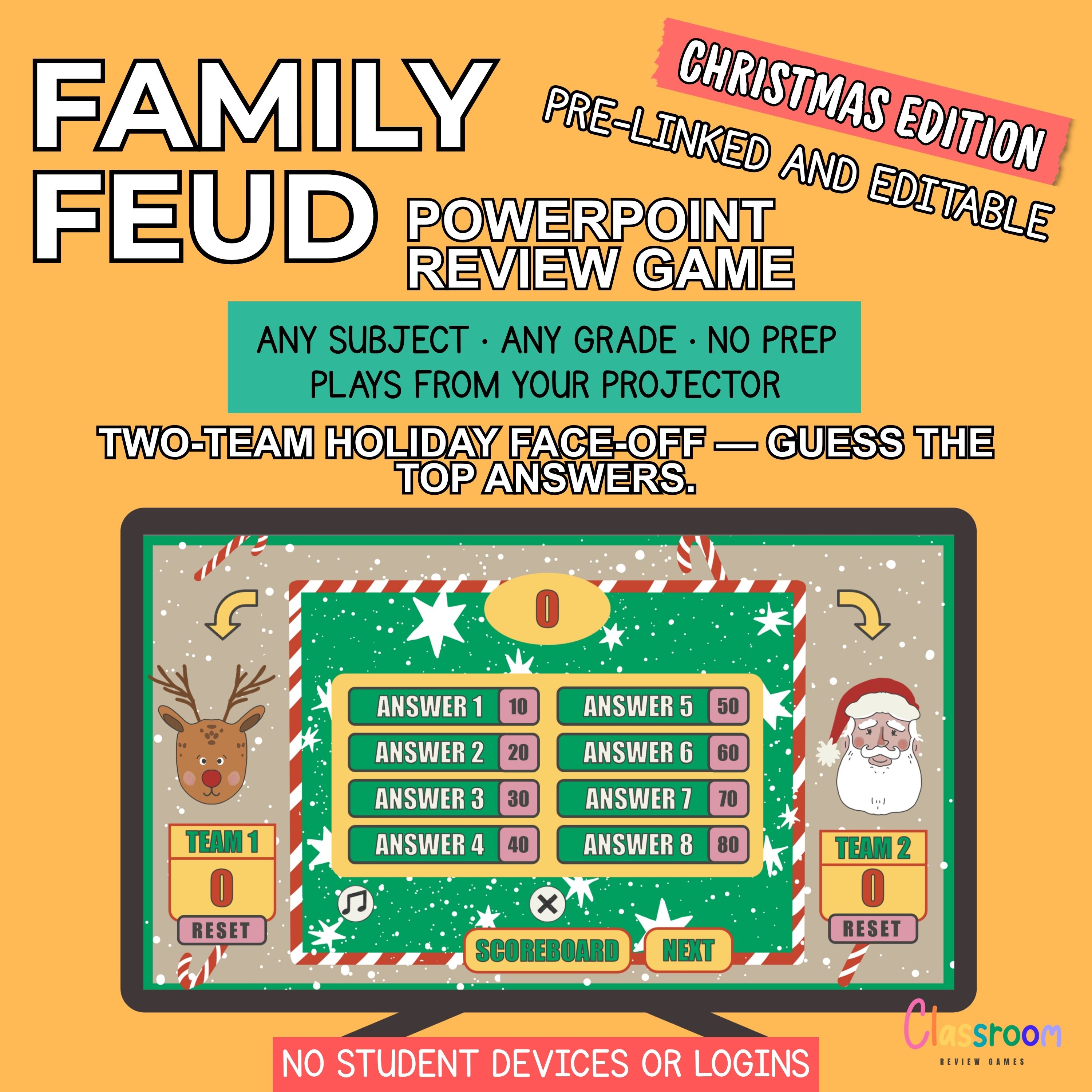
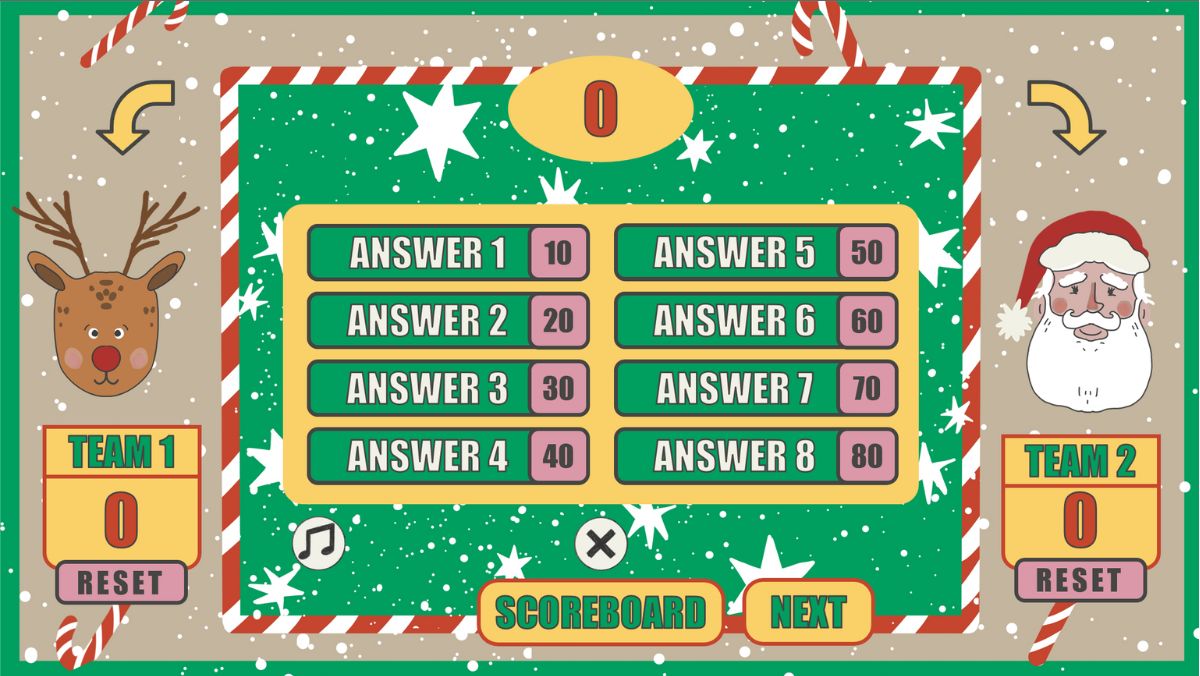
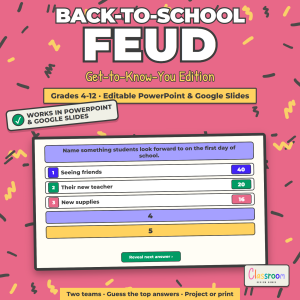
- 1 x PowerPoint game of Christmas Feud with 25 rounds without a scoreboard
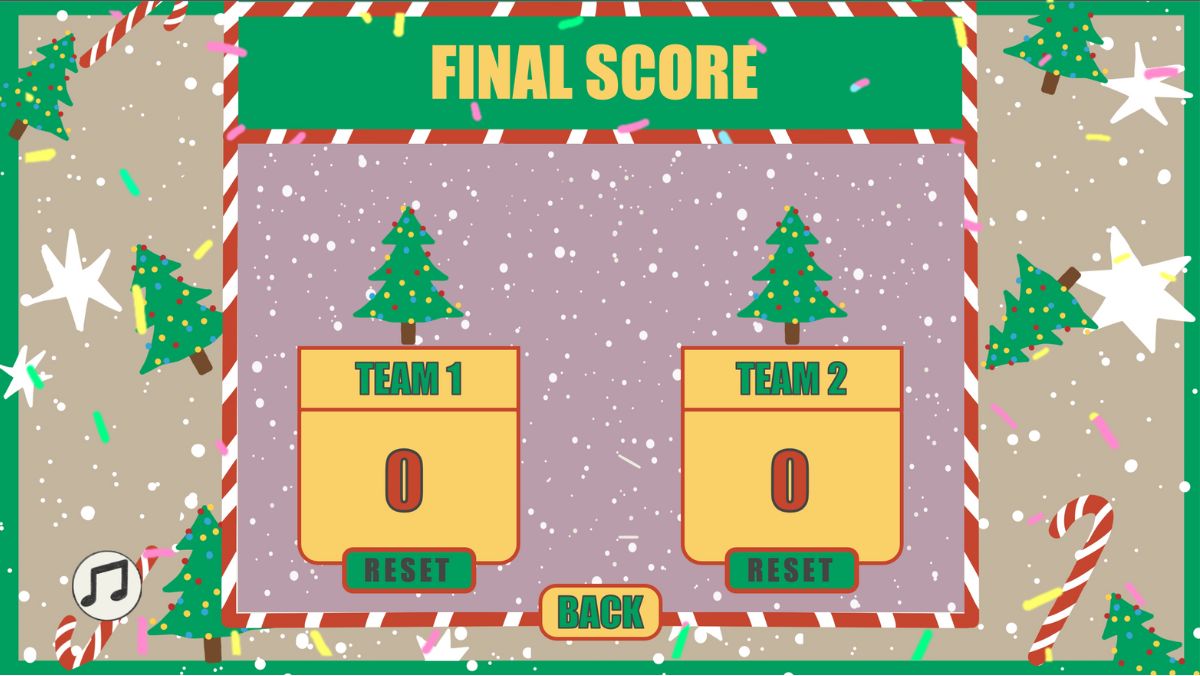
- 1 x PowerPoint game of Christmas Feud with 25 rounds with scoreboard
This game comes with:
- sound effects
- Christmas-themed graphic design
- 25 editable questions (and answers)
and can be played by two teams.
Ready to play? Get the game now with no waiting, shipping, or lost orders. This review game is editable and made for computer play – no printing required.
Scoreboard Requirements
PC: The scoreboard works only with PowerPoint 13 (or newer).
Mac: The scoreboard works only with a newer version of PowerPoint. (Office 365)
Play in the Classroom or Over Video Chat
You can play this game with your students
- via the classroom computer
- on your personal laptop
- on an interactive whiteboard
- with a large classroom screen
- by sharing the game via a projector
- or by sharing the game over video chat
The game won’t work with Google Slides.
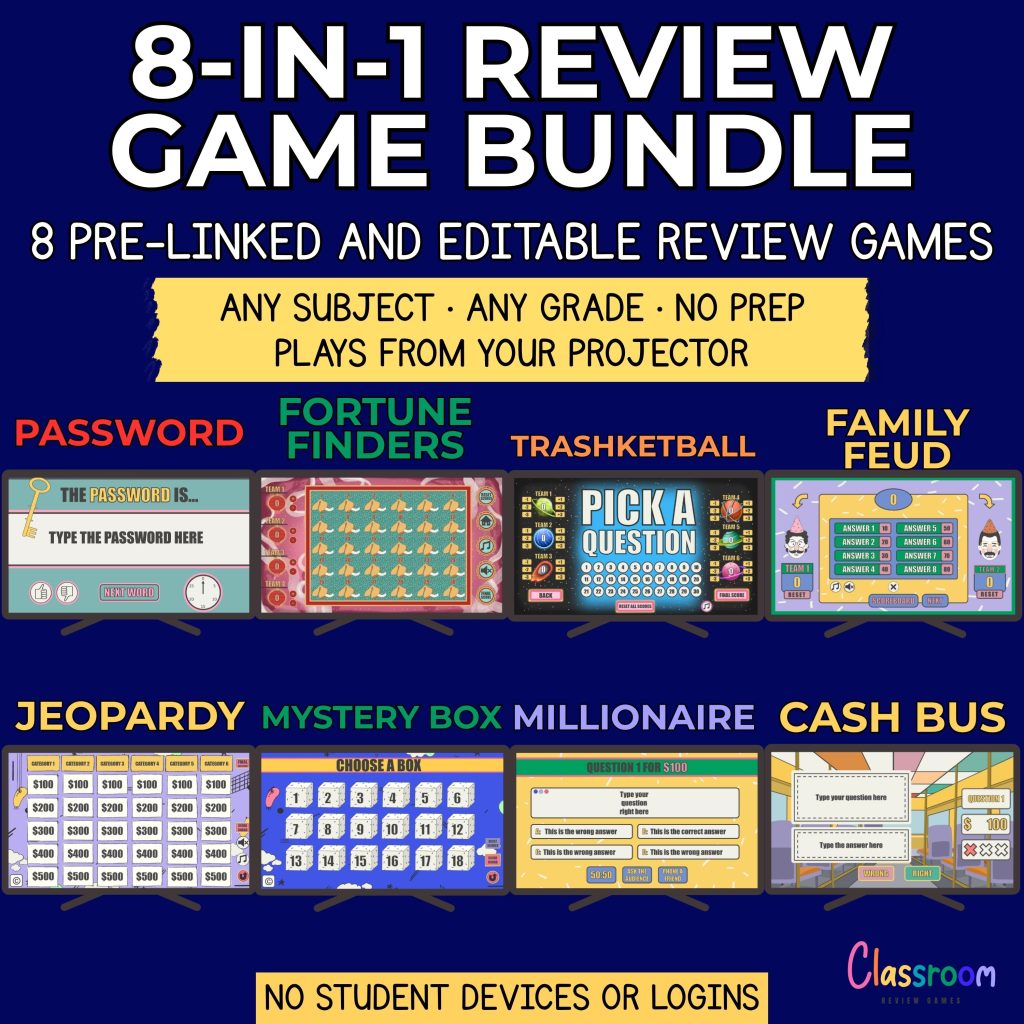
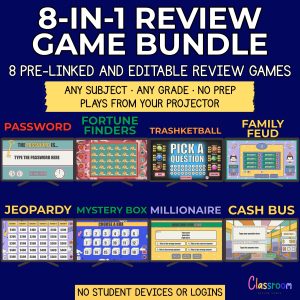
Teacher Favorites: Top 8 Games in a Bundle!
Check out my teacher-rated top 8 PowerPoint Game Bundle for even more classroom fun and save over $10! Get instant access to the eight most popular games for only $29.99.
Why to Buy With ATutor
Try it out yourself and see!
- Tested by teachers
- Unique graphics, animations, and sounds
- Fast customer service
And, best of all, you can get a refund if you’re not satisfied.
Please note that you will only receive a digital product (PowerPoint file). I will not ship a physical game to you.
Help
Need help? Let’s chat! I’m here to answer any questions and help resolve any issues. Thank you for choosing me.
Carolin
carolin@classroomreview.games
Reviews
There are no reviews yet.