Description
What You Get
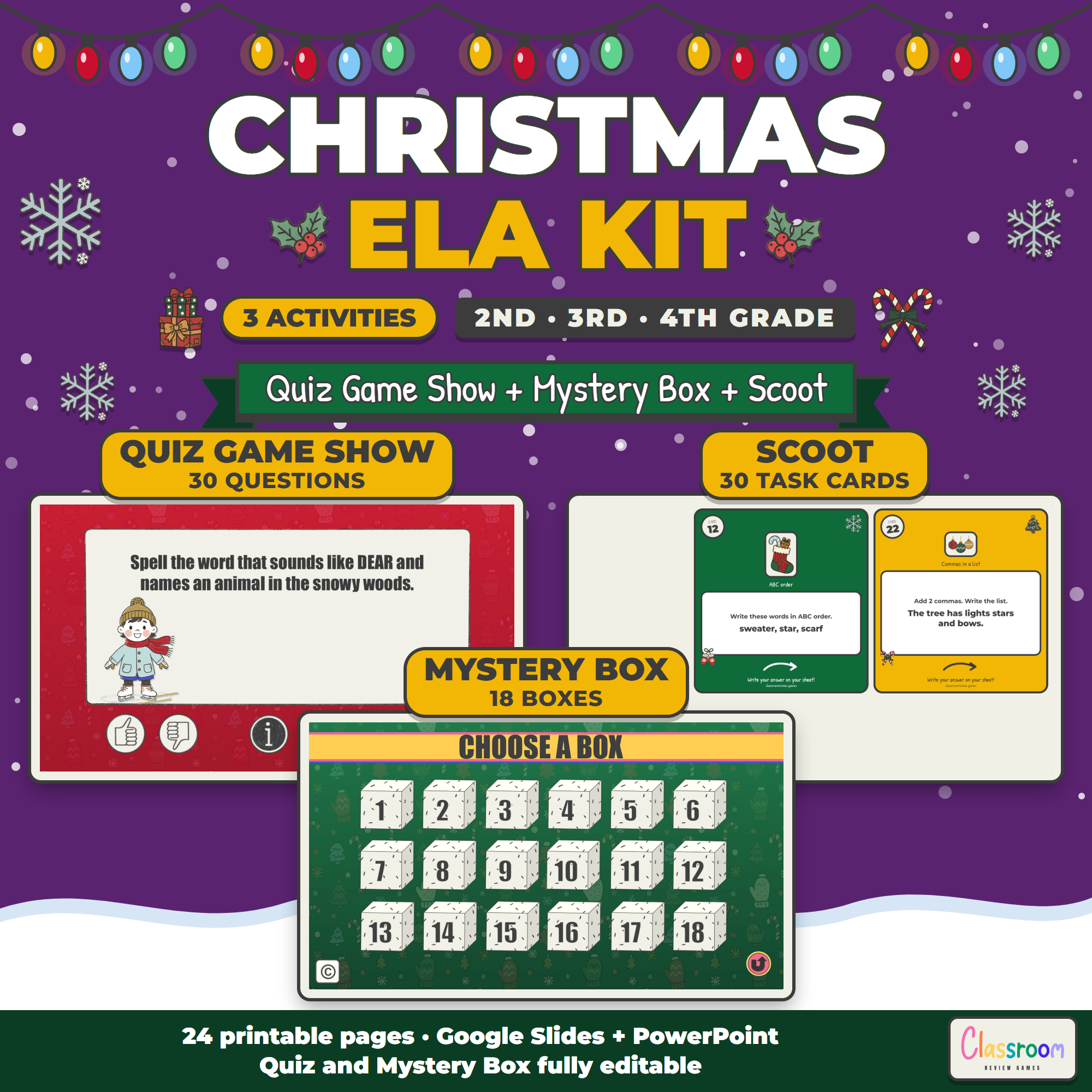
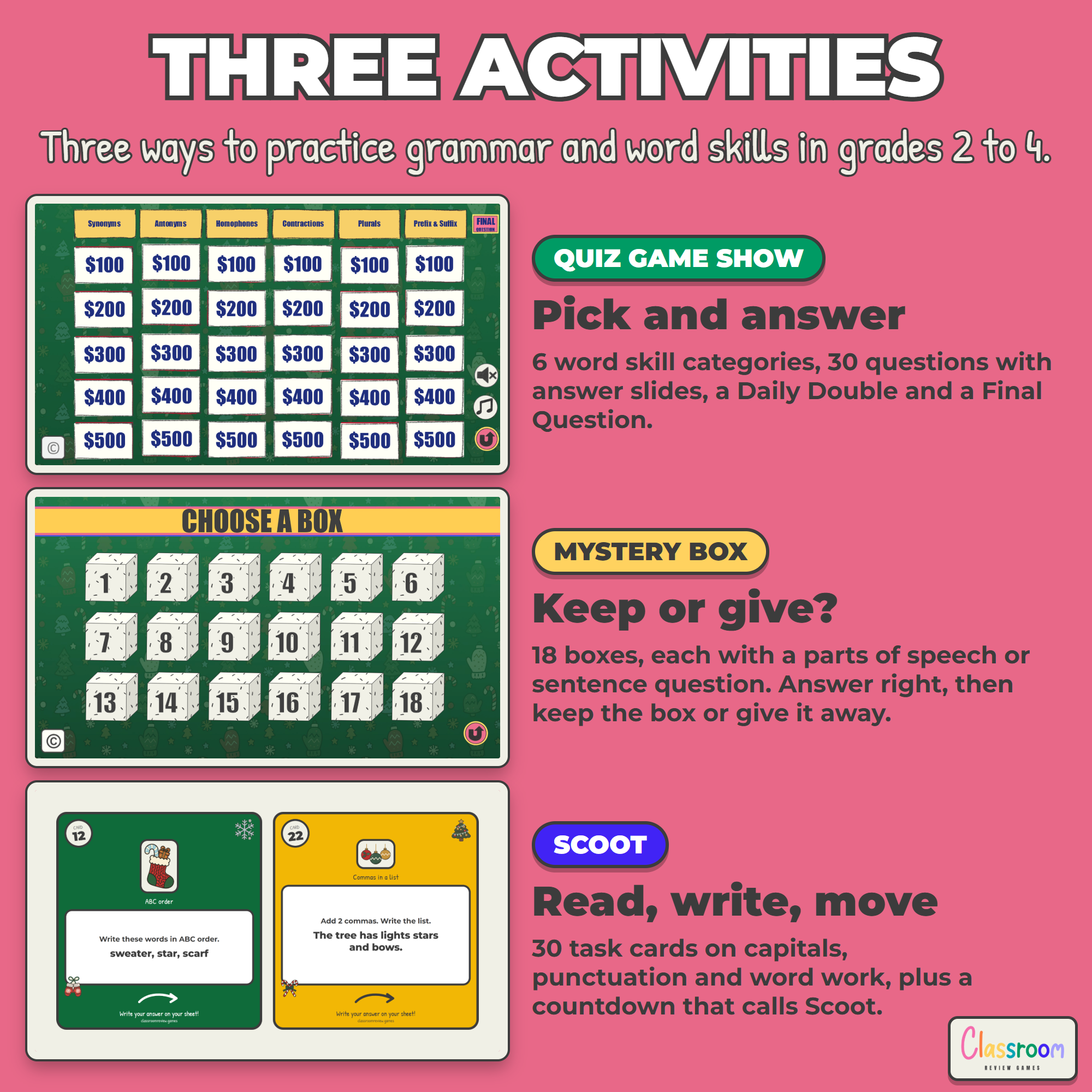
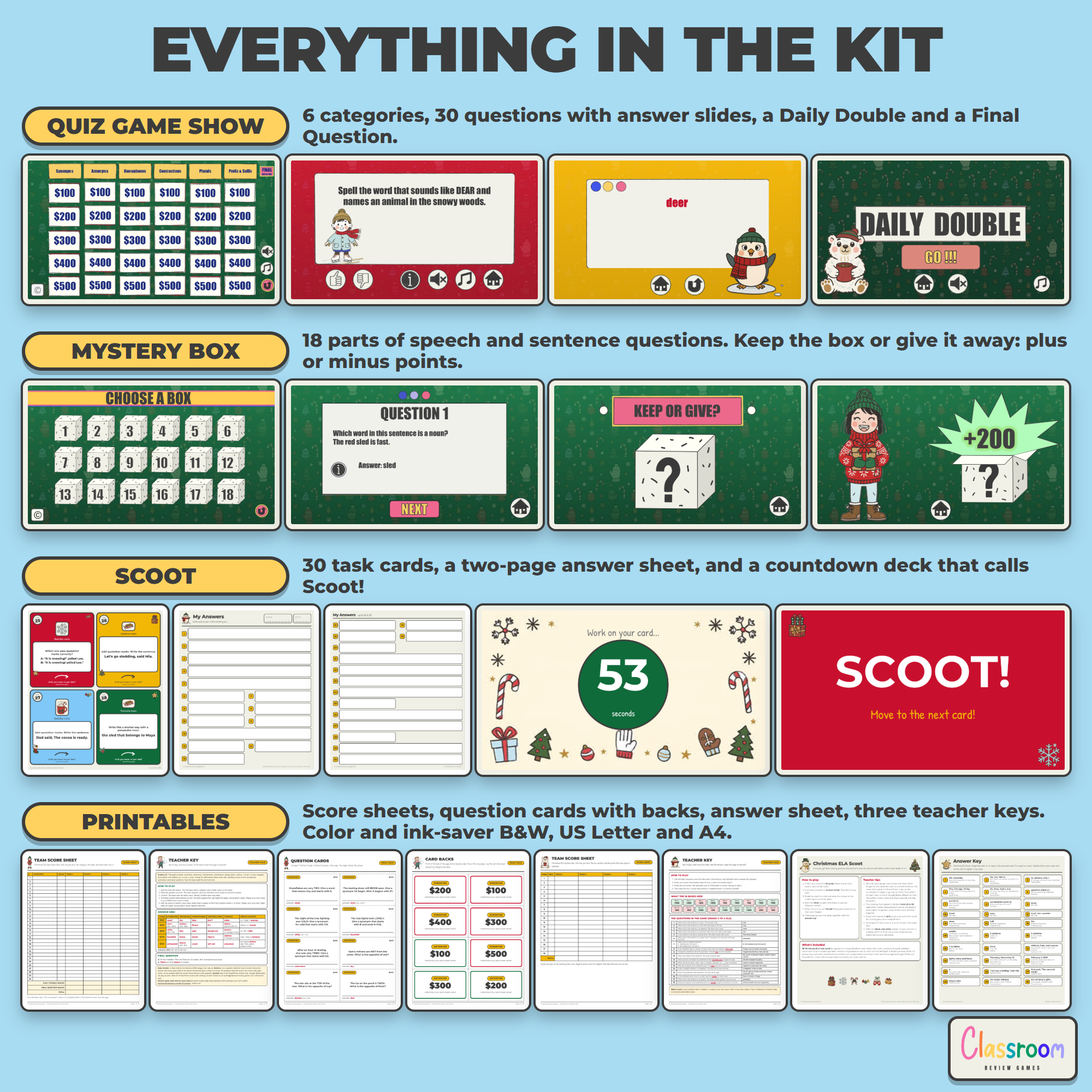
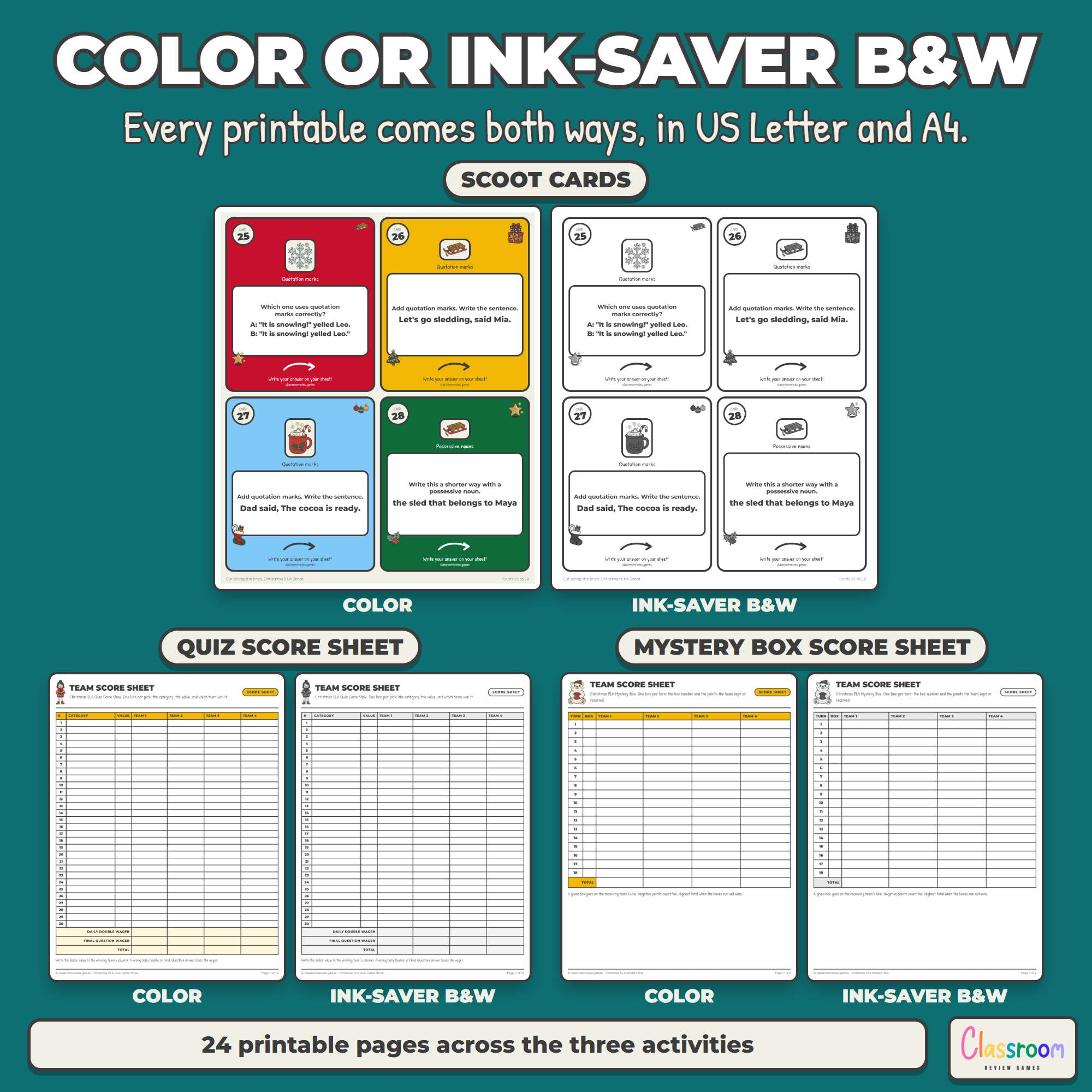
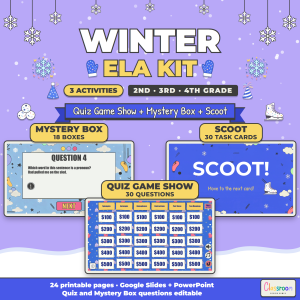
- Quiz Game Show (Google Slides or PowerPoint, 67 slides): a board with Synonyms, Antonyms, Homophones, Contractions, Plurals and Prefix & Suffix, 30 editable question slides with matching answer slides, a Daily Double and a Final Question. The printables add a four-team score sheet, a teacher key and 30 question cards with card backs, so you can also play it on paper.
- Mystery Box (Google Slides or PowerPoint, 58 slides): an 18-box board, 18 editable question slides, keep-or-give slides and 18 reveals worth plus or minus points. The printables add a four-team score sheet and a teacher key.
- Scoot (printable PDF and a 64-slide countdown deck): 30 task cards, four per page, each labeled with its skill, a two-page student answer sheet, an answer key and a teacher page with tips.
- All 24 printable pages in color and ink-saver black and white, in US Letter and A4
- A Start Here page that walks you through each activity
Skills Covered
Quiz Game Show: synonyms, antonyms, homophones, contractions, plurals (s, es, y to ies, f to ves, irregular) and the prefixes and suffixes un, re, pre, y and less. Mystery Box: common and proper nouns, verbs, adjectives, adverbs, pronouns, subject and predicate, past and present tense, complete sentences and fragments. Scoot: capital letters, end marks, ABC order, compound words, syllables, commas in a list and in a date, quotation marks and possessive nouns. The easier questions come first in every activity, so 2nd graders can join in and 4th graders still get a stretch. No skill repeats across the three activities.
Works On
Windows, Mac and Chromebooks. You project the slides; students need no devices and no logins.
Good to Know
Run both games in Slideshow (Present) mode so the board, the boxes and every button respond. In the quiz, the round i button shows the answer and the house returns to the board. The quiz sound buttons (thumbs up, thumbs down and music) and the music button on the Mystery Box start screen play in the PowerPoint files included here. Google Slides does not play sound, so those buttons stay quiet in the Slides versions. The Scoot countdown has no sound and moves on by itself in PowerPoint. To run it in Google Slides, open Slideshow, then the options menu, Auto-play, Every second, from slide 3.
Help
Questions or a special request? Send me an email and I will get back to you quickly. Thank you for supporting my small teacher-run shop.
Carolin
carolin@classroomreview.games
Reviews
There are no reviews yet.