

Teaching with Technology: How Game-Based Tools Transform Tutoring Sessions
Teaching with technology transforms one-on-one and small-group instruction when you choose tools that adapt to each student’s pace and learning style. Start by selecting game-based platforms that let you customize content to match your current lesson objectives, whether you’re reinforcing math facts or building reading comprehension. The real magic happens when you’re combining tutoring games with direct instruction, using the immediate feedback from digital tools to identify exactly where students struggle and need your support.
You don’t need fancy equipment or hours of training to make this work. Most effective EdTech tools in 2026 run on basic devices you already have, and the best ones take just minutes to set up. Focus on platforms that show you real-time data about student performance so you can adjust your teaching on the spot. When students see their progress visualized through badges, levels, or points, their confidence soars.
The key is starting small with one tool that solves a specific challenge in your tutoring sessions, then building from there as you get comfortable with the technology.
Why Game-Based Technology Works in Tutoring Environments
Think about the last time a student’s eyes lit up during a review session. Chances are, you’d turned the material into a challenge rather than a chore. That’s the heart of why game-based technology works so well in tutoring environments: it transforms passive learning into active problem-solving.
When students interact with game-based tools, their brains respond differently than they do to traditional worksheets. The competitive element, even when they’re competing against themselves, triggers a motivation loop that keeps them trying just one more round. Research confirms this isn’t just anecdotal; studies show that a game tool boosts engagement significantly compared to standard review methods.
The immediate feedback these tools provide is what makes tutoring sessions click. Students don’t wait days for a graded assignment. They see results instantly, which lets you address misconceptions right there in the moment. This real-time correction prevents students from practicing mistakes, a critical advantage in one-on-one or small-group settings where you can actually pause and dig deeper.
Personalized pacing is another practical win. While classroom teachers juggle thirty students at different levels, tutors can adjust game difficulty on the fly. Struggling with fractions? Drop back a level within the same game framework. Mastering vocabulary faster than expected? Crank up the challenge without switching activities.
As AI-powered education systems continue emerging in 2026 classrooms, and as states govern school AI use through updated policies, tutors have a unique advantage. You’re working with tools simple enough to customize yet powerful enough to adapt to each student’s needs without requiring complex AI integration.
Choosing the Right EdTech Tools for Your Tutoring Sessions
PowerPoint Game Templates: The Tutor’s Secret Weapon
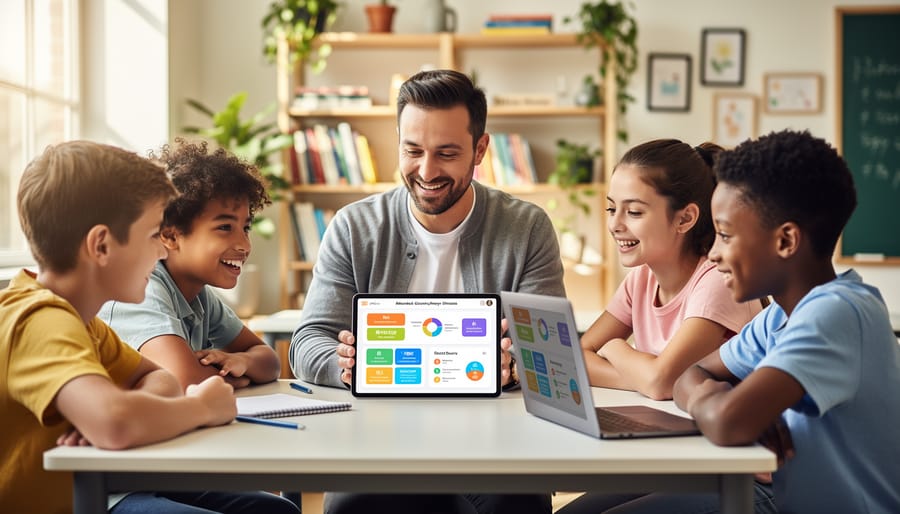
PowerPoint game templates have become the quiet superstar of tutoring tech because they deliver high-impact engagement without requiring you to learn complex new software. You already know PowerPoint, and most students recognize it instantly, which means zero learning curve and all energy focused on the actual learning content.
The built-in features make these templates genuinely game-like. Scoreboard slides track points automatically as students progress, creating friendly competition even in a one-on-one session where they’re beating their own previous score. Sound effects transform mundane review into a game-show experience: correct answer chimes, dramatic countdowns, and celebratory fanfares that make students light up. Animation triggers reveal answers with suspense, and timer functions add just enough pressure to keep minds focused without causing anxiety.
What makes PowerPoint templates your secret weapon is their flexibility. Change the questions in minutes to target exactly what this student struggled with last week. Swap in vocabulary words, math problems, or history facts using familiar copy-paste. Adjust difficulty on the fly during the session if a student’s breezing through or getting frustrated. Add your student’s favorite colors or interests to the theme, and suddenly it’s their game, not some generic review tool.
In small tutoring groups, these templates shine even brighter. Students can work in pairs, take turns answering, or compete in teams, all while you control the pace from one simple slide deck. No internet required, no login issues, no subscription limits. Just reliable, customizable fun that keeps tutoring sessions fresh week after week.
Matching Technology to Subject and Grade Level
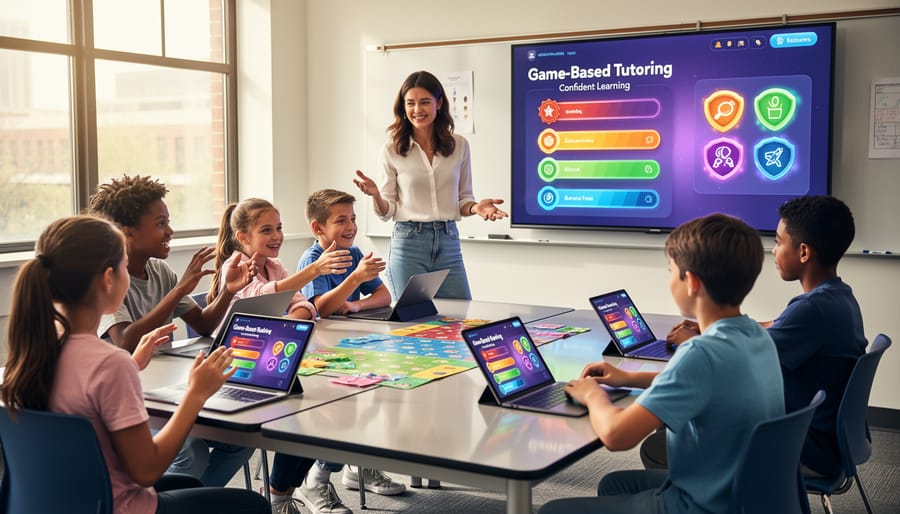
Different subjects need different game mechanics. Math tutoring works best with fast-paced point competitions where students solve problems against a timer or challenge themselves to beat previous scores. Vocabulary practice thrives in matching games, word scrambles, or multiple-choice formats that build recognition before recall.
Grade level matters just as much. Elementary students respond to colorful visuals, sound effects, and simple game boards with clear progression. Middle schoolers want team-based challenges that let them collaborate while reviewing content. High school students appreciate strategy elements where they can choose difficulty levels or compete in formats that mirror game shows they recognize.
The beauty of PowerPoint game templates is you can customize the same base template for any subject. Use a Jeopardy-style board for history review with your eighth graders, then swap in multiplication facts for a third-grade session. Adjust point values to match skill levels, change themes to reflect student interests, and modify question complexity without rebuilding the entire game. A racing game template works equally well for spelling practice or chemistry formulas, you just customize the content cards and adjust the pace to match your tutoring goals for that specific student.
Integrating EdTech Without Overwhelming Your Students
The biggest mistake tutors make when adding technology? Throwing students into the deep end with fancy tools and zero preparation. I’ve watched tutors lose an entire session to login problems, confusing interfaces, and students checking their phones instead of engaging with the game. Technology should make your sessions smoother, not turn them into tech support marathons.
Start with the end of your session, not the beginning. Introduce a new game-based tool during the last 10 minutes as a fun wrap-up activity. Students are more relaxed, you’re not sacrificing prime learning time if things go sideways, and success builds excitement for next time. This low-stakes approach lets you troubleshoot without pressure.
Set crystal-clear expectations before launching any tech tool. Tell students exactly what you’ll be doing, why it’ll help their learning, and what behavior you expect. A quick 30-second explanation prevents the “wait, what are we supposed to do?” chaos that kills momentum. When students understand the purpose behind the technology, they treat it as a learning tool instead of playtime.
Here’s a proven sequence for rolling out game-based technology:
- Preview the game yourself and prepare all materials before your student arrives
- Explain the learning goal and how the game helps achieve it
- Demonstrate one round while thinking aloud about your process
- Play the first round together, with you providing guidance
- Step back and let the student take the lead while you observe and support
Keep your tech toolkit small at first. Master one customizable PowerPoint game template before adding five different apps. Students appreciate consistency, and you’ll feel confident instead of scattered. The personal connection that makes tutoring work doesn’t disappear when you add technology, it just needs you to stay present, watch for confusion, and jump in when a student needs human guidance the game can’t provide.

Customization: Making Technology Work for Your Teaching Style
Your teaching style is your superpower, and the right technology should amplify it, not change it. Customizable game templates let you bring your personality into every session while still benefiting from tech’s engagement boost.
Start with what you already do well. If you excel at facilitation vs lecturing use editable PowerPoint games as discussion starters rather than quiz tools. If you’re big on humor, swap generic graphics for funny memes your students will recognize. The template provides the structure; your teaching voice fills the content.
Difficulty customization matters more in tutoring than group settings. A seventh grader struggling with fractions needs different questions than one working ahead. With editable templates, you can adjust problem complexity on the fly, creating versions for different sessions with the same student as they progress.
Visual themes connect students to content in surprisingly powerful ways. A soccer-obsessed student engages differently when math problems feature goal statistics instead of apples and oranges. Change the slide backgrounds, swap placeholder images, adjust color schemes to match individual interests. This personalization takes minutes but signals that you see each student as unique.
The goal isn’t perfection. Your first customized game might feel rough around the edges, and that’s fine. Students respond to effort and authenticity. They’ll appreciate a template featuring their favorite video game characters, even if the formatting isn’t magazine-ready. Technology becomes yours when you make it reflect how you naturally teach.
Real-World Applications: From Review Games to Ice Breakers
Picture this: Your new student slouches into the session, arms crossed, already convinced they’re “bad at math.” You pull up a colorful Jeopardy-style game on your screen. Within minutes, they’re leaning forward, buzzing in answers, laughing when they get one right. That’s game-based technology doing what it does best: transforming anxiety into engagement.
The beauty of these tools lies in their versatility. When you’re meeting a student for the first time, a quick trivia game about their interests (built from a customizable template in under five minutes) breaks down walls faster than any icebreaker worksheet. For content review, review games like Kahoot create the competitive energy that makes practicing multiplication facts feel like play rather than drill work.
Here’s how different scenarios match up with specific game approaches:
| Tutoring Scenario | Recommended Game Type | Specific Benefit |
|---|---|---|
| First session with reluctant learner | Ice breaker trivia game | Reduces anxiety, builds rapport quickly |
| Weekly vocabulary review | Team-based quiz show format | Maintains engagement through repetition |
| Assessing understanding before tests | Low-stakes interactive review | Reveals gaps without creating pressure |
| Building confidence after setbacks | Progressive difficulty game | Celebrates small wins, rebuilds momentum |
One middle school tutor I know uses a customized Family Feud template every Friday. Her students actually ask to review their weekly spelling words because they want to beat last week’s score. The game hasn’t changed the content, just the energy around it.
The key is matching the tool to the moment. Need to gauge where a student stands on fractions before diving in? A quick five-question game reveals misconceptions faster than a traditional quiz, and feels less like evaluation. Working with siblings who bicker? Team challenges channel that competitive energy into collaborative learning. Technology becomes the vehicle for connection, not a replacement for it.
Staying Current: Teaching with Technology in 2026
The education technology landscape shifts fast, but here’s the good news: you don’t need to attend every conference or master every new platform. Events like the UM Education Days happening June 10-11, 2026 at EDLAB bring together educators, school leaders, and innovation champions to share what’s genuinely working in classrooms right now. Similarly, discussions from early 2026 education conferences reveal a practical shift away from shiny tech for its own sake toward tech that actually works in real tutoring sessions.
Focus your learning energy on tools you can implement immediately. Follow one or two trusted education blogs that feature AI-powered education system updates relevant to your grade level. Join a single online community where tutors share customized game templates and practical strategies. The goal isn’t staying on top of everything, it’s finding sustainable ways to improve your sessions without burning out. When something new catches your eye, ask yourself: “Can I test this in next week’s session?” If not, it can probably wait.
Technology transforms tutoring when it strengthens the relationship between tutor and student, not when it takes over the session. You don’t need to overhaul your entire approach overnight. Start with one customizable game template that fits your teaching style and watch how it changes the energy in your sessions. Adapt it to your content, personalize it for your students, and let it handle the repetitive review work while you focus on the human moments that make tutoring powerful. You’re already an innovation champion in your tutoring space by choosing tools that amplify your expertise rather than diminish it. The best teaching with technology happens when educators like you blend your personal touch with smart, flexible tools that students genuinely enjoy.