

Your Students Are Bored with Computer Games—Here’s What Actually Works
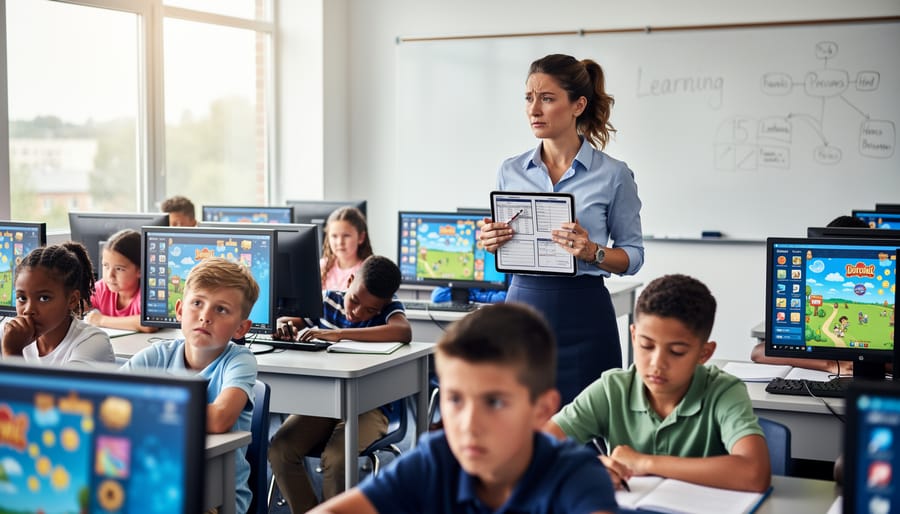
Recognize when your students are zoning out during computer game time – glazed eyes, mindless clicking, and lack of genuine learning engagement signal it’s time for fresh approaches. Computer educational games promise interactive learning, but relying on them exclusively often leads to classroom management headaches, limited customization options, and students who’ve mentally checked out from repetitive digital formats.
Break free from digital game fatigue by mixing three powerful alternatives into your teaching toolkit. PowerPoint game templates give you complete control over content, letting you transform any lesson into an interactive experience students can’t get enough of – customize questions, adjust difficulty, and align perfectly with your curriculum without hunting for pre-made games that almost fit. Physical classroom games bring students together for face-to-face interaction, building social skills while reinforcing academic concepts through movement and collaboration. Hybrid approaches combine the best of both worlds, using brief digital activities as warm-ups before transitioning to hands-on learning stations.
The secret isn’t abandoning educational games entirely – it’s diversifying your strategy so students stay motivated and genuinely engaged. When you rotate between customizable digital templates, classic physical games, and traditional computer options, every student finds their learning sweet spot while you maintain the energy and variety that keeps your classroom thriving.
Why Computer Educational Games Lose Their Spark
You’ve probably experienced this: you introduce a new computer educational game to your class, and students are excited—at first. But after a few rounds, you notice the engagement drops. Maybe they’ve figured out how to game the system, or perhaps they’re simply tired of staring at another screen.
Computer educational games often start strong but lose momentum for several reasons. First, there’s the screen fatigue factor. After spending hours on computers for lessons, homework, and testing, adding more screen time through games can feel like overkill for both you and your students. Their eyes glaze over, and what should be energizing review time becomes just another digital task.
Customization is another big hurdle. Many platforms offer pre-made content that doesn’t quite fit your specific lesson plans or student needs. You might find yourself scrolling through dozens of games that almost work but miss the mark on your exact learning objectives. When you can’t easily tailor the content, the game becomes less effective for your classroom.
Then there’s the dreaded tech troubles. Wi-Fi drops. Students forget login credentials. The game won’t load on certain devices. You end up spending precious class time troubleshooting instead of teaching. These technical hiccups can turn an exciting activity into a stressful experience.
Student fatigue sets in quickly too. When every teacher uses the same popular platforms, students become desensitized to the format. The novelty wears off, and what was once motivating becomes routine. Plus, many digital games are individual experiences that limit peer interaction and collaborative learning opportunities in your classroom.
These challenges are why many educators are exploring alternatives to digital games that offer fresh approaches while maintaining student engagement. The good news? You have options that combine the best of digital tools with hands-on interaction and complete customization control.
The Power of Interactive PowerPoint Game Templates
What Makes PowerPoint Games Different
If you’ve been searching for ways to boost classroom engagement without the complexity of traditional computer games, PowerPoint review games might be your perfect solution! These customizable templates offer several unique advantages that set them apart from typical educational software.
First, you have complete control. Unlike many computer games that come pre-loaded with specific content, PowerPoint games let you instantly customize questions to match exactly what your students are learning. Teaching fractions this week? Add your own problems. Reviewing state capitals? Pop in your questions in minutes. This flexibility means one game template works across subjects and grade levels.
Another standout feature is the built-in interactive elements. Many templates include automatic scoreboards that track points in real-time, keeping students invested in the competition. Add sound effects and animations to create excitement without needing technical skills or additional software downloads.
Perhaps best of all, these games work on equipment you already have. No special installations, no internet required during gameplay, and no student login headaches. You simply open the file and play. Plus, you maintain full visibility of the content and can pause, adjust, or skip questions as needed based on how your class responds.
This combination of customization, ease of use, and engaging features makes PowerPoint games an ideal middle ground between traditional worksheets and complex educational software.
Teacher Control Meets Student Engagement
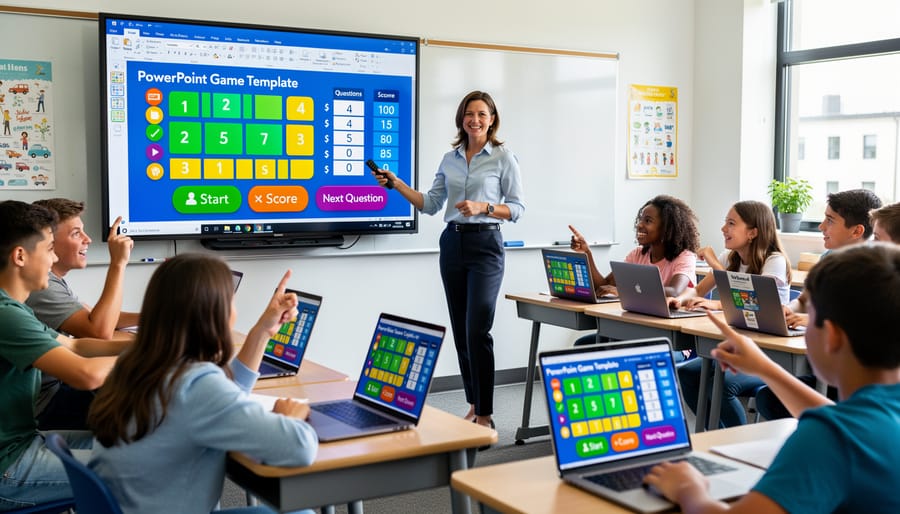
Here’s the exciting part: PowerPoint game templates give you the best of both worlds. You get complete control over what your students learn, while they get all the excitement and competition they crave.
Think about it. With traditional computer games, you’re stuck with whatever content the developer decided to include. Maybe it doesn’t align with your curriculum. Maybe it’s too easy or too hard for your specific class. Maybe it covers topics you tackled last month. With customizable PowerPoint templates, you decide everything. You choose the questions, set the difficulty level, and align every single element with what your students actually need to learn right now.
But here’s what makes these templates truly special: your students don’t see a boring worksheet disguised as a game. They see bright colors, exciting animations, sound effects, and competitive gameplay. They’re racing against classmates, earning points, and strategizing to win. The learning happens naturally because they’re genuinely engaged in the experience.
You can update content in minutes between classes. Teaching fractions to your morning class and multiplication to your afternoon group? Same game template, different content. Need to reinforce yesterday’s lesson? Swap in new questions focusing on those tricky concepts. This flexibility means you’re never locked into one-size-fits-all content.
The customization options also let you differentiate instruction effortlessly. Create easier versions for students who need extra support or challenging versions for advanced learners. Everyone plays together, but you’ve tailored the experience to meet different learning needs. That’s the kind of personalized instruction that traditional computer games simply can’t offer.
Beyond the Screen: Low-Tech Game Alternatives
Board and Card Games for Active Learning
Sometimes stepping away from the screen is exactly what your classroom needs! While computer educational games have their place, good old-fashioned board and card games bring something special to the table that digital alternatives often miss.
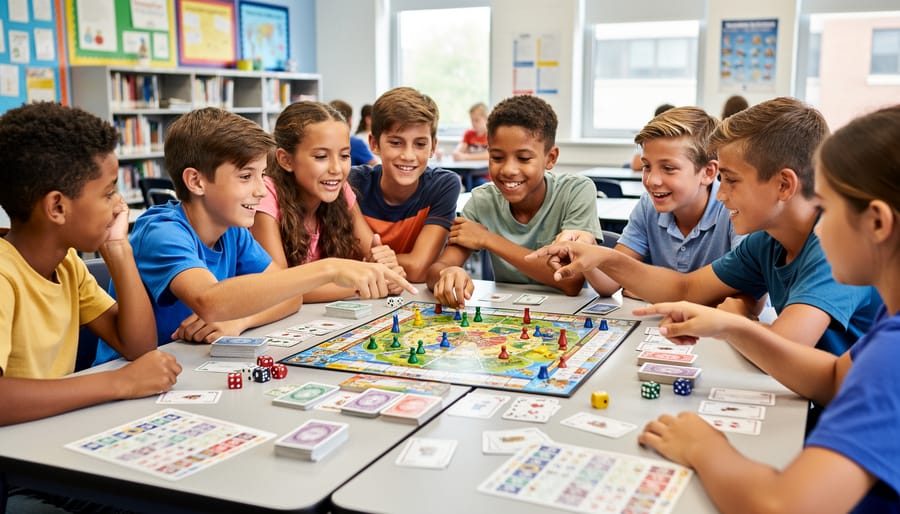
Physical games naturally encourage face-to-face interaction and collaboration. When students gather around a game board, they’re practicing essential social skills like turn-taking, patience, and respectful communication. They’re reading body language, negotiating strategies, and working through disagreements in real-time. These interpersonal moments are harder to replicate through a computer screen.
Board and card games also promote deeper critical thinking. Without flashy animations or instant feedback, students must rely on their own reasoning and problem-solving abilities. They learn to think ahead, consider consequences, and adapt their strategies based on what’s happening in the game.
The beauty of physical games is their flexibility. You can easily customize rules to match your learning objectives or adjust difficulty levels on the fly. Popular options like team-based review games using simple card decks or game boards can reinforce any subject matter while keeping students actively engaged.
Plus, there’s something motivating about holding game pieces, shuffling cards, and moving tokens across a board. These tactile experiences create memorable learning moments that stick with students long after the game ends. Consider rotating between digital and physical games to give your students the best of both worlds!
Puzzles and Brainteasers That Challenge Minds
Looking for a break from screen time? Educational puzzle games that students can touch and manipulate offer wonderful benefits that computer games sometimes can’t match. These hands-on activities give your students a different way to engage their brains while developing critical thinking skills.
Physical puzzles work beautifully for students who learn best through tactile experiences. When kids can pick up pieces, rotate objects, and physically solve problems, they’re using spatial reasoning in ways that clicking a mouse just doesn’t replicate. You’ll notice students who struggle with digital formats often shine when given tangible puzzle challenges.
The beauty of puzzle-based learning is how naturally it differentiates instruction. Quick finishers can tackle complex brain teasers while other students work at their own pace with simpler challenges. You can easily customize difficulty levels to match each learner’s needs, making everyone feel successful and motivated.
These activities also encourage collaboration in organic ways. Students naturally gather around puzzle stations, discussing strategies and working together to find solutions. This peer interaction builds communication skills alongside problem-solving abilities.
Best of all, puzzles provide immediate feedback without requiring your constant attention. Students can see right away if their solution works, fostering independence and persistence. Whether you’re using logic puzzles, tangrams, or pattern challenges, you’re giving students valuable practice in analytical thinking that transfers across all subject areas.
Making the Switch: Practical Tips for Teachers
When to Choose Digital vs. Physical Games
Choosing between digital and physical game formats doesn’t have to be complicated! Think about what works best for your specific classroom situation.
Start with your learning objectives. Digital games shine when you need instant feedback, customizable content, or want to track student progress. They’re perfect for individual practice or reinforcing specific skills. Physical games work wonderfully when you’re building teamwork, encouraging face-to-face communication, or want students moving around the classroom.
Class size matters too. Large classes often benefit from digital options where everyone can participate simultaneously on their own devices. Smaller groups can enjoy the interactive nature of physical games without the chaos. However, PowerPoint-based games offer a sweet spot – projecting one game on your board keeps the whole class engaged together while you maintain control of the pace.
Consider your available time. Digital games typically need setup time for logins and troubleshooting tech issues, but they run smoothly once started. Physical games require preparation like printing and cutting, yet they’re ready to go immediately on game day with zero tech worries.
Don’t forget your classroom resources. Limited devices? Physical games eliminate that barrier entirely. Strong internet connection and plenty of computers? Digital options open up more possibilities for customization and variety.
The best approach? Mix it up! Alternating between formats keeps students excited and engaged while addressing different learning styles throughout your teaching year.
Quick Start with Customizable Templates
Getting started with PowerPoint review games is incredibly easy, even if you’ve never tried them before! Here’s how you can have your first game up and running in just minutes.
First, browse through the available templates and choose one that matches your lesson content. Whether you need a trivia-style game or a team competition format, there’s something for every subject and grade level. Download your chosen template with a simple click.
Next comes the fun part: customization! Open the PowerPoint file and add your own questions, answers, and content. You can personalize everything from the background colors to point values, making it perfectly suited to your classroom needs. The templates are designed to be user-friendly, so no special tech skills required.
Finally, save your customized game and you’re ready to launch! Project it onto your classroom screen, divide students into teams, and watch the excitement unfold. The best part? Once you’ve created a game, you can reuse and modify it for future classes, saving you valuable prep time. Many teachers find that spending just 10-15 minutes on customization creates an engaging review activity that students absolutely love.
Here’s the truth: there’s no single “best” educational game for every classroom. The magic happens when you mix and match different formats based on what your students need right now. Computer games work brilliantly for some lessons, while customizable PowerPoint templates give you control when you need it most. Physical games bring energy and movement that screens simply can’t replicate.
The real win? Not sticking to just one approach. When you notice engagement dropping or that glazed-over look creeping across faces, that’s your cue to switch things up. Try alternating between digital and hands-on activities throughout the week. Let students help customize game content so it connects with their interests. The beauty of having options means you’re never stuck when something isn’t working.
Don’t be afraid to experiment! Start small by introducing one new game format this month. Watch how your students respond, adjust as needed, and build from there. Your willingness to try fresh approaches shows students that learning should be dynamic and fun. When you discover what clicks with your unique classroom, you’ll reignite that enthusiasm and create those memorable learning moments that make teaching so rewarding.