
Your Classroom Game Data Might Be Lying to You (Here’s How to Fix It)
Check your game’s data accuracy by running a practice round before introducing it to students. Create a test student account, play through the game yourself, and verify that the scores, progress, and feedback match what actually happened during gameplay.
Compare your dashboard results with what you observed in the classroom. If three students completed level five but your data shows only one, you’ve spotted a telemetry gap that needs attention. Keep a simple checklist noting discrepancies between actual student performance and what appears in your reports.
Run quick spot-checks during live gameplay by monitoring a few students while simultaneously watching your real-time data feed. This immediate comparison reveals whether student actions translate correctly into your assessment reports, helping you catch problems before they affect your teaching decisions.
Test edge cases that might break your data collection. Have students intentionally quit mid-game, switch devices, or lose internet connection briefly. These real-world disruptions happen constantly in classrooms, and knowing how your system handles them prevents confusion when reviewing student progress. Clean, reliable data transforms classroom games from entertaining distractions into powerful assessment tools that actually inform your instruction.
What Is Telemetry Testing and Why Should Teachers Care?
Think of telemetry testing as a quality check for the information your classroom games collect about student learning. When students play educational games, the software tracks their answers, time spent on questions, and progress through different levels. That’s the telemetry, or game data, at work. Telemetry testing makes sure all that data is actually accurate and useful.
Here’s why it matters: Imagine using a game to assess multiplication skills, but the game doesn’t properly record when students get answers right. You might think Jamie needs extra help when she’s actually mastered the concept. Or the game might show that your whole class struggles with fractions when really there’s just a glitch in how responses are saved. That’s frustrating and wastes precious instruction time.
When telemetry works correctly, you get a clear picture of what your students truly understand. You can spot patterns, like noticing that five students all stumble on the same type of word problem. This helps you customize review sessions and target exactly what needs reinforcement. Good data means confident decisions about where to spend your energy.
The good news? You don’t need to be tech-savvy to check if your game data is reliable. Telemetry testing can be as simple as playing through the game yourself and comparing what you did with what the game reports. It’s about being a thoughtful detective, making sure the tools you rely on are giving you the real story about student learning. When your data is trustworthy, you can celebrate real victories and address actual challenges, not chase down false leads.
The Hidden Problems With Game Assessment Data
When Your Scoreboard Tells the Wrong Story
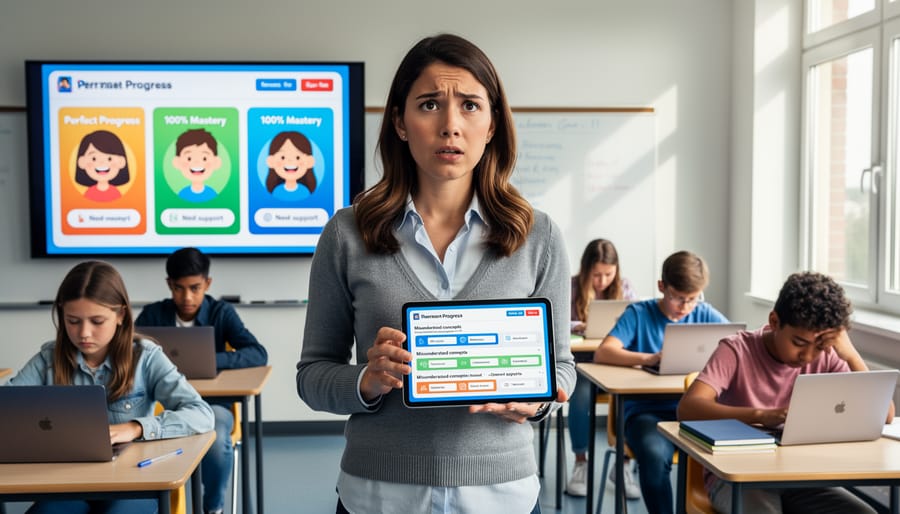
Picture this: Your student just completed a math game, and the results show they got every multiplication problem wrong. But you watched them play and saw them answering correctly! What happened?
These frustrating moments happen more often than you’d think, and they’re usually not about student performance at all. Sometimes the scoreboard is lying.
Here are common culprits behind misleading data:
The game freezes mid-session, but the timer keeps running. Your student’s score looks terrible because it counted unanswered questions as wrong answers. Or maybe a student accidentally clicked the wrong button, and the game recorded it as their final answer instead of letting them correct it.
Internet hiccups are another troublemaker. When connectivity drops during gameplay, responses might not save properly. The game shows completion, but half the answers vanished into the digital void.
Device issues matter too. An older tablet running slowly might record responses out of order, making it look like students answered question five before question two. Touch sensitivity problems can register accidental taps as intentional choices.
These technical gremlins seriously impact your game assessment data quality. The good news? Once you know what to look for, you can spot these glitches quickly and avoid making instructional decisions based on faulty information. Testing your game’s telemetry helps catch these issues before they mislead you about what your students actually know.
Missing Pieces: Data That Never Gets Recorded
Imagine this scenario: Your students are playing an educational game, and the data shows they’re all doing great. But when you check in with individual learners, several are clearly struggling with key concepts. What happened? The game simply isn’t capturing the complete picture.
This is one of the most frustrating assessment design issues teachers face with classroom games. Sometimes crucial learning moments fall through the cracks because the game doesn’t track them at all. Maybe it records final answers but misses the problem-solving steps students took to get there. Or perhaps it counts completed levels without noting how many attempts each student needed or which specific skills caused them to stumble.
Think about a math game that tracks correct answers but not the strategies students used. You might see that Jamie got the right answer, but you won’t know she guessed randomly while Marcus used a systematic approach. That missing context matters tremendously for your instruction.
Other common gaps include abandoned attempts where students give up before finishing, collaboration moments when students work together, or confusion points where learners repeatedly access the same hint. These invisible struggles mean you’re making teaching decisions with half the story. When your game data has these blind spots, you might celebrate progress that isn’t real or miss students who desperately need support.
Simple Ways to Test Your Game Data Quality
The Quick Check Method
Before you launch that exciting new quiz game with your class, take just five minutes for a quick telemetry check. Think of it like a practice run that helps you catch any hiccups before they happen in front of 25 eager students.
Start by playing through your game template yourself, just as a student would. Complete a few questions, try getting one wrong on purpose, and finish the activity. Then, check your dashboard or data report. Can you see your test responses? Do the scores look correct? If yes, you’re golden!
Next, ask yourself these simple questions: Does the student name appear where it should? Are the timestamps showing up? Can you tell which questions were answered correctly versus incorrectly? This quick scan tells you if the important information is flowing through properly.
Here’s a time-saving tip: Create a simple checklist on your phone or computer with these basic items. Each time you set up a new game, run through it quickly. You’ll spot patterns and become faster at identifying what’s working.
If something looks off during your test, don’t panic. Often it’s a simple fix like refreshing the page or double-checking your settings. The beauty of testing beforehand is that you have time to troubleshoot without any classroom pressure. Your students will have a smoother, more enjoyable learning experience, and you’ll feel confident knowing your data is reliable and ready to inform your teaching decisions.
What to Look for During Test Runs
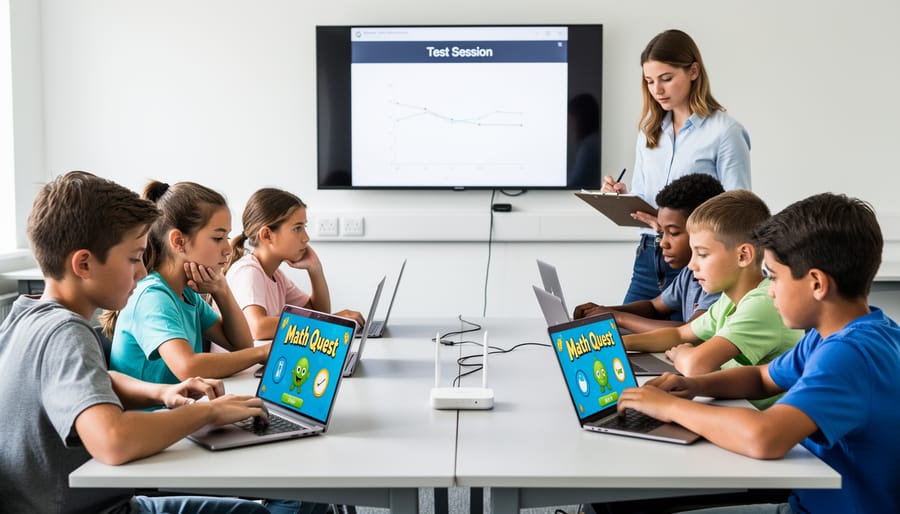
When you run your test games, think of yourself as a detective looking for clues that everything’s working smoothly. Start by checking the basics: Did the game record that students actually played? You should see entries for each student who participated, with timestamps that match your class period. Missing students or weird time gaps are immediate red flags.
Next, watch for completeness in the data. If your game has five levels, make sure the system captures progress through all five, not just the first two. Check that different types of actions show up, like correct answers, mistakes, hints used, and time spent on each question. If you only see scores without the supporting details, you’re missing valuable insights about how students are actually learning.
Look out for duplicate entries, too. Sometimes technical hiccups create the same data point multiple times, making it look like a student answered a question ten times in one second. That’s clearly impossible and signals a problem.
Pay attention to unusual patterns. If every single student supposedly completed the game in exactly the same amount of time, something’s off. Real classroom data should show natural variation because every learner works at their own pace.
Finally, test edge cases intentionally. Have a student exit the game early, switch devices mid-game, or lose internet connection briefly. Your telemetry system should handle these real-world scenarios gracefully without losing important learning data.
Getting Students Involved in Data Testing
Turn data testing into an exciting classroom activity by getting your students involved! When students help review game performance data, they develop critical thinking skills while you ensure accuracy. Start by asking students to compare their expected scores with what the system shows. They’ll quickly spot inconsistencies and love being “data detectives.”
Create a simple checklist students can use: Did the game record all my answers? Does my score match what I earned? Did my progress save correctly? This hands-on approach teaches valuable data literacy skills while catching errors you might miss.
Make it fun by celebrating students who find data quirks or notice patterns. You can even create a “Quality Control Team” that rotates weekly. This transforms testing from a chore into a learning opportunity, helping students understand how technology works behind the scenes while giving you confidence in your assessment data.
Making Data Work for Your Classroom
Spotting Learning Gaps Through Game Results
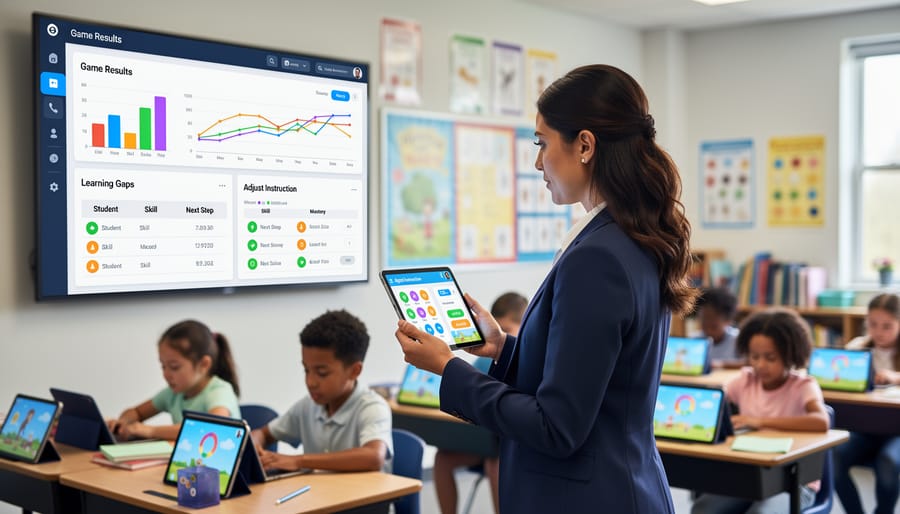
Here’s the magic moment where your classroom games reveal their true teaching power! When you collect reliable data through telemetry testing, you get a crystal-clear picture of which concepts are clicking with students and which ones need another round of instruction.
Think of game data analytics as your teaching assistant that never sleeps. When multiple students stumble on the same question or consistently miss problems involving fractions, that’s not random – that’s your cue to revisit that topic with fresh approaches.
The beauty of accurate game data is how quickly you can spot patterns. Maybe your entire third period struggles with vocabulary recall but excels at comprehension. Perhaps students nail basic multiplication but falter when those same concepts appear in word problems. These insights let you customize review sessions and target exactly what needs reinforcement.
Instead of waiting for formal assessments to reveal gaps, you’re catching misunderstandings in real-time. This means less frustration for students and more efficient use of your precious classroom time. You can celebrate the wins and address the challenges while the content is still fresh in everyone’s minds.
Customizing Games Based on What the Data Shows
Here’s the exciting part: once you’ve tested your game data and confirmed it’s accurate, you can use those insights to make your games work even harder for your students! Think of your telemetry data as a personalized roadmap showing exactly where each learner needs support.
When the data reveals that most students struggle with a particular question or level, that’s your cue to adjust. You might simplify instructions, add helpful hints, or break complex concepts into smaller steps. On the flip side, if students are breezing through too quickly, you can introduce more challenging content to keep them engaged.
The beauty of data-driven customization is that you can create different pathways for different learners. Some students might need extra practice problems, while others are ready to tackle extension activities. Your game data shows you exactly who needs what.
This personalized approach helps you improve learning outcomes without creating tons of extra work. Instead of guessing what might help, you’re making informed decisions based on real evidence from your classroom. Small tweaks based on solid data can make a huge difference in student success and confidence!
You’ve got this! Taking even small steps toward better telemetry testing will transform how you understand your students’ learning. Remember, you don’t need to become a data scientist or spend hours analyzing spreadsheets. Start simple: pick just one game activity this week and check if the data makes sense. Does it match what you saw happening in the classroom? That’s testing, and you’re already doing great!
Every time you spot a mismatch between your observations and the game data, you’re improving the quality of information guiding your teaching decisions. Think of it like getting to know your students better through a new lens. The clearer that lens becomes, the more confidently you can celebrate their progress and identify where they need extra support.
Your efforts matter more than you might realize. When you take a few minutes to verify that points, badges, or progress reports reflect real learning, you’re ensuring that every student gets the recognition and help they deserve. You’re also making your own job easier by trusting the insights these tools provide.
Start small, stay curious, and give yourself credit for caring enough to look deeper. Whether you test one game or several, whether you catch big issues or tiny quirks, you’re making a difference. Your students are lucky to have someone who values accuracy and understanding as much as you do. Now go ahead and put those detective skills to work!