

Why Your Classroom Tech Won’t Talk to Each Other (And How Standards Fix It)
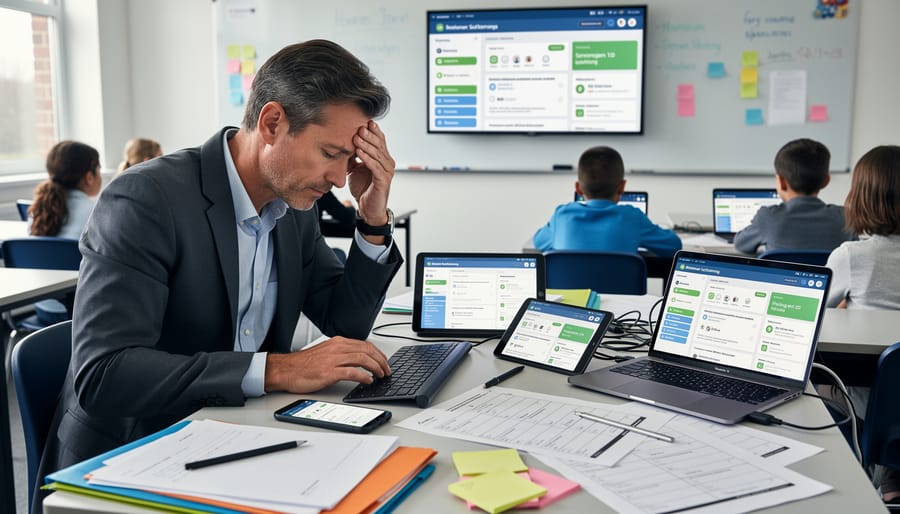
Picture this: you’ve found the perfect quiz app, a brilliant video platform, and an amazing gradebook system—but they don’t talk to each other. You’re stuck copying grades manually, students log in three different times, and what should save time creates chaos instead.
This frustrating reality happens because educational technology tools often operate in isolated bubbles. Interoperability standards exist to break down these walls, allowing your classroom tools to share information seamlessly. Think of standards as a common language that helps different apps exchange student data, attendance records, assignment details, and progress reports automatically.
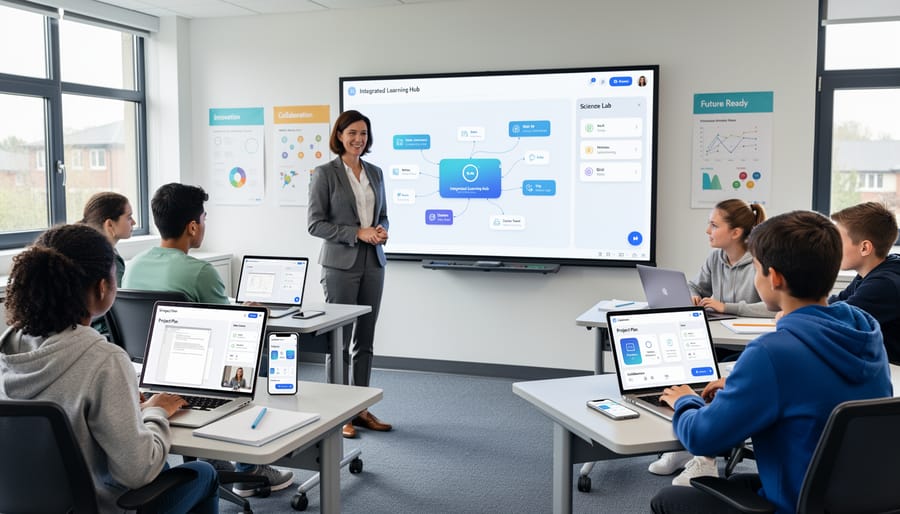
When tools follow the same standards, magic happens. Students sign in once and access everything. Assignments from your interactive lesson tool flow directly into your gradebook. Assessment results update instantly across platforms. You spend less time on data entry and more time actually teaching.
Understanding these standards empowers you to ask better questions when choosing classroom technology, ensuring your tools work together rather than against each other. The right interoperability standards transform disconnected apps into a unified, time-saving ecosystem that enhances learning while simplifying your workflow.
What Interoperability Standards Actually Mean for Your Classroom
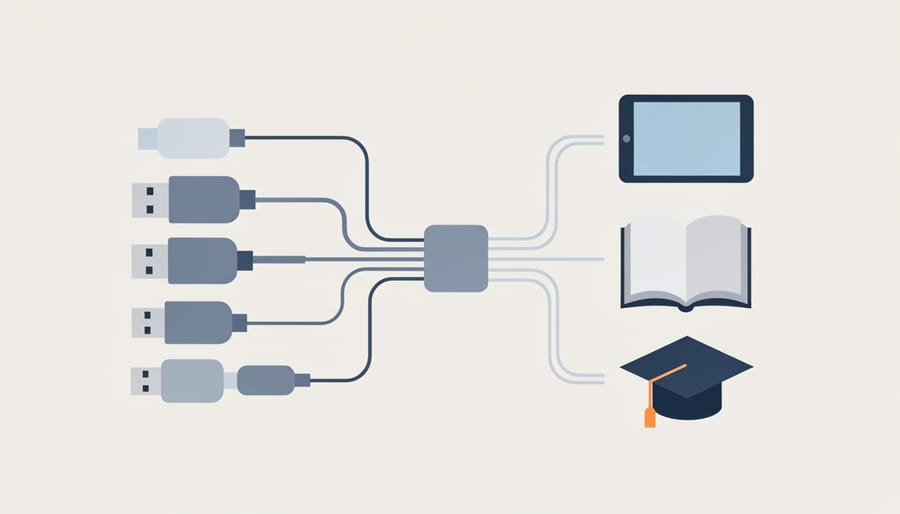
Think of interoperability standards like phone chargers. Remember when every phone brand had its own unique charging cable? It was frustrating keeping track of which charger worked with which device. That’s exactly what happens in your classroom when educational tools don’t work together smoothly.
Interoperability standards are agreed-upon technical rules that let different software programs communicate and share information, just like USB ports allow different devices to connect to your computer. When learning tools follow these standards, they can exchange data seamlessly, making your teaching life so much easier.
Here’s why this matters for your daily classroom experience: imagine you’re using a quiz tool, a learning management system, and a digital gradebook. Without interoperability standards, you might need to manually transfer student scores between platforms, copy and paste class rosters, or even ask students to create separate accounts for each tool. That’s time you could spend actually teaching!
When tools follow interoperability standards, they talk to each other automatically. Student information flows between systems without you lifting a finger. Grades sync automatically. Single sign-on means students use one login for everything. It’s like having all your devices charge with the same cable instead of juggling multiple cords.
The most common standards you’ll encounter include LTI (Learning Tools Interoperability), which connects different learning applications, and OneRoster, which handles student data sharing. You don’t need to understand the technical details, but knowing these terms helps when choosing new classroom tools. Look for products that support these standards, and you’ll save yourself countless hours of frustration and manual data entry.
The Real Problems These Standards Solve
Moving Student Data Without the Headache
Remember the days of manually re-entering student rosters into every new platform? With interoperability standards, those headaches become history! These standards create a common language that lets your classroom tools talk to each other automatically.
Think of it like this: when you add a new student to your learning management system, that information can instantly flow to your quiz platform, reading app, and grade book without you lifting a finger. Assignment results? They sync back automatically. Student progress data? It updates everywhere at once.
The magic happens through standardized formats like OneRoster and LTI (Learning Tools Interoperability). These protocols ensure your tools can share information securely and accurately, saving you precious time for actual teaching instead of data entry. Plus, when platforms follow proper student data security standards alongside interoperability protocols, your information stays protected while moving between systems.
The best part? You can customize which tools connect and what information they share, giving you control over your digital classroom ecosystem without the technical complexity.
Making Your Favorite Tools Work Together
Imagine mixing and matching your favorite classroom tools without the tech headaches! That’s the beauty of interoperability standards. When you use tools that follow these standards, they communicate seamlessly behind the scenes.
Here’s what this looks like in action: Your digital review game automatically pulls student rosters from your learning management system, so you never manually enter names again. Your assessment tool sends scores directly to your gradebook without copying and pasting. Students click one link and access all their learning resources through a single login.
Think of it like building with LEGO bricks – each piece fits perfectly because they follow the same design rules. Standards like LTI (Learning Tools Interoperability) and Clever SSO work the same way. You choose the best quiz platform, the most engaging game creator, and your preferred gradebook, then watch them work together effortlessly.
The real win? You spend less time wrestling with technology and more time doing what you love – teaching! No more switching between dozens of tabs or maintaining separate student lists across platforms.
Key Standards Every Teacher Should Know About
LTI: Connecting Apps to Your Learning Platform
LTI, or Learning Tools Interoperability, is like a universal adapter for your learning platform. Think of it as the magic connector that lets you bring amazing external tools into your classroom with just one click, no tech headaches required!
Here’s what makes LTI so helpful: instead of juggling multiple logins or copying links back and forth, LTI creates a seamless bridge between your LMS (like Canvas or Google Classroom) and third-party tools. Want to add an interactive game template to your lesson? With LTI, your students click once from within your course, and they’re instantly playing and learning.
The beauty is in its simplicity. When a tool is LTI-compliant, your platform recognizes it automatically. Student progress syncs right back to your gradebook, and everyone stays within the familiar learning environment you’ve already set up. No more tab-switching confusion or lost assignments!
This standard saves you precious time and keeps your students focused. You get to customize engaging activities from various providers while maintaining that smooth, integrated experience your class depends on. It’s all about making technology work for you, not the other way around.
SCORM and xAPI: Tracking What Students Learn
Think of SCORM and xAPI as the friendly record-keepers of your digital classroom! These standards work behind the scenes to track what your students are doing across different learning activities and platforms.
SCORM (Sharable Content Object Reference Model) has been around for years, helping learning management systems track basic information like whether students completed an activity or quiz and what scores they earned. It’s like a digital attendance sheet that also records grades.
xAPI (Experience API), the newer kid on the block, takes things much further. It tracks learning experiences wherever they happen—in apps, games, simulations, or even offline activities. xAPI captures rich details about how students interact with content, making it perfect for today’s diverse learning environments.
Here’s why this matters to you: when tools use these standards, you can see the complete picture of student progress through tracking student learning data across everything they do. No more juggling multiple dashboards or losing valuable insights! You’ll know which activities truly engage your students and where they might need extra support. Best of all, this information follows students as they move between different tools and platforms, creating a continuous learning story.
OneRoster: The Student Data Organizer
Imagine manually updating student rosters in five different apps every time a new student joins your class or someone switches periods. Exhausting, right? That’s where OneRoster swoops in to save the day!
OneRoster is like having a personal assistant who automatically updates all your educational tools whenever there’s a roster change. When your school’s student information system adds a new student to your class, OneRoster ensures that student instantly appears in your learning management system, your digital textbook platform, and every other connected tool you use.
Think of it as a universal language that helps all your classroom apps talk to each other about who’s in your class. No more typing the same student names repeatedly or dealing with kids who can’t access their accounts because they’re not in the system yet.
The best part? It works behind the scenes! Your students get seamless access to all their learning tools from day one, and you can focus on teaching instead of data entry. OneRoster handles class assignments, grade levels, and even tracks when students move between classes, keeping everything synchronized automatically. It’s the organizational magic that makes your digital classroom run smoothly without the administrative headache.
How to Tell If Your Tools Will Work Together
Good news! You don’t need a tech degree to figure out if your classroom tools will play nicely together. Here are some straightforward questions to ask before adding new technology to your teaching toolkit.
Start by asking vendors directly: “Does your tool support LTI, xAPI, or QTI standards?” If they answer with an enthusiastic yes and can explain which versions, you’re on the right track. If they seem confused or dodge the question, that’s a red flag.
Next, check if the tool can connect with your learning management system. Ask: “Can students access this through our current LMS without creating a separate login?” Single sign-on is a game-changer for reducing password chaos and saving precious class time.
Here’s a fun test: Request a demo and watch how data flows. Can student progress automatically sync to your gradebook? Does it work smoothly, or does it require manual uploads and downloads? The easier the data transfer, the better the interoperability.
Don’t forget to ask about customization options. Tools that follow interoperability standards typically let you adjust settings to match your teaching style and classroom needs. This flexibility is what makes accessible educational technology truly work for diverse learners.
Finally, look for compatibility badges or certifications on vendor websites. Organizations like IMS Global provide official certifications for tools that meet interoperability standards. These badges mean the tool has been tested and verified.
Remember, vendors should be happy to answer these questions. If they’re transparent about their interoperability features, it shows they’re committed to making your teaching life easier rather than more complicated.
Making Interoperability Work in Your Classroom
Ready to make interoperability work for you? Here’s how to get the most out of your connected classroom tools!
Start by taking inventory of what you’re already using. List your favorite apps, platforms, and digital tools, then check their compatibility. Most interoperable tools proudly display which standards they support, like LTI or xAPI. Look for these badges or check the “integrations” section on their websites.
Next, experiment with small connections first. Try linking your gradebook to one quiz app before diving into complex integrations. This lets you troubleshoot without overwhelming yourself or your students. Plus, you’ll discover which combinations truly enhance your workflow.
Customize your connected tools to match your teaching style. When tools share data seamlessly, you can create personalized learning experiences that automatically adjust based on student progress. Set up review games that pull questions from your learning management system, or create interactive activities that feed performance data back to your gradebook automatically.
Don’t forget to involve your students in the process! Show them how their work in different platforms connects. When they see their quiz scores appearing in the gradebook or their game achievements contributing to class progress, they understand how everything fits together.
Finally, connect with your school’s tech support or join online teacher communities. They can share which tool combinations work best and help troubleshoot any hiccups. Remember, interoperability is about making your life easier, so if something feels too complicated, there’s probably a simpler solution waiting to be discovered!
You now have the knowledge to make confident, informed decisions about classroom technology! Understanding interoperability standards isn’t just for tech specialists—it’s your superpower as an educator. When you’re evaluating new tools or advocating for better solutions in your school, you can ask the right questions: Does this platform support LTI? Can it exchange data using common standards? Will it play nicely with what we already have?
Don’t be intimidated by technical conversations with administrators or vendors. You understand that true interoperability means less time wrestling with technology and more time focusing on what matters most—your students. When you push for standards-based solutions, you’re not being difficult; you’re being smart about protecting your time and your school’s investment.
Start small by checking whether your current tools follow these standards, and champion interoperable options when new purchases come up for discussion. Your voice matters in these decisions, and your hands-on classroom experience gives you unique insight into what actually works. Embrace this knowledge, share it with colleagues, and watch how choosing the right tech transforms your teaching experience!