
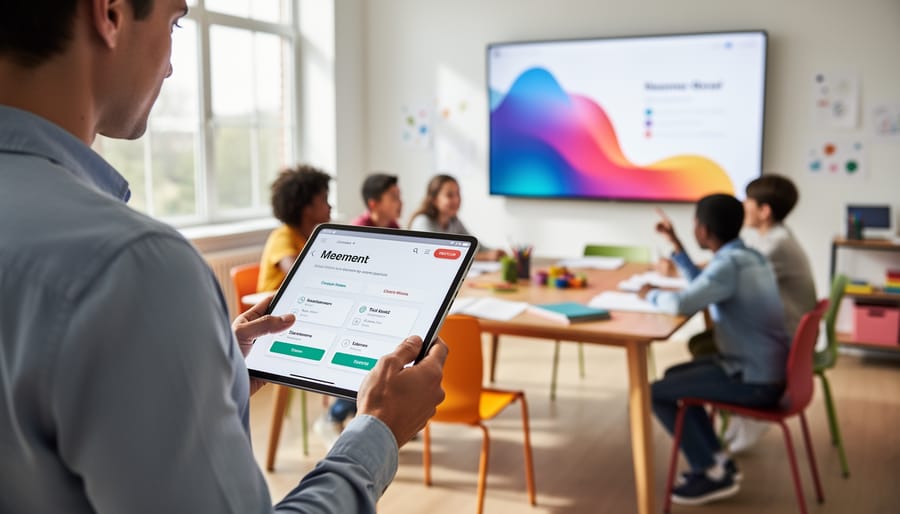
Turn Your Classroom Games Into Powerful Learning Tools With Data Analytics
Imagine knowing exactly which students struggle with multiplication facts, who races through reading comprehension questions without thinking, or which team consistently dominates your classroom Jeopardy game. Data analytics games transform your interactive classroom activities into powerful learning tools by automatically tracking student performance, revealing patterns you might otherwise miss. Instead of relying on gut feelings about student progress, you’ll see real-time dashboards showing accuracy rates, response times, and participation levels for every player. This game-changing approach turns fun PowerPoint games and digital quizzes into assessment goldmines that inform your next lesson, identify students needing extra support, and celebrate genuine growth. The best part? You don’t need a tech degree to get started. Modern platforms embed analytics directly into games you’re already using, displaying easy-to-read charts and reports that make data work for you, not the other way around. Within minutes of gameplay, you’ll spot learning gaps, adjust difficulty levels, and personalize instruction based on concrete evidence rather than guesswork. Whether you’re tracking progress in math fact fluency, vocabulary retention, or test prep skills, analytics-enabled games give you the insights to make every classroom moment count while keeping students engaged and motivated.
What Are Data Analytics Games (And Why Teachers Love Them)
Think of data analytics games as your classroom games with a built-in assistant that does the tracking for you. These are interactive activities where students answer questions, solve problems, or compete in challenges while the system quietly collects data on their performance in the background. No clipboards, no tally marks, no staying late to grade responses.
Here’s what makes them special: instead of just seeing who won the game, you get detailed insights into what each student actually learned. Did Sarah nail the multiplication questions but struggle with division? Did your entire class breeze through vocabulary but stumble on context clues? The game captures all of this automatically.
Teachers love data analytics games because they solve a common classroom dilemma. Traditional game-based assessments are fun and engaging, but tracking individual progress often means choosing between the chaos of monitoring 25 students simultaneously or losing valuable learning insights altogether. With analytics built in, you get the best of both worlds: students stay motivated and engaged while you gather meaningful data without extra work.
The beauty is in the simplicity. While students are having fun competing and collaborating, you’re getting real-time feedback on their understanding. No additional quizzes needed. No extra grading sessions. Just pure, actionable insights that help you adjust your teaching and support students who need extra help.
Best of all, you can customize these games to match your exact curriculum needs, making them work for any subject, any grade level, and any learning objective you’re targeting.
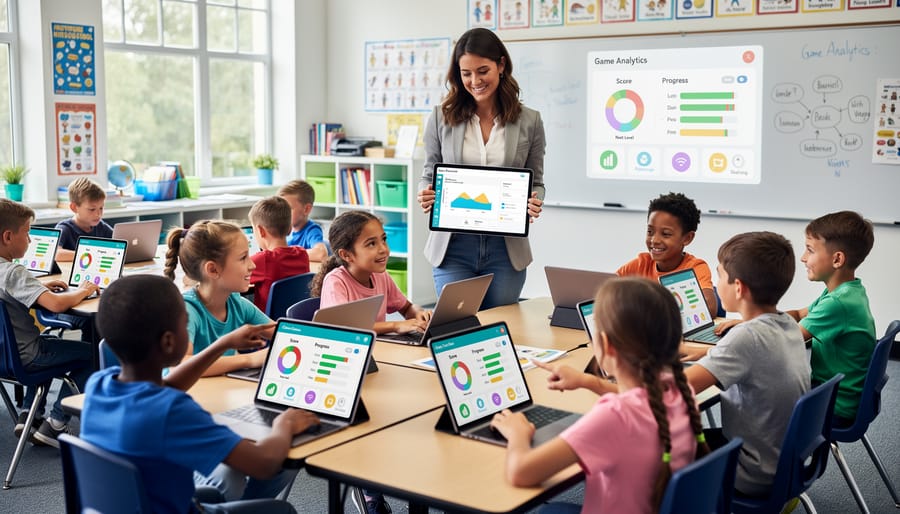
The Magic Behind Learning Analytics Dashboards
What Gets Tracked During Your Classroom Games
The great news? You don’t need to be a data scientist to understand what gets tracked during your classroom games. Think of it like keeping score at a sports game, but with a bit more detail that helps you become a better coach for your students.
When students play review games in your classroom, the system quietly tracks several key pieces of information. First up are the basics: correct and incorrect answers. Imagine running a Jeopardy-style game where you can see that 80% of students nailed the multiplication questions but struggled with word problems. That’s gold for planning your next lesson.
Response times matter too. If Sarah takes 5 seconds to answer while most students need 30, you’ve spotted a student who might need enrichment. On the flip side, if the whole class is taking forever on certain questions, you know which concepts need more practice time.
Participation levels show you the full picture. Is quiet Ethan actively clicking in, or is he checking out? Digital games make it easy to spot who’s engaged and who might need a gentle nudge or a different approach.
Finally, team performance data turns group activities into learning opportunities. When the Blue Team consistently outperforms others, you can analyze what they’re doing right and share those strategies. Or if one team is struggling, you can adjust group dynamics for the next round.
The beauty is that all this information appears automatically, saving you from clipboard chaos while giving you insights that actually improve your teaching.
How Dashboards Turn Game Data Into Actionable Insights
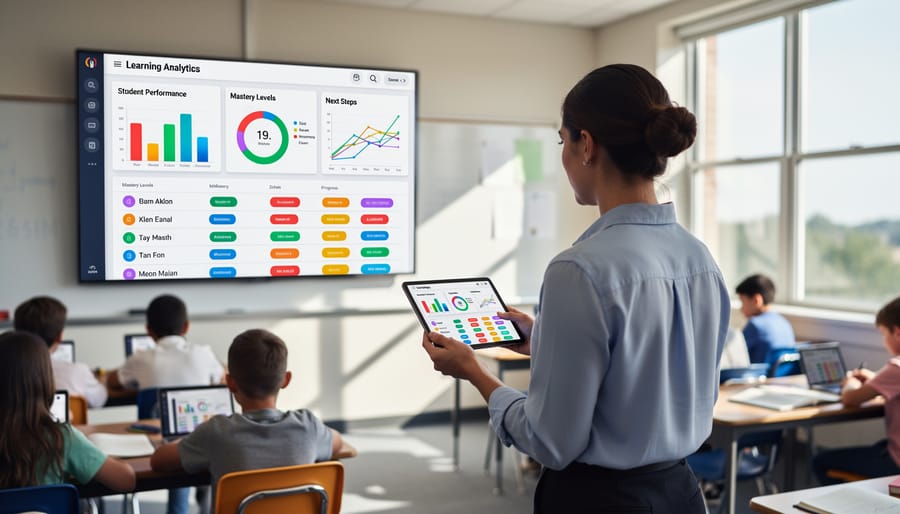
Dashboards are your secret weapon for transforming raw game data into clear, visual insights that actually make sense at a glance. Think of them as your classroom command center—instead of drowning in spreadsheets, you get colorful charts, progress bars, and quick summaries that show exactly what’s happening with your students.
The magic happens when these dashboards organize accurate assessment data into easy-to-read formats. You might see bar graphs comparing class performance on different question types, heat maps showing which questions stumped everyone, or individual student progress trackers that update in real-time. No more waiting days to score tests or wondering if your lesson landed.
Here’s where it gets really practical: imagine finishing a review game on Friday and instantly spotting that 80% of students struggled with fractions but aced multiplication. That’s your Monday lesson plan handed to you on a silver platter. Or notice that three students consistently lag behind on timed questions—maybe they need extra processing time or a different assessment format.
The best part? You don’t need to be a data scientist to use these tools. Most dashboard features are designed with busy teachers in mind, offering one-click reports and visual snapshots that highlight what matters most. You can quickly identify struggling students who need intervention, celebrate class-wide victories, and adjust your teaching approach based on real evidence rather than gut feeling. It’s like having a teaching assistant who never sleeps and loves crunching numbers.
Real Ways Data Analytics Games Help Your Teaching
Spot Learning Gaps Before Test Day
Here’s the exciting part: you don’t have to wait until test day to discover what your students don’t understand. Game analytics act like a friendly early warning system, highlighting exactly where students hit roadblocks during play.
When you review your dashboard after a game session, you’ll instantly see patterns. Maybe the entire class aced questions about fractions but stumbled on decimals. Or perhaps three students consistently struggled with vocabulary while others breezed through. These insights are gold for planning your next lessons.
The best part? You can intervene right away. Spotted a common misconception during today’s game? Address it tomorrow morning while it’s fresh. Notice a handful of students need extra support? Pull them for a quick small group session before moving forward.
Think of analytics as your teaching superpower that helps you customize support for every learner. You’ll spend less time guessing what to review and more time actually helping students master tricky concepts. Plus, catching gaps early means fewer surprises on formal assessments. By creating effective game assessments with built-in analytics, you’re essentially getting continuous feedback about your instruction.
Save Hours on Assessment and Grading
Let’s be honest—tracking student progress manually can eat up hours of your precious time. Between recording scores, analyzing who needs extra help, and figuring out which concepts to revisit, assessment can feel like a part-time job on top of your actual teaching!
Here’s where data analytics games become your new best friend. When you use games with built-in learning analytics dashboards, all that tedious tracking happens automatically in the background. As students play, the system collects their responses, calculates scores, and organizes everything into easy-to-read reports. No more clipboards, no more spreadsheets, and definitely no more staying late to crunch numbers.
The instant results are a game-changer too. Right after a review game, you can see exactly which questions stumped your class and which concepts they’ve mastered. This means you can adjust tomorrow’s lesson plan while the information is fresh, rather than discovering gaps weeks later. Plus, many platforms let you export data or view progress over time, giving you powerful insights without the manual effort. More time teaching, less time tracking—that’s a win for everyone!
Personalize Learning Without the Overwhelm
Every student learns differently, and data analytics games help you spot those unique needs without drowning in paperwork. When you track student performance through game-based activities, the dashboard shows you exactly who’s struggling with specific concepts and who’s ready for more challenging material.
Imagine running a quick vocabulary game on a Friday afternoon. Within minutes, your analytics reveal that three students consistently miss questions about prefixes while five others breeze through at advanced levels. Instead of guessing or spending hours grading, you’ve got clear, actionable insights that guide your Monday lesson plans.
The beauty is that this data makes differentiation actually doable. You can create custom versions of your games for different skill levels, pair students strategically, or pull small groups based on real evidence rather than hunches. Your dashboard becomes your personalized teaching assistant, pointing you toward students who need extra support and celebrating those ready to soar.
Best of all, this happens automatically while students play and learn. No extra grading time, no complicated spreadsheets—just smart, targeted teaching that meets every learner where they are.
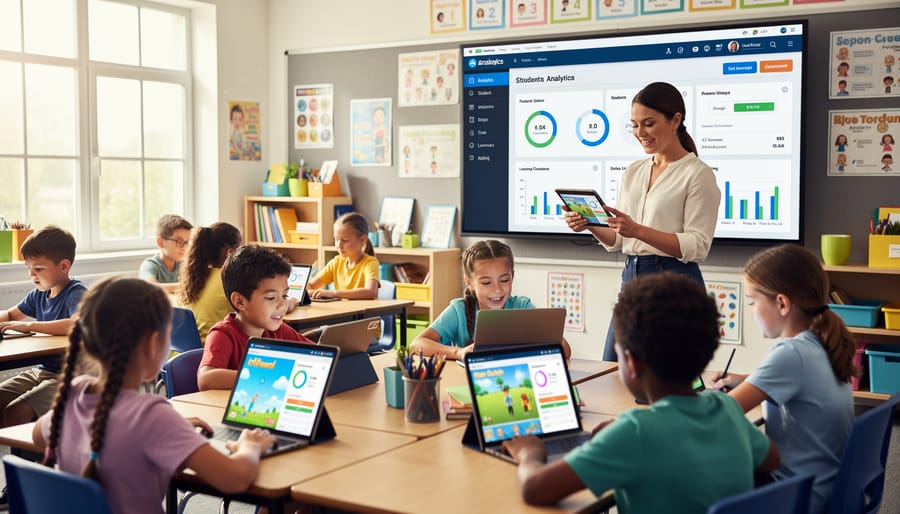
Making Data Analytics Work With Your PowerPoint Review Games
Simple Tracking Methods You Can Start Today
You don’t need fancy software to start tracking student progress during your PowerPoint games. Let’s explore three simple methods that take just minutes to set up and deliver valuable insights right away.
Digital scorecards are your quickest win. Create a simple tracking document where you note who answered questions correctly during each game session. You can use a basic Word document or even pen and paper if that’s more comfortable. The key is consistency—track the same information each time you play so you can spot patterns over time.
Google Forms offers a slightly more automated approach that students love. Before or after your game, have students submit a quick form indicating their confidence level with the topic or which questions stumped them. The beautiful part? Google automatically compiles responses into a spreadsheet for you, making it easy to see which concepts need reinforcement. Plus, students appreciate having a voice in their learning journey.
For those ready to level up, basic spreadsheet tracking provides the most flexibility. Set up a simple Google Sheet or Excel file with student names in rows and game dates or topics in columns. After each game, spend two minutes entering participation scores or correct answer counts. Within a few weeks, you’ll have enough data to identify trends, celebrate improvements, and adjust your teaching strategies.
The best method? The one you’ll actually use consistently. Start with whichever feels most manageable for your teaching style, and remember—even simple tracking beats no tracking every time.
Customizing Your Games for Better Data Collection
The best part? You don’t need to create games from scratch to start collecting valuable data! A few simple tweaks to your existing game templates can transform them into powerful tracking tools.
Start by adding an answer key slide at the end of your game. This gives you a quick reference to check student responses and makes scoring much faster. You can even color-code correct answers to speed things up during gameplay.
Create a simple recording sheet that matches your game format. Whether it’s a digital spreadsheet or a printable chart, having dedicated spaces to jot down which teams answered correctly helps you spot patterns later. Pro tip: organize your sheet by student names or team numbers so you can track individual progress over time.
Use those built-in scoreboards strategically! Instead of just tracking points, consider adding columns for different question types or skills. This way, you’re collecting data on specific learning objectives while students focus on winning the game. They’ll be motivated by competition while you gather insights about who needs extra support with particular concepts.
Remember, customization doesn’t mean complicated. Even small changes like numbering your questions consistently or using the same color scheme for difficulty levels makes data collection smoother and helps you identify trends faster.
Getting Started: Your First Data Analytics Game
Ready to dip your toes into data analytics games? The best news is that you don’t need to overhaul your entire teaching approach or become a tech wizard overnight. Start simple and build from there.
Begin with just one game you already use in your classroom. Maybe it’s a quiz review or vocabulary challenge. Choose a platform that offers basic tracking features right out of the box. Many teachers find success starting with familiar tools like interactive PowerPoint games or simple online quiz platforms that automatically collect student responses.
Your first goal is to track one meaningful piece of information. Focus on which questions students struggle with most or how long it takes them to answer. That’s it. No complicated spreadsheets or advanced analytics needed at this stage.
After your game session, spend five minutes looking at the results. What patterns do you notice? Did most students miss the same question? Did anyone finish much faster or slower than expected? These simple observations are already helping you implement reliable assessment practices.
Once you feel comfortable with basic tracking, gradually add more elements. Try comparing performance across different class periods or tracking individual student progress over time. The key is building confidence through small wins rather than feeling overwhelmed by all the possibilities at once.
Remember, every expert started exactly where you are now. Your willingness to try something new already puts you ahead of the game.
You don’t need to be a data scientist to make your classroom games more powerful. The beauty of adding simple analytics to your games is that it enhances learning without taking away any of the fun. Whether you start with a basic tally system tracking correct answers or use a template with built-in data collection, every small step forward helps you understand your students better.
Remember, the goal isn’t to collect perfect data or create complicated reports. It’s about gaining insights that help you support each student’s learning journey. When you notice patterns in how students respond during game-based activities, you can adjust your teaching, celebrate progress, and identify who needs extra support.
Start small today. Pick one game you already use and add one simple data point to track. Maybe it’s recording how many students answer correctly on the first try, or noting which questions cause the most confusion. That single piece of information can spark meaningful changes in your classroom.
Your students will still have fun playing, but you’ll have the added confidence of knowing exactly what’s working and what needs tweaking. Taking that first step toward data-informed teaching doesn’t have to be overwhelming. It just has to begin.