

This Free Tool Writes Your Jeopardy Questions in Seconds
Transform your review sessions into exciting game-show moments with a JBQ question generator—a specialized tool that creates Jeopardy-style questions and answers for any subject or grade level. Instead of spending hours crafting clue cards manually, you’ll generate customized content in minutes by simply entering your topic, difficulty level, and number of questions needed. The tool automatically formats responses in that classic answer-then-question style (“This planet is known as the Red One” → “What is Mars?”), making classroom competitions feel authentic and polished.
Teachers love using JBQ generators because they adapt instantly to whatever you’re teaching—from multiplication tables to literary devices to historical events. You control the complexity, ensuring questions match your students’ abilities while keeping everyone engaged. The best part? You can save, edit, and reuse question sets throughout the year, building a personalized library that grows with your curriculum. Whether you’re reinforcing yesterday’s lesson or preparing for end-of-unit reviews, a JBQ question generator removes the prep burden and lets you focus on what matters most—watching your students enthusiastically compete to demonstrate their knowledge.
What Is the JBQ Question Generator?
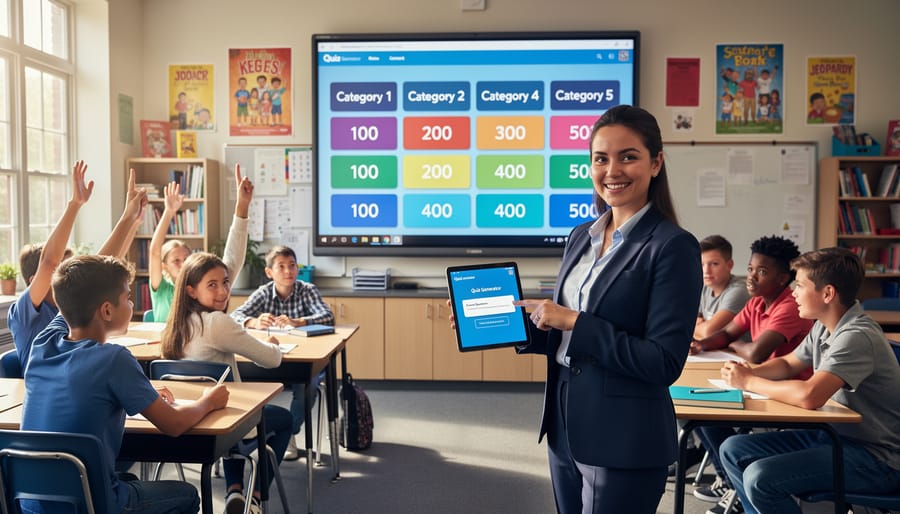
The JBQ Question Generator is your go-to tool for creating exciting Jeopardy-style questions that bring game show energy right into your classroom! Part of the Classroom Game Toolkit, this specialized generator helps you design questions and answers in the classic Jeopardy format where students respond with “What is…” or “Who is…” to clues you provide.
Think of it as your personal game show writer, but tailored specifically for educational content. Whether you’re reviewing vocabulary, historical events, math concepts, or science facts, the JBQ Question Generator transforms standard review material into engaging game content that students actually look forward to playing.
What makes this tool special is how it fits perfectly within the broader ecosystem of question banks and prompt generators available to educators. Instead of spending hours crafting the perfect Jeopardy-style clues yourself, you can generate multiple questions quickly while maintaining that authentic game show feel.
The generator streamlines the question creation process, letting you focus on customization rather than format. You simply input your subject matter, choose your difficulty level, and let the tool handle the structural elements that make Jeopardy questions work so well. The result? Professional-quality game content that transforms any review session into an interactive learning experience your students will remember long after the final round.
Why Your Classroom Needs a Question Generator
Save Hours of Prep Time
We know your time is precious, and creating engaging review games shouldn’t eat up your entire planning period. That’s where the jbq question generator becomes your new best friend. Instead of spending hours brainstorming questions and typing them out manually, you can generate a complete set of Jeopardy-style questions in just minutes. Simply input your topic or learning objectives, customize the difficulty levels, and watch as the tool does the heavy lifting for you. This means less time staring at blank documents and more time focusing on what really matters—connecting with your students and delivering amazing lessons. The generator handles the formatting, organization, and question structure automatically, so you can jump straight from idea to gameplay without the usual hassle.

Keep Students Engaged with Fresh Content
One of the biggest challenges in review sessions is keeping things fresh so students stay excited and engaged. That’s where a JBQ question generator becomes your best friend! Instead of reusing the same tired questions week after week, you can generate new content in minutes.
Think about it: every review game becomes a brand-new experience. Students won’t zone out because they’ve memorized last week’s answers. The variety keeps them on their toes and genuinely thinking about the material rather than just recalling previous games.
The customization options mean you can easily switch up categories, adjust difficulty levels, or focus on different topics based on what your class needs that particular day. Studying fractions on Monday? Generate questions. Need a quick vocabulary review on Friday? Create a fresh set in seconds.
This flexibility is perfect for differentiated learning too. You can quickly generate easier questions for students who need extra support or create challenging ones for advanced learners. The result? Every student stays engaged at their appropriate level, and your review sessions never feel repetitive or boring.
How to Use the JBQ Question Generator
Getting Started
Ready to bring some game-show excitement to your classroom? Getting started with the JBQ question generator is super simple! First, you’ll want to navigate to the toolkit section where the generator lives. Look for the question generator tool option in your resource menu. Once you’ve found it, you’ll see a clean, user-friendly interface designed with busy teachers in mind. No complicated downloads or installations needed—it works right in your browser! The generator typically asks you to input your subject area and grade level, which helps tailor questions to your students’ learning needs. You can usually start creating questions within seconds of opening the tool. The best part? Most educators find they can generate their first set of Jeopardy-style questions in just a few clicks, making lesson prep faster and way more fun!
Generating Your Questions
Creating your questions is super simple and fun! Start by deciding on your topic or subject area – whether it’s multiplication facts, vocabulary words, or historical events. Most JBQ question generators let you input your content in a few different ways. You can type questions and answers directly into text boxes, upload a spreadsheet with your content, or even paste information from existing documents.
The real magic happens with customization options. You can typically adjust difficulty levels to match your students’ abilities, choose specific categories that align with your lesson plans, and decide how many questions you need. Many generators let you preview your questions before finalizing them, so you can make quick edits if something doesn’t look quite right.
Want to make it extra engaging? Look for features that let you add images, adjust point values, or create different rounds with varying challenges. The beauty of these tools is that they save you tons of time while still giving you complete control over the content. In just minutes, you’ll have a professional-looking game board ready to energize your classroom!
Importing into Your Game Template
Once you’ve generated your questions, bringing them to life is easy! Simply copy your questions from the jbq question generator and paste them directly into any PowerPoint game templates. Most templates have designated text boxes for each question and answer, making the process super straightforward. Click on each box, paste your content, and adjust the font size if needed. The beauty of this approach is that you can have a fully functional classroom game ready in minutes! Feel free to customize colors, add images, or tweak point values to match your lesson objectives. This seamless integration means less prep time and more engaging classroom fun for your students.
Creative Ways to Use Generated Questions
Subject-Specific Applications
The JBQ question generator adapts beautifully across all subject areas! For math classes, create questions like “What is 144 divided by 12?” or “This geometric shape has eight sides.” Students love the game-show format while practicing essential skills.
In science, try categories like “Animal Adaptations,” “The Water Cycle,” or “States of Matter.” Questions such as “This process turns liquid water into vapor” make review sessions engaging and memorable.
Language arts teachers can focus on vocabulary, literary devices, or grammar rules. Create clues like “This punctuation mark shows possession” or “Shakespeare wrote this tragic play about star-crossed lovers.” The competitive element motivates students to sharpen their reading comprehension.
Social studies categories work wonderfully too! Design questions about historical events (“This document was signed in 1776”), world geography (“This capital city is located in France”), or government systems (“This branch of government includes the Supreme Court”).
The customization options let you adjust difficulty levels and topics to match your curriculum perfectly. Mix subjects together for interdisciplinary review games, or keep categories focused for targeted practice. Your students will request JBQ games regularly once they experience how fun learning can be!
Beyond Review Games
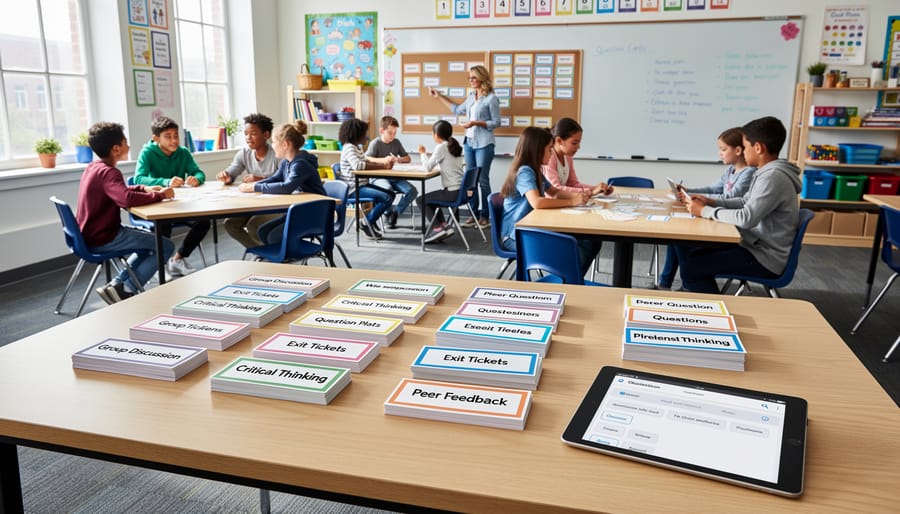
Your JBQ question generator isn’t just for review games! Think of it as your secret weapon for keeping students engaged throughout the entire lesson. Use generated questions as exit tickets to quickly assess understanding before students leave. Simply display three questions on the board and have students answer on sticky notes or index cards. This gives you instant feedback on what concepts need reinforcement tomorrow.
Transform those questions into energizing warm-up activities that get brains fired up the moment students walk in. Project a question as your bell-ringer and watch students excitedly discuss possible answers with partners. This builds anticipation and activates prior knowledge before diving into new content.
For ongoing formative assessments, sprinkle generated questions throughout your lesson. After explaining a concept, pause and display a quick question to gauge comprehension. This approach keeps everyone on their toes and helps you adjust pacing in real-time. The beauty of engaging all learners with these questions is their flexibility. Customize difficulty levels for different student needs, ensuring everyone experiences success while being appropriately challenged. Your question generator becomes an all-day teaching companion rather than just a Friday afternoon game tool.
Tips for Better Generated Questions
Getting the best results from your JBQ question generator is easier than you think! Start by being specific with your topic inputs. Instead of typing “science,” try “photosynthesis process” or “solar system planets” to get more targeted, relevant questions that match exactly what you’re teaching.
Always align your generated questions with your learning objectives before using them in class. Ask yourself: Do these questions assess what my students actually need to know? A quick review lets you catch any off-topic content and ensures everything connects to your lesson goals.
Don’t be afraid to customize! The generator gives you a fantastic starting point, but adding your own twist makes questions even better. You can adjust difficulty levels by simplifying vocabulary for younger students or adding complexity for advanced learners. Personalize questions by incorporating student names, local examples, or inside classroom jokes to boost engagement.
Here’s a time-saving tip: generate more questions than you need, then cherry-pick the best ones. This gives you options and lets you save extras for review games or future lessons.
Remember to edit for clarity. Sometimes generated questions might need minor tweaks to match your students’ reading levels or to fix awkward phrasing. A quick polish ensures smooth gameplay and prevents confusion during your Jeopardy game.
Finally, test your questions yourself first. Read through them as if you’re a student to catch any ambiguous wording or answers that might have multiple interpretations. This small step prevents mid-game hiccups and keeps the fun flowing!
The JBQ Question Generator is truly a game-changer for busy educators who want to bring excitement into their classrooms without spending hours on prep work. This tool takes the stress out of creating review games, giving you more time to focus on what really matters—connecting with your students and making learning memorable.
Whether you’re reviewing for a big test, reinforcing key concepts, or just looking to add some fun to a Friday afternoon, this generator has your back. The customization options mean you can tailor every game to fit your specific classroom needs, from topic selection to difficulty levels.
Ready to transform your review sessions? Give the JBQ Question Generator a try today and see how quickly you can create engaging, educational games your students will love. While you’re at it, explore the other fantastic resources available through Classroom Game Toolkit. You’ll find even more ways to gamify learning and keep your students excited about education. Your next unforgettable classroom moment is just a few clicks away!