
SIS Rostering Makes Your Classroom Games Actually Work for Everyone
Picture this: It’s Sunday evening, and instead of manually typing student names into your classroom game platform, you’re relaxing because your roster updated automatically. That’s the magic of SIS rostering integration.
SIS integration connects your school’s Student Information System directly to educational platforms, syncing student rosters, class periods, and enrollment changes without any manual data entry. When a new student joins your class or transfers out, the system updates itself. No spreadsheets, no typing errors, no wasted prep time.
For teachers using interactive learning games and activities, this technology transforms classroom management from tedious to effortless. Your students can log in instantly using their school credentials, you can launch customized activities for the right groups of students, and you maintain complete control over who accesses what content.
The best part? You don’t need to be tech-savvy to benefit. Most platforms handle the integration behind the scenes after a quick one-time setup by your school’s IT team. Once connected, you’ll wonder how you ever managed without it. This streamlined approach means more time creating engaging lessons and less time wrestling with administrative tasks, letting you focus on what matters most: inspiring your students to learn.
What SIS Rostering Integration Really Means (In Plain English)
Think of SIS rostering integration as a digital bridge that automatically connects your school’s student information system to your classroom game platform. No more manual data entry, no more typing in dozens of student names, and definitely no more updating class lists when students transfer in or out.
Here’s what happens behind the scenes: Your school already stores all student information in one central system—names, grade levels, class assignments, and teacher schedules. SIS rostering integration simply allows gamified learning platforms to securely access this information and automatically populate your digital classroom.
When you turn on this integration, the platform pulls the current roster directly from your school’s system. Students appear in the correct classes with the right teacher assignments. Even better, when changes happen—like a new student enrolling or a schedule adjustment—those updates sync automatically. You don’t lift a finger.
The beauty of this system is that it saves you precious time while keeping everything accurate and up-to-date. Instead of spending 30 minutes setting up your classes at the beginning of the year, the integration does it in seconds. Instead of manually adjusting rosters throughout the semester, the system handles it for you.
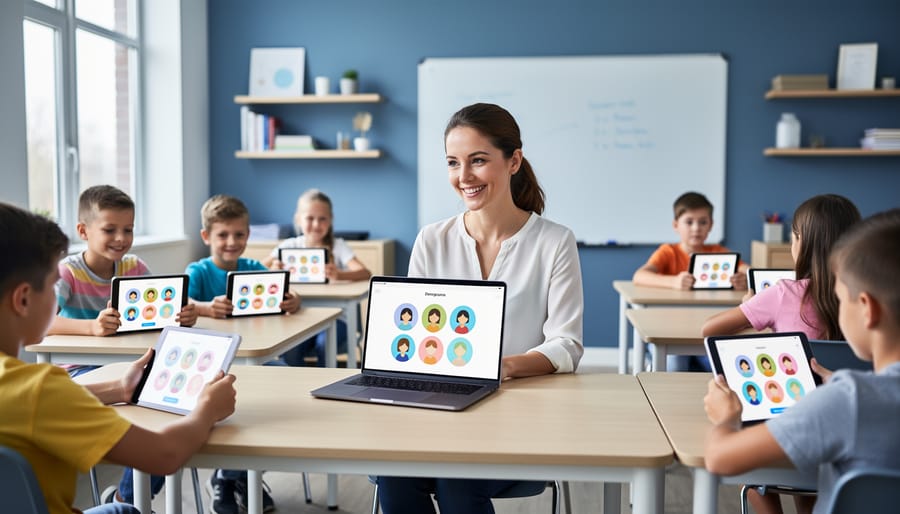
For students, the experience is seamless too. They can log in using their existing school credentials, which means no new passwords to remember or forget. Everything just works, letting you focus on what matters most—creating engaging learning experiences and connecting with your students. The technology handles the administrative busywork so you can concentrate on teaching.
The Real Problem SIS Integration Solves for Teachers
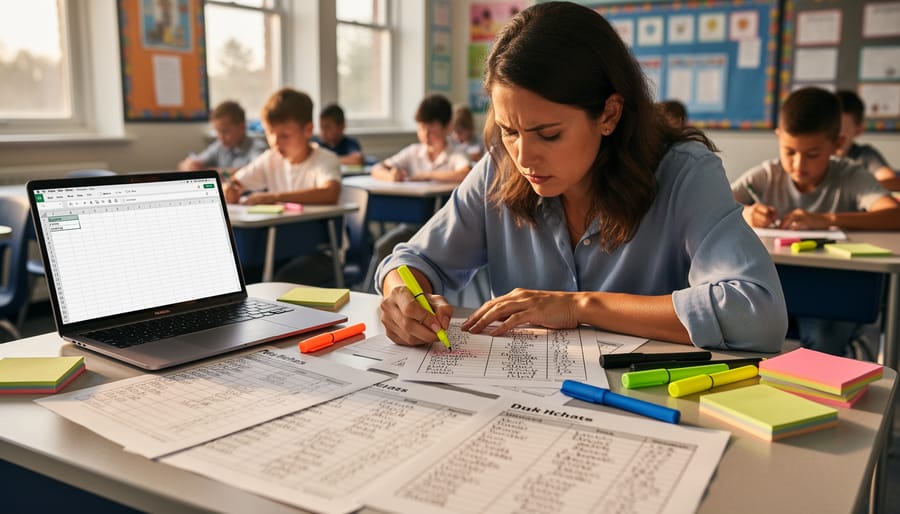
Picture this: It’s Sunday evening, and you’re preparing for the new semester. You open your classroom game platform, ready to set up your five different class periods, only to realize you need to manually type in 150 student names. One by one. First name, last name, maybe an email address. Then halfway through the semester, three students transfer out and four new ones arrive. Time to update everything again across all your digital tools.
Sound familiar? This is the daily reality for teachers without SIS integration.
Think about all those little moments that eat away at your precious planning time. You’re switching between your gradebook, your district’s student information system, and your favorite classroom activities platform, trying to keep rosters synchronized. A student changed classes? You’ll need to remember to update that in three different places. New class assignments came through? Break out the keyboard for another data entry session.
And here’s the frustrating part: while you’re spending 20 minutes copying and pasting student information, you could be customizing that awesome review game for tomorrow’s lesson or finally creating that differentiated activity you’ve been planning.
The real problem isn’t just about saving time, though that’s definitely a huge perk. It’s about reducing those tedious administrative tasks that pull you away from what you actually love doing: teaching and connecting with your students. SIS integration handles all that background work automatically, so you can focus your energy where it matters most.
How SIS Rostering Works With Classroom Game Platforms
The One-Time Setup
Good news – getting started with SIS integration is much simpler than you might think! The initial setup typically happens just once, and your school’s tech team or the game platform’s support staff usually handles the heavy lifting.
Here’s the basic process: Your school district connects its Student Information System to the game platform through a secure link. This connection allows student roster information – like names, grade levels, and class assignments – to flow automatically into your gaming dashboard. Think of it like connecting two apps on your phone so they can talk to each other.
Most platforms offer step-by-step setup wizards that guide you through the process with clear instructions. Your administrator will grant permissions, confirm which classes should sync, and that’s essentially it! The whole thing usually takes less than an hour to complete.
Once the connection is established, you’re ready to go. Your class rosters will populate automatically, students can log in with their school credentials, and you can focus on what matters most – creating engaging learning experiences. No manual data entry, no passwords to remember, just seamless access to your educational games!
Automatic Updates That Save You Hours
Imagine never having to manually update your class rosters again! With SIS integration, your student lists refresh automatically whenever changes happen in your school’s system. When a new student joins your school, they’ll appear in your classroom game platform without you lifting a finger. If a student transfers to a different class or leaves the district, they’re automatically removed from your roster too.
This magic happens behind the scenes, usually overnight or in real-time depending on your school’s setup. No more awkward moments when you’re calling on a student who transferred last week, or scrambling to add the new student who joined this morning. Your classroom games stay current without the busywork.
Think about all those hours you’ve spent typing names, creating accounts, and fixing roster mistakes. SIS integration gives you that precious time back so you can focus on what really matters—teaching! The system handles the tedious administrative tasks while you concentrate on creating engaging learning experiences. It’s like having a personal assistant dedicated to keeping your digital classroom perfectly organized and up-to-date.
What This Means for Your Classroom Games

Instant Student Access
Here’s the thing that makes SIS integrations truly magical for your students: they can jump straight into the action without any hassle. When your class roster syncs automatically, students simply log in using their school credentials and they’re ready to play. No more creating individual accounts, remembering separate passwords, or wasting precious class time on technical setup. Your students see their name, click to join, and boom—they’re in the game. This seamless access means more time for actual learning and less time troubleshooting login issues. Plus, students can easily join games from home or school without any extra steps, making it perfect for homework assignments or blended learning environments. The best part? You can customize which games students access based on their learning needs, ensuring everyone gets the right level of challenge without any additional friction.
Accurate Class Lists Every Time
Imagine starting each school year with your class rosters already loaded and ready to go. That’s the magic of SIS integration! Your student lists sync automatically with your district’s system, which means no more manually typing names, no more accidentally leaving someone out, and no more scrambling when new students join mid-year.
When a student transfers into your class, they’ll appear on your roster within hours, not days. When someone moves to a different section, the system handles it seamlessly. You’ll always know exactly who belongs in your classroom activities without checking multiple sources or wondering if you missed an update from the office.
This automatic accuracy saves you precious time and eliminates those awkward moments when a student can’t participate because they weren’t added to your platform yet. Your energy stays focused where it belongs—on creating engaging learning experiences for every single student in your class.
Multiple Classes, Zero Extra Work
Teaching multiple periods of the same subject? SIS integration has your back! Instead of manually adding students to each class period, the system automatically creates separate rosters for all your classes. Whether you’re teaching three periods of 7th grade math or five sections of English, each group gets its own space with the right students automatically enrolled.
The best part? Updates happen seamlessly throughout the year. When a new student joins your third period or someone switches from your morning class to afternoon, the changes sync automatically. You’ll never worry about outdated rosters or accidentally giving a student access to the wrong class period. This means you can focus your energy on creating engaging activities and celebrating student progress, not wrestling with class lists. It’s like having a teaching assistant who handles all the administrative details while you do what you do best.
Common Questions Teachers Ask About SIS Integration
We totally get it—trying something new in your classroom comes with questions! Let’s tackle the most common concerns teachers have about SIS integration so you can feel confident moving forward.
Is my student data safe? Absolutely! SIS integrations prioritize platform security by using encrypted connections that meet educational privacy standards like FERPA and COPPA. Your student information transfers securely between systems without exposing sensitive data. Plus, you control what information syncs—typically just names, grades, and class rosters.
Do I need to be tech-savvy to use this? Not at all! Most SIS integrations work behind the scenes once your school’s IT team sets them up initially. You simply log in like usual, and your rosters appear automatically. No complicated steps or technical knowledge required on your end.
Will this work with my school’s system? Great question! Most classroom game platforms integrate with popular systems like Google Classroom, Clever, ClassLink, PowerSchool, and Canvas. Check with your chosen platform—they usually list compatible systems right on their website. If you’re unsure, reach out to their support team, who can confirm compatibility in minutes.
Does my IT department need to get involved? Initially, yes—but it’s minimal! Your IT administrator will need to approve and connect the integration, which typically takes 15-30 minutes. After that setup, everything runs automatically. Most IT departments actually love SIS integrations because they reduce security risks and save everyone time.
What if my roster changes mid-year? That’s the beauty of integration! When students transfer in or out, your classroom game platform updates automatically. No more manually adding or removing students—the system handles it for you, keeping everything current without extra work.
Making the Switch: What to Expect
Good news: making the switch to an SIS-integrated platform is surprisingly painless! Here’s what the transition actually looks like in practice.
For you as a teacher, the process requires minimal effort. Your school IT team handles the heavy lifting behind the scenes. They’ll set up the connection between your school’s student information system and the game platform, which typically takes them just a few hours. Once that initial setup is complete, the system runs automatically in the background.
Your main task? Simply logging into your game platform account. That’s it! You’ll find your class rosters already populated with student names, and any changes to your classes throughout the year will update automatically. No more manual data entry or playing catch-up when new students join mid-semester.
During the first week, take a moment to verify that your rosters look correct and customize any game settings you prefer. Most teachers spend about 15 minutes on this initial check. After that, you can focus entirely on what matters most: creating engaging learning experiences for your students.
The beauty of this system is that it works quietly in the background. Students transfer between classes? Already updated. New semester starts? Fresh rosters appear automatically. You get all the benefits without the busywork, freeing up your time for actual teaching and connecting with students.
Ready to reclaim those precious minutes at the start of class? SIS integrations truly are a game-changer for busy teachers who want to maximize engagement time and minimize administrative hassle. Instead of manually entering student names or dealing with login chaos, you can jump straight into the fun part—playing educational games that get students excited about learning. The setup takes moments, not hours, and once connected, your classroom games practically run themselves. Think of all those extra minutes you’ll have for actual teaching, answering questions, or simply catching your breath between lessons. Whether you’re tech-savvy or just getting started with digital tools, SIS-integrated classroom game platforms are designed with you in mind. So why not explore your options? Your future self—and your students—will thank you for choosing tools that make classroom engagement easier and more joyful. You’ve got this!