
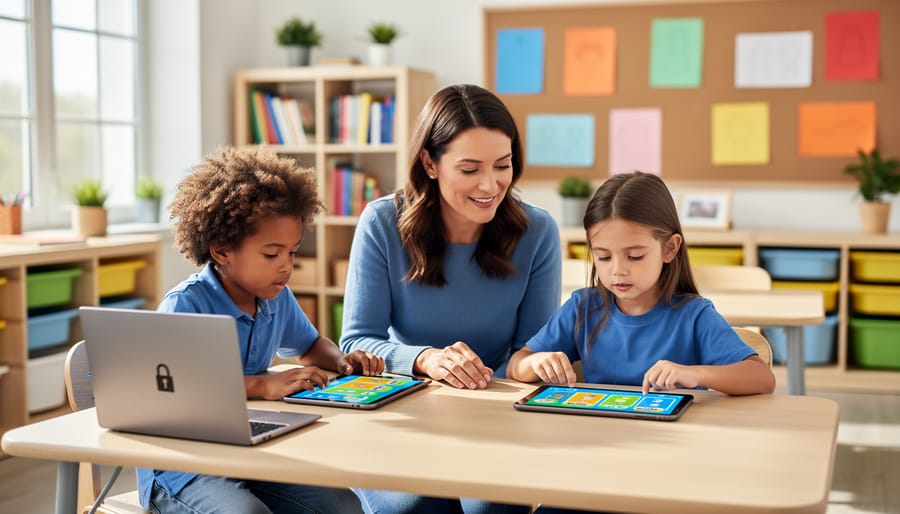
Protect Your Students’ Data While Making Learning Fun
Review your digital tools’ privacy policies before introducing them to students, focusing specifically on how student data is collected, stored, and shared with third parties. Check each platform’s data retention policies and ensure they comply with FERPA and COPPA requirements—most reputable educational technology providers clearly state their compliance status on their websites.
Create a simple classroom technology agreement that explains to parents which engaging digital tools you’ll use and why, what student information will be accessed, and how you’ll protect their children’s privacy. Share this at the beginning of the year and keep an updated list posted in your classroom newsletter.
Minimize data collection by using only the features you actually need. Many platforms let you turn off unnecessary tracking features or create accounts without requiring sensitive information like email addresses or birthdates. When possible, use roster codes or class-wide logins instead of individual student accounts for younger learners.
Teach your students age-appropriate digital citizenship lessons about protecting their own information online. Even elementary students can learn not to share personal details in digital platforms, while older students can understand why data privacy matters and how to spot trustworthy websites and apps.
Why Data Privacy Matters in Your Classroom
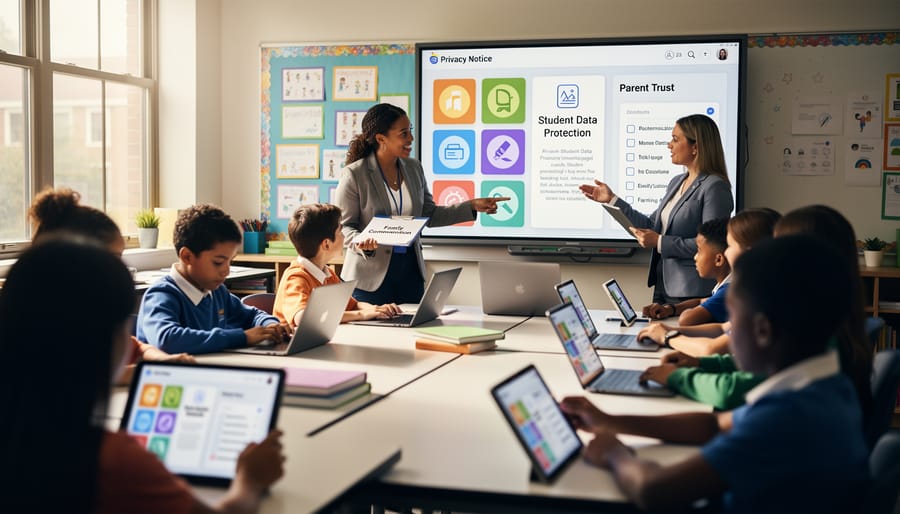
What Student Data Actually Means
Student data is more than just names and grades—though those are definitely part of it! In your classroom, student data includes any information that identifies or relates to your students. This means test scores, attendance records, and assignment submissions, but it also extends to behavioral observations, special education accommodations, health information, and even lunch account balances.
When you’re using digital tools and learning analytics platforms, you’re also collecting learning patterns like how long students take to answer questions, which topics they struggle with, and their login times. Even seemingly minor details like profile pictures, email addresses, and parent contact information count as private student data.
Here’s the key: if it can identify a specific student or reveal something about their learning, behavior, or personal circumstances, it’s protected information. This privacy protection exists because students (and their families) deserve control over their personal information. Your role as an educator means being a trusted guardian of this data, ensuring it’s used only to support learning and never shared without proper authorization.
The Trust Parents Place in You
When parents share their child’s information with you, they’re placing incredible trust in your hands. They expect you’ll protect their children’s data just as carefully as you protect their physical safety in your classroom. This means being thoughtful about every digital tool you introduce.
Before adopting any new platform or game, ask yourself: Does this tool really need to collect student names, emails, or other personal details? Many amazing interactive tools offer anonymous options or limit data collection to what’s truly necessary for learning. When you do need to gather information, communicate openly with parents about what you’re using and why.
Remember, maintaining this trust isn’t just about following rules—it’s about building lasting relationships with families. When parents see you taking privacy seriously, they’re more likely to support your innovative teaching approaches. Keep documentation of your privacy practices, stay informed about your school’s policies, and never hesitate to reach out to your tech coordinator with questions. Your commitment to protecting student data shows parents you care about the whole child, not just their test scores.
Simple Rules to Keep Student Information Safe
Check Before You Download
Before clicking that download button, take a few minutes to play detective! Start by checking if the tool has a clear privacy policy – and yes, I know reading these can feel like homework, but focus on the key parts. Look for how they collect, use, and share student data. Red flags include vague language or policies that allow selling data to third parties.
Check if the platform is FERPA or COPPA compliant, especially if you’re working with younger students. Many trustworthy educational tools will proudly display these badges right on their homepage. Don’t see them? Reach out to the company directly – legitimate providers are happy to answer your questions!
Read user reviews from fellow educators. What are other teachers saying about their experience? Have there been any security issues? A quick search can reveal valuable insights that privacy policies won’t tell you.
Finally, test the platform yourself before introducing it to students. Create a dummy account and explore what information it requests. Does it really need that much personal data to function? The best tools ask for minimal information and let you customize privacy settings. Remember, protecting your students’ information isn’t just smart – it builds trust with families and creates a safer learning environment for everyone!
Keep Only What You Need
Think of data collection like packing for a field trip – you only want to bring what’s truly necessary! When using digital tools with your students, resist the temptation to collect every piece of information available. Ask yourself: “Do I really need this data to help my students learn?”
Start by collecting only essential information like names and grade levels. Skip requesting home addresses, phone numbers, or parent employment details unless absolutely required. Many interactive classroom games and activities work beautifully with just a student’s first name or a fun username they create!
Before trying a new educational app or platform, check what data it collects. If it asks for more than you need, look for alternatives that respect privacy. Remember, less data collected means less data to protect and fewer worries about security.
Make it a habit to regularly review and delete old student information you no longer need. Last year’s quiz results? Archive or remove them once grades are finalized. This practice keeps your digital classroom tidy and your students’ information safer!
Secure Your Classroom Tech
Let’s talk about keeping your classroom tech secure! Think of it like locking your classroom door – these simple habits protect your students’ information. Start with strong, unique passwords for every platform you use. Mix letters, numbers, and symbols, and store them securely (a password manager can be your best friend here!). When sharing documents or game links, always double-check your sharing settings. Choose “specific people” rather than “anyone with the link” to keep student work private. Create a designated secure spot for storing student data – whether that’s a password-protected folder or your school’s approved cloud storage. Make it a habit to regularly clean up old files you no longer need. And here’s a fun tip: customize your device lock screens with reminders about logging out when you step away. These quick security practices become second nature fast, giving you peace of mind while your students enjoy all those amazing interactive tools you’ve set up!
Making Smart Choices About Classroom Tools
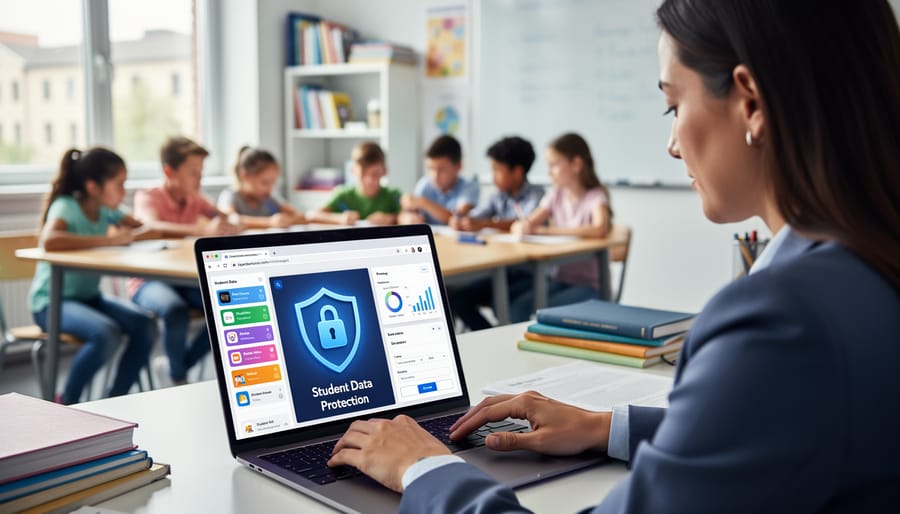
Questions to Ask Before Using Any Platform
Before you introduce any new digital tool or game into your classroom, take a moment to run through this quick privacy checklist. It’ll help you make confident, informed decisions that protect your students!
Start by asking: Does this platform require student accounts? If yes, what information do students need to provide? The less personal data required, the better. Look for tools that work with generic usernames rather than full names or email addresses.
Next, investigate where student data goes. Does the company share or sell information to third parties? Check their privacy policy for clear answers. You deserve transparency about how your students’ work and information will be used.
Find out about data security measures. How is student information protected? Look for encryption and secure storage practices mentioned in their documentation.
Ask whether you can delete student data when you’re done using the platform. You should have full control over removing information at any time.
Finally, check if the platform is COPPA or FERPA compliant. These protections matter! Don’t hesitate to reach out to the company directly if you can’t find clear answers. Reputable educational technology providers welcome these questions and should respond promptly with straightforward information.
Red Flags to Watch Out For
Before choosing any digital tool for your classroom, keep an eye out for these warning signs. If a platform doesn’t clearly explain how student data is used or stored, that’s a major red flag. Be cautious of tools that require excessive permissions, like access to cameras or location services when they’re not necessary for learning. Watch out for platforms that share student information with third parties for advertising or marketing purposes. Many AI-powered educational tools can be fantastic for personalization, but they should always be transparent about data collection. If you can’t easily find a privacy policy written in plain language, or if the company doesn’t respond to your privacy questions, consider it a warning sign. Trust your instincts—if something feels off about how a platform handles student information, explore other options that prioritize privacy and give you peace of mind.
Privacy-Friendly Options That Still Engage Students
Great news! You don’t have to sacrifice engagement for privacy. Downloadable game templates are a teacher’s best friend here. Think PowerPoint-based Jeopardy games, printable escape room kits, or customizable board game templates you can save on your computer. These tools let you create exciting, personalized learning experiences without requiring student logins or collecting any data online.
Many interactive learning technologies now offer offline versions or downloadable options. You can customize content to match your curriculum, add your students’ names for that personal touch, and run everything directly from your classroom computer. No accounts needed, no data shared, no worries.
The bonus? These tools often work without internet connectivity, making them perfect for any classroom setup. Your students get the same excitement and motivation they love from digital games while you maintain complete control over their privacy.
Getting Permission the Right Way
When You Need Parent Permission
Understanding when you need parental permission helps you stay compliant and build trust with families. Generally, if you’re using any platform that collects student information beyond basic directory details, you’ll want parent consent. This includes apps that track progress, games that require creating accounts, or tools that collect responses and work samples.
The key rule? If students under 13 are creating accounts or sharing personal information online, get permission first. Send home a simple, friendly permission slip explaining what tool you’re using and why it benefits learning. Keep it jargon-free and emphasize the educational value.
For classroom tools that don’t require student accounts or only you can access the data, you typically don’t need individual permissions, but check your school’s policy first. When in doubt, it’s always better to ask parents. They appreciate transparency, and you’ll feel confident knowing everyone’s on board with your awesome digital activities.
How to Talk to Parents About Classroom Tech
Open communication with families builds trust and shows you’re committed to protecting their children. Start the school year with a simple one-page overview of the digital tools you’ll be using and why they enhance learning. Keep it jargon-free and focus on benefits alongside safety measures.
Send home permission slips that clearly explain what data each tool collects and how it’s protected. Parents appreciate transparency, so share that you’ve vetted these tools for privacy compliance. Host a back-to-school tech night where families can explore the platforms their kids will use and ask questions in a relaxed setting.
Throughout the year, update parents when you introduce new tools. A quick email saying “We’re trying this fun quiz platform this month—here’s how we’re keeping data safe” goes a long way. Encourage questions and make yourself available to address concerns. When parents see you’re proactive about privacy, they become partners in creating safe, engaging learning experiences for their children.
Teaching Students About Their Own Privacy

Privacy Lessons That Stick
Making privacy concepts click with students doesn’t require fancy presentations or complicated lectures. Start with a simple “Would You Share This?” activity where students decide what information they’d share publicly, with friends only, or keep private. Use scenarios like posting vacation photos while still away from home or sharing their school schedule online. This gets them thinking critically about digital footprints.
Try the “Data Detective” game where students track how many apps or websites ask for personal information during a typical school day. They’ll be amazed at how much data collection happens! Follow up with a quick discussion about why companies want this information and whether it’s always necessary.
Create a classroom “Privacy Protector Checklist” together. Let students customize it with their own ideas about strong passwords, spotting phishing attempts, and recognizing suspicious links. When they help build the resource, they’re more likely to remember and use it.
End with real-world scenarios tailored to your grade level. Younger students can discuss sharing photos online, while older ones might explore social media privacy settings or the permanence of digital posts. Keep conversations open and judgment-free so students feel comfortable asking questions about their digital lives.
Building Good Digital Habits Early
Here’s the exciting part—you can turn privacy protection into an engaging, hands-on learning experience! Start with a “Digital Footprint Detective” activity where students search for their own names online and discuss what they discover. Create a classroom “Password Challenge” where kids design ultra-strong passwords using fun memory tricks like turning favorite song lyrics into character combinations.
Try a “Privacy Permission Game” where students role-play app permissions, deciding what information they’d share and why. You can also organize a “Spot the Phishing” competition using age-appropriate examples of suspicious emails or messages. Make it customizable by letting students create their own privacy posters or digital citizenship pledges.
Keep it interactive with a “Two-Minute Privacy Check” routine—teach students to pause before posting, sharing personal details, or clicking links. These simple habits become second nature when practiced regularly in your classroom, empowering students to make smart choices independently!
Quick Wins for Better Data Protection
You don’t need a complete classroom overhaul to protect your students’ data starting today! Begin with these simple changes that make a big difference.
First, do a quick privacy audit of the apps you’re currently using. Spend 15 minutes checking if each tool really needs personal information or if students can log in with generic usernames instead of full names. Many platforms offer classroom codes that keep things anonymous while still tracking progress.
Next, create a simple checklist before introducing any new digital tool. Ask yourself: Does this app share data with third parties? Can I turn off data collection features? Is there a student-friendly privacy policy I can actually understand? These three questions will save you headaches down the road.
Make privacy part of your classroom routine by designating one day each month as “Digital Clean-Up Day.” Have students clear old files, review what information they’ve shared online, and practice good digital habits together. It’s a fun way to reinforce privacy awareness while tidying up your virtual classroom space.
Finally, keep a master list of all the digital tools you use and share it with parents. This transparency builds trust and shows you’re being thoughtful about their children’s information. Parents appreciate knowing exactly which platforms their kids are using!
Here’s the great news: protecting student privacy doesn’t mean sacrificing the fun, interactive classroom you’ve worked so hard to create! Think of privacy-conscious teaching as adding a safety net beneath your creative trapeze act, not building walls around it. Every small step you take, whether it’s reading a privacy policy before signing up, choosing tools with strong protections, or having honest conversations with students about digital citizenship, makes a real difference. You’re already amazing at customizing lessons to meet your students’ needs, and adding privacy awareness to your toolkit simply enhances your professionalism and strengthens parent trust. The most engaging classrooms are built on foundations of respect and safety, and by being mindful about data ethics, you’re showing students that their wellbeing matters both online and off. You’ve got this, and your commitment to both exciting learning experiences and student protection is exactly what today’s classrooms need!