Description
What’s Included
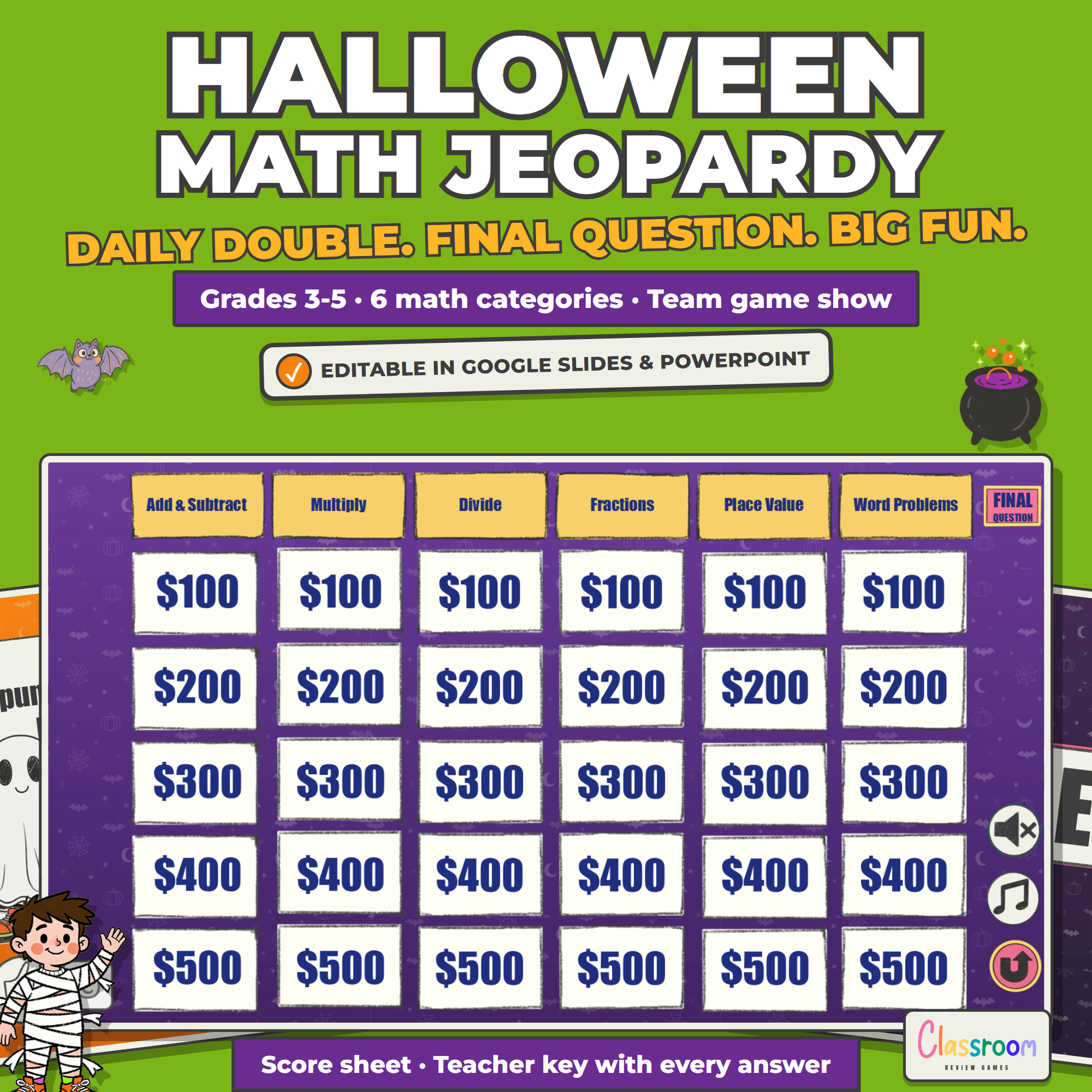
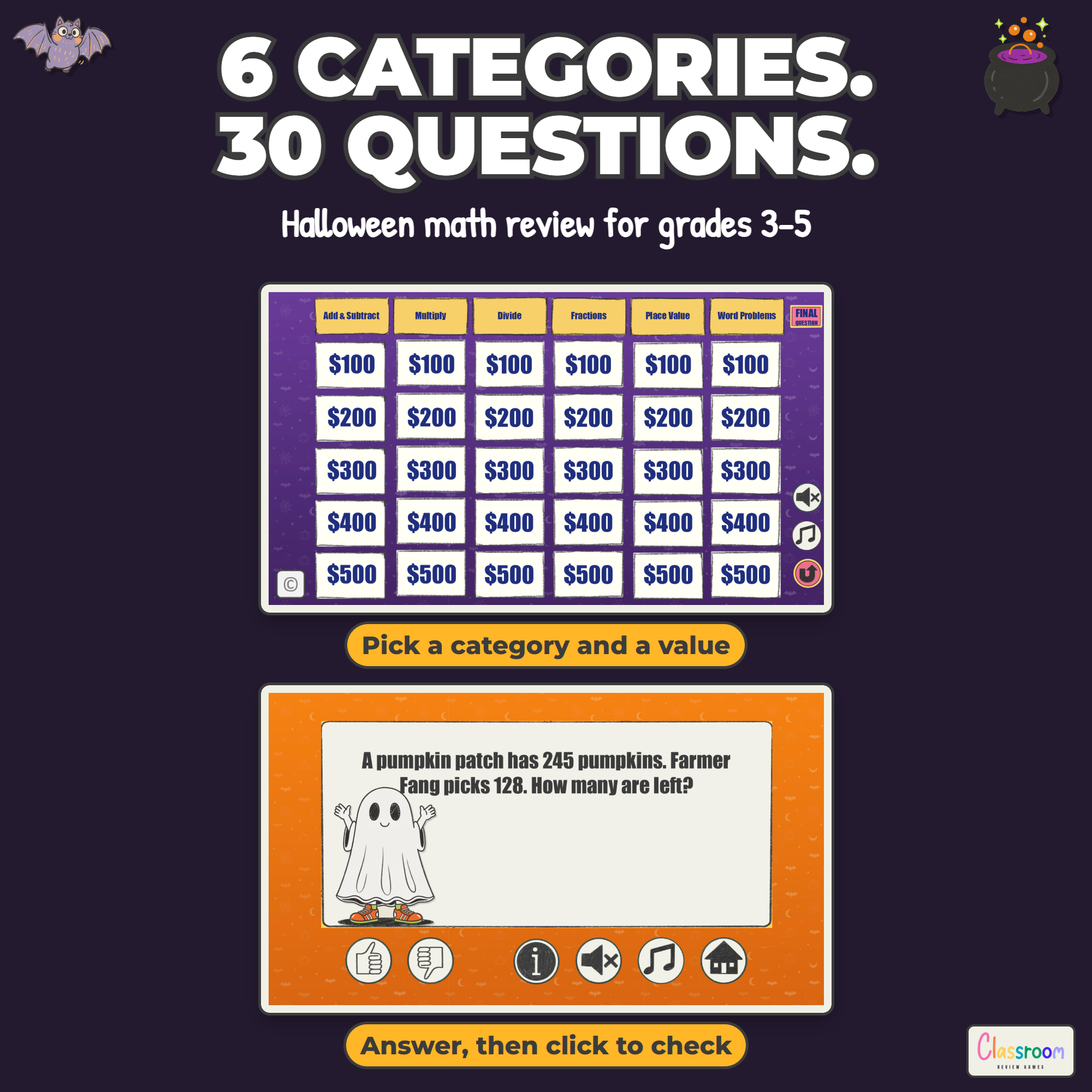
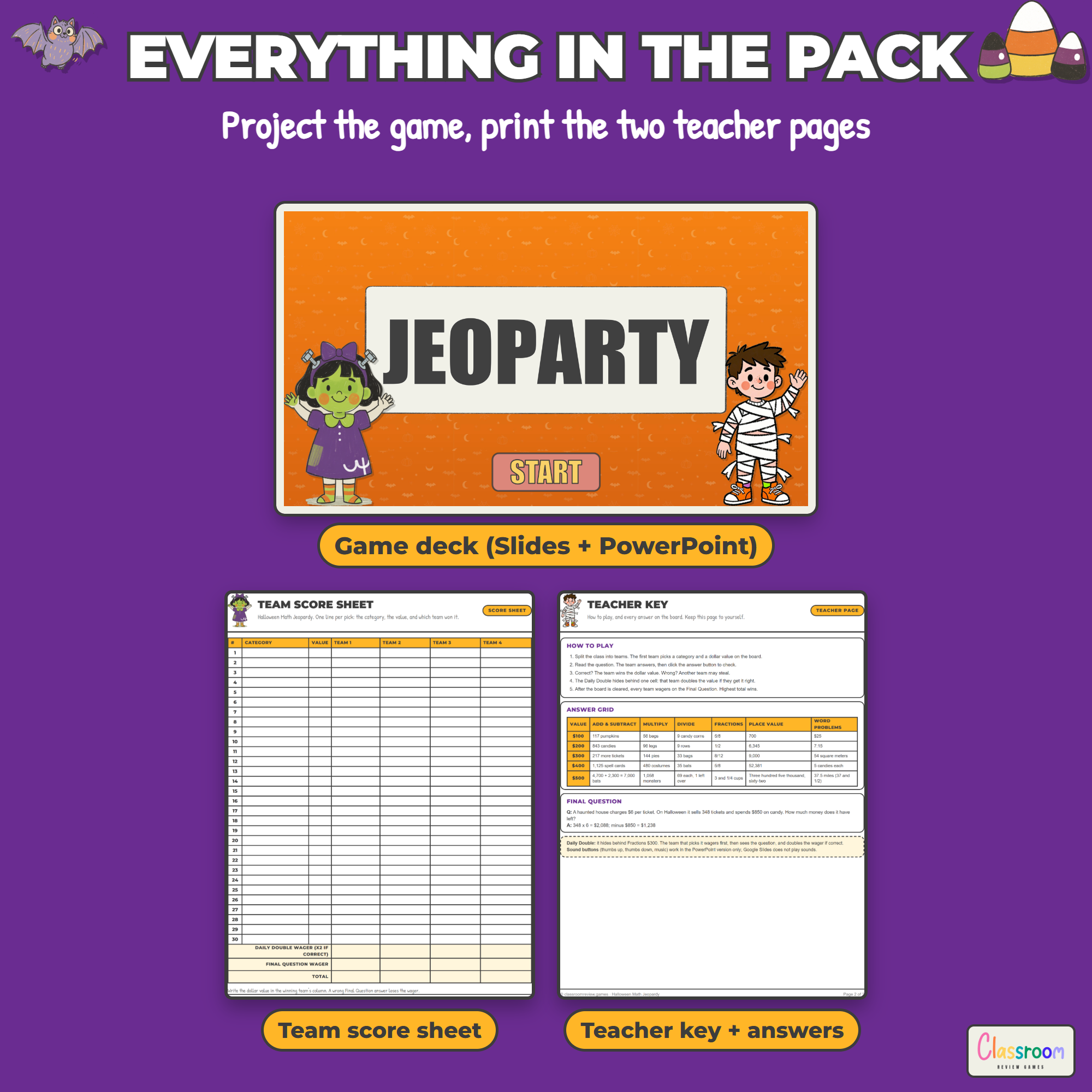
- Editable Jeopardy-style game (6 categories x 5 values, 30 question slides with answer slides, a Daily Double, and a Final Question) in Google Slides or PowerPoint
- 30 Halloween-flavored math questions with answers for grades 3 to 5, every one editable
- Printable four-team score sheet with Daily Double and Final Question wager lines
- Teacher key with how to play, the full answer grid, and the final answer
- Color and ink-saver black and white, US Letter and A4
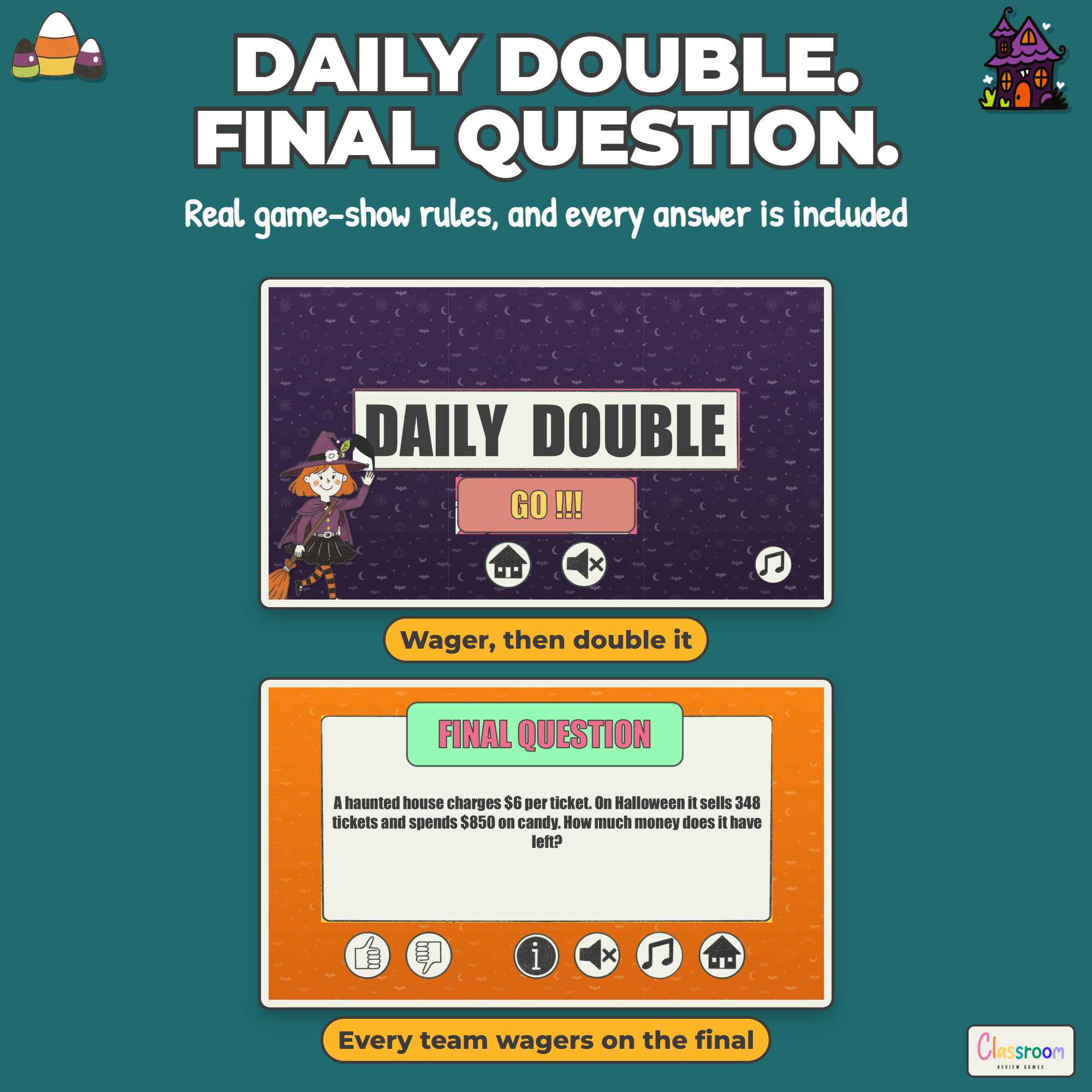
Daily Double and Final Question
The Daily Double hides behind one cell on the board. The team that picks it wagers any amount up to their total before seeing the question, and doubles that wager if they answer correctly. When the board is cleared, every team writes down a Final Question wager, the question is shown, and teams add or lose their wager. Highest total wins.
Works On
Windows, Mac, and Chromebooks. Project the slides. No student devices or logins required.
Important
Play in Slideshow (Present) mode so every cell, button, and link works. The sound buttons (thumbs up, thumbs down, and music) work in the PowerPoint version, which is included here. Google Slides does not play sounds, so those buttons are simply decorative in the Slides version.
Help
Email me any time with questions or requests. Thank you for supporting a small teacher-run shop.
Carolin
carolin@classroomreview.games


Reviews
There are no reviews yet.