Description
What’s Included
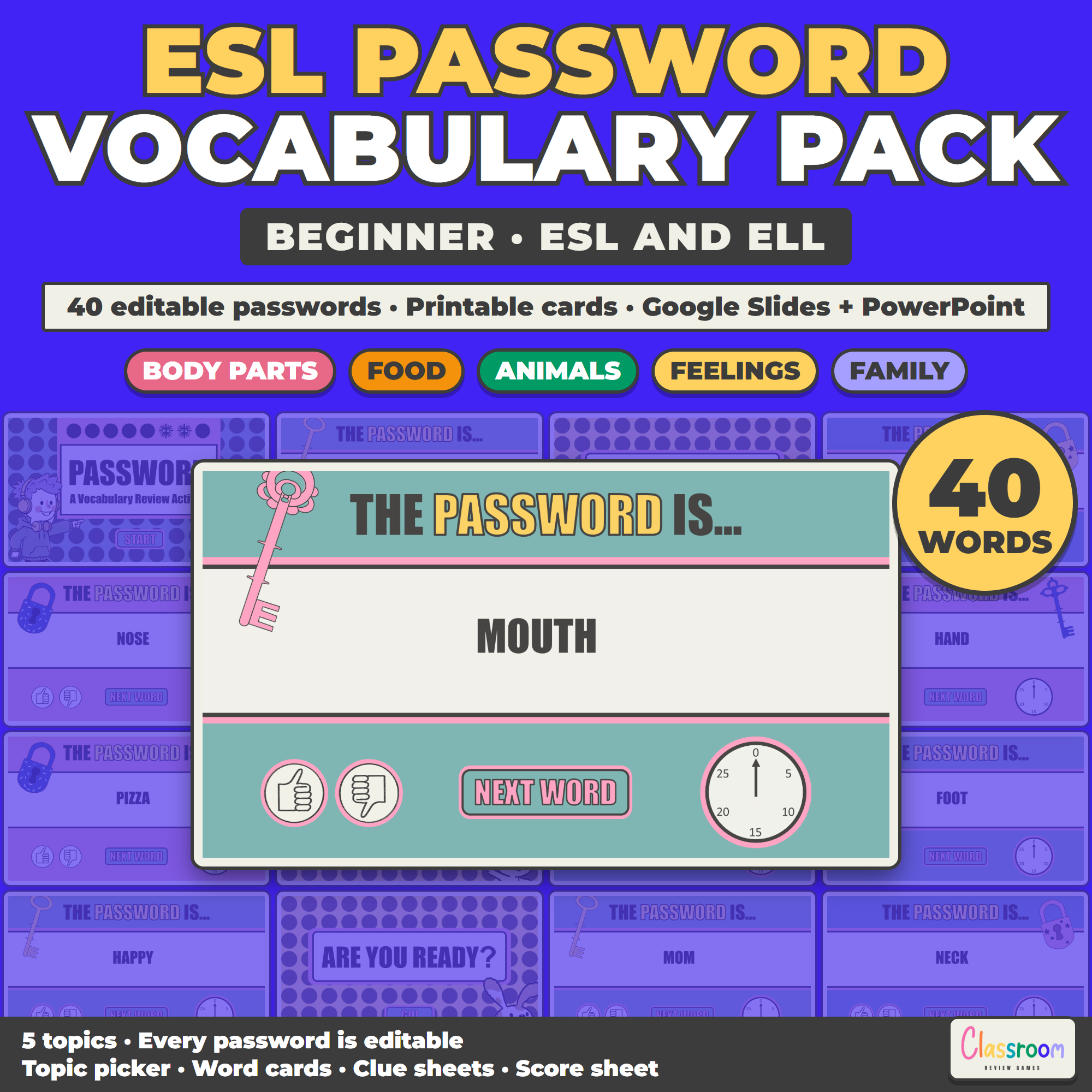
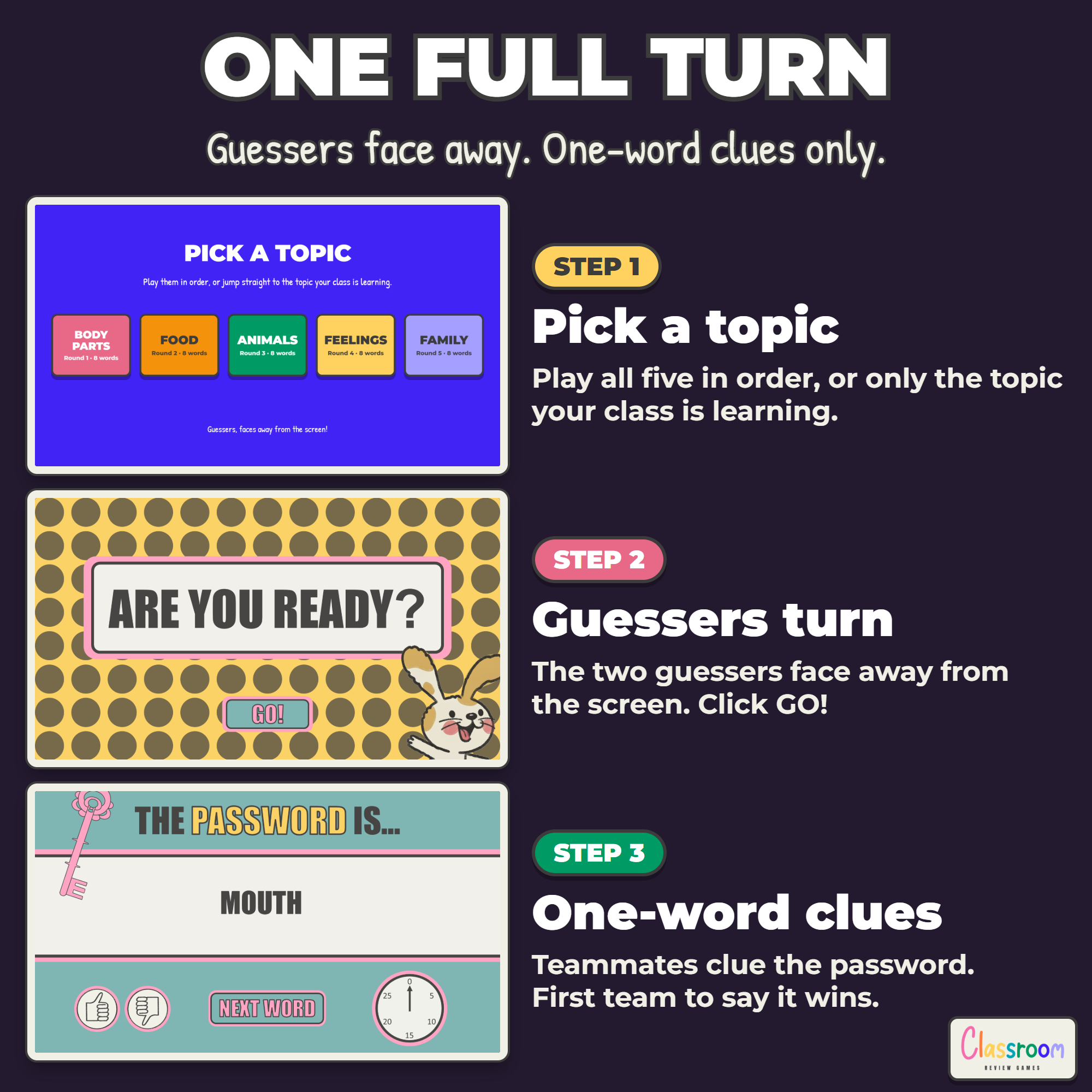
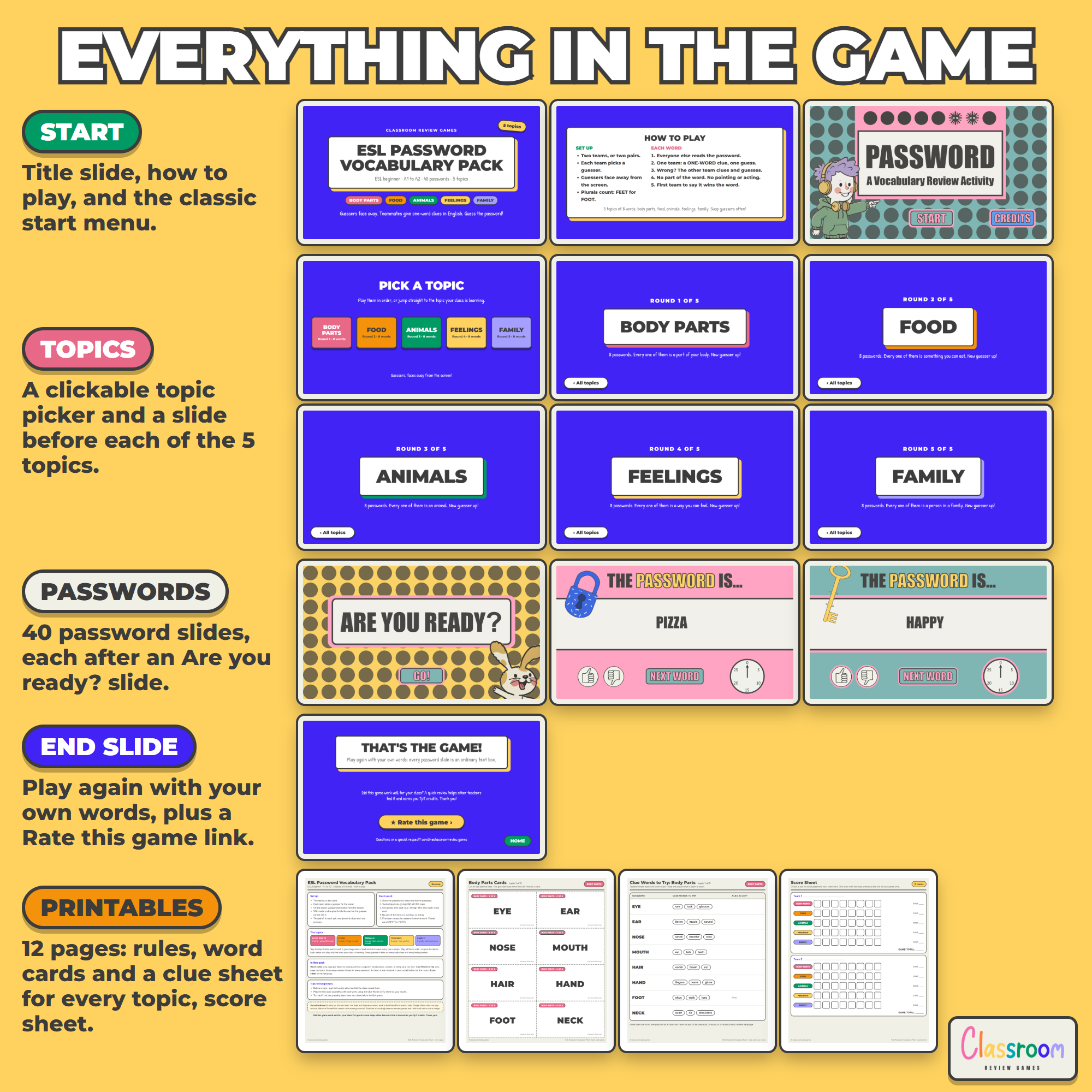
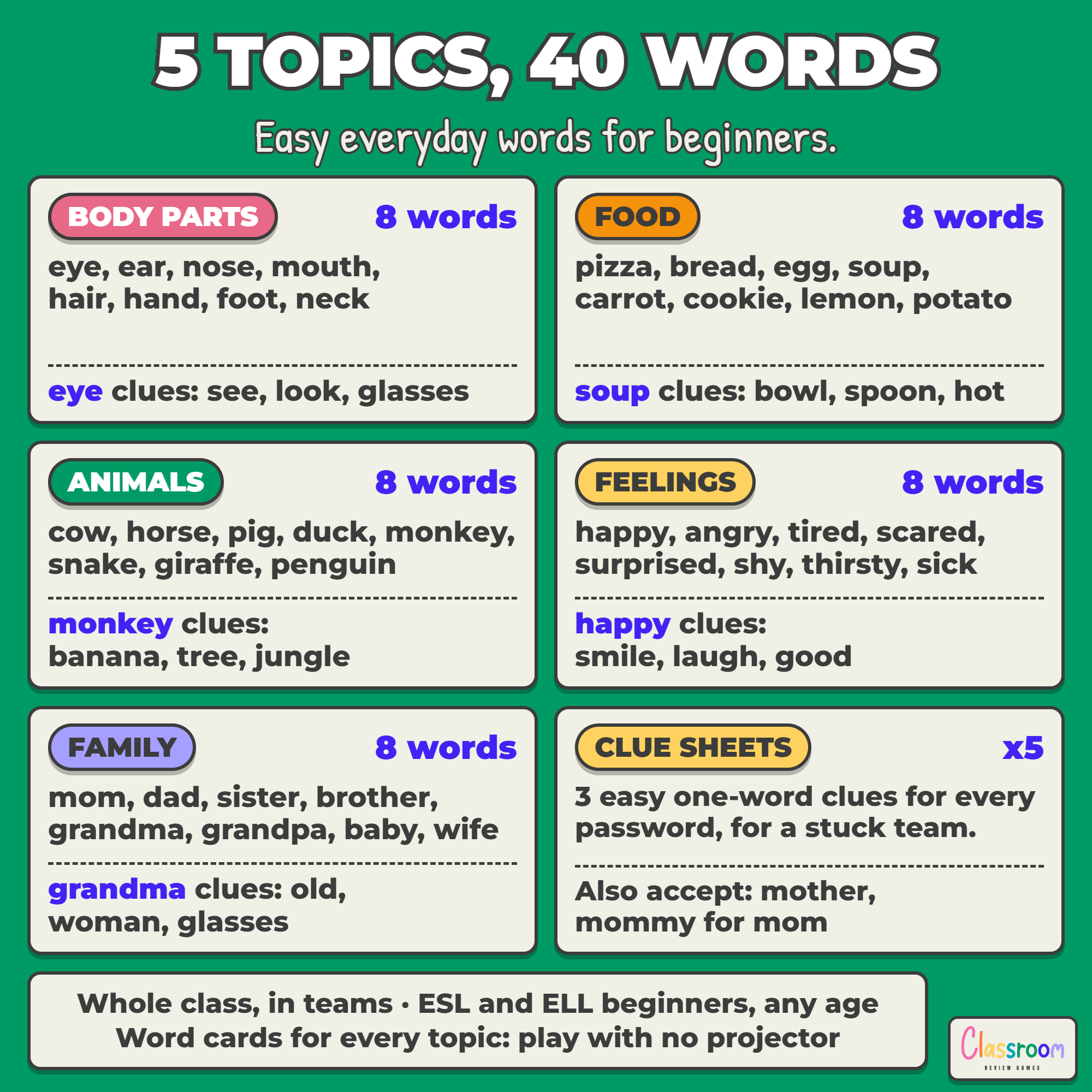
- Editable Password game (85 slides) in Google Slides or PowerPoint: title, how to play, start menu, a clickable topic picker, a topic slide before every 8 words, and 40 password turns
- Rules page with tips for beginners
- Word cards, one page per topic, for playing without a projector
- Clue Words to Try teacher sheets, one per topic: three easy one-word clues for every password, plus other answers to accept
- A two-team score sheet
- Color and ink-saver black and white, US Letter and A4 (12 printable pages)
The Five Topics
- Body parts: eye, ear, nose, mouth, hair, hand, foot, neck
- Food: pizza, bread, egg, soup, carrot, cookie, lemon, potato
- Animals: cow, horse, pig, duck, monkey, snake, giraffe, penguin
- Feelings: happy, angry, tired, scared, surprised, shy, thirsty, sick
- Family: mom, dad, sister, brother, grandma, grandpa, baby, wife
Every word is concrete and easy to picture, so beginners can clue it with words they already know. Plurals count (feet for foot), and the clue sheets list other answers you can accept, like mother for mom.
Tips for Beginners
Before a topic, read its 8 words aloud and let the class repeat them. Play the first word yourself as the clue giver, using the clue sheet as your model. Too hard? Let the guessing team hear two clues before the first guess.
Play It Without a Projector
Print the word cards and cut them apart. A clue giver holds a card so the guesser cannot see it, and the game works the same way in pairs, small groups, centers or while lining up at the door.
More Levels
When your class is ready for more, my ESL Password Game Levels 1 2 3 has 90 new passwords from beginner to intermediate. No word repeats between the two.
Works On
Windows, Mac, and Chromebooks. Project the slides or print the cards. No student devices or logins required.
Important
Play in Slideshow (Present) mode so the GO!, NEXT WORD and topic buttons work. The sound buttons (thumbs up, thumbs down, the timer and the menu music) work in the PowerPoint version, which is included here. Google Slides does not play sounds, so those buttons are simply decorative in the Slides version.
Help
Email me any time with questions or requests. Thank you for supporting a small teacher-run shop.
Carolin
carolin@classroomreview.games
Reviews
There are no reviews yet.