
How MDM Platforms Keep Your Classroom Games Running Smoothly (Even When Students Try Everything)
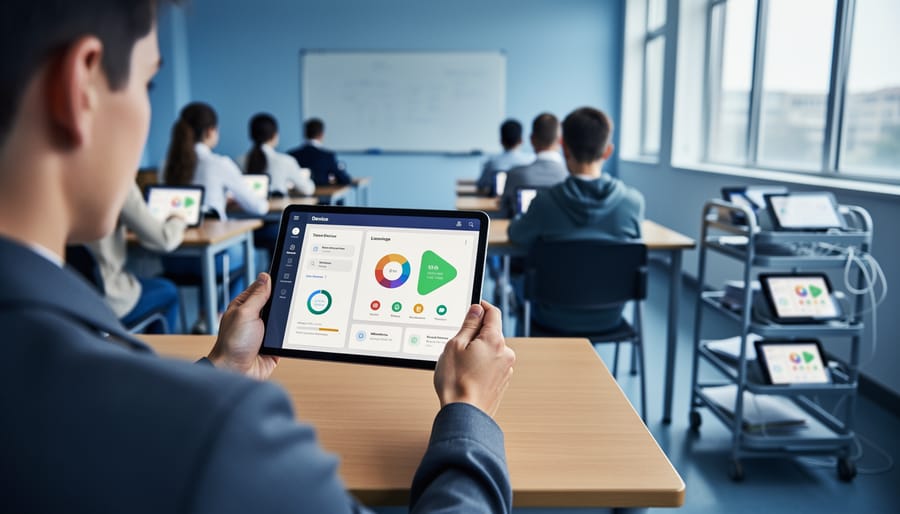
Picture this: twenty tablets frozen mid-game, your students staring at loading screens, and you frantically troubleshooting each device while precious class time slips away. MDM (Mobile Device Management) platforms eliminate this chaos by giving you centralized control over every classroom device from a single dashboard. Think of it as your behind-the-scenes tech assistant that keeps game-based learning platforms running smoothly without pulling you away from teaching.
These platforms let you push game apps to all devices simultaneously, restrict distracting websites during gameplay, monitor battery levels before activities start, and quickly troubleshoot issues remotely. The best part? Setup takes about 30 minutes, and you’ll never need to touch each tablet individually again. No IT degree required.
When games run seamlessly, students stay engaged and you stay focused on what matters: guiding learning, celebrating victories, and watching those light-bulb moments happen. MDM platforms don’t complicate your classroom tech – they make it invisible, reliable, and completely stress-free.
What Is an MDM Platform (And Why Should You Care)?
Think of an MDM platform as your classroom’s digital assistant for managing all those iPads, Chromebooks, or tablets your students use during game-based learning activities. MDM stands for Mobile Device Management, but forget the tech-speak for a moment. What it really means is having a simple way to set up, control, and monitor multiple devices at once, without running around the classroom touching each screen individually.
Here’s why this matters for you: imagine launching a multiplayer learning game with 25 students. Without an MDM platform, you’d need to ensure every device has the right app installed, the correct settings enabled, and proper restrictions in place to keep kids focused on the game rather than wandering off to YouTube. That’s exhausting and eats up precious class time.
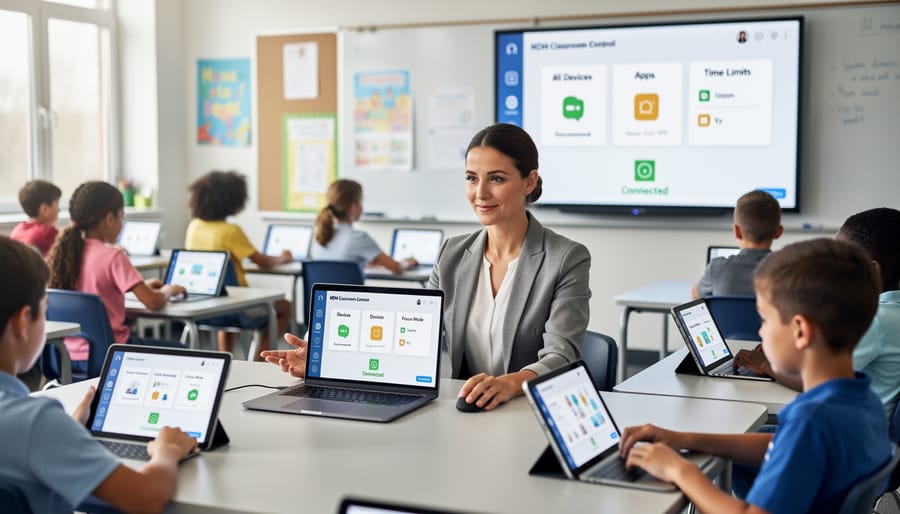
With an MDM platform, you can push apps to all devices simultaneously, set up parental controls and content filters, lock devices into single-app mode during game time, and even see which students are logged in and progressing through your game. It’s like having a remote control for your entire classroom technology setup.
The best part? You don’t need to be tech-savvy to use one. Modern MDM platforms are designed with busy educators in mind, offering user-friendly dashboards and simple click-to-apply settings. Instead of spending 20 minutes getting everyone started, you’ll spend two minutes and jump straight into the fun part: watching your students engage with educational games that actually enhance learning. This means more time teaching, less time troubleshooting, and a smoother experience for everyone involved.
The Real Classroom Problems MDM Platforms Solve
Getting Everyone Logged In Without Losing 15 Minutes
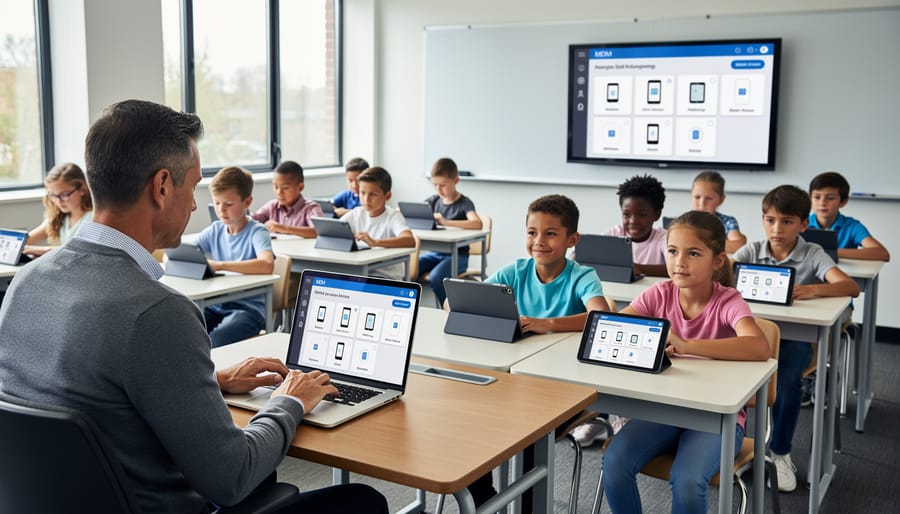
Remember that awkward shuffle at the start of class when half your students can’t log in, passwords are forgotten, and you’re watching precious game time tick away? MDM platforms are game-changers here. With MDM, you can pre-configure devices so students open their tablets and jump straight into the action. No typing in complicated passwords or navigating through multiple screens.
Think of it as setting up a smooth runway for takeoff. You can create a single sign-on experience where kids tap one button and they’re in. Even better, MDM lets you push app updates and game installations overnight, so everything’s ready before students arrive. No more “Miss, the app won’t open” moments eating into your lesson time.
The real magic? You can customize login settings based on grade level or class needs, making it super simple for younger students while giving older ones a bit more independence. This means more time playing, learning, and laughing together, and way less time troubleshooting tech hiccups.
Keeping Students Focused on the Game (Not YouTube)
One of the biggest challenges during game-based learning? Students navigating away from your awesome activity to check YouTube or social media. MDM platforms give you the power to lock down devices so students stay in the game and fully engaged with the learning experience.
With app restrictions, you can temporarily disable access to distracting apps while allowing only your game platform to run. Think of it as creating a focused learning bubble where students can’t accidentally (or intentionally) wander off-task. Many MDM solutions let you schedule these restrictions, so devices automatically lock down during game time and open back up afterward.
The best part? You can customize restrictions based on your classroom needs. Maybe you want to allow the calculator app during a math game but block everything else. Done! This flexibility means you maintain control without feeling like you’re being overly strict. Students appreciate the clear boundaries, and you’ll love seeing everyone actually participating instead of sneaking peeks at their favorite videos.
Making Sure Every Device Actually Works
The best MDM platforms let you test everything before students even log in. Think of it as your tech rehearsal! Run through each app, game, and activity on one device first to catch any hiccups. Your MDM dashboard shows you which devices are configured correctly and which might need attention.
Here’s the exciting part: you can push updates and fixes to all devices at once. Notice a game isn’t loading properly? Adjust the settings from your MDM console, and every tablet updates instantly. No more walking around the room troubleshooting individual devices while your students wait.
Create different device groups based on grade level or activity type. Your kindergarten iPads might need different game permissions than your fifth-grade tablets. This customization ensures every student gets the right experience without you juggling multiple setup processes. Plus, most MDM platforms include helpful diagnostic tools that alert you to connectivity issues or outdated apps before they disrupt your lesson.
Setting Up MDM for Your Classroom Game Platform
Choosing the Right MDM Solution for Your Classroom
Ready to find your perfect MDM match? The good news is you don’t need to be a tech wizard to make the right choice! Start by checking what devices you’re already using. Does your school run iPads, Chromebooks, or a mix? Pick an MDM platform that plays nicely with your current setup.
Next, think about your classroom reality. How many devices do you manage? Some platforms offer free tiers for smaller classrooms, which is fantastic if you’re just starting out with game-based learning. Look for user-friendly dashboards that won’t eat up your lunch break figuring out.
Here’s a fun tip: many MDM providers offer free trials. Test-drive a few options with your favorite classroom games to see which feels most natural. Can you quickly push apps to all devices? Is setting up game restrictions straightforward?
Don’t forget about support! Choose platforms with teacher-friendly help resources, video tutorials, and responsive customer service. You want a partner who understands education, not just technology. Finally, consider growth potential. Your needs might expand as you discover more amazing interactive tools, so pick an MDM that can scale with your teaching adventures.
Quick Setup Steps That Actually Work
Getting your game platforms up and running with MDM doesn’t have to be complicated! Think of it as setting up a new classroom routine – a little prep work makes everything smoother.
Start by choosing an MDM platform that speaks your language, not IT jargon. Look for ones with one-click app distribution that let you push your favorite game-based learning apps to all student devices at once. No more walking around helping 25 kids download the same app!
Next, create device groups based on how you actually use them – maybe “iPad Cart A” or “5th Grade Chromebooks.” This makes managing specific classrooms or grade levels super easy. You can even customize settings so younger students have more restrictions while older ones get more freedom.
The magic happens when you set up automatic updates during off-hours. Your game platforms stay fresh and secure without eating into precious learning time. Plus, linking your classroom game platform security with your MDM means you’re protecting student data while they’re having fun.
Most platforms offer templates specifically for education, so you’re not starting from scratch. Follow the setup wizard, test with a few devices first, then roll it out to your whole class. You’ll be gaming in no time!
Testing Before Game Day
Before you dive into game day with your students, take a few minutes to run through a quick test. Pick one or two devices and launch your game platform to make sure everything loads smoothly and students can access it without hiccups. This is your chance to catch any login issues or connectivity problems while you have time to fix them.
Try out the game features yourself – click through different activities, test the sound, and verify that student responses register correctly. If your MDM platform has restrictions in place, make sure they’re not blocking essential game functions. You want those interactive elements working perfectly when your students are excited and ready to play.
It’s also smart to do a trial run with a student helper or colleague playing the student role. They might spot things you missed, like confusing instructions or buttons that don’t respond quickly enough. This mini rehearsal gives you confidence and lets you troubleshoot in a stress-free moment rather than when twenty eager faces are waiting. Once everything checks out, you’re all set for an amazing game-based learning experience.
Customizing MDM Settings for Maximum Engagement
Pre-Loading Your Game Templates
Imagine walking into your classroom with all devices already loaded with your interactive classroom games, ready for students to jump right in. That’s the magic of pre-loading templates through your MDM platform!
Here’s how it works: Before students arrive, you can push your favorite game templates directly to every device from your teacher dashboard. Whether it’s Jeopardy-style review games, digital scavenger hunts, or quiz competitions, everything installs automatically in the background. No more waiting for downloads or dealing with WiFi slowdowns during class time.
The best part? You can customize which games go to which grade levels or groups. Third graders get their multiplication games, while fifth graders receive their science review content. Set it up once during your planning period, and devices are game-ready when students grab them. This means more learning time and zero tech headaches.
Creating Student-Friendly Access Controls
Here’s the great news: you can set up access controls that keep devices secure without frustrating your students! Think of it like creating different playground zones – some areas are wide open for fun, while others have gentle boundaries.
Start by creating student-friendly profiles that automatically allow access to your game-based learning apps while blocking distractions. Your MDM platform lets you customize these controls based on grade level and activity type. During game time, students can freely navigate approved apps without constant permission pop-ups or confusing error messages.
The real magic happens when you schedule these controls. Set “game mode” periods where devices open up for interactive learning, then automatically tighten restrictions during independent work time. Students won’t even notice the transitions – they’ll just enjoy a smooth, hassle-free experience that keeps them focused on learning and playing!
Enabling Features Students Love (Scoreboards, Sound Effects)
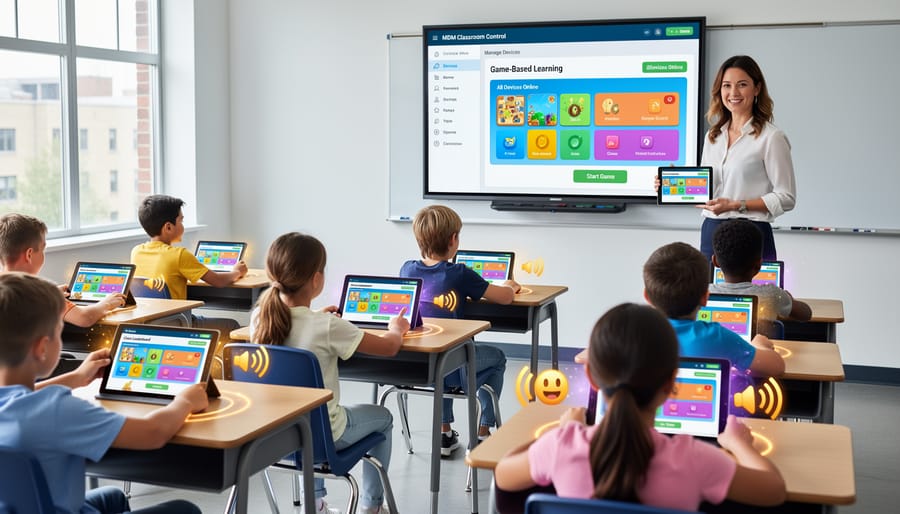
Your MDM platform keeps all those exciting game elements running smoothly! Think about it: scoreboards need to update in real-time, sound effects must play without lag, and animations should flow seamlessly. When your MDM settings are configured correctly, these features work beautifully across every device in your classroom.
Here’s the magic: MDM platforms help you enable the right permissions automatically. No more students raising their hands saying “I can’t hear the buzzer” or “My points aren’t showing up.” You can push audio settings, graphics permissions, and network access all at once. This means every student gets the same energetic, engaging experience.
The best part? You can test these features before game day. Run a quick check to ensure sounds play clearly and visuals display properly. Your students deserve that rush of excitement when they see their team climbing the leaderboard or hear the celebration sound when they answer correctly. MDM platforms make sure nothing interrupts that joy!
Troubleshooting Common MDM Issues During Game Time
Even with the best planning, tech hiccups happen during game time. The good news? Most MDM-related issues have quick fixes that won’t derail your lesson.
If students suddenly can’t access your game app, first check your MDM console to ensure the app is still deployed to the right device group. Sometimes settings get accidentally changed. A quick reinstall push usually solves this in under a minute.
Seeing a “restricted access” message? This typically means content filtering is too strict. Hop into your MDM settings and temporarily whitelist the game’s website or adjust restrictions for your classroom group. You can tighten things back up after the activity.
When devices are running slowly during gameplay, it’s often because background apps are hogging resources. Use your MDM platform to remotely close unnecessary apps on all devices at once. This beats walking around to 30 individual tablets!
For connectivity problems, verify that your MDM hasn’t accidentally disabled WiFi or blocked network access. A quick toggle in your management console can restore connections instantly.
Here’s a time-saving tip: Create a “Game Day” profile in your MDM that loosens restrictions just enough for gameplay while maintaining safety. Switch to this profile before starting your activity, then switch back afterward. This prevents most issues before they start.
Keep your MDM app on your phone or tablet so you can make quick adjustments without running to your computer. Most platforms offer mobile management options that let you troubleshoot on the fly while staying engaged with your students.
Remember, small technical bumps are normal. Stay calm, try these quick fixes, and your game will be back on track in no time!
Time-Saving Tips for Busy Teachers
Let’s be honest – you don’t have time to fiddle with device settings when you’ve got a classroom full of eager students ready to learn! The beauty of MDM platforms is that they handle the heavy lifting so you can jump straight into teaching.
Start by creating device groups based on your classroom setup. Instead of configuring each tablet individually, you can push apps, settings, and restrictions to entire groups with just a few clicks. Need to install that new math game on all devices? Done in minutes, not hours.
Take advantage of automated app updates that happen overnight or during lunch breaks. Your devices stay current without interrupting learning time, and you won’t face those awkward “please wait while this updates” moments mid-lesson.
Pre-configure profiles for different activities too. Create a “game mode” profile that opens only your approved educational games, a “testing mode” that locks down devices during assessments, and a “free exploration” profile for research projects. Switching between these takes seconds.
The scheduling feature is a game-changer! Set your MDM to automatically enable certain restrictions during class hours and relax them afterward. No more manually adjusting settings between periods.
Many platforms also offer quick troubleshooting tools. If a student’s device freezes during a game, you can remotely restart it from your dashboard without walking across the room. These small time-savers add up to more actual teaching time, which is exactly what you need.
Managing classroom devices for game-based learning doesn’t have to feel overwhelming. MDM platforms truly transform what used to be a time-consuming technical challenge into a smooth, efficient process that lets you focus on what matters most—your students’ learning experience.
Think about it: instead of troubleshooting individual devices or scrambling to update apps manually, you’re seamlessly deploying engaging activities with just a few clicks. Your students stay focused and excited because everything launches smoothly, and you’re spending your valuable time facilitating learning rather than fixing technical issues.
The beauty of gamified learning platforms paired with MDM is that they work together to create reliable, engaging experiences your students will love. Whether you’re using game templates you already have or exploring new interactive activities, MDM makes scaling them across your classroom or entire school remarkably simple.
Ready to experience the difference? Start small by trying MDM with one of your favorite existing game templates. You’ll quickly see how it eliminates stress and boosts classroom engagement, making every game-based lesson run like clockwork.