

How Gamified Learning Platforms Transform Your Classroom Through Smart Integrations
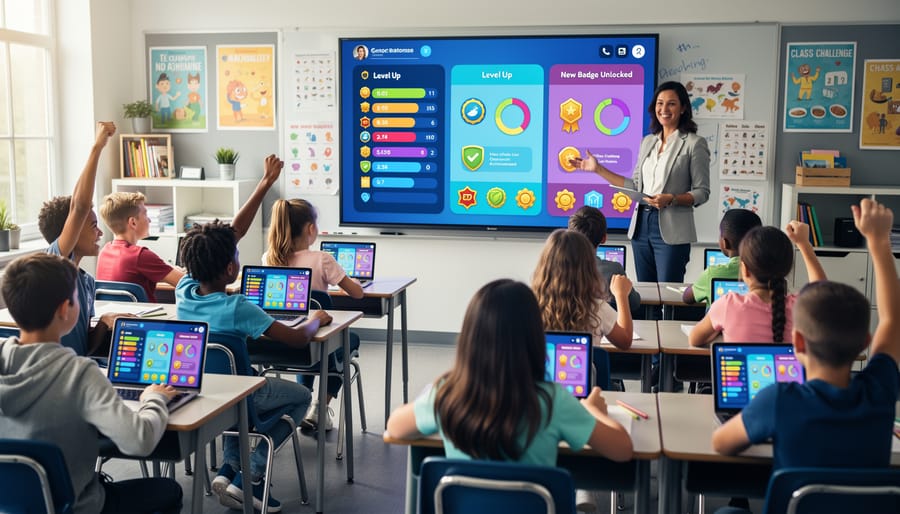
Transform your digital classroom into an exciting adventure by connecting your Learning Management System with gamification features that turn everyday lessons into engaging quests. Your students earn points, unlock badges, and climb leaderboards as they master content—making learning feel less like work and more like play.
Gamified LMS platforms bridge the gap between traditional course management and the motivational power of game mechanics. When you integrate these systems, especially through Single Sign-On connections, students access everything with one simple login while you track their progress through intuitive dashboards that show both academic achievement and engagement metrics.
The best part? You don’t need coding skills or technical expertise to get started. Most modern gamification tools plug directly into popular LMS platforms like Canvas, Google Classroom, and Moodle through straightforward integrations. You’ll customize point values for assignments, design badge systems that celebrate different types of achievement, and create class competitions that encourage collaboration rather than cutthroat rivalry.
This approach works across all grade levels and subjects, from elementary math practice to high school literature discussions. Students who previously disengaged suddenly participate more actively because the game elements tap into their natural desire for achievement, recognition, and friendly competition.
What Makes an LMS ‘Gamified’ (And Why It Matters for Your Students)
Think of gamification as bringing the best parts of video games into your classroom learning experience. When your LMS includes gamification features, it transforms everyday review activities into engaging challenges that students actually look forward to completing.
At its core, a gamified LMS uses three main elements that work together beautifully. First, there’s a points system where students earn rewards for participating in activities, completing assignments, or answering questions correctly. These points give instant feedback and create a sense of accomplishment with every small success.
Next come badges and achievements. Just like earning trophies in their favorite games, students collect digital badges when they reach specific milestones. Maybe they’ve answered ten questions in a row correctly, or they’ve completed all their homework for the week. These visual rewards create tangible goals that students can work toward.
Finally, leaderboards add a friendly competitive element that naturally motivates many learners. Students can see how they rank compared to classmates, which encourages them to stay engaged and put in extra effort. The best part? You can customize these features to match your classroom culture, whether you want whole-class collaboration or individual achievement tracking.
Why does this matter for your students? Gamification taps into natural human motivation. When learning feels like play, participation skyrockets. Students who might typically disengage suddenly find themselves invested in earning that next badge or climbing the leaderboard. The immediate feedback keeps them focused, while the fun elements reduce anxiety around assessment. It’s not about replacing solid teaching practices but enhancing them with tools that make learning irresistibly interactive and rewarding.
The SSO Integration Advantage: One Login, Endless Possibilities
Picture this: it’s Monday morning, your students are eager to jump into their learning games, but instead of playing, they’re stuck trying to remember their passwords. Sound familiar? That’s where Single Sign-On, or SSO, becomes your classroom’s best friend.
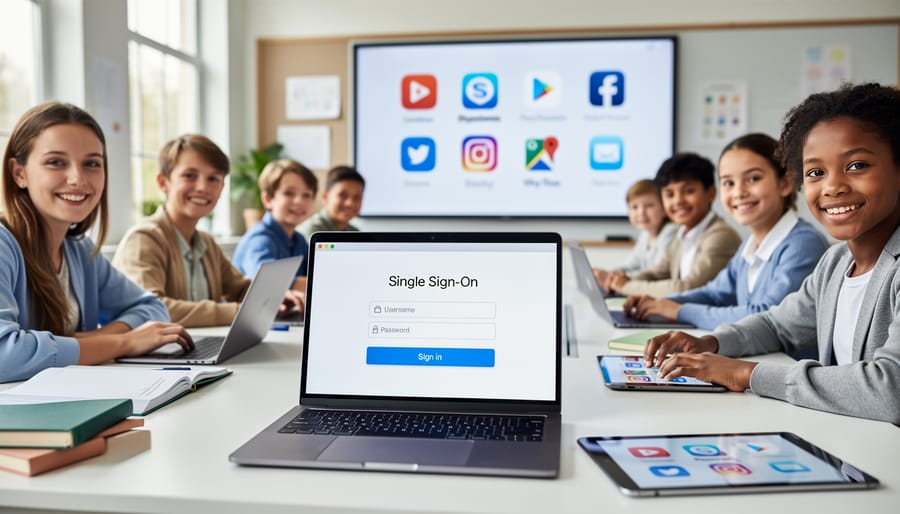
SSO is essentially a master key for your digital classroom. Instead of juggling separate usernames and passwords for every educational platform, your students log in once through your school’s main system, and boom—they’re instantly connected to all their learning tools, including gamified LMS platforms. It’s like having a VIP pass that opens every door without fumbling for different keys.
For you as an educator, this means less time troubleshooting login issues and more time actually teaching. No more sticky notes with passwords or that dreaded “I forgot my password” chorus that eats into precious learning minutes. Your students click, they’re in, and they’re ready to earn those achievement badges and compete in learning challenges.
The real magic happens when students can seamlessly move between their regular coursework and gamified activities without interruption. That momentum matters! When a student finishes a quiz and immediately unlocks a new game level, their excitement stays high. SSO keeps that energy flowing by removing technical barriers that might otherwise break their concentration. It’s all about creating smooth transitions that let students focus on what truly matters—learning through play.
Top LMS Platforms That Play Nice with Classroom Game Tools
Google Classroom Integration
Google Classroom has become a go-to platform for millions of educators worldwide, and that popularity makes it incredibly valuable for gamification integration. The beauty of Google Classroom lies in its simplicity—both for you and your students. When you connect game-based learning platforms through Google Classroom’s straightforward API, you’re opening doors to seamless experiences without complicated logins or confusing setup processes.
Here’s why this matters for your classroom: students can access engaging, game-like activities directly from their familiar Google Classroom dashboard. No more juggling multiple passwords or dealing with frustrated students who can’t remember login details. The single sign-on functionality means one click takes them from their assignment feed straight into interactive learning adventures. Plus, many gamification platforms automatically sync grades and progress back to Google Classroom, saving you precious time on manual data entry. You can customize which game elements appear for different student groups while maintaining all your classroom management tools in one central hub. This integration truly brings the fun without the fuss.
Canvas and Schoology for Advanced Features
If you’re ready to take gamification to the next level, Canvas and Schoology offer powerful tools for sophisticated tracking and seamless grade integration. These platforms shine when you need detailed analytics to monitor student progress through gamified activities while automatically syncing achievements with your official gradebook.
Canvas stands out with its Mastery Paths feature, which lets you create customized learning journeys based on student performance. You can award badges for completing modules, track points through quests, and watch everything feed directly into your grade calculations. Schoology offers similar flexibility with its badges system and analytics dashboard that shows exactly how students engage with game elements.
Consider these platforms when you want to move beyond basic point systems. They’re perfect for creating course-wide competitions, tracking long-term progress, and maintaining accurate records without manual data entry. The learning curve is slightly steeper, but the payoff in automation and detailed insights makes them worth exploring for educators committed to meaningful gamification in their classrooms.
Microsoft Teams for Education
If your school already runs on Microsoft 365, you’re in luck! Teams for Education integrates beautifully with tools you’re probably already using daily. The platform lets you create engaging assignments with built-in gaming elements like badges and achievement tracking without learning an entirely new system.
What makes Teams shine for gamification is how seamlessly it connects with Minecraft: Education Edition and Flipgrid, turning ordinary lessons into interactive adventures. You can award virtual badges through the Assignments feature, celebrate student milestones with praise badges, and track progress through Insights—all while keeping everything in one familiar workspace.
The best part? Since students likely already use Teams for virtual meetings and collaboration, there’s zero learning curve. You can customize your approach by creating channels for different games, setting up leaderboards in shared notebooks, and even designing your own point systems. It’s perfect for teachers who want game-based learning without juggling multiple platforms or managing separate login credentials for students.
Setting Up Your First Integration (Without the Tech Headaches)
The Five-Minute Connection Process
Setting up SSO between your LMS and gamification platform is surprisingly straightforward! Most modern systems are designed with educators in mind, so you won’t need a computer science degree to make the connection.
Here’s what typically happens: Start by logging into your LMS admin panel and locate the integrations or apps section. Look for your chosen game platform in the available apps directory. Click to add it, and you’ll usually see a simple authorization screen asking for permission to connect the two systems.
Next, you’ll copy a unique code or click an authorization button that creates the secure link between platforms. The game platform will ask you to confirm which classes or student groups should have access. Select your students, and you’re almost done!
Finally, test the connection by logging in as a student would. Click on the game platform link from within your LMS, and if it opens without asking for another password, you’ve successfully created the bridge! Most platforms offer quick-start videos that walk you through these exact steps, making the process even easier. The whole setup usually takes under five minutes, and you only need to do it once per platform.
Troubleshooting Common Hiccups
Don’t worry if things don’t work perfectly right away! Here are quick fixes for the most common hiccups you might encounter.
If students can’t see their badges or points, first check that you’ve enabled the gamification features in your LMS settings. Sometimes they’re hiding in plain sight under “student view” or “engagement tools.” A quick refresh of the page often does the trick too!
Login troubles? Make sure you’ve copied the exact SSO credentials from your school’s system administrator. Even one missing character can cause problems. When in doubt, reach out to your tech support team—they’re there to help you succeed.
Are leaderboards not updating? Give it a few minutes. Most systems refresh every 5-10 minutes rather than instantly. If problems persist after 24 hours, double-check that your grading sync is turned on.
Student progress not tracking? Verify that students are logged in through the proper SSO portal rather than creating separate accounts. Multiple accounts are the sneakiest culprit behind missing progress data.
Remember, every platform has a help center with video tutorials specifically for educators. Bookmark these resources—they’re lifesavers when you need answers fast! Most importantly, be patient with yourself as you learn these new tools.
Real Classroom Wins: Gamification in Action
Let’s peek into actual classrooms where gamification is making a real difference! You’ll love seeing how creative educators are using these tools.
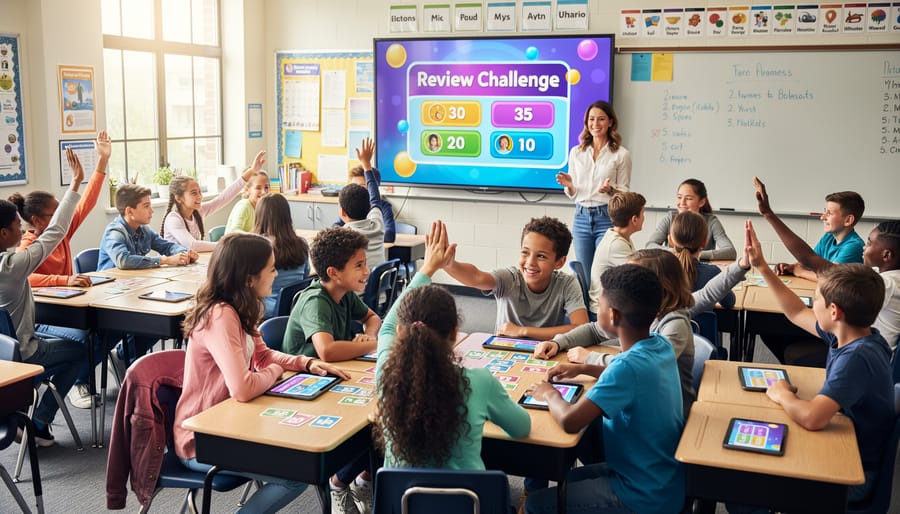
Mrs. Johnson, a fifth-grade teacher, transformed her Friday review sessions using her LMS-connected game platform. Instead of traditional worksheets, students now compete in team-based quiz games where correct answers earn points and unlock achievement badges. She noticed participation jumped from about 60% to nearly 100%, with even her shyest students eagerly joining in. The best part? She creates custom question sets directly in her LMS, and the game platform pulls them automatically.
Middle school science teacher Mr. Rodriguez uses gamification for formative assessments throughout his units. Students complete quick check-ins disguised as mini-challenges, earning experience points as they progress. He loves that the instant feedback helps him identify struggling concepts before test day. His students don’t even realize they’re being assessed because it feels like playing a game during class.
Elementary teacher Ms. Chen built an entire classroom economy system through her gamified LMS. Students earn virtual coins for completing assignments, helping classmates, and demonstrating good behavior. They can spend their earnings on privileges like homework passes or extra computer time. The platform tracks everything automatically, saving her hours of manual record-keeping.
High school English teacher Mrs. Park created reading competitions where students unlock story chapters and character badges as they complete comprehension activities. Her reluctant readers are now racing through books to see who reaches the next level first.
The common thread? These teachers customize their gamification to match their unique classroom needs, and the seamless LMS integration means less tech headache and more teaching time.
Making Gamified Reviews Work Across Different Subjects and Grade Levels
The beauty of gamified reviews is that they’re incredibly flexible! Whether you’re teaching kindergarteners or high schoolers, the same game-based platform can transform review sessions when you customize them thoughtfully.
For elementary students, keep games short and visually engaging. Think bright colors, simple questions, and quick rounds that match shorter attention spans. Power-ups and celebratory animations work wonders for this age group. Try team-based games where collaboration matters more than individual competition.
Middle schoolers thrive on friendly competition and social interaction. Create leaderboards that rotate leadership opportunities, and use avatars or team names they can personalize. Mix individual challenges with group missions to balance competitiveness with cooperation. This age group loves seeing their progress tracked over time, so use badges and level systems that acknowledge improvement, not just winning.
High school students appreciate strategy and complexity. Layer in more sophisticated game mechanics like strategic point multipliers or timed bonus rounds. They respond well to choice, so offer different pathways to success within your review games. Consider incorporating real-world connections and scenarios that relate to upcoming assessments.
Subject-specific customization matters too! Math reviews work great with fast-paced quizzes and puzzle-solving challenges. Language arts shines with collaborative story-building or vocabulary battles. Science benefits from scenario-based questions that test application, not just memorization.
The key is starting simple and gradually adding complexity as you discover what resonates with your specific students. Most gamified platforms let you save templates, making it easy to adapt successful formats across different topics.
Student Data and Privacy: Keeping It Simple and Safe
Good news: keeping student data safe doesn’t have to be complicated! When you’re connecting your LMS with gamification platforms, you’re already working with tools designed with student privacy in mind.
Here’s what matters most: Always check that any platform you use is COPPA and FERPA compliant. These are the big safety standards for schools. Most reputable educational platforms will display these certifications right on their website.
Before connecting anything new, take a quick peek at your school’s tech policy. Your IT coordinator can be your best friend here—they’ll help ensure everything stays secure and approved. Many districts have pre-approved lists of safe platforms that already meet all requirements.
When setting up integrations, stick with Single Sign-On whenever possible. It’s not just convenient—it’s actually safer because students use one secure login instead of creating multiple accounts with different passwords.
Remember to share only the necessary student information. Most game platforms only need basic data like first names and grade levels to work their magic. You don’t need to hand over everything in your grade book!
Finally, have a quick chat with parents during back-to-school night. A simple “we’re using fun learning games that keep data secure” goes a long way in building trust.
Ready to transform your classroom review sessions? The best part is you don’t need to overhaul everything at once. Start small by choosing just one gamification platform that integrates with your existing LMS. Pick a single class or unit to test it out, and watch how quickly your students become more engaged during review time.
The benefits speak for themselves. You’ll save precious hours on grading while your students actually look forward to practice activities. Customizing game content to match your curriculum means you’re not sacrificing quality for fun—you’re enhancing learning through engagement.
Think about those Monday morning review sessions that used to feel like pulling teeth. With gamified LMS integrations, those same sessions become the highlight of your students’ week. Your role shifts from taskmaster to game show host, and suddenly everyone wants to participate.
Take that first step today. Choose one platform, connect it to your LMS, and create your first game-based activity. Your future self will thank you when you see those engagement scores climb and students asking for more review time!