Description
What’s Included
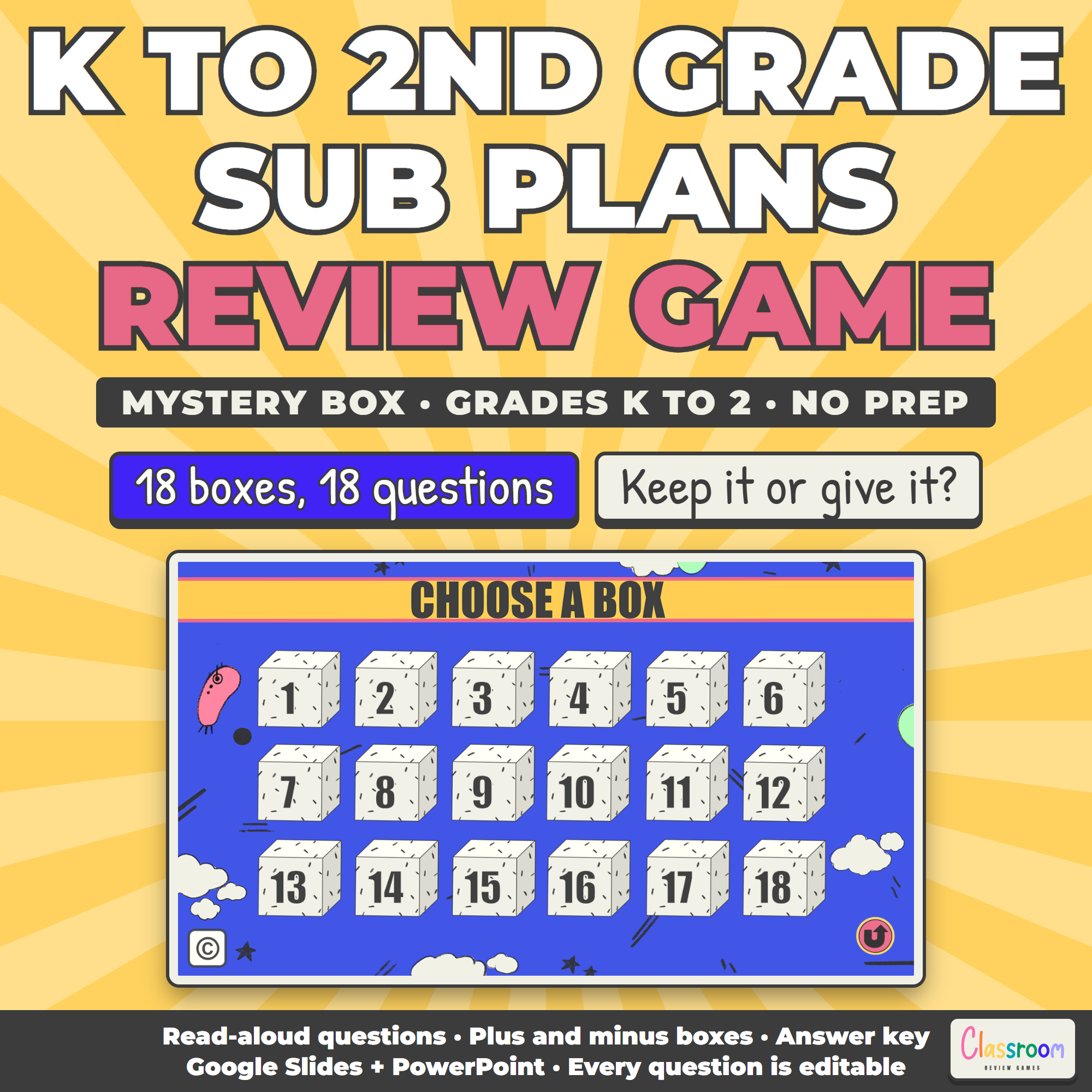
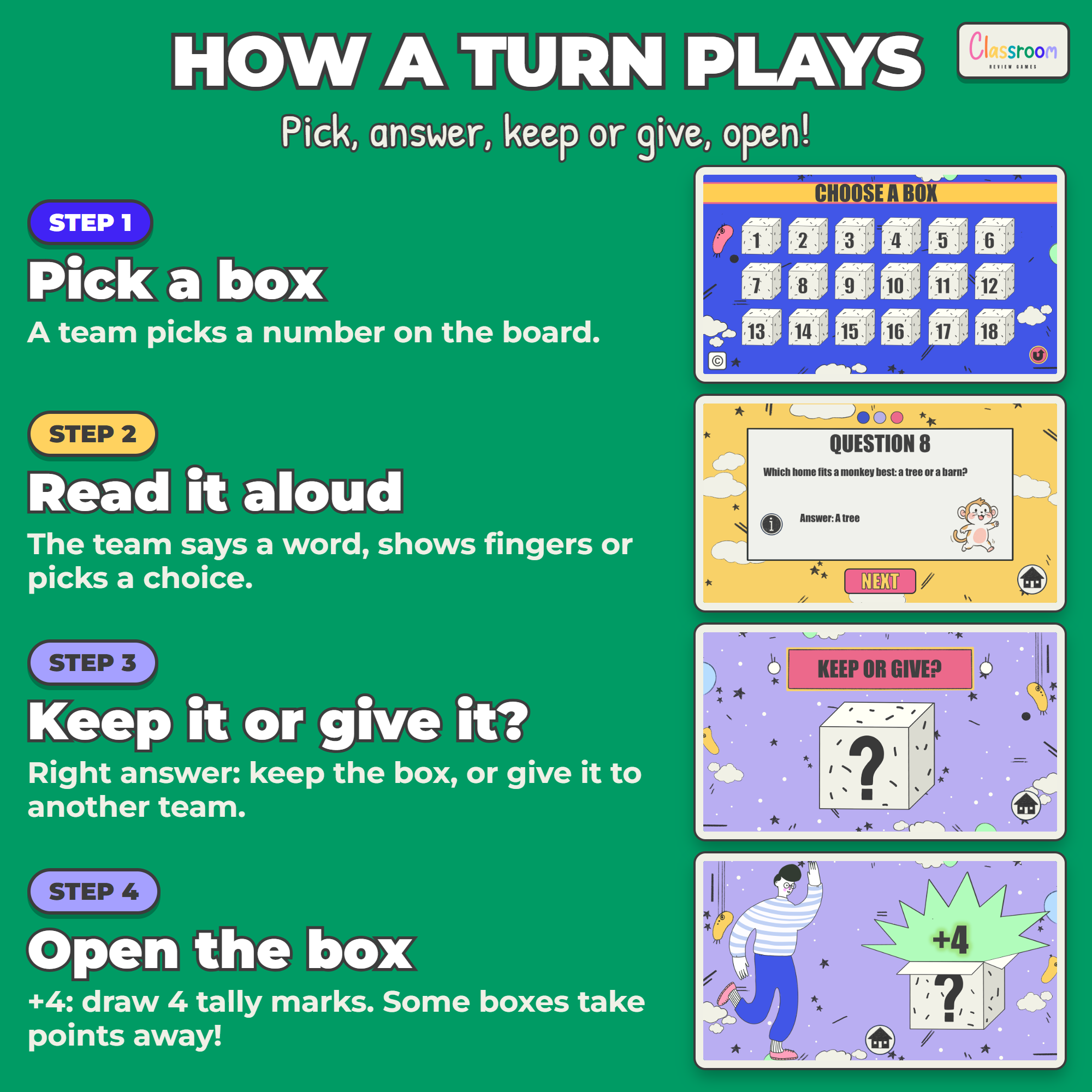
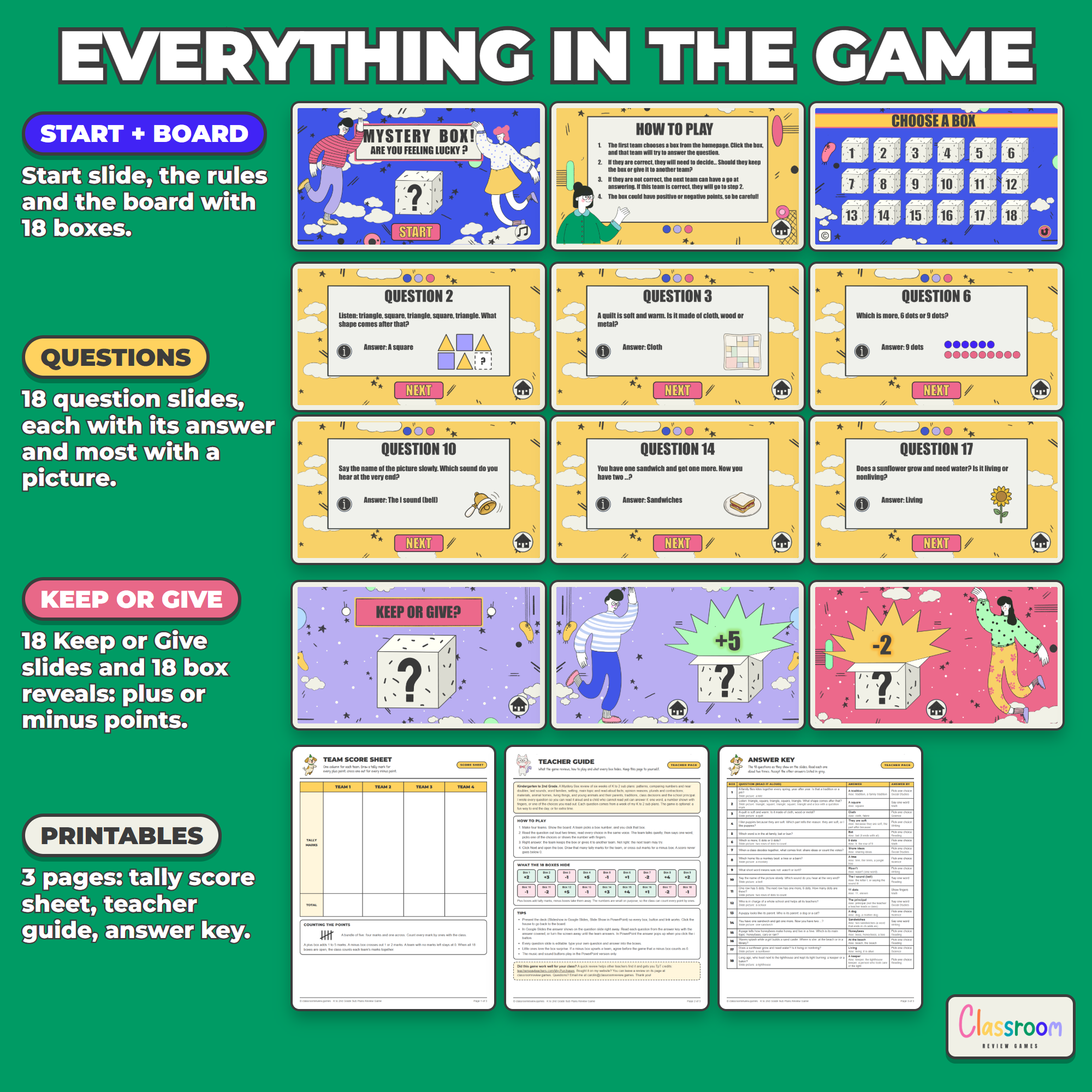
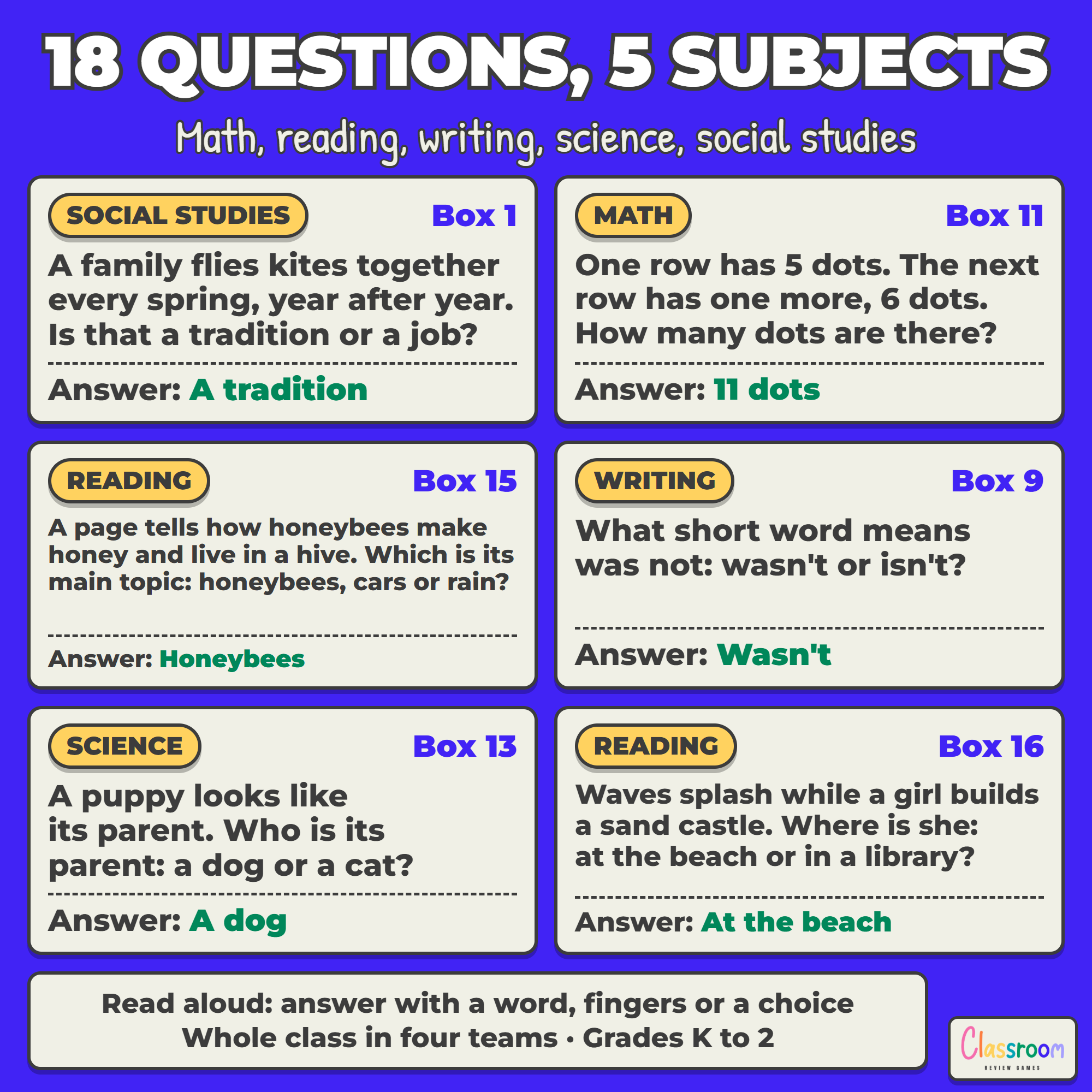
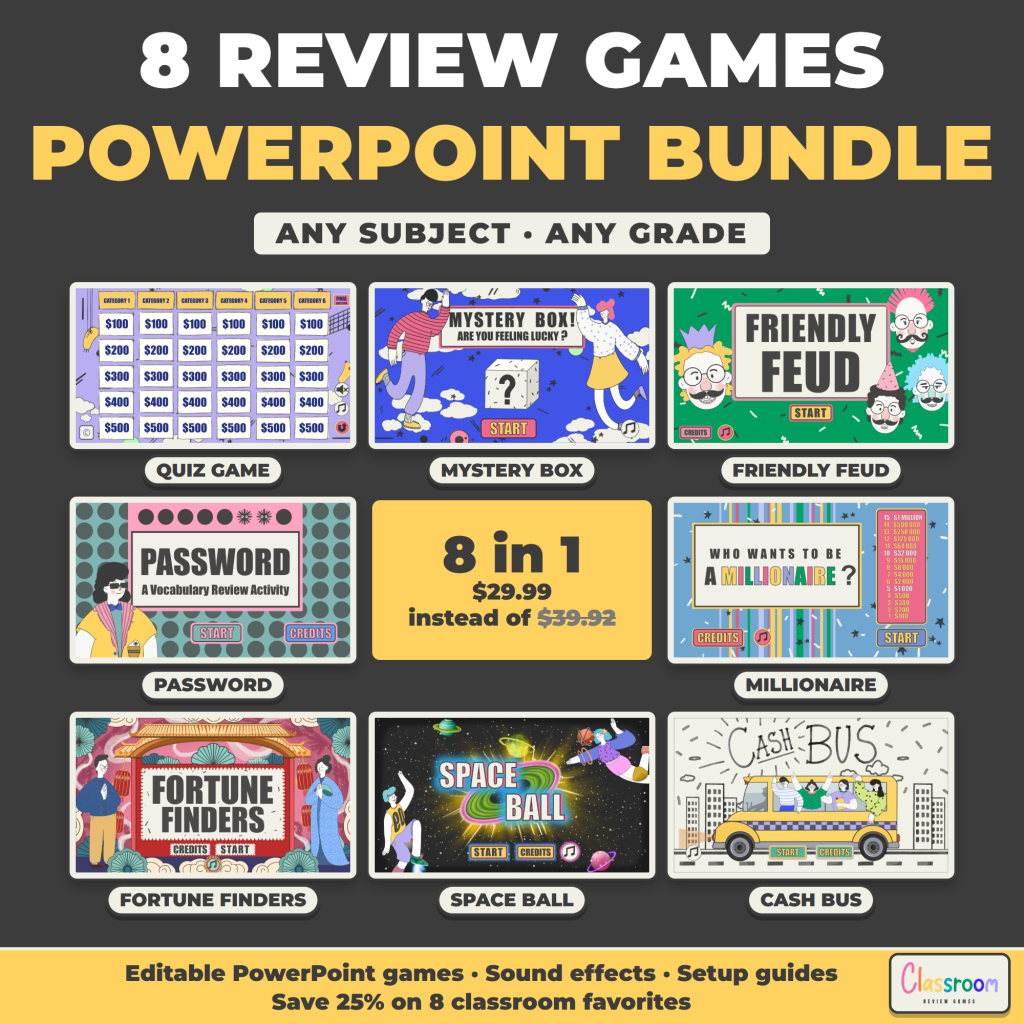
- Editable Mystery Box game (18 boxes, 18 question slides with answers, Keep or Give, and the box reveals with plus or minus points) in Google Slides or PowerPoint
- 18 read-aloud review questions in five subjects: math, reading, writing, science and social studies
- Printable four-team tally score sheet
- Teacher guide with how to play, what every box hides and tips
- Answer key with all 18 questions, the answers, what else to accept and how the class answers
- Color and ink-saver black and white, US Letter and A4
What This Game Reviews
Patterns with shapes, which group has more, and a near double you can count by ones; word families, the last sound in a word, where a story happens, the main topic of a page, and a read-aloud fact about lighthouses; the reason in an opinion sentence, plurals that add es, and contractions; what things are made of, where animals live, living and nonliving things, and young animals and their parents; and traditions, how a class decides together, and what a principal does. The questions review lessons from my K to 2 sub plans, and the game works just as well on its own for any kindergarten, 1st or 2nd grade class.
Made for Kindergarten to 2nd Grade
Every question is written to be read aloud, so a child who cannot read yet can still answer: with one word, a number shown with fingers, or one of the choices the sub reads out. Every number can be counted by ones, there are no clocks and no coins, and most question slides have a picture. The box points are small too (plus 1 to 5, minus 1 or 2), so the class counts every point as tally marks and a score never goes below 0. The answer key lists other answers to accept, so any sub can judge them.
Works On
Windows, Mac, and Chromebooks. Project the slides. No student devices or logins required.
Important
Play in Slideshow (Present) mode so every box and button works. In PowerPoint the answer pops up when you click the i button. In Google Slides the answer shows on the question slide right away, so read each question from the answer key with the answer covered, or turn the screen away until the team answers. The teacher guide explains this. The music button plays in the PowerPoint version, which is included here.
Help
Email me any time with questions or requests. Thank you for supporting a small teacher-run shop.
Carolin
carolin@classroomreview.games
Reviews
There are no reviews yet.