
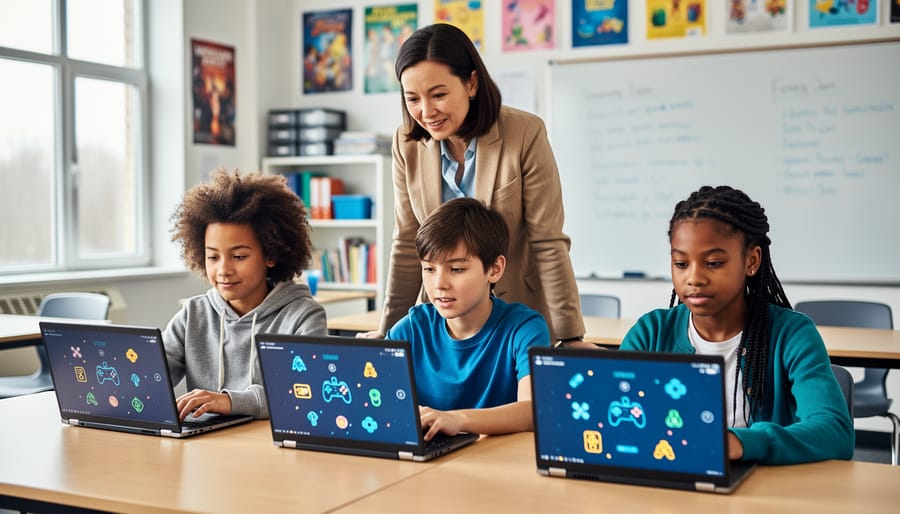
Keep Your Students Safe While Gaming Online: Activities That Actually Work
Establish clear digital ground rules before launching any remote classroom games by creating a simple student agreement that covers screen name guidelines, respectful communication, and privacy protection. Set up private game rooms with passwords or codes rather than public links to keep your students in a controlled environment where only your class can participate. Monitor gameplay actively by displaying your own screen or circulating between devices to catch potential issues early while students stay focused on learning. Create a quick reporting system using a hand signal or chat message that empowers students to alert you immediately if something feels uncomfortable or unsafe online. Balance these protective measures with the excitement of game-based learning by celebrating positive digital citizenship moments and reinforcing that safety rules help everyone enjoy the fun together. These straightforward strategies transform online review games from potential concerns into secure, engaging learning experiences that build both academic skills and digital responsibility without overwhelming your already-full teaching plate.
Why Online Safety Matters in Remote Classroom Games
Let’s be honest – bringing games into your remote classroom is exciting, but it can also feel a bit nerve-wracking. You want your students to have fun and stay engaged, yet there’s that nagging worry about keeping them safe in digital spaces. And you’re right to think about it!
When students join online game platforms, they’re entering shared digital environments where interactions happen fast. Without the right safety measures in place, you might face concerns like students sharing personal information, encountering inappropriate usernames, or distractions from unwanted chat messages. These aren’t just theoretical worries – they’re real scenarios teachers encounter when using digital tools.
Here’s the good news: you don’t need to be a tech expert to create a safe gaming environment. With a few simple, proactive steps, you can protect your students while keeping all the fun and engagement that makes classroom games so effective. Think of safety measures as the guardrails that let students enjoy the ride without worry.
The key is finding that sweet spot between security and spontaneity. You want your review games to feel energetic and engaging, not bogged down by complicated procedures. That’s why having a practical toolkit of before, during, and after game safety activities makes such a difference. These strategies work alongside your teaching style, letting you focus on what matters most – helping your students learn and have a blast doing it.
Essential Pre-Game Safety Activities to Try With Students
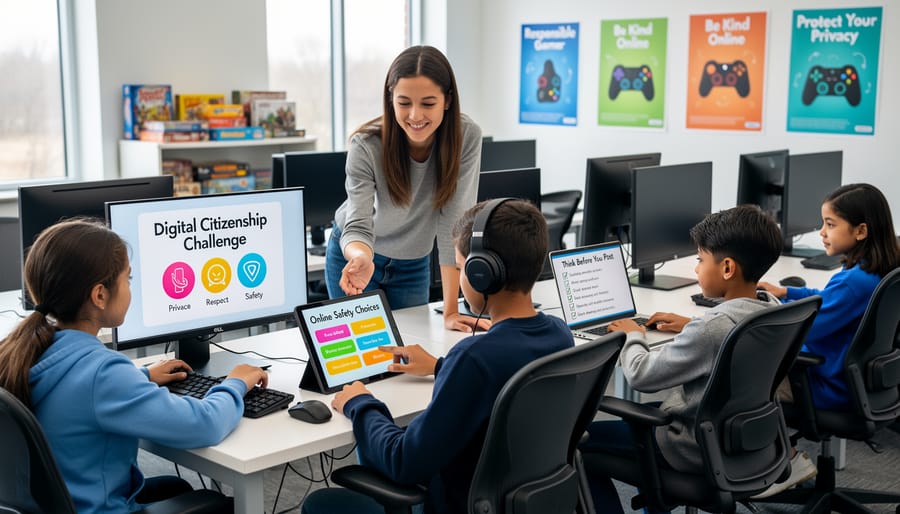
The Digital Citizenship Warm-Up
Before diving into any online game session, take just five minutes to set everyone up for success with a quick digital citizenship check-in. Think of it as your classroom’s safety huddle!
Start by displaying three simple scenarios on your screen. For example: “Your teammate made a mistake and lost points for your team. What do you do?” or “You can see another student’s answer on their screen during the game. What’s the right choice?” Have students give a thumbs up, thumbs down, or thumbs sideways to show their understanding of appropriate responses.
Next, create a rapid-fire reminder moment. Call out key online safety rules and have students repeat them back: “Usernames stay private!” “Kind words only!” “Ask for help when needed!” This energizing call-and-response takes just two minutes but reinforces essential guidelines.
Finally, designate two students as “digital citizenship champions” for that session. Their job is to model positive online behavior and help classmates who might need support. Rotate these roles regularly so everyone gets a turn.
This warm-up takes minimal prep time, keeps the energy high, and ensures students enter your game session with safety top of mind. Plus, you can customize the scenarios based on what your specific class needs to practice most!
Create Your Class Online Safety Agreement
Getting your students involved in creating their own safety agreement is a game-changer! This collaborative activity gives them ownership over the rules and helps them understand why safe online practices matter.
Start by gathering your class and explaining that they’ll become the rule-makers. Divide students into small groups and give each team large poster paper or a digital whiteboard space. Ask them to brainstorm what makes online gaming safe and fun for everyone. You’ll be amazed at how thoughtful their ideas are!
Have groups share their top three rules with the class. Common ones might include keeping usernames private, being kind in chat features, and never sharing personal information. Write these on a master list and let students vote on their favorites.
Once you’ve finalized your class agreement, make it visible! Post it near computers, share it digitally, or create bookmarks for each student. The best part? This agreement becomes your go-to reference point throughout the year.
Consider revisiting and updating the agreement each quarter. Students grow, technology changes, and new situations arise. This keeps the conversation fresh and relevant while reinforcing those essential safety habits in a way that feels natural and student-driven.
Practice Username and Avatar Safety
Get your students ready for safe online gaming with this engaging username and avatar practice activity! Before diving into classroom review games, especially in multiple device environments, take 15 minutes to help students create protective online identities.
Start by brainstorming unsafe username examples together. Ask students to identify what makes usernames like “SarahSmith2012Oakland” problematic (full name, birth year, location). Then, challenge them to create safe alternatives using favorite colors, animals, or hobbies combined with random numbers.
Create a simple checklist on the board: Does your username hide your real name? Does it avoid personal details like age or location? Is it appropriate for school?
For avatar practice, show students how to choose pre-made characters instead of uploading personal photos. Make it fun by having them design the silliest or most creative avatar possible while staying school-appropriate.
Let students share their creations with partners for quick peer feedback. This builds confidence and reinforces safety rules through friendly discussion. Save approved usernames in a class list so students can reference them during future gaming sessions.
During-Game Monitoring Activities That Keep Everyone Protected
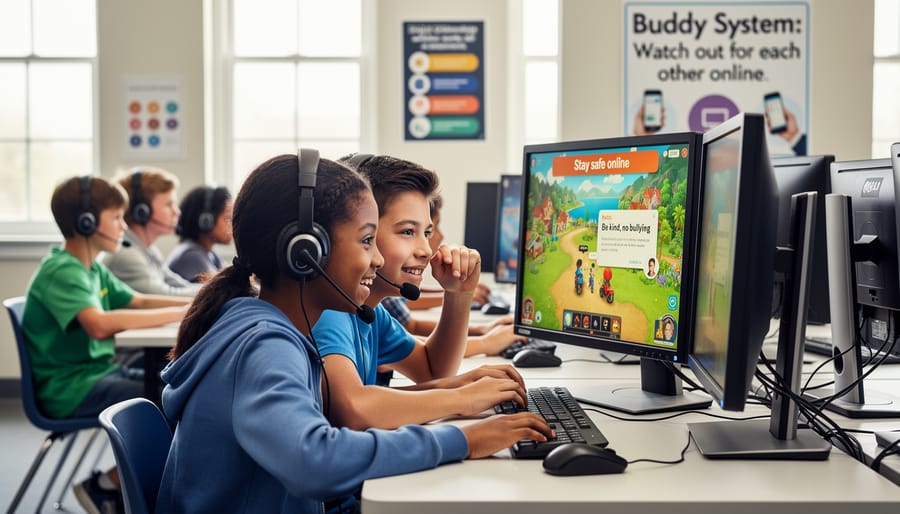
The Safety Buddy System
Two heads are better than one, especially when it comes to staying safe online! The buddy system is a simple yet powerful way to create an extra layer of protection during remote gameplay sessions. Here’s how to make it work in your classroom.
Pair up students before starting any online game, mixing different skill levels and personalities for the best results. Each buddy team has one important job: watch out for each other. This means noticing if their partner seems uncomfortable, confused, or encounters something unusual during gameplay.
Give your buddies a quick communication channel, whether that’s a private chat feature, a classroom messaging app, or even a simple hand signal if you’re all on video together. Encourage them to check in with quick questions like “Everything going okay?” or “Need help with anything?”
The real magic happens when students feel empowered to speak up. Create a no-questions-asked reporting system where buddies can alert you to concerns without fear of ruining the fun. Maybe it’s a special emoji reaction, a dedicated chat channel, or a virtual raised hand.
This approach not only keeps students safer but also builds community and teaches digital citizenship. Students learn to look after others online, a skill they’ll carry beyond your classroom into their digital lives.
Quick Check-In Breaks
During gameplay, schedule brief 2-3 minute pause points to check in with your students. These mini-breaks serve as perfect opportunities to scan the game environment and ensure everyone’s staying safe while having fun.
Set a timer for every 10-15 minutes and use these moments to ask quick questions like “Is everyone able to see the game board clearly?” or “Are there any technical issues we need to address?” This helps you spot potential problems before they escalate and ensures a smooth gameplay experience for all participants.
You can also use these breaks to remind students about your established safety rules. Keep it light and positive with phrases like “Remember, we’re keeping our usernames school-appropriate!” These gentle reminders reinforce expectations without interrupting the game’s momentum.
Customize your check-ins based on what works best for your class. Some teachers prefer using a fun catchphrase or hand signal to indicate pause time, while others incorporate quick stretches or breathing exercises. The key is consistency so students know these safety checks are a regular part of your classroom game routine.
Student Moderator Roles
Empower your students by rotating the role of Safety Monitor during online gaming sessions! This fun responsibility gives students ownership over classroom digital wellness while building leadership skills. Each week, assign 2-3 students to watch for appropriate usernames, monitor chat interactions, and help peers who encounter concerns. Create a simple checklist they can follow, like verifying everyone’s using school-appropriate names and ensuring kind communication.
Make it exciting by designing special digital badges or certificates for Safety Monitors. Students love being helpers, and this role teaches them to recognize red flags while staying engaged in the game. Keep the responsibility light and positive—focus on celebrating good digital citizenship rather than catching mistakes. You can even have monitors share quick tips at the start of each gaming session, reinforcing safety reminders in a peer-to-peer format that resonates with students. This approach transforms safety from a teacher-led lecture into a collaborative classroom effort everyone supports!
Post-Game Reflection Activities for Building Safety Habits
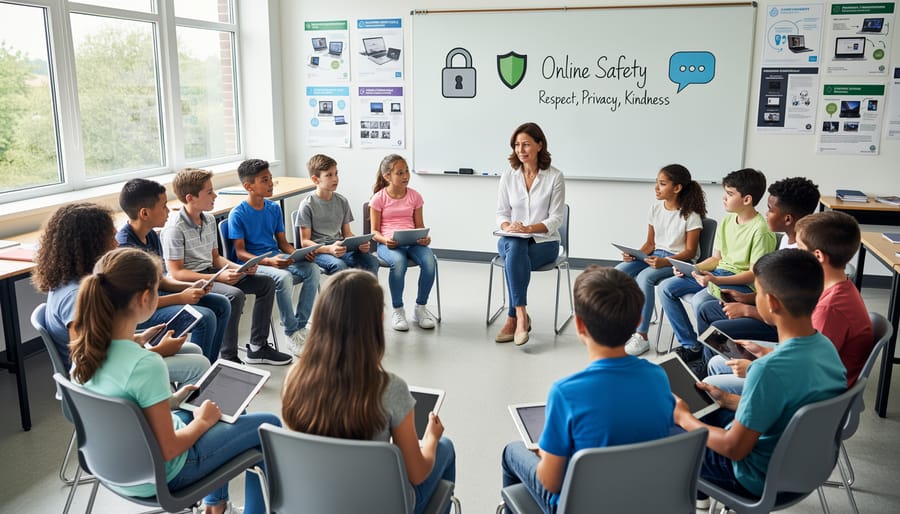
The Safety Debrief Circle
After wrapping up your online game session, gather students for a quick Safety Debrief Circle. This simple yet powerful activity helps everyone process their experience and reinforces positive online behaviors.
Start by creating a welcoming atmosphere where students feel comfortable sharing. Ask open-ended questions like “What made you feel safe during today’s game?” or “Did anything surprise you while we were playing?” Give each student a chance to contribute, but remember that participation should always be optional.
Focus on celebrating wins first. Highlight moments when students demonstrated good digital citizenship, like using kind language or helping a classmate with technical issues. This positive reinforcement makes a lasting impact.
Next, gently address any concerns that arose. If inappropriate usernames appeared or someone felt uncomfortable, discuss what happened without calling out specific students. Use these moments as teaching opportunities to review your classroom agreements.
Keep debriefs short and sweet, around five to ten minutes maximum. You can make it even more engaging by rotating student facilitators or using a talking stick to manage turn-taking. The key is consistency. When students know this reflection time is coming, they become more mindful during gameplay and develop stronger safety awareness naturally.
Digital Citizenship Journal Prompts
Get your students thinking critically about their digital footprint with these quick reflection prompts! Set aside five minutes for journaling before or after online gaming sessions. Try prompts like: “Describe a time you helped someone feel welcome in an online game” or “What would you do if someone shared your game username without permission?” You can also ask students to write about “Three ways I stay safe while playing games online” or “How I would handle meeting a stranger during gameplay.”
These prompts work perfectly as warm-up activities or cool-down reflections. Encourage students to share their thoughts in small groups, which builds a supportive classroom community around digital safety. Customize prompts to match your students’ age level and gaming experiences. Keep responses in a dedicated journal so students can track their growth in understanding online safety throughout the year!
Scenario Role-Play Practice
Get your students ready for real-world situations by practicing common online scenarios together! Set up quick role-plays where students act out what they’d do if they received a strange message during a game or if someone asked for personal information. Keep it light and fun by using stuffed animals or puppets as characters, or have students work in pairs to demonstrate safe responses.
Try scenarios like: “What would you do if another player asked where you go to school?” or “How would you respond if someone’s comment made you uncomfortable?” This hands-on practice builds confidence and helps students remember safety rules when they’re actually playing online games. You can even create scenario cards that students draw randomly, making it feel more like a game than a lesson. The best part? Students learn by doing, which means they’ll be much better prepared to make smart choices during your next virtual review session!
Making Safety Fun: Gamify Your Online Safety Lessons
Who says learning about online safety has to be boring? Transform your cybersecurity lessons into an exciting adventure by gamifying the entire learning experience! Your students already love playing games, so why not make safety education just as thrilling?
Start by creating a Safety Champion point system where students earn rewards for demonstrating smart online behaviors. Award points when they spot phishing attempts in example emails, create strong passwords, or help classmates understand privacy settings. Track progress on a classroom leaderboard to spark friendly competition and keep engagement high throughout the unit.
Design weekly safety challenges that fit seamlessly with your classroom game templates. For example, “Password Power Week” could challenge students to create unbreakable passwords using creative techniques, while “Privacy Detective Days” might have them identifying personal information that should never be shared online. Each challenge comes with specific goals and exciting rewards.
Consider launching a digital badge system where students collect achievements for mastering different safety concepts. Create fun badge names like “Guardian of Privacy,” “Password Protector,” or “Cyber Safety Scout.” Students love collecting these visual representations of their progress, and you can display them on a classroom wall or digital platform.
Don’t forget recognition programs that celebrate success! Host monthly award ceremonies where you spotlight students who’ve shown exceptional online safety awareness. Create certificates, give shout-outs during class, or let winners choose the next game activity. When students see their peers being recognized, they’re motivated to level up their own safety skills.
The key is making safety feel like an achievement to unlock rather than a chore to complete. With these gamification strategies, you’ll have students eagerly participating in lessons they might otherwise tune out!
Here’s the good news: keeping your students safe online doesn’t have to feel overwhelming or turn into a boring lecture fest! You’ve got a toolbox full of engaging activities now, and the best part is you don’t need to implement them all at once. Start small. Pick just one or two activities that feel manageable for your classroom, like creating usernames together or setting up a quick privacy check before your next game session.
As you and your students get comfortable with these safety practices, you can gradually add more activities into your routine. Think of it like building blocks – each small step creates a stronger foundation for digital citizenship. And here’s something worth remembering: when students feel safe online, they’re more relaxed, focused, and ready to learn. Those review games become even more effective because kids aren’t worried about strangers popping into the chat or personal information getting shared accidentally.
You’re not just teaching content anymore – you’re creating a protected space where learning and fun go hand in hand. So go ahead, try out that first activity this week. Your students will thank you for it!