
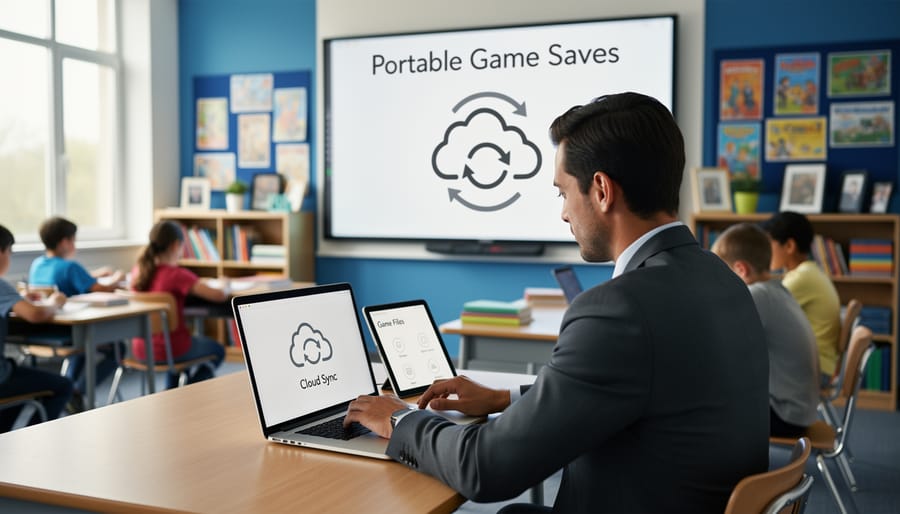
Save Your Game Progress Anywhere: Why Cloud Storage Changes Everything for Classroom Games
Store your classroom game files in cloud platforms like Google Drive or OneDrive so you can access them from any computer without worrying about USB drives failing or forgetting files at home. When you save your PowerPoint game reviews or digital scavenger hunts to the cloud, every update syncs automatically across all your devices, meaning the version you edit at home is instantly ready in your classroom the next morning.
Share game templates with colleagues by creating a shared folder where everyone can grab ready-to-use activities and customize them for their own students. This collaboration saves hours of prep time and builds a growing library of tested resources your entire grade level or department can use. Cloud storage also protects your hard work from computer crashes or accidental deletions since files are backed up automatically.
Access student-favorite games from substitute teacher accounts by organizing cloud folders with clear labels and instructions, ensuring your class stays engaged even when you’re absent. The flexibility of cloud storage means you can pull up that vocabulary matching game on a tablet during small group work or display it on the smartboard for whole-class participation without transferring files between devices. Your interactive learning materials become truly portable and resilient.
What Cloud Storage Means for Your Classroom Games
Think of cloud storage as a magical filing cabinet that lives on the internet instead of in your classroom. When you save your classroom games to the cloud, they’re stored safely online where you can access them from any device, anytime you need them.
Here’s what this means for your daily teaching life: Instead of worrying about losing that awesome Jeopardy-style review game you spent hours creating, it’s automatically backed up. If your laptop crashes the morning of your big review session, no problem! Just log in from another computer and your game is right there waiting for you.
Cloud storage also means you can access your games from home, the computer lab, or even your phone. Planning to use the smartboard in room 203 tomorrow? Your materials travel with you digitally. Many gamified learning platforms already use cloud storage behind the scenes, which is why you can start a game on one device and finish it on another.
The best part? You don’t need to be tech-savvy to use it. If you’ve ever saved a Google Doc or attached a file to an email, you already understand the basics. Cloud storage simply means your classroom games live online in a secure space, ready whenever inspiration strikes or when your students need that extra review session. No USB drives to lose, no email attachments to hunt down, just simple access to all your teaching materials.
The Real Benefits You’ll Notice Right Away
Access Your Games from Any Device
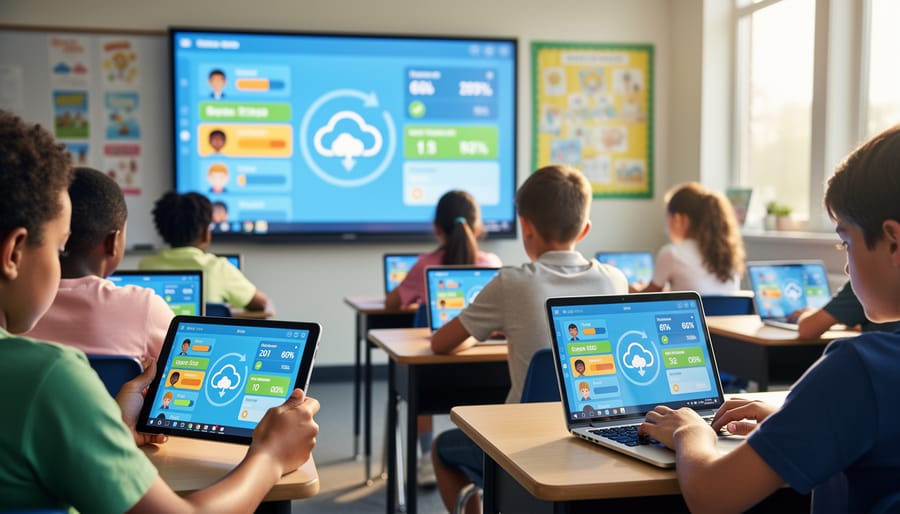
Cloud storage gives you the freedom to access your game templates and student progress from anywhere with an internet connection. Whether you’re planning lessons from home on Sunday evening, teaching from your classroom computer, or leaving materials for a substitute teacher, everything stays in sync automatically. No more emailing files to yourself or scrambling with USB drives! Your substitute can simply log in and continue exactly where you left off, with all student scores and progress intact. This flexibility also makes classroom games accessible across different devices, so you can prep on your laptop and present on your classroom smartboard without missing a beat. It’s like having your entire game library in your pocket, ready whenever and wherever you need it.
Never Lose Student Progress Again
Imagine this: your students spend an entire class period competing in a thrilling review game, earning points and unlocking special achievements. Then someone accidentally closes the presentation. With cloud storage, you’ll never hear those disappointed groans again! Your game automatically saves every score, team ranking, and student customization in real-time. No need to remember to click save or worry about losing progress during technical hiccups. When students return the next day, they can pick up exactly where they left off—their avatars, points, and progress intact. This is especially fantastic for ongoing classroom competitions or games that span multiple days. Cloud storage works quietly in the background, protecting all that hard-earned student progress. You can focus on facilitating great learning experiences while the technology handles the safety net. It’s like having an invisible teaching assistant who never forgets to save your work!
Share Games with Your Teaching Team Instantly
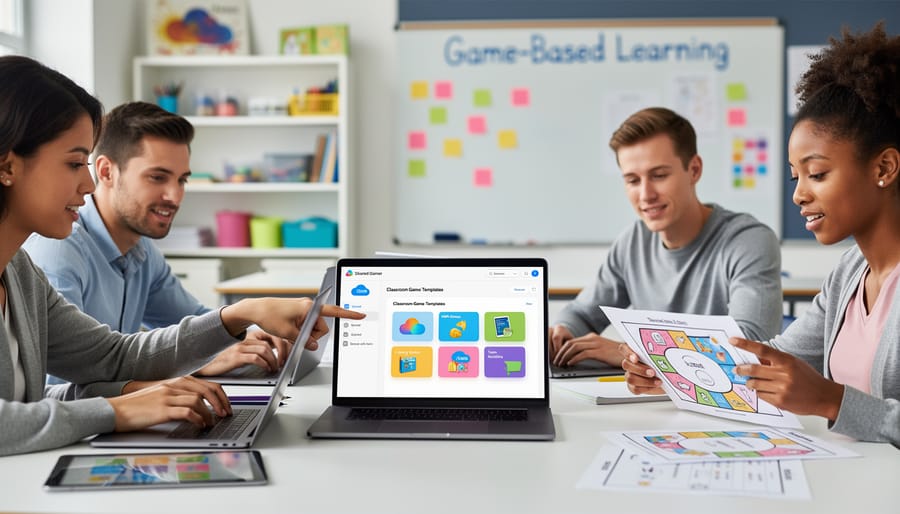
Cloud storage transforms your game collection into a collaborative powerhouse! When you save games to the cloud, your entire teaching team can access them instantly. Planning a unit with your co-teacher? Simply share the folder, and they can use your review games immediately—no USB drives or email attachments needed. This is especially helpful for department members who teach the same subjects, allowing everyone to build on each other’s best activities.
Even better, you can create a school-wide game library where teachers across grade levels contribute their favorites. Imagine having access to dozens of tried-and-tested games created by colleagues! You can customize any shared game to fit your class’s needs while the original stays intact for others. This collaborative approach saves everyone time and brings fresh ideas into your classroom, making learning more engaging for all students.
Update Once, Use Everywhere
Here’s the best part: when you update your Jeopardy game or Kahoot-style quiz in the cloud, those changes appear automatically on every device connected to that file. No more emailing updated versions to yourself or worrying that you’re using last week’s file on your classroom tablet. Edit the questions on your laptop at home Sunday evening, and when you open it on your classroom computer Monday morning, everything’s already updated. This automatic syncing is a huge time-saver, especially when you’re tweaking game content between class periods or fixing that one tricky question students pointed out. You’ll spend less time managing files and more time focusing on what matters most: engaging your students. Plus, if you co-teach or share games with colleagues, everyone always has access to the latest version without confusing email chains.
How Cloud Storage Works with PowerPoint Game Templates
Storing Your Templates in the Cloud
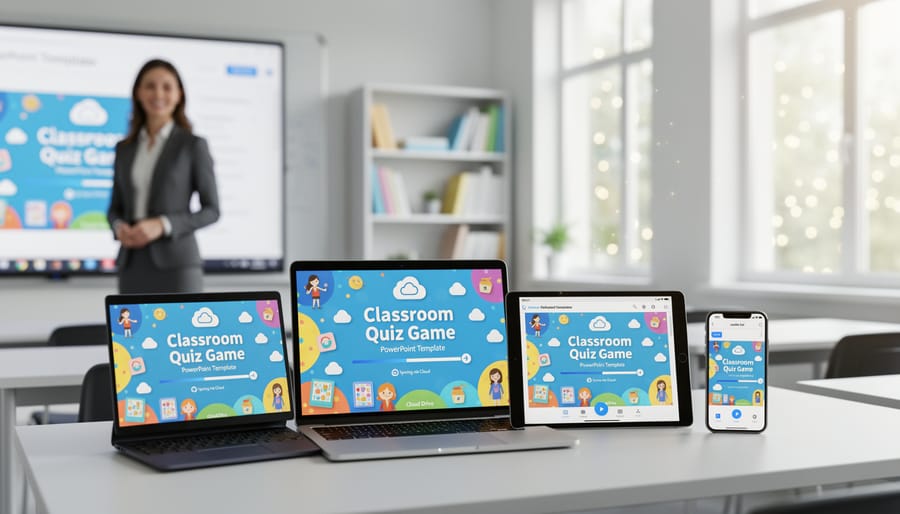
Great news—saving your PowerPoint game templates to the cloud is incredibly simple! Once you’ve purchased or created your game, just open your preferred cloud storage platform like Google Drive, OneDrive, or Dropbox. Click the upload button (usually a plus sign or up arrow), select your game file from your computer, and watch it sync automatically. That’s it! Your game is now safely stored and ready to access from any device. Pro tip: create a dedicated “Classroom Games” folder to keep everything organized. This way, whether you’re teaching from your laptop, borrowing the computer lab, or presenting on a different classroom device, your games are always just a few clicks away. No more frantic searching through email attachments or thumb drives before class starts!
Keeping Customizations Safe
You’ve spent valuable time creating the perfect quiz questions, designing a colorful scoreboard, and finding just the right victory sound effect that makes your students cheer. The last thing you want is to lose all that hard work! Here’s the great news: cloud storage acts like a protective bubble around all your customizations.
When you save your game files to cloud storage, everything you’ve personalized stays exactly as you designed it. That custom scoreboard with your classroom mascot? Saved. Those modified questions tailored to your current unit? Protected. Even those silly sound effects you added to celebrate correct answers are safely stored and ready to use again tomorrow.
This means you can confidently invest time in perfecting your game materials, knowing they won’t disappear if your computer crashes or if you accidentally close a file without saving locally. Plus, when you make improvements to your game throughout the year, cloud storage automatically preserves your updates. You’re building a growing library of customized resources that gets better with each use, and it’s all safely backed up without any extra effort on your part.
Popular Cloud Storage Options for Teachers
Google Drive for Education
Google Drive is already a favorite in schools because most districts use Google Workspace for Education, which means you and your students likely already have accounts set up. No new logins to remember! When you save your PowerPoint games to Google Drive, they’re automatically backed up and accessible from any device with internet. This is perfect for those days when you need to switch from your laptop to the classroom computer at the last minute.
Here’s what makes it great for classroom games: you can share your game files with co-teachers by simply sending them a link, and students can access review games on their own devices if you set sharing permissions appropriately. Plus, Google Drive plays nicely with PowerPoint files. Just upload your game, and you can even convert it to Google Slides if needed, though keeping it as a PowerPoint file usually works best for interactive elements. The free storage that comes with educational accounts is typically generous enough for dozens of game files, so you won’t need to worry about running out of space anytime soon.
OneDrive and Microsoft 365
Here’s the great news for many educators: you’re probably already set up with OneDrive! If your school uses Microsoft 365 (and most do), you automatically have cloud storage built right in. This makes it incredibly easy to save your PowerPoint game files directly to the cloud without any extra downloads or new accounts to remember.
When you’re creating games in PowerPoint, simply click “Save As” and choose OneDrive as your location. Your games will instantly sync across all your devices, so you can start a Jeopardy-style review game on your classroom computer and finish it at home on your laptop. The best part? You can share game files with colleagues using their school email addresses, making collaboration a breeze. Your co-teacher can add questions, another educator can customize the design, and everyone works on the same file without endless email attachments. OneDrive keeps everything organized in folders, so you can create separate spaces for different subjects or grade levels and access them from any device, anywhere.
Dropbox and Other Options
You might already be using Dropbox for sharing classroom materials, which makes it a natural choice for storing your game files too! The familiar interface means there’s no learning curve, and your students may already know how to access shared folders. Dropbox offers 2GB free storage, perfect for starting out with a few interactive games.
Other platforms worth considering include Box (10GB free) and pCloud, which work similarly to the big names but might better fit your school’s existing setup. The key is using what you’re already comfortable with rather than learning something brand new. If your school has a Microsoft 365 subscription, you’ve got OneDrive built right in, making it super convenient for PowerPoint-based classroom games. Choose the platform that plays nicely with your current teaching tools and you’ll save yourself valuable prep time while keeping your games accessible from anywhere.
Quick Setup Tips to Get Started Today
Ready to dive in? You can start using cloud storage for your classroom games in just a few minutes! Here’s how to get going today without any tech headaches.
First, choose your cloud platform. If you’re already using Google Classroom, stick with Google Drive since your students likely have accounts. Microsoft users? OneDrive is your best friend and connects seamlessly with PowerPoint games. Both offer free storage that’s more than enough to get started.
Next, create a dedicated folder just for your games. Name it something simple like “Class Games 2024” so you can find it quickly. This keeps everything organized and makes sharing a breeze.
Now, upload one game file as a test run. Pick a favorite activity your students already know and love. Once it’s uploaded, click the share button and adjust the settings. For students to play, choose “anyone with the link can view” or share directly with your class roster. Remember, viewers can play but can’t accidentally change your original file.
Here’s a time-saving trick: create one master copy of each game in your cloud folder, then make copies for different classes or units. You can customize each version without starting from scratch every time.
Finally, bookmark the folder link or add it to your browser favorites. You’ll thank yourself later when you need quick access during a busy school day. That’s it—you’re officially cloud-ready and set to bring more engaging games into your classroom!
Common Questions Teachers Ask
You’ve probably got some questions buzzing around about using cloud storage for your classroom games, and that’s totally normal! Let’s tackle the most common concerns right now.
First up: Is my student data safe? Great question! Cloud storage platforms designed for education take security and student privacy seriously. Most major services comply with student privacy laws and use encryption to protect your files. When you’re storing game templates and activities, you’re typically not uploading sensitive student information anyway—just the games themselves. Plus, you control who has access to your shared links.
What about storage limits? Most free cloud accounts give you plenty of space for classroom games. A typical PowerPoint game file is only 2-5 MB, which means you could store hundreds of games without hitting limits. If you do need more space, many districts already provide teachers with upgraded storage through their school accounts.
Do my students need constant internet access? Here’s the good news: once you download a game from cloud storage, students can play it offline. This is perfect for schools with spotty WiFi or areas with limited connectivity. You can download games to individual devices before class starts, and everyone’s ready to go!
What if I’m not tech-savvy? Cloud storage is actually easier than traditional methods! If you can send an email attachment, you can use cloud storage. The drag-and-drop interfaces are super intuitive, and you’ll probably master the basics in just a few minutes.
The bottom line? Cloud storage makes your teaching life simpler, not more complicated.
You’ve got enough on your plate without worrying about lost game files or scrambling to recreate activities from scratch. Cloud storage takes that stress off your shoulders and gives you back precious time you can spend actually teaching. Imagine walking into your classroom knowing your carefully crafted games are safely stored, accessible from any device, and ready to go whenever you need them.
The best part? Getting started is easier than you think. Whether you’re using OneDrive, Google Drive, or Dropbox, the setup takes just a few minutes. Once you’ve saved your first game to the cloud, you’ll wonder how you ever managed without it.
So why not give it a try with your next classroom game? Start small—save one activity and see how smoothly it works. You might be surprised at how much easier your lesson planning becomes when you’re not reinventing the wheel every time. Your future self will thank you, and your students will benefit from more consistent, polished learning experiences. You’ve got this, and cloud storage has got your back.