
Halloween Classroom Timers That Make Every Learning Activity Spooktacular
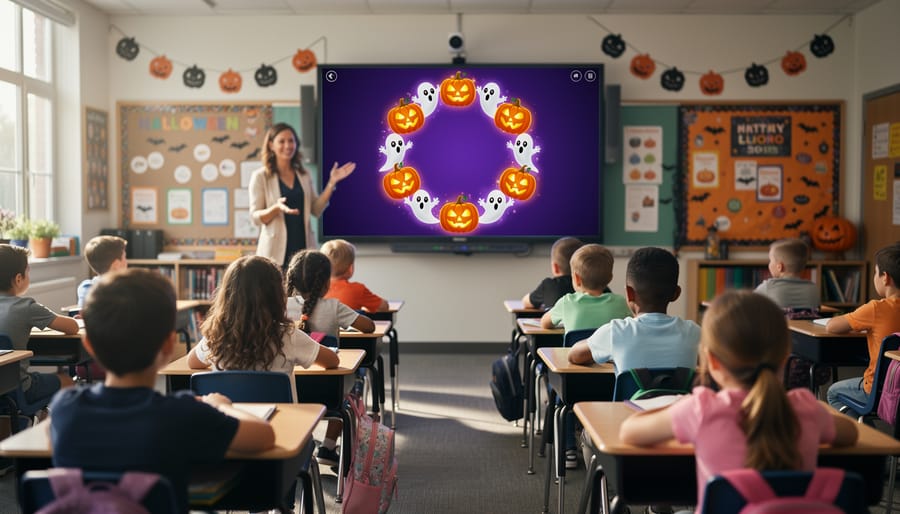
Transform your October classroom management with Halloween-themed timers that capture student attention while maintaining productive learning time. These spooky countdown tools turn routine transitions, group activities, and independent work periods into engaging experiences that harness seasonal excitement without sacrificing instructional minutes.
Set up digital Halloween timers featuring animated pumpkins, haunted houses, or friendly ghosts counting down on your smartboard or projector. Students stay focused on tasks when a creeping spider or bubbling cauldron tracks their remaining time, eliminating the constant “how much time do we have?” questions. Customize timer lengths from 30 seconds for quick brain breaks to 20 minutes for sustained work sessions, adjusting the spooky intensity to match your grade level and classroom culture.
Use Halloween timers strategically beyond basic time management. Deploy them during center rotations to signal smooth transitions, challenge students to beat the “haunted clock” during cleanup races, or create anticipation before revealing answers to review games. The themed visuals naturally increase student buy-in for timed activities, making even mundane tasks feel like special October events. You’ll maintain your classroom structure while giving students the seasonal fun they crave, creating a win-win that keeps everyone motivated through the month.
Why Halloween Timers Transform Your Classroom This Season
Halloween timers do something magical in the classroom—they tap into that natural excitement your students already feel about the season and channel it into productive learning time. When you introduce a spooky countdown featuring jack-o’-lanterns, friendly ghosts, or bubbling cauldrons, you’re not just tracking time. You’re creating anticipation and transforming routine activities into mini-events students actually look forward to.
The psychological impact is real. Themed timers work because they leverage what educators call “contextual engagement.” Your students are already thinking about Halloween in October, so why not use that enthusiasm to boost participation? When cleanup time features a timer with dancing skeletons, suddenly tidying up becomes more appealing. When that math quiz has a haunted house countdown, students feel motivated to beat the clock.
From a practical standpoint, Halloween timers improve time management skills while keeping your classroom atmosphere fun and seasonal. They create visual cues that help students understand time concepts better than standard clocks. Younger learners especially benefit from seeing colorful, animated representations of passing time, making abstract concepts more concrete.
These timers also reduce your need for constant verbal reminders. Instead of repeatedly telling students how much time remains, the timer does the work for you. This frees you up to circulate, assist struggling students, or prepare for the next activity. Plus, the novelty factor means students pay closer attention to time limits, leading to smoother transitions and less off-task behavior.
Best of all, you can customize most Halloween timers to match your specific needs and classroom personality, making every activity feel fresh and engaging throughout the entire spooky season.
Types of Halloween Timers for Every Classroom Activity
Spooky Countdown Timers
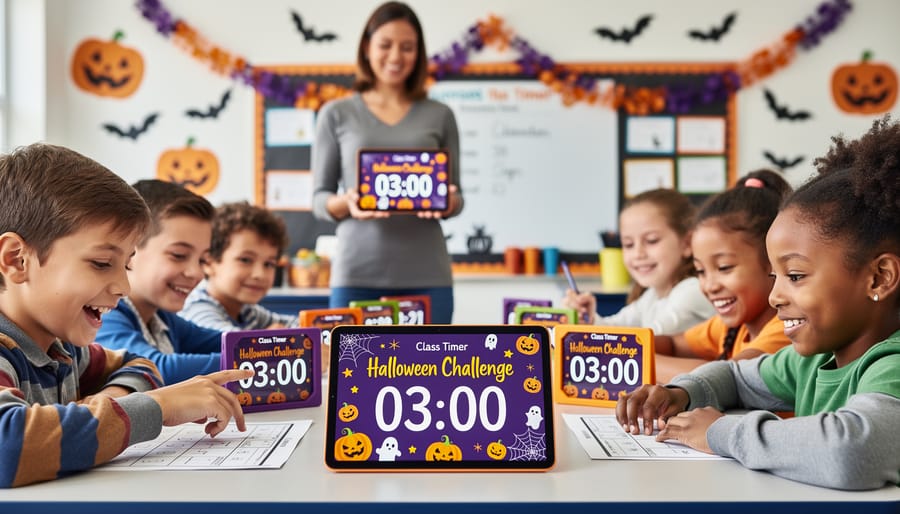
Spooky countdown timers are absolute game-changers for keeping your Halloween activities on track! These visual timers feature festive designs like bubbling cauldrons, glowing jack-o’-lanterns, or friendly ghosts that slowly disappear as time runs out. Your students can actually see time passing, which helps them manage their work pace and stay focused.
These timers work wonderfully for timed tests, group projects, and classroom transitions. Set a five-minute pumpkin timer for cleanup, and watch how quickly students respond when they can see that carved face slowly fading away! The visual element creates a sense of urgency without causing stress.
You’ll find tons of free countdown timer websites that offer Halloween themes, or you can create custom ones with your preferred time limits. Many let you add sound effects like creaking doors or howling winds for extra atmosphere. Try using different themed timers for different activities throughout the day—a haunted house for reading time, flying bats for math centers, or a melting witch for transitions.
The best part? These timers work for any grade level and help students develop time management skills while embracing the Halloween spirit!
Halloween Sound Effect Timers
Want to add an extra layer of spooky excitement to your classroom activities? Halloween sound effect timers are where the magic really happens! These timers gradually build suspense with creaky doors, bubbling cauldrons, or distant wolf howls that intensify as time winds down. Picture your students racing to answer review questions while a witch’s cackle grows louder in the background—talk about motivation!
These audio-enhanced timers work wonderfully for competitive games and team challenges. The sound effects create natural urgency without you having to say a word. Try using them during vocabulary races, math fact competitions, or quick-write sessions. The eerie music keeps everyone on task and adds that perfect Halloween atmosphere.
Most sound effect timers let you customize both the duration and audio intensity, so you can adjust based on your activity and grade level. Younger students might enjoy lighter, playful sounds like friendly ghosts saying “boo,” while older grades appreciate more dramatic haunted house effects. Pro tip: test the volume beforehand to ensure it energizes rather than overwhelms your class. You can even mute the sound occasionally to keep students guessing and maintain the element of surprise throughout your Halloween activities!
Interactive Animated Timers
Bring time to life with animated Halloween timers that captivate your students from start to finish! These dynamic tools feature moving graphics that make countdown sessions incredibly engaging. Picture bats flapping across the screen as minutes tick away, candles gradually melting down to their base, or bubbling cauldrons slowly filling with mysterious green liquid. These visual countdowns work wonderfully for engaging visual learners who need to see progress rather than just watch numbers change.
Younger students especially love these timers because they’re fun to watch while providing clear visual cues about remaining time. A ghost floating upward or a pumpkin gradually lighting up helps kindergarteners and early elementary learners understand abstract time concepts in concrete ways. You can use animated timers during transition periods, independent work sessions, or cleanup time to keep students motivated and on track.
The best part? Many animated Halloween timers allow you to customize the duration to match your specific classroom needs, whether you need three minutes for a quick activity or twenty minutes for sustained work. Try projecting them on your smartboard during Halloween week to add festive flair while maintaining classroom structure. Students will stay more focused when they can glance up and instantly see how much time remains through these entertaining visual displays.
Setting Up Halloween Timers in Your PowerPoint Games
Getting your Halloween timers up and running in PowerPoint is easier than carving a jack-o-lantern! Whether you’re adding spooky flair to your existing PowerPoint game templates or creating something brand new, these simple steps will have you ready in minutes.
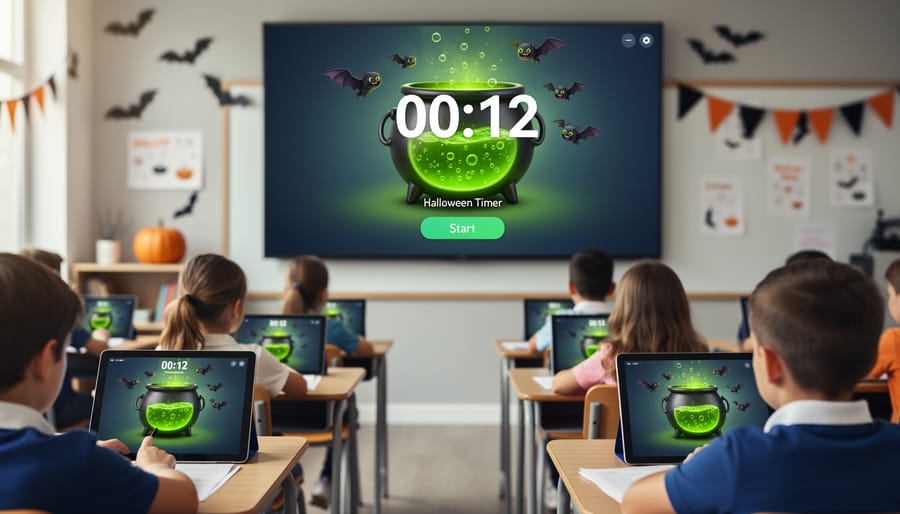
First, download your chosen Halloween timer template. Most templates come as editable PowerPoint files, so you can open them right away. Once open, take a moment to explore the slides. You’ll typically find timer slides featuring animated pumpkins, haunted houses, or friendly ghosts counting down the time.
Customizing your timer is where the fun begins! Click on the timer slide and adjust the countdown duration to match your activity. Need three minutes for a quick review? Five minutes for group work? Simply click the timer animation settings and change the duration. Most templates make this super straightforward with clear instructions included.
To add your timer to existing classroom games, just copy the timer slide and paste it into your current presentation. You can place it between game rounds, before activities start, or whenever you need to keep students on track. The drag-and-drop functionality makes rearranging slides a breeze.
Don’t forget to test your timer before class! Run through the presentation in slideshow mode to ensure animations work smoothly and the countdown displays correctly. This quick check prevents any technical hiccups during your lesson.
Pro tip: personalize your timer by adding your own text boxes with activity instructions or encouraging messages like “You’ve got this!” or “Time to show what you know!” Students love seeing their teacher’s creative touches, and it makes the timer feel uniquely yours.
Remember, you can reuse these timers throughout October for different subjects and activities. Once you’ve set them up, they’re ready whenever you need that extra Halloween excitement in your classroom!
Creative Ways to Use Halloween Timers Beyond Review Games
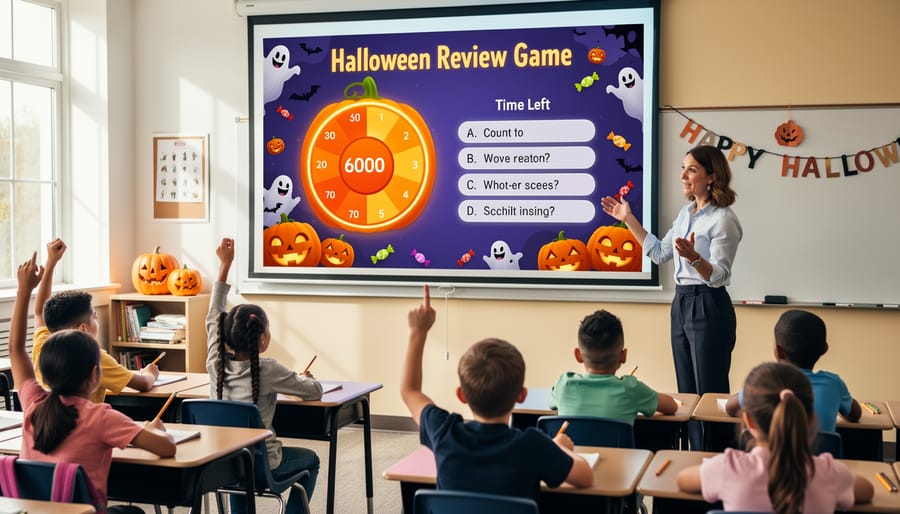
Halloween timers aren’t just for review games! These spooky tools can transform everyday classroom activities throughout October, adding that festive touch students love while keeping them focused and on-task.
Use them during independent reading time to create mini reading sprints. Set a 10-minute Halloween timer and challenge students to read as much as possible before the countdown ends. The visual element keeps them motivated, and you can gradually increase the time as their stamina builds.
Morning work becomes more exciting when students race against a friendly ghost or bubbling cauldron. Instead of vague instructions like “complete your warm-up,” give them a specific timeframe with a themed timer. You’ll notice students staying more engaged and completing tasks efficiently.
Transition times often eat up valuable learning minutes, but Halloween timers make cleanup and setup feel like a game. Give students three minutes to tidy their stations or gather materials for the next activity. The timer creates positive urgency without you needing to repeatedly remind them.
Center rotations work beautifully with timers too. Set consistent intervals so students know exactly how long they have at each station. This helps classroom games work more smoothly and ensures everyone gets equal practice time.
Brain breaks deserve festive flair! Use a two-minute timer for stretch sessions or quick movement activities. Students appreciate the clear boundary, and the Halloween theme keeps the energy fun rather than chaotic.
Even silent work periods benefit from visible timers. When students can see exactly how much focused work time remains, they’re more likely to stay on task and manage their own productivity. The seasonal design makes this classroom management tool feel less like policing and more like collaborative time management.
Pairing Halloween Timers with Buzzers and Sound Effects
Want to take your Halloween classroom timers to the next level? Combining them with buzzers and sound effects creates an unforgettable learning experience that students will talk about long after October ends. The Classroom Game Toolkit offers various classroom game tools that pair perfectly with your spooky timers.
Start by matching sound effects to your timer’s theme. A countdown featuring a haunted house works beautifully with creaking doors or howling wind sounds when time expires. For zombie-themed timers, try groaning sounds or eerie music. Keep sound effects brief—three to five seconds is ideal to signal the end without disrupting the entire class flow.
The key is balancing excitement with classroom management. Test your volume levels beforehand and establish clear expectations. Students should know that when the buzzer sounds, it’s time to wrap up, not get rowdier. Consider using different sounds for different activities: a gentle witch’s cackle for transitions versus a dramatic thunder clap for competitive game endings.
You can even let students vote on which sound effects to use throughout the month, building anticipation and giving them ownership of the classroom atmosphere. Pro tip: save your scariest sounds for special occasions like Halloween week challenges. This keeps the novelty factor high and prevents sensory overload. With thoughtful pairing, your timers become powerful motivational tools that maintain order while maximizing seasonal fun.
Halloween classroom timers might seem like a small addition to your teaching toolkit, but they pack a powerful punch when it comes to boosting student engagement. The investment is minimal, yet the impact on classroom energy and focus during October can be remarkable. Your students already love Halloween, so why not channel that excitement into productive learning time?
The best part? These timers aren’t just for October. With simple customization, you can adapt many Halloween themes throughout the school year. A spooky cauldron timer can become a magical potion timer for science experiments. A haunted house countdown works beautifully as a mystery challenge timer any month. The flexibility means you get ongoing value from resources you set up once.
This October, make learning memorable by embracing seasonal tools that meet your students where their interests are. Transform routine transitions into magical moments. Turn cleanup time into a race against friendly ghosts. Make test prep feel less stressful with playful pumpkin countdowns.
Ready to bring the Halloween spirit into your classroom? Download a few timer templates, experiment with different styles, and watch your students light up. You’ve got this, and your classroom is about to become the most engaging place to learn this fall.